> ## Documentation Index
> Fetch the complete documentation index at: https://docs.comfy.org/llms.txt
> Use this file to discover all available pages before exploring further.
# Recraft Controls - ComfyUI Native Node Documentation
> Node providing advanced control parameters for Recraft image generation
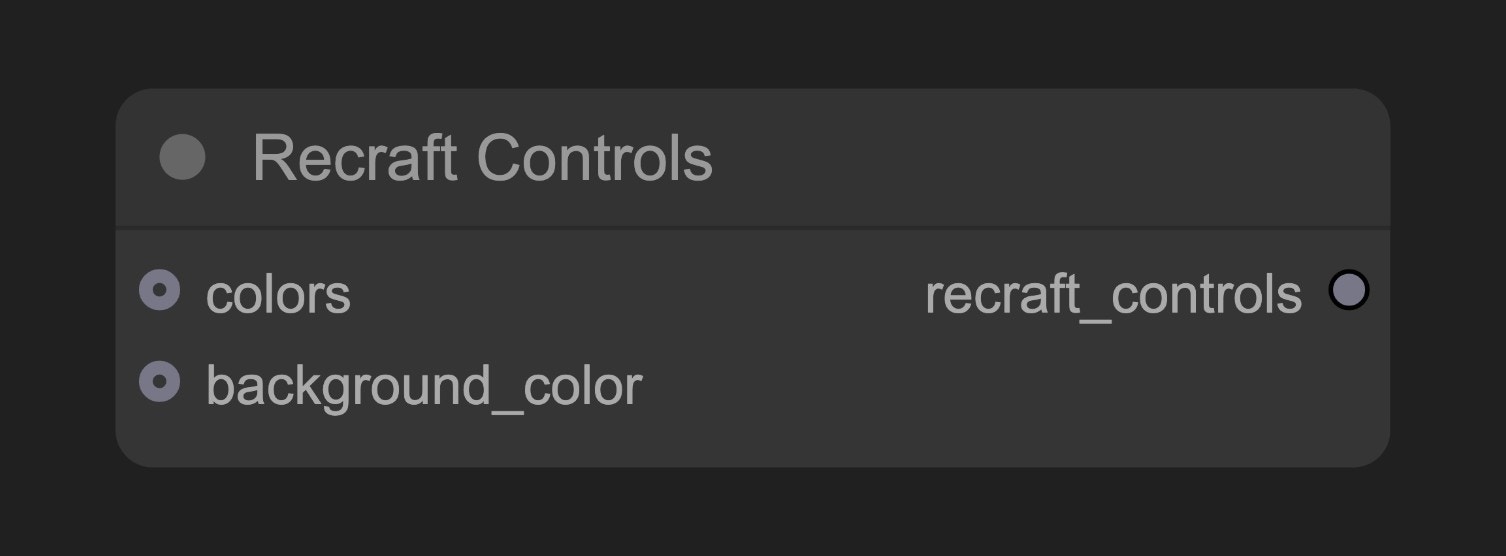 The Recraft Controls node lets you define control parameters (like colors and background colors) to guide Recraft's image generation process. This node combines multiple control inputs into a unified control object.
## Parameters
### Optional Parameters
| Parameter | Type | Description |
| ----------------- | ------------- | ----------------------------------- |
| colors | Recraft Color | Color controls for image generation |
| background\_color | Recraft Color | Background color control |
### Output
| Output | Type | Description |
| ----------------- | ---------------- | -------------------------------------------------- |
| recraft\_controls | Recraft Controls | Control config object for Recraft generation nodes |
## Usage Example
Recraft Text to Image Workflow Example
## How It Works
Node process:
1. Collects input control parameters (colors and background\_color)
2. Combines these parameters into a structured control object
3. Outputs this control object for connecting to Recraft generation nodes
When connected to Recraft generation nodes, these control parameters influence the AI generation process. The AI considers multiple factors beyond just the text prompt's semantic content. If color inputs are configured, the AI will try to use these colors appropriately in the generated image.
## Source Code
\[Node source code (Updated on 2025-05-03)]
```python theme={null}
class RecraftControlsNode:
"""
Create Recraft Controls for customizing Recraft generation.
"""
RETURN_TYPES = (RecraftIO.CONTROLS,)
RETURN_NAMES = ("recraft_controls",)
DESCRIPTION = cleandoc(__doc__ or "") # Handle potential None value
FUNCTION = "create_controls"
CATEGORY = "api node/image/Recraft"
@classmethod
def INPUT_TYPES(s):
return {
"required": {
},
"optional": {
"colors": (RecraftIO.COLOR,),
"background_color": (RecraftIO.COLOR,),
}
}
def create_controls(self, colors: RecraftColorChain=None, background_color: RecraftColorChain=None):
return (RecraftControls(colors=colors, background_color=background_color), )
```
The Recraft Controls node lets you define control parameters (like colors and background colors) to guide Recraft's image generation process. This node combines multiple control inputs into a unified control object.
## Parameters
### Optional Parameters
| Parameter | Type | Description |
| ----------------- | ------------- | ----------------------------------- |
| colors | Recraft Color | Color controls for image generation |
| background\_color | Recraft Color | Background color control |
### Output
| Output | Type | Description |
| ----------------- | ---------------- | -------------------------------------------------- |
| recraft\_controls | Recraft Controls | Control config object for Recraft generation nodes |
## Usage Example
Recraft Text to Image Workflow Example
## How It Works
Node process:
1. Collects input control parameters (colors and background\_color)
2. Combines these parameters into a structured control object
3. Outputs this control object for connecting to Recraft generation nodes
When connected to Recraft generation nodes, these control parameters influence the AI generation process. The AI considers multiple factors beyond just the text prompt's semantic content. If color inputs are configured, the AI will try to use these colors appropriately in the generated image.
## Source Code
\[Node source code (Updated on 2025-05-03)]
```python theme={null}
class RecraftControlsNode:
"""
Create Recraft Controls for customizing Recraft generation.
"""
RETURN_TYPES = (RecraftIO.CONTROLS,)
RETURN_NAMES = ("recraft_controls",)
DESCRIPTION = cleandoc(__doc__ or "") # Handle potential None value
FUNCTION = "create_controls"
CATEGORY = "api node/image/Recraft"
@classmethod
def INPUT_TYPES(s):
return {
"required": {
},
"optional": {
"colors": (RecraftIO.COLOR,),
"background_color": (RecraftIO.COLOR,),
}
}
def create_controls(self, colors: RecraftColorChain=None, background_color: RecraftColorChain=None):
return (RecraftControls(colors=colors, background_color=background_color), )
```