> ## Documentation Index
> Fetch the complete documentation index at: https://docs.comfy.org/llms.txt
> Use this file to discover all available pages before exploring further.
# Recraft Style - Realistic Image - ComfyUI Native Node Documentation
> A helper node for setting realistic photo style in Recraft image generation
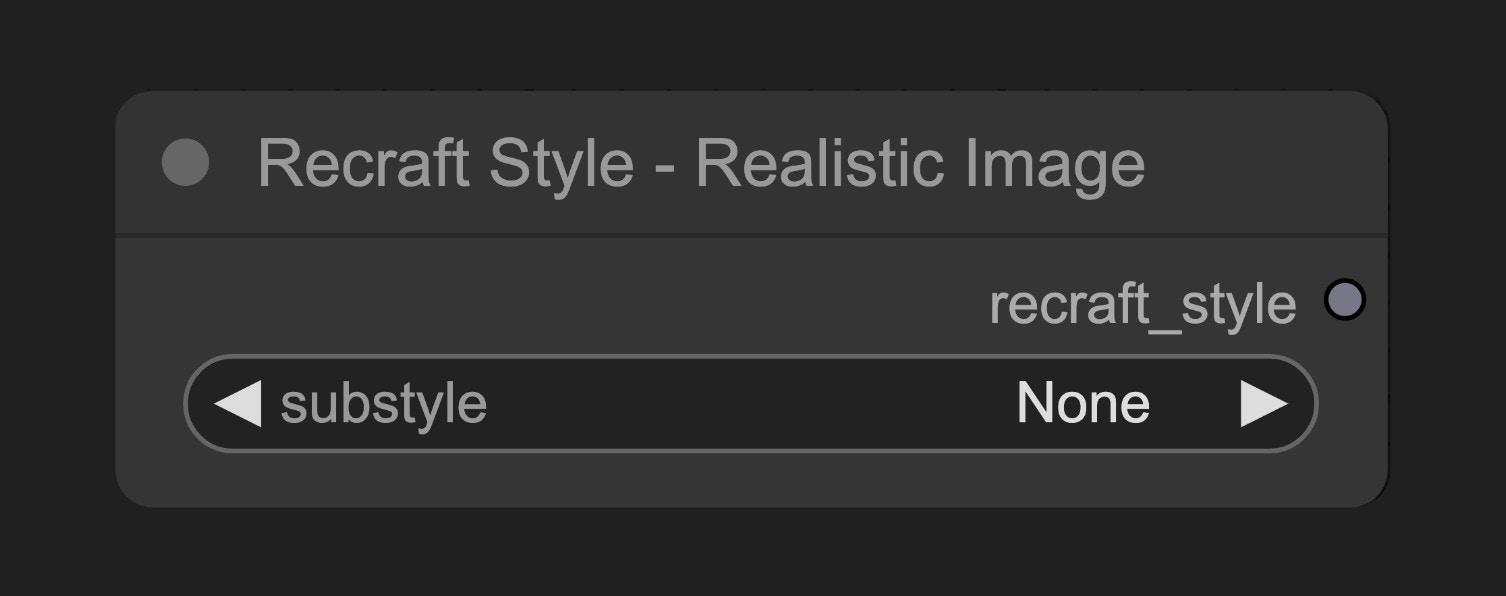 The Recraft Style - Realistic Image node helps set up realistic photo styles for Recraft image generation, with various substyle options to control the visual characteristics of generated images.
## Node Function
This node creates a style configuration object that guides Recraft's image generation process towards realistic photo effects.
## Parameters
### Basic Parameters
| Parameter | Type | Default | Description |
| --------- | ------ | ------- | ----------------------------------------------- |
| substyle | select | None | Specific substyle of realistic photo (Required) |
### Output
| Output | Type | Description |
| -------------- | ------------- | ---------------------------------------------------------- |
| recraft\_style | Recraft Style | Style config object to connect to Recraft generation nodes |
## Usage Example
Recraft Text to Image Workflow Example
## Source Code
\[Node source code (Updated on 2025-05-03)]
```python theme={null}
class RecraftStyleV3RealisticImageNode:
"""
Select realistic_image style and optional substyle.
"""
RETURN_TYPES = (RecraftIO.STYLEV3,)
RETURN_NAMES = ("recraft_style",)
DESCRIPTION = cleandoc(__doc__ or "") # Handle potential None value
FUNCTION = "create_style"
CATEGORY = "api node/image/Recraft"
RECRAFT_STYLE = RecraftStyleV3.realistic_image
@classmethod
def INPUT_TYPES(s):
return {
"required": {
"substyle": (get_v3_substyles(s.RECRAFT_STYLE),),
}
}
def create_style(self, substyle: str):
if substyle == "None":
substyle = None
return (RecraftStyle(self.RECRAFT_STYLE, substyle),)
```
The Recraft Style - Realistic Image node helps set up realistic photo styles for Recraft image generation, with various substyle options to control the visual characteristics of generated images.
## Node Function
This node creates a style configuration object that guides Recraft's image generation process towards realistic photo effects.
## Parameters
### Basic Parameters
| Parameter | Type | Default | Description |
| --------- | ------ | ------- | ----------------------------------------------- |
| substyle | select | None | Specific substyle of realistic photo (Required) |
### Output
| Output | Type | Description |
| -------------- | ------------- | ---------------------------------------------------------- |
| recraft\_style | Recraft Style | Style config object to connect to Recraft generation nodes |
## Usage Example
Recraft Text to Image Workflow Example
## Source Code
\[Node source code (Updated on 2025-05-03)]
```python theme={null}
class RecraftStyleV3RealisticImageNode:
"""
Select realistic_image style and optional substyle.
"""
RETURN_TYPES = (RecraftIO.STYLEV3,)
RETURN_NAMES = ("recraft_style",)
DESCRIPTION = cleandoc(__doc__ or "") # Handle potential None value
FUNCTION = "create_style"
CATEGORY = "api node/image/Recraft"
RECRAFT_STYLE = RecraftStyleV3.realistic_image
@classmethod
def INPUT_TYPES(s):
return {
"required": {
"substyle": (get_v3_substyles(s.RECRAFT_STYLE),),
}
}
def create_style(self, substyle: str):
if substyle == "None":
substyle = None
return (RecraftStyle(self.RECRAFT_STYLE, substyle),)
```