> ## Documentation Index
> Fetch the complete documentation index at: https://docs.comfy.org/llms.txt
> Use this file to discover all available pages before exploring further.
# Recraft Vectorize Image - ComfyUI Built-in Node Documentation
> A Recraft Partner node that converts raster images to vector SVG format
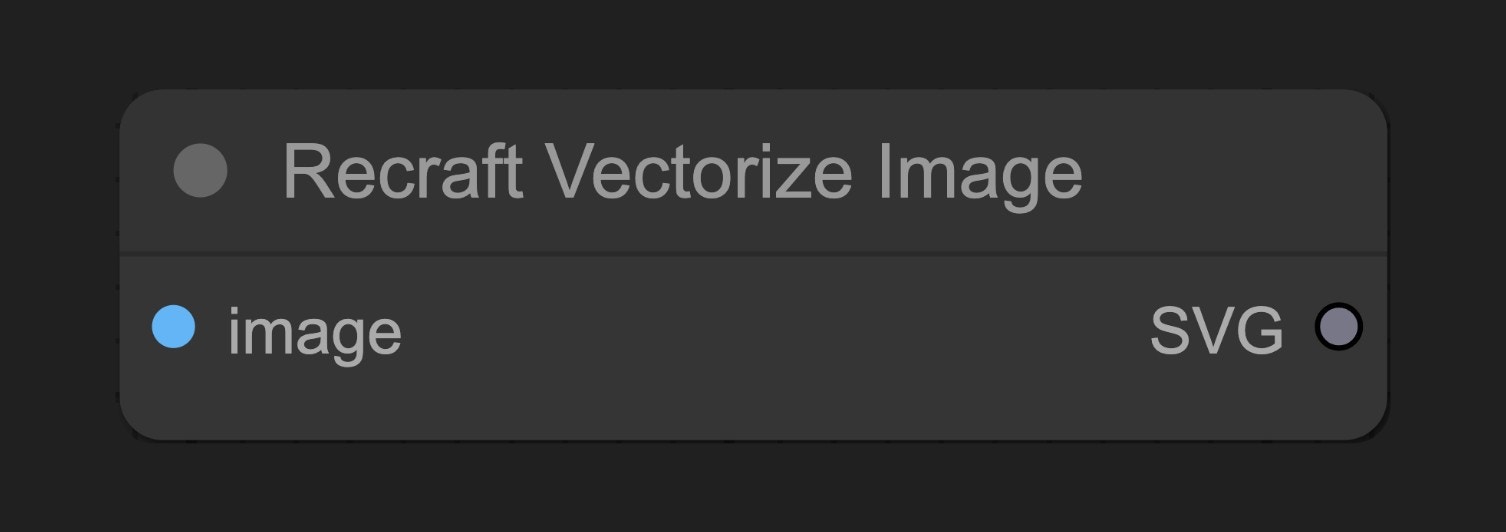 The Recraft Vectorize Image node uses Recraft's API to convert raster images (like photos, PNGs or JPEGs) into vector SVG format.
## Parameters
### Basic Parameters
| Parameter | Type | Default | Description |
| --------- | ----- | ------- | ------------------------------------- |
| image | Image | - | Input image to be converted to vector |
### Output
| Output | Type | Description |
| ------ | ------ | --------------------------------------------------------------------------- |
| SVG | Vector | Converted SVG vector graphic, needs to be connected to SaveSVG node to save |
## Usage Example
Recraft Text to Image Workflow Example
## Source Code
\[Node Source Code (Updated 2025-05-03)]
```python theme={null}
class RecraftVectorizeImageNode:
"""
Generates SVG synchronously from an input image.
"""
RETURN_TYPES = (RecraftIO.SVG,)
DESCRIPTION = cleandoc(__doc__ or "") # Handle potential None value
FUNCTION = "api_call"
API_NODE = True
CATEGORY = "api node/image/Recraft"
@classmethod
def INPUT_TYPES(s):
return {
"required": {
"image": (IO.IMAGE, ),
},
"optional": {
},
"hidden": {
"auth_token": "AUTH_TOKEN_COMFY_ORG",
},
}
def api_call(
self,
image: torch.Tensor,
auth_token=None,
**kwargs,
):
svgs = []
total = image.shape[0]
pbar = ProgressBar(total)
for i in range(total):
sub_bytes = handle_recraft_file_request(
image=image[i],
path="/proxy/recraft/images/vectorize",
auth_token=auth_token,
)
svgs.append(SVG(sub_bytes))
pbar.update(1)
return (SVG.combine_all(svgs), )
```
The Recraft Vectorize Image node uses Recraft's API to convert raster images (like photos, PNGs or JPEGs) into vector SVG format.
## Parameters
### Basic Parameters
| Parameter | Type | Default | Description |
| --------- | ----- | ------- | ------------------------------------- |
| image | Image | - | Input image to be converted to vector |
### Output
| Output | Type | Description |
| ------ | ------ | --------------------------------------------------------------------------- |
| SVG | Vector | Converted SVG vector graphic, needs to be connected to SaveSVG node to save |
## Usage Example
Recraft Text to Image Workflow Example
## Source Code
\[Node Source Code (Updated 2025-05-03)]
```python theme={null}
class RecraftVectorizeImageNode:
"""
Generates SVG synchronously from an input image.
"""
RETURN_TYPES = (RecraftIO.SVG,)
DESCRIPTION = cleandoc(__doc__ or "") # Handle potential None value
FUNCTION = "api_call"
API_NODE = True
CATEGORY = "api node/image/Recraft"
@classmethod
def INPUT_TYPES(s):
return {
"required": {
"image": (IO.IMAGE, ),
},
"optional": {
},
"hidden": {
"auth_token": "AUTH_TOKEN_COMFY_ORG",
},
}
def api_call(
self,
image: torch.Tensor,
auth_token=None,
**kwargs,
):
svgs = []
total = image.shape[0]
pbar = ProgressBar(total)
for i in range(total):
sub_bytes = handle_recraft_file_request(
image=image[i],
path="/proxy/recraft/images/vectorize",
auth_token=auth_token,
)
svgs.append(SVG(sub_bytes))
pbar.update(1)
return (SVG.combine_all(svgs), )
```