> ## Documentation Index
> Fetch the complete documentation index at: https://docs.comfy.org/llms.txt
> Use this file to discover all available pages before exploring further.
# Comfy Desktop Overview
> Learn about Comfy Desktop — a modern desktop app for managing multiple ComfyUI installations
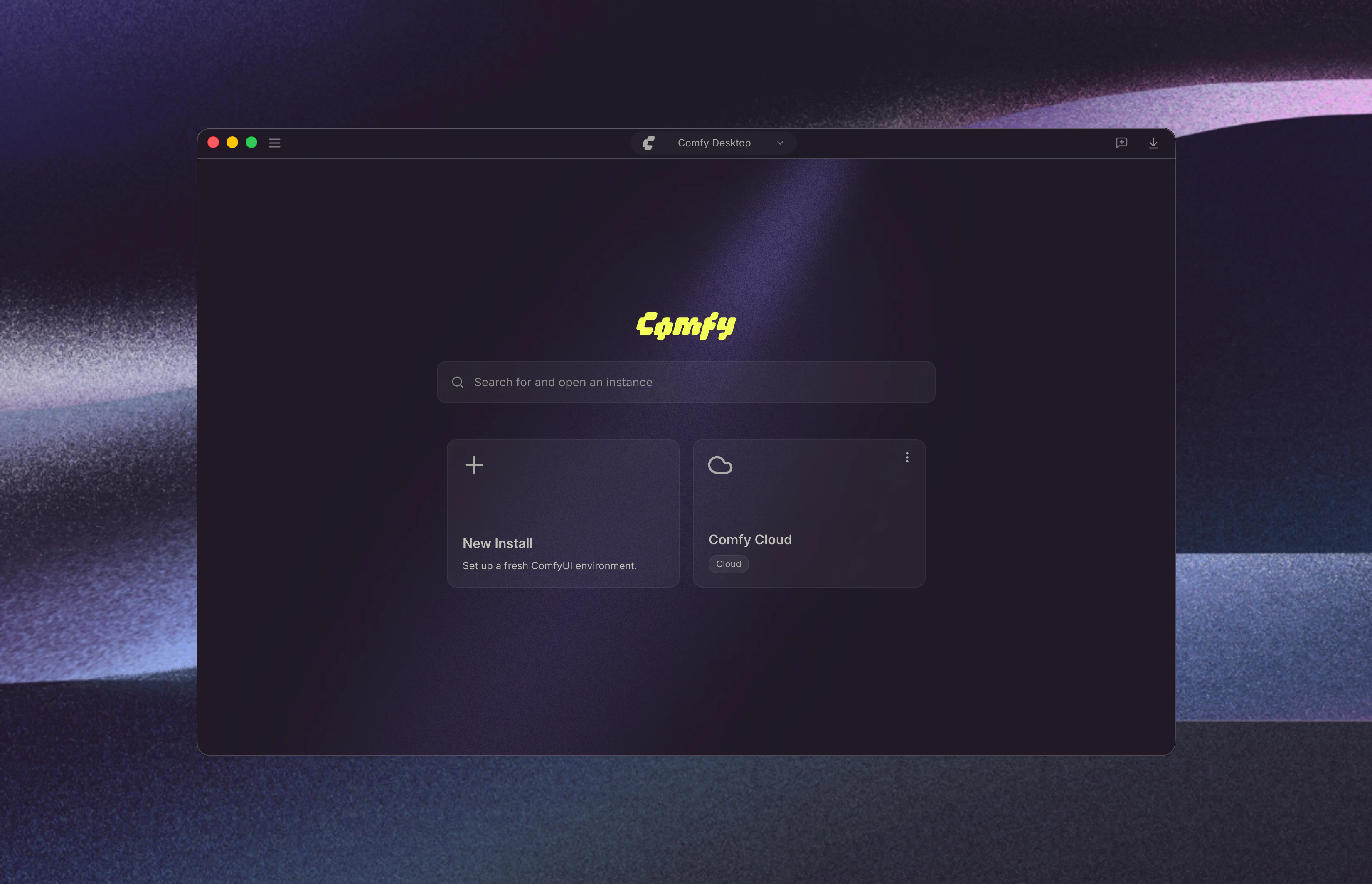
**Comfy Desktop** is a desktop application that lets you install, manage, and launch multiple ComfyUI instances from a single launcher.
To put it simply: **Comfy Desktop** is the app that manages and launches **ComfyUI**, the node-based engine for generative AI. You don't install ComfyUI separately — Comfy Desktop handles the installation, Python environment, and dependencies for you. Each ComfyUI instance runs independently with its own version, custom nodes, and settings.
 Comfy Desktop runs on **Windows 10+**, **macOS 13+ (Apple Silicon)**, and **Debian-based Linux**. Each standalone installation requires at least **4.85 GB** of disk space and **8 GB RAM (16 GB recommended)**. Check the platform-specific pages for full details.
## Get Started
Choose your platform to begin:
Step-by-step installation guide for Windows 10 or later.
Step-by-step installation guide for macOS 13+ (Apple Silicon).
Build and install from source on Debian-based distributions.
## Usage Guide
Once installed, learn how to use Comfy Desktop:
Dashboard overview, instance management, settings, snapshots, and more.
## Migrate from Legacy Desktop
If you're still using the older Legacy Desktop version (single-install desktop app), you can migrate your custom nodes, workflows, and models to the new Comfy Desktop. Your existing data is preserved — no manual migration needed.
Step-by-step guide to migrate from Legacy Desktop to Comfy Desktop.
## Open Source
Comfy Desktop is fully open source. View the source code on [GitHub](https://github.com/Comfy-Org/Comfy-Desktop).
Comfy Desktop runs on **Windows 10+**, **macOS 13+ (Apple Silicon)**, and **Debian-based Linux**. Each standalone installation requires at least **4.85 GB** of disk space and **8 GB RAM (16 GB recommended)**. Check the platform-specific pages for full details.
## Get Started
Choose your platform to begin:
Step-by-step installation guide for Windows 10 or later.
Step-by-step installation guide for macOS 13+ (Apple Silicon).
Build and install from source on Debian-based distributions.
## Usage Guide
Once installed, learn how to use Comfy Desktop:
Dashboard overview, instance management, settings, snapshots, and more.
## Migrate from Legacy Desktop
If you're still using the older Legacy Desktop version (single-install desktop app), you can migrate your custom nodes, workflows, and models to the new Comfy Desktop. Your existing data is preserved — no manual migration needed.
Step-by-step guide to migrate from Legacy Desktop to Comfy Desktop.
## Open Source
Comfy Desktop is fully open source. View the source code on [GitHub](https://github.com/Comfy-Org/Comfy-Desktop).