> ## Documentation Index
> Fetch the complete documentation index at: https://docs.comfy.org/llms.txt
> Use this file to discover all available pages before exploring further.
# ComfyUI Mask Editor Settings
> Detailed description of ComfyUI mask editor setting options
The settings described on this page are located in the **ComfyUI in-app settings menu**. You can open it by navigating to **Settings** (gear icon) or using the `Ctrl + ,` keyboard shortcut, then select the corresponding category to view and configure these options.
## Brush Adjustment
### Brush adjustment speed multiplier
* **Function**: Controls the speed of brush size and hardness changes during adjustment
* **Description**: Higher values mean faster changes
### Lock brush adjustment to dominant axis
* **Function**: When enabled, brush adjustment will only affect size or hardness based on the direction you move
* **Description**: This feature allows users to more precisely control brush property adjustments
## New Editor
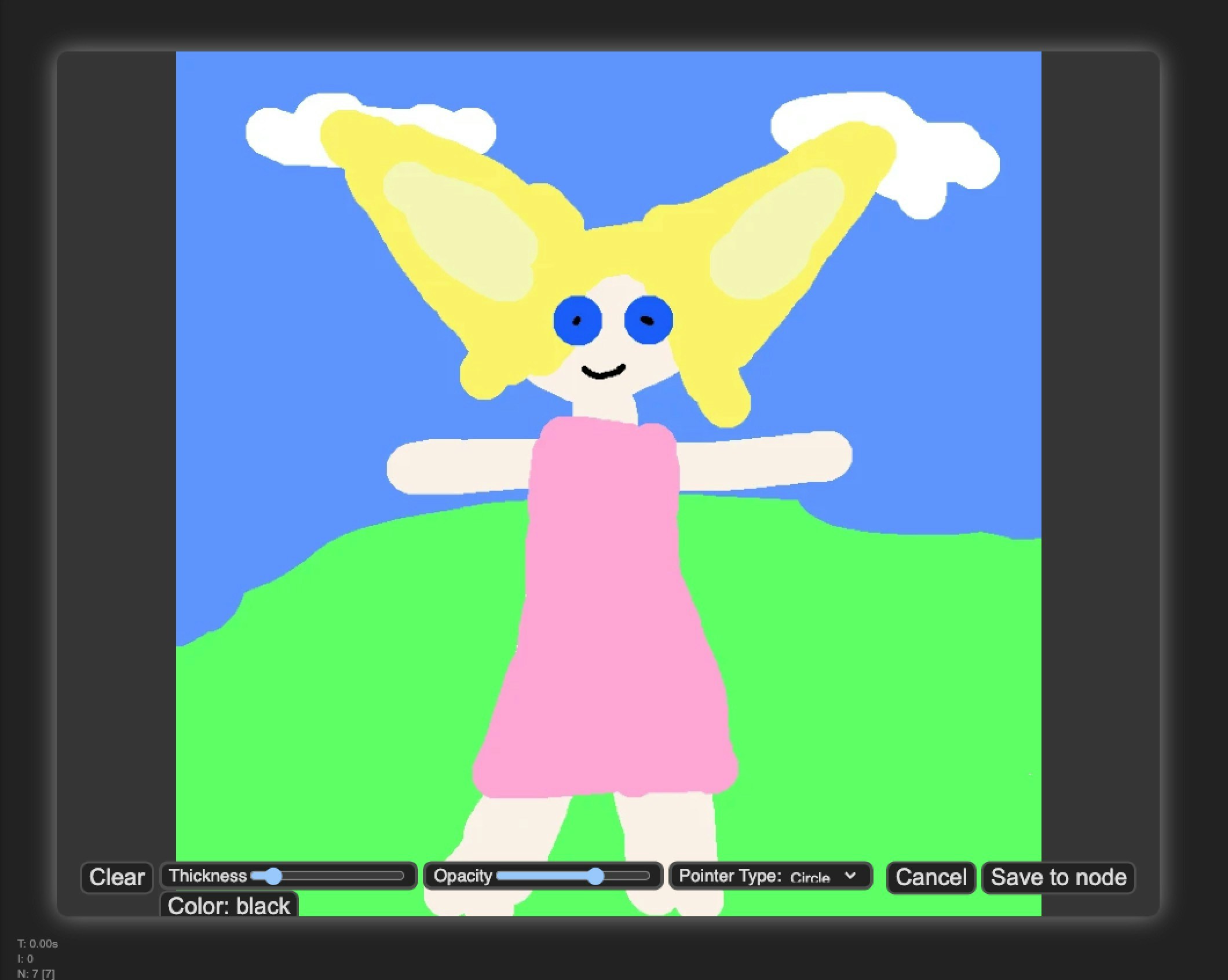
### Use new mask editor
* **Function**: Switch to the new brush editor interface
* **Description**: Allows users to switch between new and old editor interfaces
The new version has a better UI interface and interaction, with more complete functionality
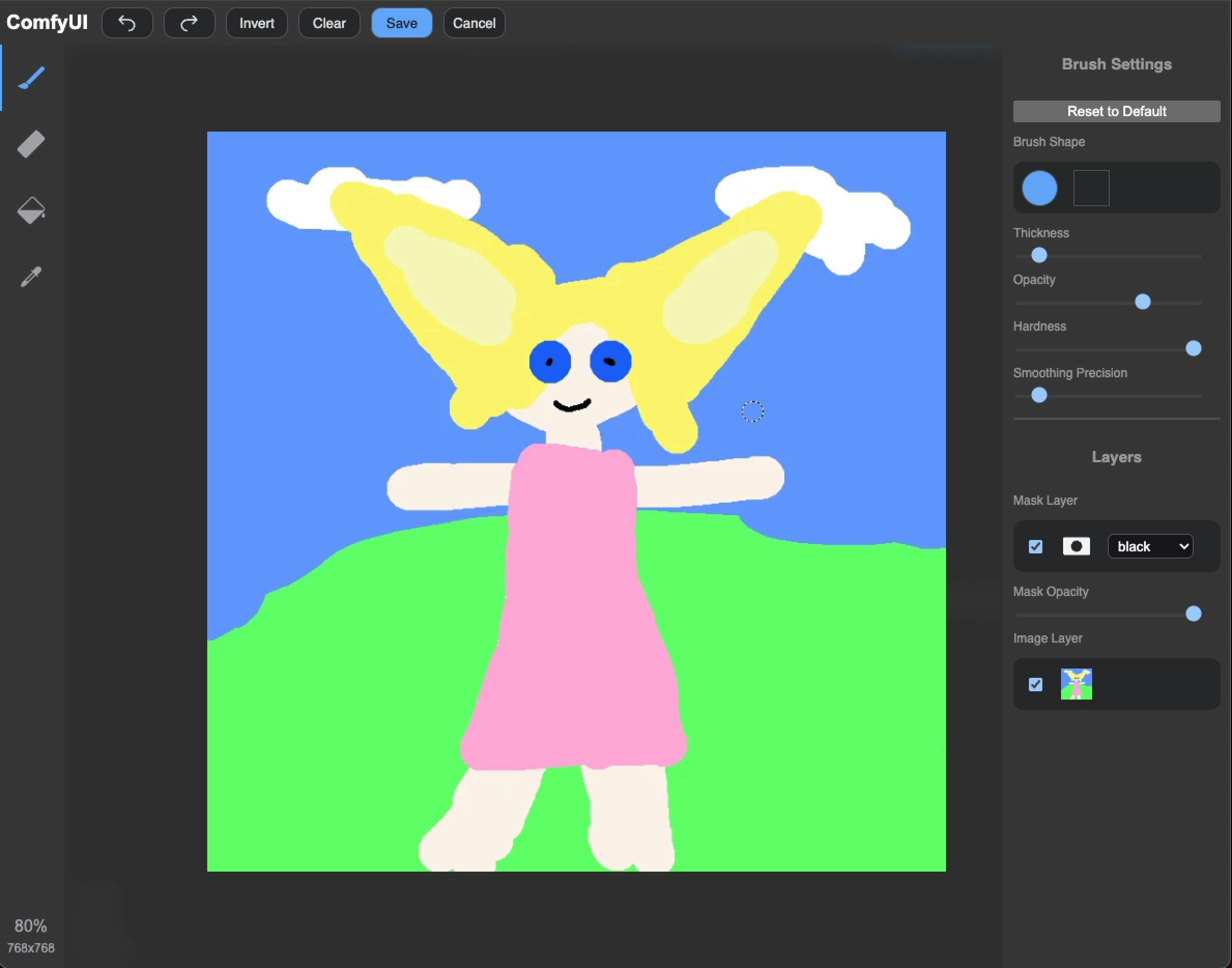 The old version is an early version with relatively simple functionality, but can meet basic needs. It will not be updated in the future.