> ## Documentation Index
> Fetch the complete documentation index at: https://docs.comfy.org/llms.txt
> Use this file to discover all available pages before exploring further.
# Recraft Style - Logo Raster - ComfyUI 組み込みノードドキュメント
> Recraft による画像生成でロゴのラスタースタイルを設定するための補助ノード
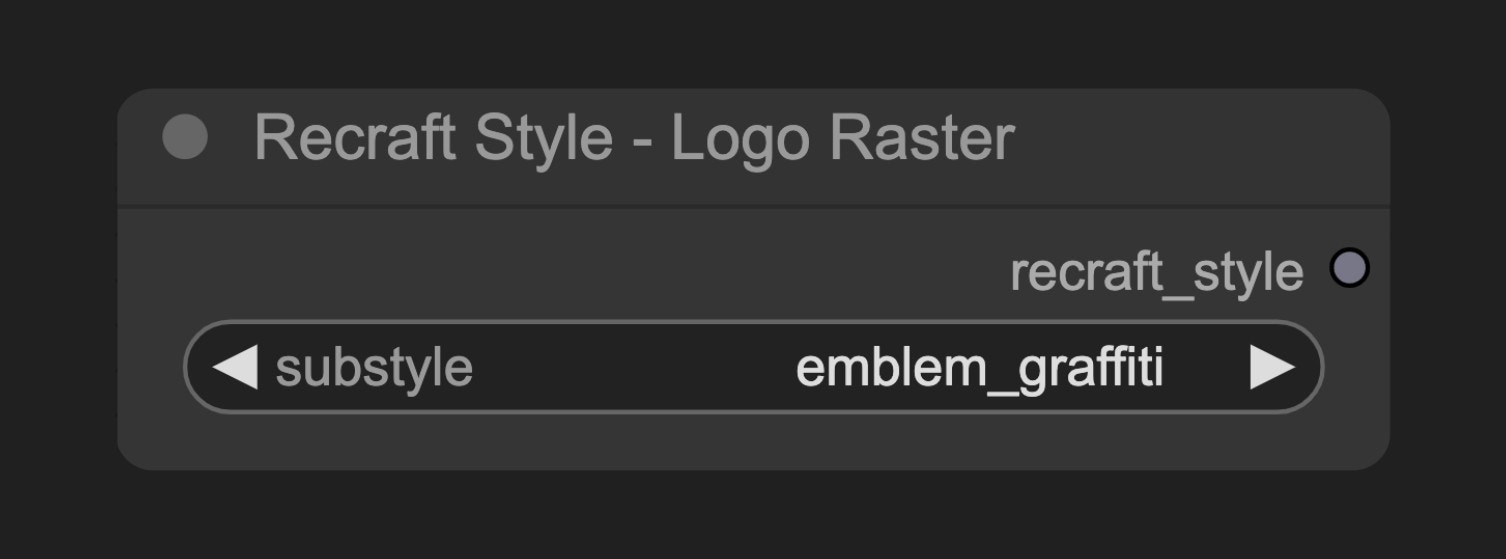 このノードは、Recraft の画像生成プロセスを専門的なロゴデザイン効果へと導くスタイル設定オブジェクトを作成します。異なるサブスタイルを選択することで、生成されるロゴのデザインスタイル、複雑さ、および使用用途を定義できます。
## パラメータ
### 基本パラメータ
| パラメータ | 型 | デフォルト | 説明 |
| -------- | --- | ----- | ------------------------ |
| substyle | 選択肢 | - | ロゴラスタースタイルの特定のサブスタイル(必須) |
### 出力
| 出力 | 型 | 説明 |
| -------------- | ------------- | -------------------------------- |
| recraft\_style | Recraft Style | スタイル設定オブジェクト。Recraft 生成ノードへ接続します |
## 使用例
Recraft Text to Image ワークフローの例
## ソースコード
\[ノードのソースコード(2025-05-03 更新)]
```python theme={null}
class RecraftStyleV3LogoRasterNode(RecraftStyleV3RealisticImageNode):
"""
Select vector_illustration style and optional substyle.
"""
@classmethod
def INPUT_TYPES(s):
return {
"required": {
"substyle": (get_v3_substyles(s.RECRAFT_STYLE, include_none=False),),
}
}
RECRAFT_STYLE = RecraftStyleV3.logo_raster
```
このノードは、Recraft の画像生成プロセスを専門的なロゴデザイン効果へと導くスタイル設定オブジェクトを作成します。異なるサブスタイルを選択することで、生成されるロゴのデザインスタイル、複雑さ、および使用用途を定義できます。
## パラメータ
### 基本パラメータ
| パラメータ | 型 | デフォルト | 説明 |
| -------- | --- | ----- | ------------------------ |
| substyle | 選択肢 | - | ロゴラスタースタイルの特定のサブスタイル(必須) |
### 出力
| 出力 | 型 | 説明 |
| -------------- | ------------- | -------------------------------- |
| recraft\_style | Recraft Style | スタイル設定オブジェクト。Recraft 生成ノードへ接続します |
## 使用例
Recraft Text to Image ワークフローの例
## ソースコード
\[ノードのソースコード(2025-05-03 更新)]
```python theme={null}
class RecraftStyleV3LogoRasterNode(RecraftStyleV3RealisticImageNode):
"""
Select vector_illustration style and optional substyle.
"""
@classmethod
def INPUT_TYPES(s):
return {
"required": {
"substyle": (get_v3_substyles(s.RECRAFT_STYLE, include_none=False),),
}
}
RECRAFT_STYLE = RecraftStyleV3.logo_raster
```