> ## Documentation Index
> Fetch the complete documentation index at: https://docs.comfy.org/llms.txt
> Use this file to discover all available pages before exploring further.
# Anima Base v1 ComfyUIチュートリアル | AI画像生成ガイド
> Anima Base v1は、ComfyUIでアニメやイラストを生成するための2Bテキスト画像生成モデルです。このガイドでは、公式ワークフロー、モデル設定、プロンプト設定、画像生成について解説します。
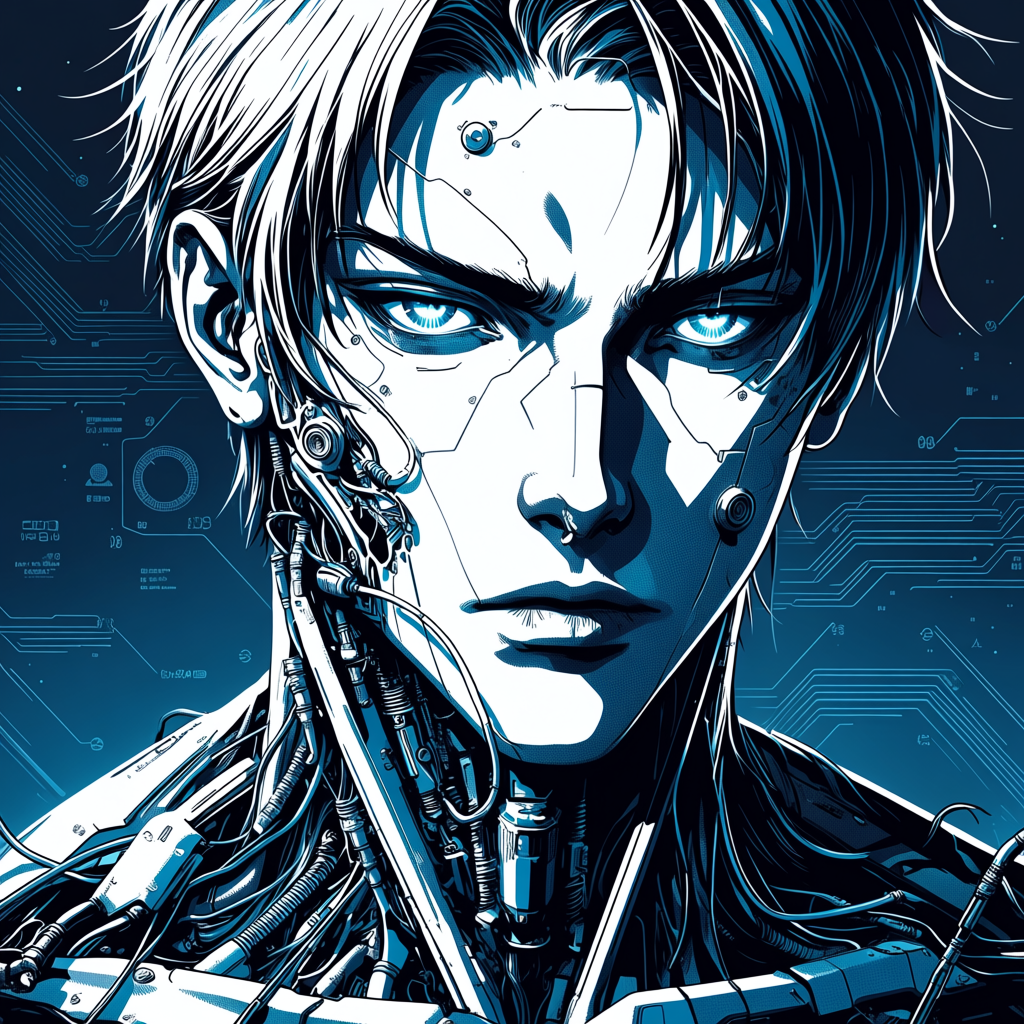
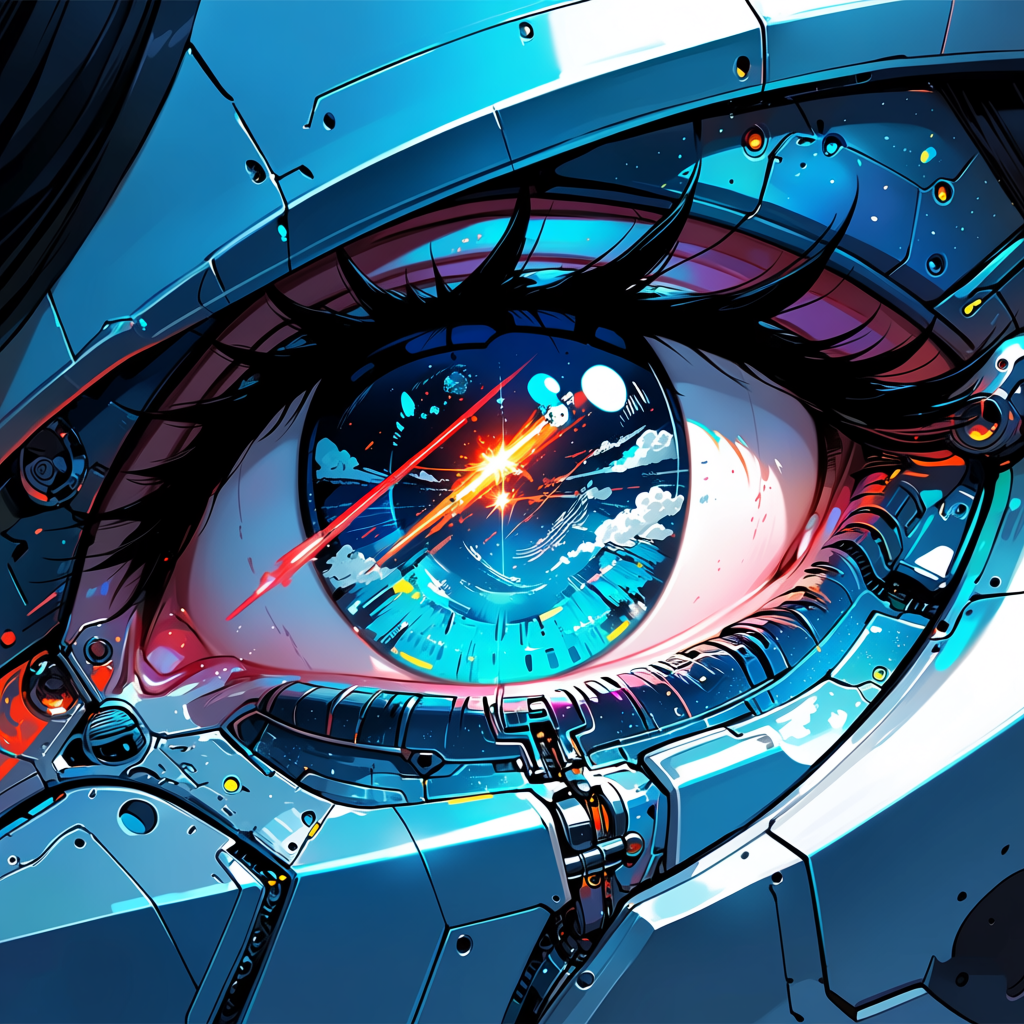
**Anima** は [CircleStone Labs](https://huggingface.co/circlestone-labs/Anima) が Comfy Org と協力して開発したオープンなテキストから画像生成モデルです。**20 億** パラメータを備え、高品質な **アニメおよび非フォトリアリスティック** な画像を生成するように設計されており、キャラクター、シーン、コンセプトアートに最適です。
**モデルの主な特長**:
* **アニメとアートイラストに特化** — 非フォトリアリスティックなアートスタイルにチューニング
* **ComfyUI ネイティブ対応** — 標準の UNETLoader、CLIPLoader、VAELoader ノードで読み込み可能
* **Qwen-3 0.6B テキストエンコーダー**(text encoder)— 強力な言語理解とプロンプト追従性を提供
* **入力画像不要** — 純粋なテキストから画像への生成
* **コンパクトな設計** — 2B 拡散モデル(diffusion model)、コンシューマー GPU でも快適に動作
**関連リンク**:
* [Hugging Face(Anima)](https://huggingface.co/circlestone-labs/Anima)
## 利用可能なワークフロー
Anima は 2 つのワークフローを提供しています——標準的な使用向けのベース版と早期アクセス向けのプレビュー版です。
両方のワークフローは **サブグラフ**(Subgraph)ノードを使用してテキストから画像への生成パイプラインを管理します。サブグラフを開いて内部ノードを確認・カスタマイズできます。
このワークフローは Subgraph ノードを使用してモジュール化された処理を実現しています。Subgraph のドキュメントを参照して、ワークフローのカスタマイズと拡張方法を学んでください。
### Anima Base v1:テキストから画像へ
JSON をダウンロードするか、テンプレートライブラリで "Anima Base v1" を検索
Comfy Cloud で開く
#### はじめに
1. ComfyUI を最新バージョンに更新するか、[Comfy Cloud](https://cloud.comfy.org/?template=image_anima_base_v1\&utm_source=docs\&utm_medium=referral\&utm_campaign=anima) を使用してください
2. **テンプレート** に移動し、**Anima Base v1** を検索します
3. **Anima Base v1: Text to Image** ワークフローを選択します
4. 不足しているモデルをダウンロードし([モデルのダウンロード](#anima-モデルのダウンロード)を参照)、プロンプトを入力して **実行** をクリックします
#### サンプル出力
 ### Anima Preview:アニメテキストから画像生成
JSON をダウンロードするか、テンプレートライブラリで "Anima Preview" を検索
Comfy Cloud で開く
#### はじめに
1. ComfyUI を最新バージョンに更新するか、[Comfy Cloud](https://cloud.comfy.org/?template=image_anima_preview\&utm_source=docs\&utm_medium=referral\&utm_campaign=anima) を使用してください
2. **テンプレート** に移動し、**Anima Preview** を検索します
3. **Anima Anime Text-to-Image Generation** ワークフローを選択します
4. 不足しているモデルをダウンロードし([モデルのダウンロード](#anima-モデルのダウンロード)を参照)、プロンプトを入力して **実行** をクリックします
#### サンプル出力
### Anima Preview:アニメテキストから画像生成
JSON をダウンロードするか、テンプレートライブラリで "Anima Preview" を検索
Comfy Cloud で開く
#### はじめに
1. ComfyUI を最新バージョンに更新するか、[Comfy Cloud](https://cloud.comfy.org/?template=image_anima_preview\&utm_source=docs\&utm_medium=referral\&utm_campaign=anima) を使用してください
2. **テンプレート** に移動し、**Anima Preview** を検索します
3. **Anima Anime Text-to-Image Generation** ワークフローを選択します
4. 不足しているモデルをダウンロードし([モデルのダウンロード](#anima-モデルのダウンロード)を参照)、プロンプトを入力して **実行** をクリックします
#### サンプル出力
 ## Anima モデルのダウンロード
すべてのモデルファイルは Hugging Face の [circlestone-labs/Anima](https://huggingface.co/circlestone-labs/Anima) から入手できます。
Anima Base v1 用拡散モデル(2B)。
両方のワークフローで共有されるテキストエンコーダー(Qwen-3 0.6B)。
両方のワークフローで共有される VAE。
**モデルの保存場所**
```
📂 ComfyUI/
├── 📂 models/
│ ├── 📂 diffusion_models/
│ │ └── anima-base-v1.0.safetensors
│ ├── 📂 text_encoders/
│ │ └── qwen_3_06b_base.safetensors
│ └── 📂 vae/
│ └── qwen_image_vae.safetensors
```
### プレビューモデル
Preview ワークフローを使用する場合は、代わりに以下のプレビュー拡散モデルをダウンロードしてください:
Anima Preview 用拡散モデル(2B)。
**プレビューモデルの保存場所**
```
📂 ComfyUI/
├── 📂 models/
│ └── 📂 diffusion_models/
│ └── anima-preview3-base.safetensors
```
## 制限事項
* **リアルな表現には非対応** — このモデルはアニメやイラストスタイル向けに設計されており、リアルなレンダリングは対象外です
* **テキストレンダリングが弱い** — 高解像度の文字や複雑なタイポグラフィは鮮明にレンダリングされない場合があります
* **シンプルな構図** — ベースモデルは比較的シンプルな構図を生成します。高度なアートスタイルには調整やファインチューニングが必要な場合があります
## Anima モデルのダウンロード
すべてのモデルファイルは Hugging Face の [circlestone-labs/Anima](https://huggingface.co/circlestone-labs/Anima) から入手できます。
Anima Base v1 用拡散モデル(2B)。
両方のワークフローで共有されるテキストエンコーダー(Qwen-3 0.6B)。
両方のワークフローで共有される VAE。
**モデルの保存場所**
```
📂 ComfyUI/
├── 📂 models/
│ ├── 📂 diffusion_models/
│ │ └── anima-base-v1.0.safetensors
│ ├── 📂 text_encoders/
│ │ └── qwen_3_06b_base.safetensors
│ └── 📂 vae/
│ └── qwen_image_vae.safetensors
```
### プレビューモデル
Preview ワークフローを使用する場合は、代わりに以下のプレビュー拡散モデルをダウンロードしてください:
Anima Preview 用拡散モデル(2B)。
**プレビューモデルの保存場所**
```
📂 ComfyUI/
├── 📂 models/
│ └── 📂 diffusion_models/
│ └── anima-preview3-base.safetensors
```
## 制限事項
* **リアルな表現には非対応** — このモデルはアニメやイラストスタイル向けに設計されており、リアルなレンダリングは対象外です
* **テキストレンダリングが弱い** — 高解像度の文字や複雑なタイポグラフィは鮮明にレンダリングされない場合があります
* **シンプルな構図** — ベースモデルは比較的シンプルな構図を生成します。高度なアートスタイルには調整やファインチューニングが必要な場合があります