> ## Documentation Index
> Fetch the complete documentation index at: https://docs.comfy.org/llms.txt
> Use this file to discover all available pages before exploring further.
# Comfy Desktop 개요
> Comfy Desktop — 여러 ComfyUI 설치를 관리하는 최신 데스크톱 앱에 대해 알아보세요
**Comfy Desktop**은 하나의 런처에서 여러 ComfyUI 인스턴스를 설치, 관리 및 실행할 수 있는 데스크톱 애플리케이션입니다.
간단히 말해서, **Comfy Desktop**은 생성형 AI를 위한 노드 기반 엔진인 **ComfyUI**를 관리하고 실행하는 앱입니다. ComfyUI를 별도로 설치할 필요 없이, Comfy Desktop이 설치, Python 환경 및 종속성을 알아서 처리합니다. 각 ComfyUI 인스턴스는 자체 버전, 사용자 정의 노드, 설정을 가지고 독립적으로 실행됩니다.
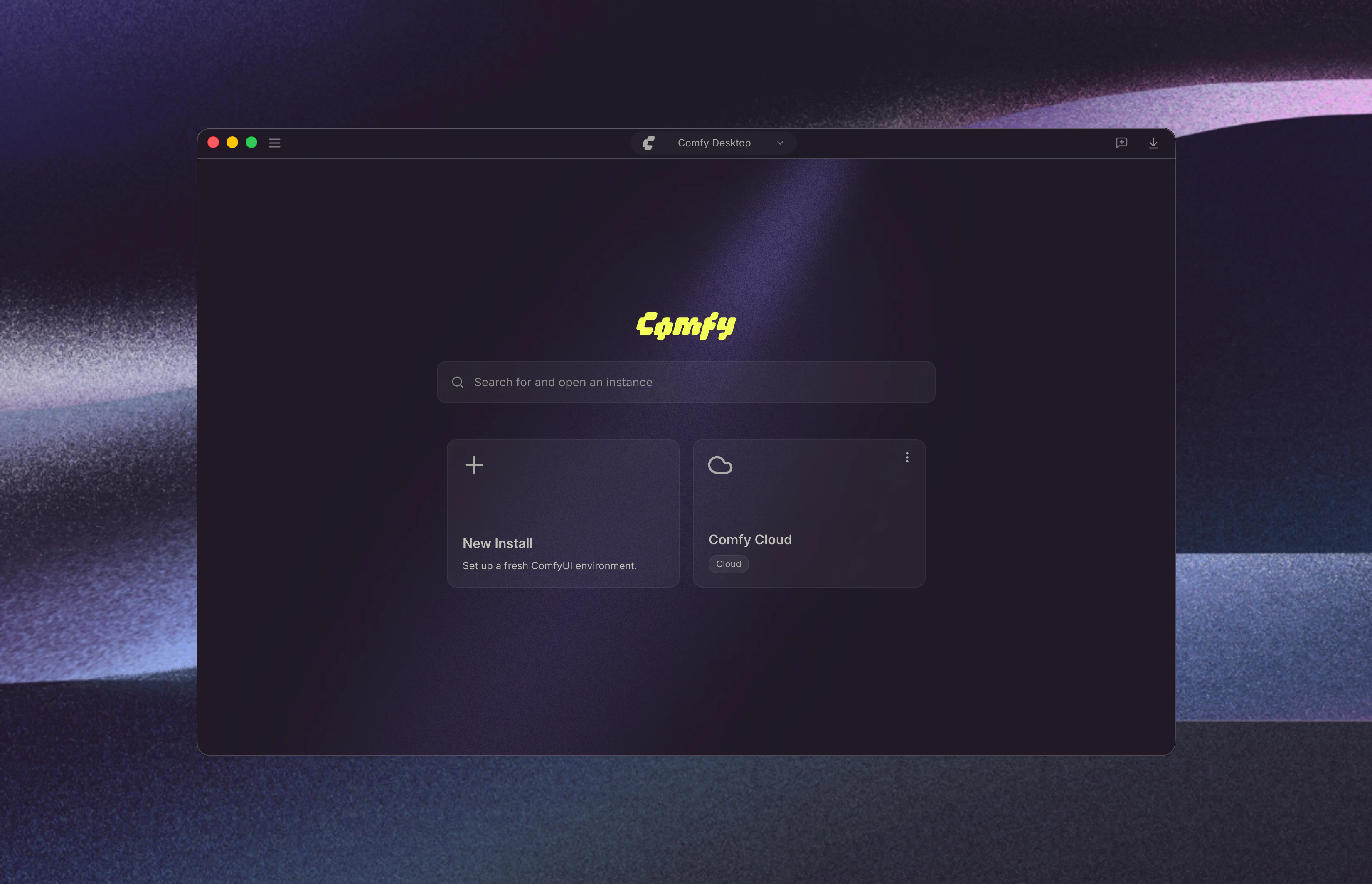 Comfy Desktop은 **Windows 10 이상**, **macOS 13 이상 (Apple Silicon)**, **Debian 기반 리눅스**에서 실행됩니다. 각 독립형 설치는 최소 **4.85 GB**의 디스크 공간과 **8 GB RAM (16 GB 권장)** 이 필요합니다. 자세한 내용은 플랫폼별 페이지를 확인하세요.
## 시작하기
사용 중인 플랫폼을 선택하세요:
Windows 10 이상을 위한 단계별 설치 가이드.
macOS 13 이상 (Apple Silicon)을 위한 단계별 설치 가이드.
Debian 기반 배포판에서 소스로부터 빌드 및 설치.
## 사용 가이드
설치 후, Comfy Desktop 사용법을 익혀보세요:
대시보드 개요, 인스턴스 관리, 설정, 스냅샷 등.
## Desktop Legacy에서 마이그레이션
이전 버전인 Desktop Legacy (단일 설치 데스크톱 앱)를 아직 사용 중이라면, 사용자 정의 노드, 워크플로, 모델을 새로운 Comfy Desktop으로 마이그레이션할 수 있습니다. 기존 데이터는 그대로 유지되며 수동 마이그레이션이 필요하지 않습니다.
Desktop Legacy에서 Comfy Desktop으로 마이그레이션하는 단계별 가이드.
## 오픈 소스
Comfy Desktop은 완전한 오픈 소스입니다. [GitHub](https://github.com/Comfy-Org/Comfy-Desktop)에서 소스 코드를 확인하세요.
Comfy Desktop은 **Windows 10 이상**, **macOS 13 이상 (Apple Silicon)**, **Debian 기반 리눅스**에서 실행됩니다. 각 독립형 설치는 최소 **4.85 GB**의 디스크 공간과 **8 GB RAM (16 GB 권장)** 이 필요합니다. 자세한 내용은 플랫폼별 페이지를 확인하세요.
## 시작하기
사용 중인 플랫폼을 선택하세요:
Windows 10 이상을 위한 단계별 설치 가이드.
macOS 13 이상 (Apple Silicon)을 위한 단계별 설치 가이드.
Debian 기반 배포판에서 소스로부터 빌드 및 설치.
## 사용 가이드
설치 후, Comfy Desktop 사용법을 익혀보세요:
대시보드 개요, 인스턴스 관리, 설정, 스냅샷 등.
## Desktop Legacy에서 마이그레이션
이전 버전인 Desktop Legacy (단일 설치 데스크톱 앱)를 아직 사용 중이라면, 사용자 정의 노드, 워크플로, 모델을 새로운 Comfy Desktop으로 마이그레이션할 수 있습니다. 기존 데이터는 그대로 유지되며 수동 마이그레이션이 필요하지 않습니다.
Desktop Legacy에서 Comfy Desktop으로 마이그레이션하는 단계별 가이드.
## 오픈 소스
Comfy Desktop은 완전한 오픈 소스입니다. [GitHub](https://github.com/Comfy-Org/Comfy-Desktop)에서 소스 코드를 확인하세요.