> ## Documentation Index
> Fetch the complete documentation index at: https://docs.comfy.org/llms.txt
> Use this file to discover all available pages before exploring further.
# SeedVR2: ComfyUI에서 이미지 및 비디오 업스케일링
> ByteDance Seed의 원스텝 확산 기반 복원 모델인 SeedVR2를 사용하여 이미지와 비디오를 업스케일링하는 방법을 알아보세요.
[SeedVR2](https://iceclear.github.io/projects/seedvr2/)(arXiv:2506.05301, ByteDance Seed)는 원스텝 diffusion 기반 비디오 복원 모델입니다. 실제 데이터에 대한 적대적 학습을 수행하여 이미지와 비디오를 높은 충실도로 복원 및 업스케일링합니다. SeedVR2는 ComfyUI에서 네이티브로 지원됩니다(PR [#14424](https://github.com/Comfy-Org/ComfyUI/pull/14424)).
주요 기능:
* **보존적 업스케일링**: 원본 구조와 디테일을 유지하면서 선명도 향상
* **원스텝 추론**: 이미지 및 비디오 업스케일링 모두에 단일 순방향 패스 사용
* **다양한 모델 크기**: 3B 및 7B 변형, FP16, FP8, INT8, NVFP4, MXFP8 양자화 지원
* **이미지 및 비디오 모두 지원**: 단일 이미지 업스케일링 및 비디오 해상도 향상
SeedVR2는 두 가지 크기로 제공됩니다. [3B 모델](https://huggingface.co/ByteDance-Seed/SeedVR2-3B)은 VRAM 요구 사항이 낮은 소형 변형으로, 하드웨어가 제한된 사용자에게 적합합니다. [7B 모델](https://huggingface.co/ByteDance-Seed/SeedVR2-7B)은 더 높은 품질의 결과를 제공하는 대형 변형이지만, VRAM 및 처리 시간이 증가합니다. 두 모델 모두 Apache 2.0 라이선스에 따라 제공됩니다.
ComfyUI가 최신 버전으로 업데이트되었는지 확인하세요.
* [ComfyUI 다운로드](https://www.comfy.org/download)
* [업데이트 가이드](/ko/installation/update_comfyui)
이 가이드의 워크플로우는 [워크플로우 템플릿](/ko/interface/features/template)에서 확인할 수 있습니다.
템플릿에서 찾을 수 없다면, 귀하의 ComfyUI가 오래된 버전일 수 있습니다. (데스크톱 버전의 업데이트는 다소 지연될 수 있습니다)
워크플로우를 로드할 때 노드가 누락되는 경우, 가능한 원인:
1. 최신 ComfyUI 버전(야간 빌드)을 사용하고 있지 않음
2. 일부 노드가 시작 시 가져오기에 실패함
* 데스크톱 버전은 ComfyUI 안정판 기반으로, 새로운 데스크톱 안정판이 출시되면 자동으로 업데이트됩니다.
* [클라우드](https://cloud.comfy.org)는 ComfyUI 안정판 출시 후 업데이트됩니다.
따라서 이 문서에서 핵심 노드가 누락된 것을 발견했다면, 그 이유는 새로운 핵심 노드가 아직 최신 안정판에 공개되지 않았기 때문일 수 있습니다. 다음 안정판 출시를 기다려 주세요.
## 모델 설치
[Comfy-Org SeedVR2 저장소](https://huggingface.co/Comfy-Org/SeedVR2)에서 SeedVR2 체크포인트를 다운로드하여 해당 ComfyUI 폴더에 저장합니다:
* [seedvr2\_3b\_fp16.safetensors](https://huggingface.co/Comfy-Org/SeedVR2/resolve/main/diffusion_models/seedvr2_3b_fp16.safetensors): 3B FP16 기본 모델, 낮은 VRAM 요구 사항
* [seedvr2\_3b\_fp8\_e4m3fn.safetensors](https://huggingface.co/Comfy-Org/SeedVR2/resolve/main/diffusion_models/seedvr2_3b_fp8_e4m3fn.safetensors): 3B FP8 양자화 버전, VRAM 추가 절감
* [seedvr2\_3b\_int8\_convrot.safetensors](https://huggingface.co/Comfy-Org/SeedVR2/resolve/main/diffusion_models/seedvr2_3b_int8_convrot.safetensors): 3B INT8 convrot 버전
* [seedvr2\_7b\_fp16.safetensors](https://huggingface.co/Comfy-Org/SeedVR2/resolve/main/diffusion_models/seedvr2_7b_fp16.safetensors): 7B FP16 기본 모델, 더 높은 품질
* [seedvr2\_7b\_fp8\_e4m3fn.safetensors](https://huggingface.co/Comfy-Org/SeedVR2/resolve/main/diffusion_models/seedvr2_7b_fp8_e4m3fn.safetensors): 7B FP8 양자화 버전, 품질과 VRAM의 균형
* [seedvr2\_7b\_int8\_convrot.safetensors](https://huggingface.co/Comfy-Org/SeedVR2/resolve/main/diffusion_models/seedvr2_7b_int8_convrot.safetensors): 7B INT8 convrot 버전
* [seedvr2\_7b\_sharp\_fp16.safetensors](https://huggingface.co/Comfy-Org/SeedVR2/resolve/main/diffusion_models/seedvr2_7b_sharp_fp16.safetensors): 7B FP16 샤프 버전, 세부 묘사 강화
* [seedvr2\_ema\_vae\_fp16.safetensors](https://huggingface.co/Comfy-Org/SeedVR2/resolve/main/vae/seedvr2_ema_vae_fp16.safetensors): VAE 체크포인트(모든 모델 변형 공통)
파일을 다음 디렉토리에 배치합니다:
```
ComfyUI/
├── models/
│ ├── diffusion_models/
│ │ ├── seedvr2_3b_fp16.safetensors
│ │ ├── seedvr2_3b_fp8_e4m3fn.safetensors
│ │ ├── seedvr2_3b_int8_convrot.safetensors
│ │ ├── seedvr2_7b_fp16.safetensors
│ │ ├── seedvr2_7b_fp8_e4m3fn.safetensors
│ │ ├── seedvr2_7b_int8_convrot.safetensors
│ │ ├── seedvr2_7b_sharp_fp16.safetensors
│ └── vae/
│ └── seedvr2_ema_vae_fp16.safetensors
```
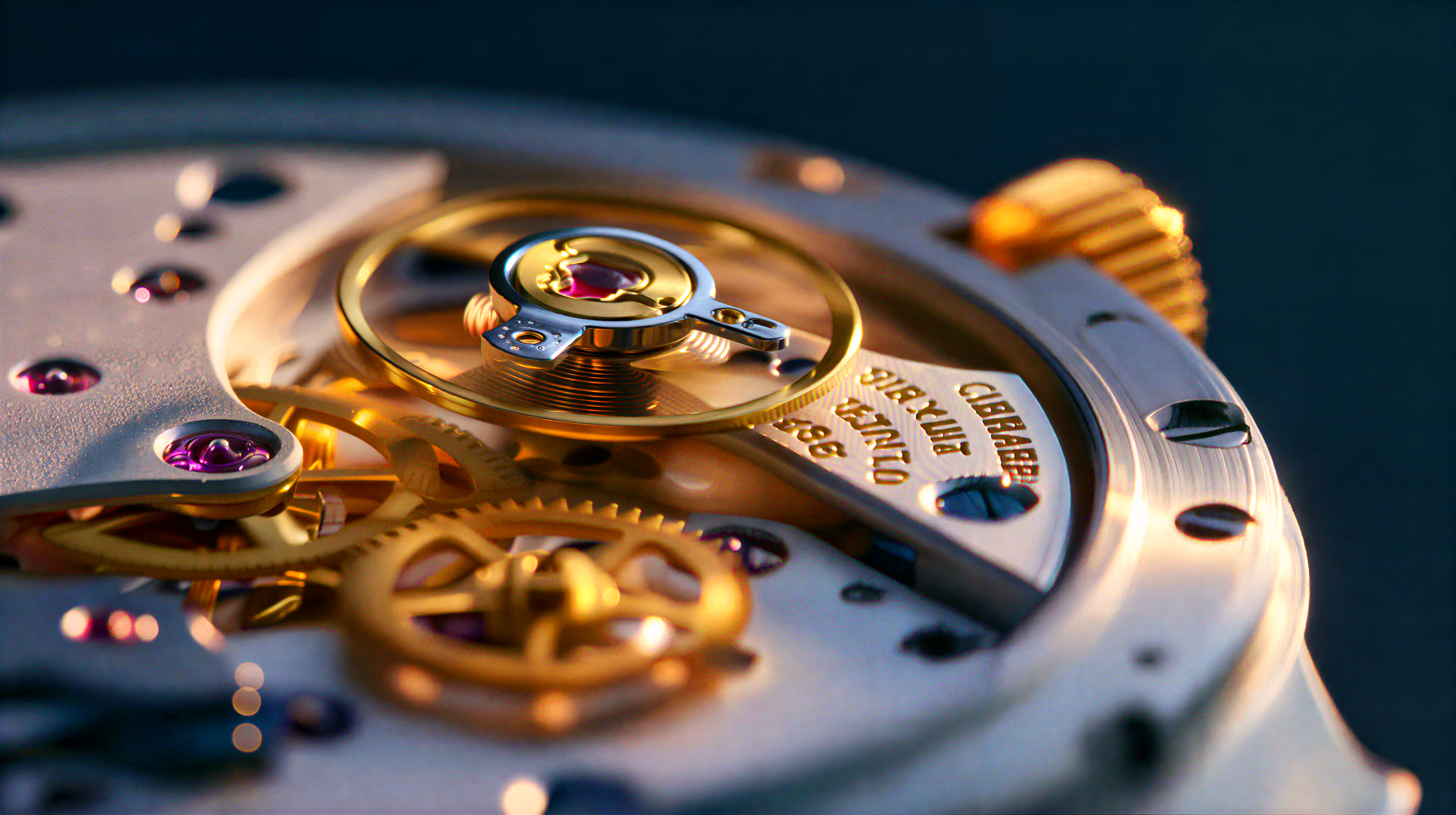
## 1. 이미지 업스케일 (3B INT8)
**기능:** 단일 이미지를 SeedVR2 3B INT8 모델을 사용하여 업스케일합니다. INT8 양자화 변형은 품질과 VRAM 사용량 간의 좋은 균형을 제공합니다.
JSON 다운로드 또는 템플릿 라이브러리에서 SeedVR2 3B Int8: Upscale Image 검색
이 워크플로의 예제 입력 이미지 가져오기
### 1.1 실행 단계
1. 이미지를 `ComfyUI/input/` 폴더에 배치하고 `Load Image` 노드에서 선택합니다
2. SeedVR2 모델 로더에서 `seedvr2_3b_int8_convrot.safetensors` 체크포인트를 선택합니다
3. `Queue`를 클릭하거나 `Ctrl(cmd) + Enter`를 눌러 실행합니다
***
## 2. 이미지 업스케일 (7B INT8)
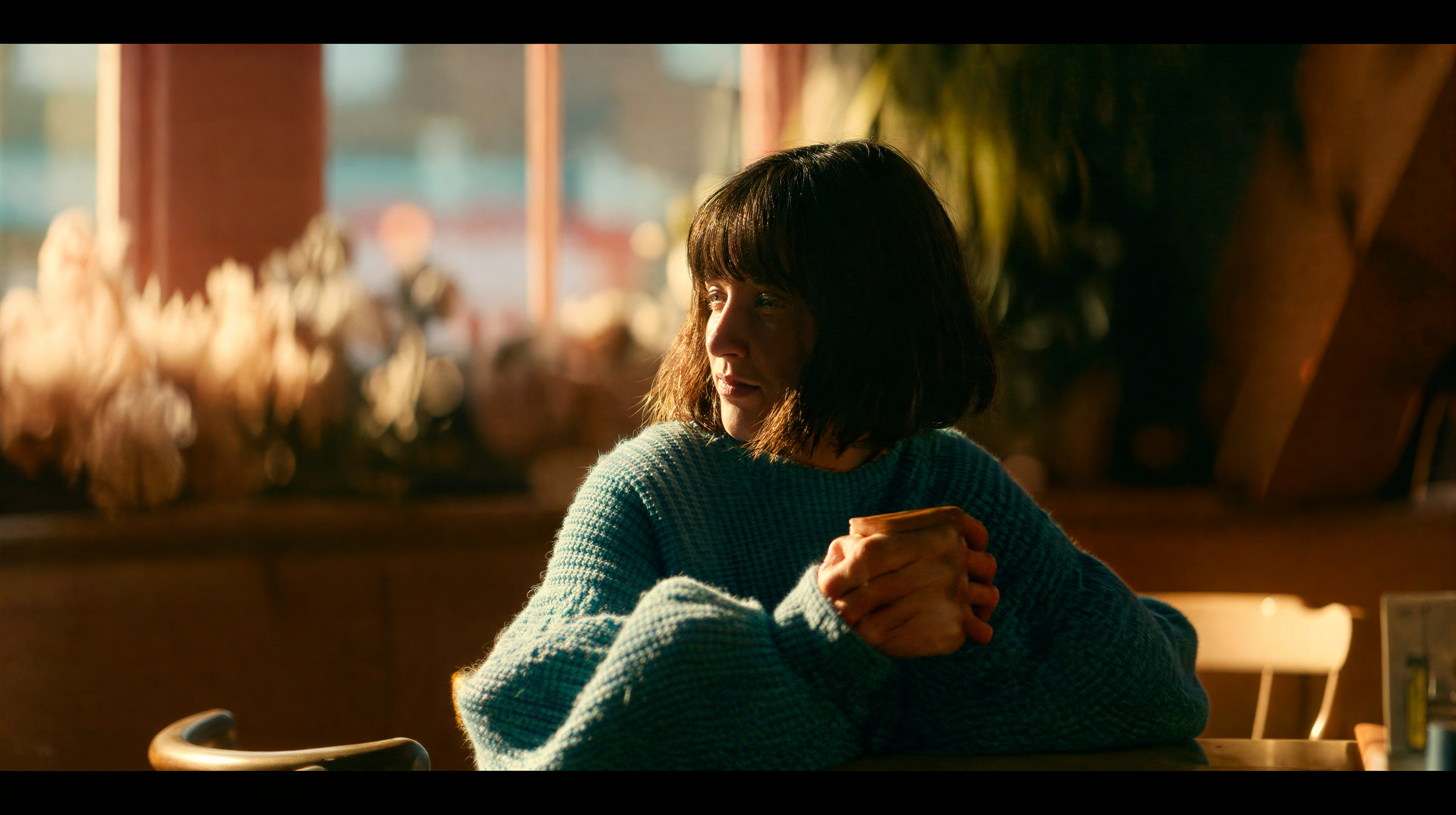
**기능:** SeedVR2 7B INT8 모델을 사용하여 단일 이미지를 업스케일합니다. 더 큰 7B 모델은 INT8 양자화를 통해 효율적인 VRAM 사용으로 더 높은 품질의 결과를 제공합니다.
JSON 다운로드 또는 템플릿 라이브러리에서 SeedVR2 7B Int8: Upscale Image 검색
이 워크플로의 예제 입력 이미지 가져오기
### 2.1 실행 단계
1. 이미지를 `ComfyUI/input/` 폴더에 배치하고 `Load Image` 노드에서 선택합니다
2. SeedVR2 모델 로더에서 `seedvr2_7b_int8_convrot.safetensors` 체크포인트를 선택합니다
3. `Queue`를 클릭하거나 `Ctrl(cmd) + Enter`를 눌러 실행합니다
***
## 3. 비디오 업스케일 (3B INT8)
**기능:** SeedVR2 3B INT8 모델을 사용하여 비디오를 업스케일합니다. 워크플로는 프레임 간 시간적 일관성을 유지하면서 해상도를 향상시킵니다. 오래된 영상 복원 및 저해상도 비디오 업스케일에 적합합니다.
JSON 다운로드 또는 템플릿 라이브러리에서 SeedVR2 3B Int8: Upscale Video 검색
이 워크플로의 예제 입력 비디오 가져오기
### 3.1 실행 단계
1. 비디오를 `ComfyUI/input/` 폴더에 넣고 `Load Video` 노드에서 선택하세요
2. SeedVR2 모델 로더에서 `seedvr2_3b_int8_convrot.safetensors` 체크포인트를 선택하세요
3. `Queue`를 클릭하거나 `Ctrl(cmd) + Enter`를 눌러 실행하세요
### 성능
더 높은 대상 해상도는 더 많은 처리 시간이 필요합니다. INT8 변형은 FP16에 비해 VRAM 사용량을 줄이고 효율적인 추론을 제공합니다.
***
## 커뮤니티 리소스
* [SeedVR2 프로젝트 페이지](https://iceclear.github.io/projects/seedvr2/): 공식 웹사이트
* [ByteDance SeedVR 코드베이스 (GitHub)](https://github.com/ByteDance-Seed/SeedVR): 원본 연구 코드 및 논문
* [Comfy-Org/SeedVR2 (HuggingFace)](https://huggingface.co/Comfy-Org/SeedVR2): ComfyUI 모델 가중치
* [ByteDance-Seed/SeedVR2-3B (HuggingFace)](https://huggingface.co/ByteDance-Seed/SeedVR2-3B): 원본 3B 모델 가중치
* [ByteDance-Seed/SeedVR2-7B (HuggingFace)](https://huggingface.co/ByteDance-Seed/SeedVR2-7B): 원본 7B 모델 가중치
* [논문 (arXiv)](https://arxiv.org/abs/2506.05301)