> ## Documentation Index
> Fetch the complete documentation index at: https://docs.comfy.org/llms.txt
> Use this file to discover all available pages before exploring further.
# SeedVR2: Image and video upscaling in ComfyUI
> Learn how to upscale images and videos using SeedVR2, a one-step diffusion-based restoration model from ByteDance Seed
# ComfyUI SeedVR2 Introduction
[SeedVR2](https://iceclear.github.io/projects/seedvr2/) (arXiv:2506.05301, from ByteDance Seed) is a one-step diffusion-based video restoration model. It performs adversarial training against real data to restore and upscale images and videos with high fidelity. SeedVR2 is natively supported in ComfyUI (PR [#14424](https://github.com/Comfy-Org/ComfyUI/pull/14424)).
Key capabilities:
* **Conservative upscaling**: preserves original structure and detail while enhancing clarity
* **One-step inference**: single forward pass for both image and video upscaling
* **Multiple model sizes**: 3B and 7B variants with FP16, FP8, INT8, NVFP4, and MXFP8 quantizations
* **Both image and video**: supports single-image upscaling and video resolution enhancement
SeedVR2 comes in two sizes. The [3B model](https://huggingface.co/ByteDance-Seed/SeedVR2-3B) is a smaller variant with lower VRAM requirements, suitable for users with limited hardware. The [7B model](https://huggingface.co/ByteDance-Seed/SeedVR2-7B) is a larger variant that delivers higher quality results at the cost of increased VRAM and processing time. Both are available under the Apache 2.0 license.
Make sure your ComfyUI is updated.
* [Download ComfyUI](https://www.comfy.org/download)
* [Update Guide](/installation/update_comfyui)
Workflows in this guide can be found in the [Workflow Templates](/interface/features/template).
If you can't find them in the template, your ComfyUI may be outdated. (Desktop version's update will delay sometime)
If nodes are missing when loading a workflow, possible reasons:
1. You are not using the latest ComfyUI version (Nightly version)
2. Some nodes failed to import at startup
* The Desktop is base on ComfyUI stable release, it will auto-update when there is a new Desktop stable release available.
* [Cloud](https://cloud.comfy.org) will update after ComfyUI stable release.
So, if you find any core node missing in this document, it might be because the new core nodes have not yet been released in the latest stable version. Please wait for the next stable release.
## Model Installation
Download the SeedVR2 checkpoint(s) from the [Comfy-Org SeedVR2 repository](https://huggingface.co/Comfy-Org/SeedVR2) and save them to the corresponding ComfyUI folder:
* [seedvr2\_3b\_fp16.safetensors](https://huggingface.co/Comfy-Org/SeedVR2/resolve/main/diffusion_models/seedvr2_3b_fp16.safetensors): 3B FP16 base model, lower VRAM requirement
* [seedvr2\_3b\_fp8\_e4m3fn.safetensors](https://huggingface.co/Comfy-Org/SeedVR2/resolve/main/diffusion_models/seedvr2_3b_fp8_e4m3fn.safetensors): 3B FP8 quantized, further reduced VRAM
* [seedvr2\_3b\_int8\_convrot.safetensors](https://huggingface.co/Comfy-Org/SeedVR2/resolve/main/diffusion_models/seedvr2_3b_int8_convrot.safetensors): 3B INT8 with convrot
* [seedvr2\_7b\_fp16.safetensors](https://huggingface.co/Comfy-Org/SeedVR2/resolve/main/diffusion_models/seedvr2_7b_fp16.safetensors): 7B FP16 base model, higher quality
* [seedvr2\_7b\_fp8\_e4m3fn.safetensors](https://huggingface.co/Comfy-Org/SeedVR2/resolve/main/diffusion_models/seedvr2_7b_fp8_e4m3fn.safetensors): 7B FP8 quantized, balance of quality and VRAM
* [seedvr2\_7b\_int8\_convrot.safetensors](https://huggingface.co/Comfy-Org/SeedVR2/resolve/main/diffusion_models/seedvr2_7b_int8_convrot.safetensors): 7B INT8 with convrot
* [seedvr2\_7b\_sharp\_fp16.safetensors](https://huggingface.co/Comfy-Org/SeedVR2/resolve/main/diffusion_models/seedvr2_7b_sharp_fp16.safetensors): 7B FP16 sharp variant for enhanced detail
* [seedvr2\_ema\_vae\_fp16.safetensors](https://huggingface.co/Comfy-Org/SeedVR2/resolve/main/vae/seedvr2_ema_vae_fp16.safetensors): VAE checkpoint (shared across all model variants)
Place the files in the following directories:
```
ComfyUI/
├── models/
│ ├── diffusion_models/
│ │ ├── seedvr2_3b_fp16.safetensors
│ │ ├── seedvr2_3b_fp8_e4m3fn.safetensors
│ │ ├── seedvr2_3b_int8_convrot.safetensors
│ │ ├── seedvr2_7b_fp16.safetensors
│ │ ├── seedvr2_7b_fp8_e4m3fn.safetensors
│ │ ├── seedvr2_7b_int8_convrot.safetensors
│ │ ├── seedvr2_7b_sharp_fp16.safetensors
│ └── vae/
│ └── seedvr2_ema_vae_fp16.safetensors
```
## Example Workflows
***
## 1. Image Upscale (3B INT8)
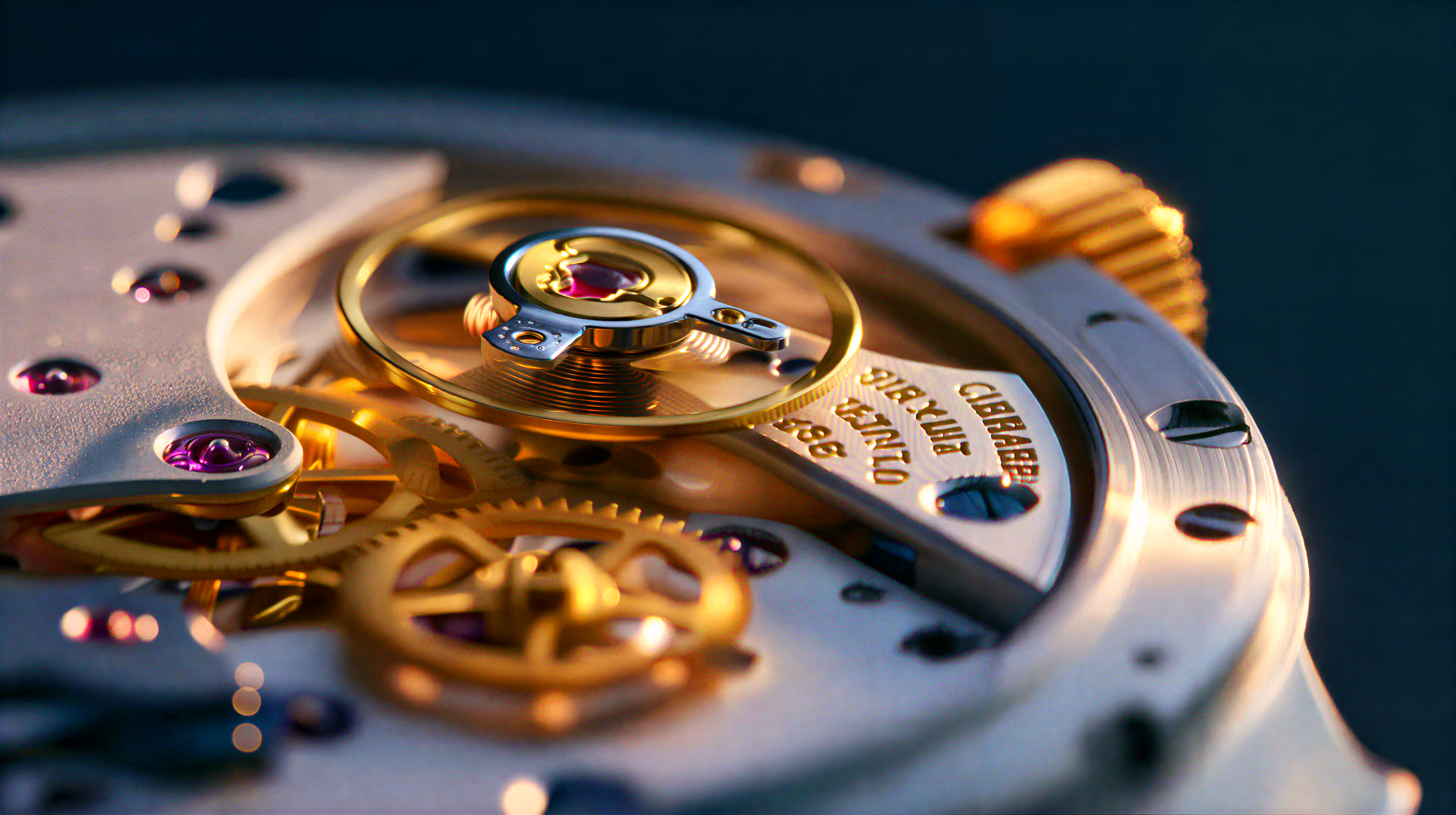
**What it does:** Upscales a single image using the SeedVR2 3B INT8 model. The INT8 quantized variant offers a good balance of quality and reduced VRAM usage.
Download JSON or search "SeedVR2 3B Int8: Upscale Image" in Template Library
Get the example input image for this workflow
### 1.1 Steps to Run
1. Place your image in the `ComfyUI/input/` folder and select it in the `Load Image` node
2. Select the `seedvr2_3b_int8_convrot.safetensors` checkpoint in the SeedVR2 model loader
3. Click `Queue` or use `Ctrl(cmd) + Enter` to run
***
## 2. Image Upscale (7B INT8)
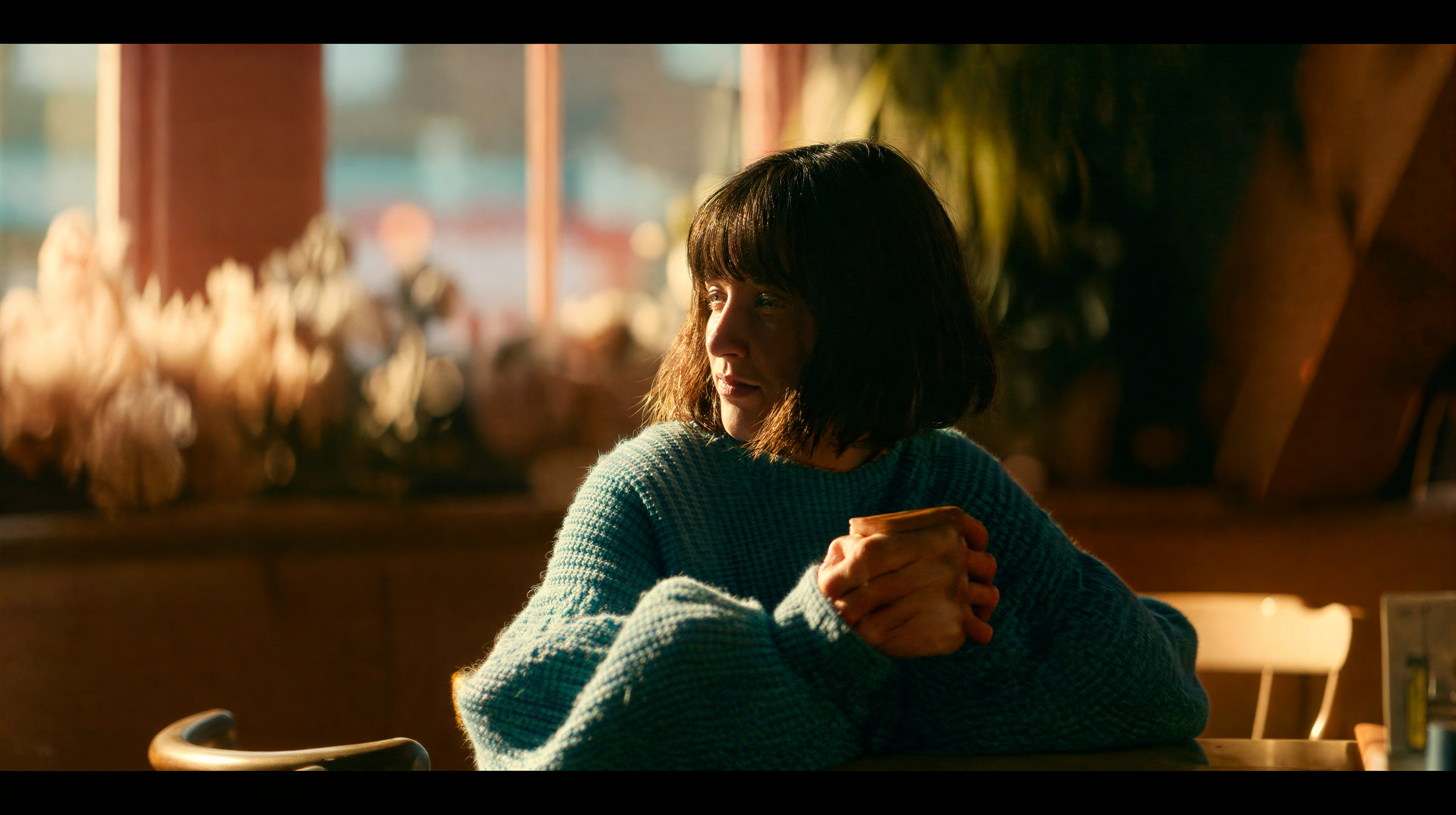
**What it does:** Upscales a single image using the SeedVR2 7B INT8 model. The larger 7B model delivers higher quality results with INT8 quantization for efficient VRAM usage.
Download JSON or search "SeedVR2 7B Int8: Upscale Image" in Template Library
Get the example input image for this workflow
### 2.1 Steps to Run
1. Place your image in the `ComfyUI/input/` folder and select it in the `Load Image` node
2. Select the `seedvr2_7b_int8_convrot.safetensors` checkpoint in the SeedVR2 model loader
3. Click `Queue` or use `Ctrl(cmd) + Enter` to run
***
## 3. Video Upscale (3B INT8)
**What it does:** Upscales a video using the SeedVR2 3B INT8 model. The workflow enhances resolution while maintaining temporal consistency across frames. Ideal for restoring old or degraded footage and upscaling low-resolution videos.
Download JSON or search "SeedVR2 3B Int8: Upscale Video" in Template Library
Get the example input video for this workflow
### 3.1 Steps to Run
1. Place your video in the `ComfyUI/input/` folder and select it in the `Load Video` node
2. Select the `seedvr2_3b_int8_convrot.safetensors` checkpoint in the SeedVR2 model loader
3. Click `Queue` or use `Ctrl(cmd) + Enter` to run
### Performance
Higher target resolutions require more processing time. The INT8 variant provides efficient inference with reduced VRAM usage compared to FP16.
***
## Community Resources
* [SeedVR2 Project Page](https://iceclear.github.io/projects/seedvr2/): Official project website
* [ByteDance SeedVR Codebase (GitHub)](https://github.com/ByteDance-Seed/SeedVR): Original research code and paper
* [Comfy-Org/SeedVR2 (HuggingFace)](https://huggingface.co/Comfy-Org/SeedVR2): Official ComfyUI model weights
* [ByteDance-Seed/SeedVR2-3B (HuggingFace)](https://huggingface.co/ByteDance-Seed/SeedVR2-3B): Original 3B model weights
* [ByteDance-Seed/SeedVR2-7B (HuggingFace)](https://huggingface.co/ByteDance-Seed/SeedVR2-7B): Original 7B model weights
* [Paper (arXiv)](https://arxiv.org/abs/2506.05301)