> ## Documentation Index
> Fetch the complete documentation index at: https://docs.comfy.org/llms.txt
> Use this file to discover all available pages before exploring further.
# TrimVideoLatent 节点
> 裁剪潜在空间中的视频帧
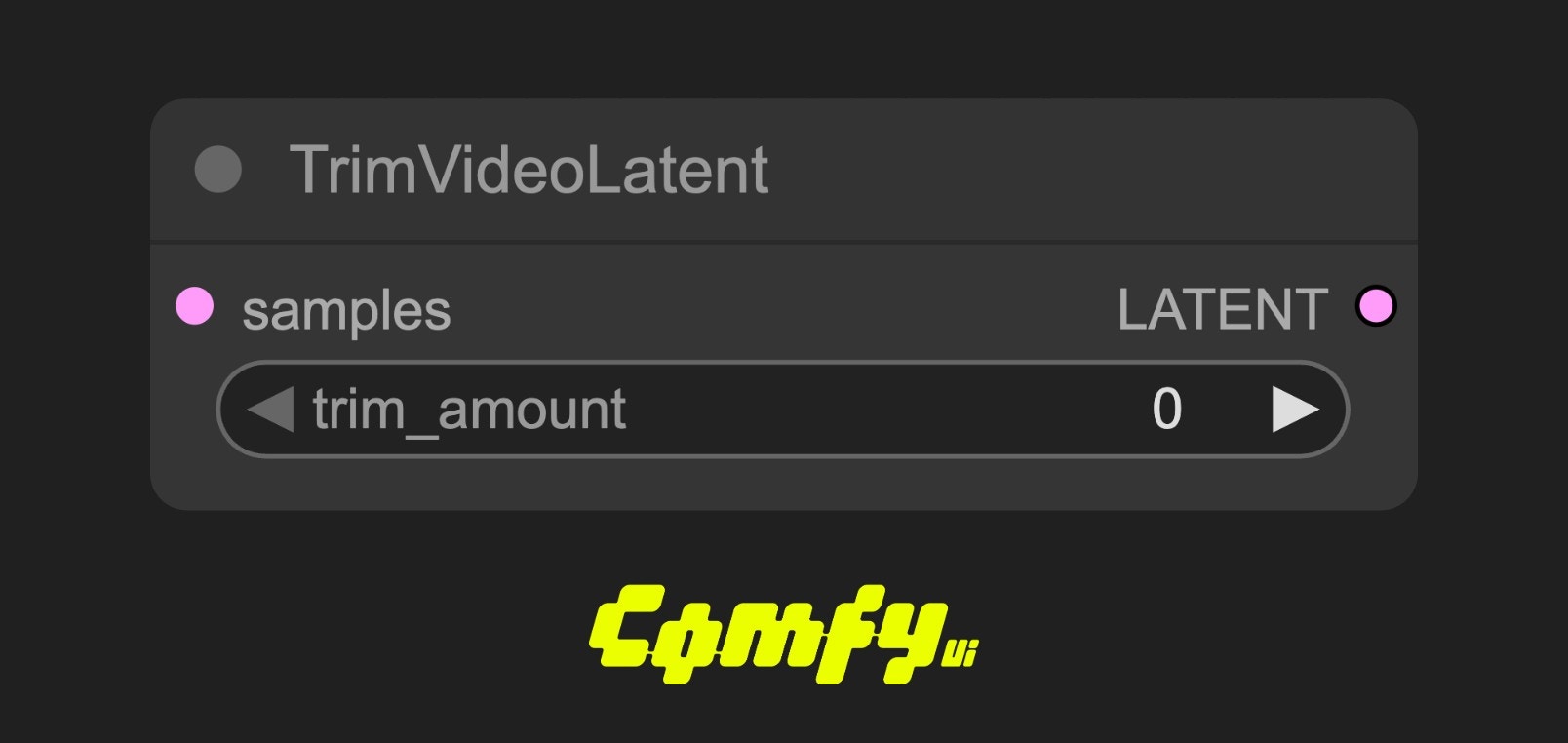 TrimVideoLatent 节点用于在潜在空间(LATENT)中裁剪视频帧。常用于处理视频潜变量序列时,去除前面不需要的帧,实现视频的“前向裁剪”。
基本用法:将需要裁剪的视频潜变量输入到 samples,设置 trim\_amount 为要裁剪的帧数。节点会从视频的开头裁剪掉指定数量的帧,输出剩余的潜变量序列。
典型场景:用于视频生成、视频编辑等场景下,去除不需要的前置帧,或配合其他节点实现视频片段的拼接与处理。
## 参数说明
### 输入参数
| 参数名 | 类型 | 是否必填 | 默认值 | 说明 |
| ------------ | ------ | ---- | --- | ---------------- |
| samples | LATENT | 是 | 无 | 输入的潜在视频数据 |
| trim\_amount | INT | 是 | 0 | 需要裁剪掉的帧数(从前往后裁剪) |
### 输出参数
| 参数名 | 类型 | 说明 |
| ------- | ------ | --------- |
| samples | LATENT | 裁剪后的视频潜变量 |
## 使用示例
Wan2.1 VACE 视频生成工作流示例
### 源码
```python theme={null}
class TrimVideoLatent:
@classmethod
def INPUT_TYPES(s):
return {"required": { "samples": ("LATENT",),
"trim_amount": ("INT", {"default": 0, "min": 0, "max": 99999}),
}}
RETURN_TYPES = ("LATENT",)
FUNCTION = "op"
CATEGORY = "latent/video"
EXPERIMENTAL = True
def op(self, samples, trim_amount):
samples_out = samples.copy()
s1 = samples["samples"]
samples_out["samples"] = s1[:, :, trim_amount:]
return (samples_out,)
```
TrimVideoLatent 节点用于在潜在空间(LATENT)中裁剪视频帧。常用于处理视频潜变量序列时,去除前面不需要的帧,实现视频的“前向裁剪”。
基本用法:将需要裁剪的视频潜变量输入到 samples,设置 trim\_amount 为要裁剪的帧数。节点会从视频的开头裁剪掉指定数量的帧,输出剩余的潜变量序列。
典型场景:用于视频生成、视频编辑等场景下,去除不需要的前置帧,或配合其他节点实现视频片段的拼接与处理。
## 参数说明
### 输入参数
| 参数名 | 类型 | 是否必填 | 默认值 | 说明 |
| ------------ | ------ | ---- | --- | ---------------- |
| samples | LATENT | 是 | 无 | 输入的潜在视频数据 |
| trim\_amount | INT | 是 | 0 | 需要裁剪掉的帧数(从前往后裁剪) |
### 输出参数
| 参数名 | 类型 | 说明 |
| ------- | ------ | --------- |
| samples | LATENT | 裁剪后的视频潜变量 |
## 使用示例
Wan2.1 VACE 视频生成工作流示例
### 源码
```python theme={null}
class TrimVideoLatent:
@classmethod
def INPUT_TYPES(s):
return {"required": { "samples": ("LATENT",),
"trim_amount": ("INT", {"default": 0, "min": 0, "max": 99999}),
}}
RETURN_TYPES = ("LATENT",)
FUNCTION = "op"
CATEGORY = "latent/video"
EXPERIMENTAL = True
def op(self, samples, trim_amount):
samples_out = samples.copy()
s1 = samples["samples"]
samples_out["samples"] = s1[:, :, trim_amount:]
return (samples_out,)
```