> ## Documentation Index
> Fetch the complete documentation index at: https://docs.comfy.org/llms.txt
> Use this file to discover all available pages before exploring further.
# Recraft Style - Digital Illustration - ComfyUI 原生节点文档
> 为Recraft图像生成设置数字插画风格的辅助节点
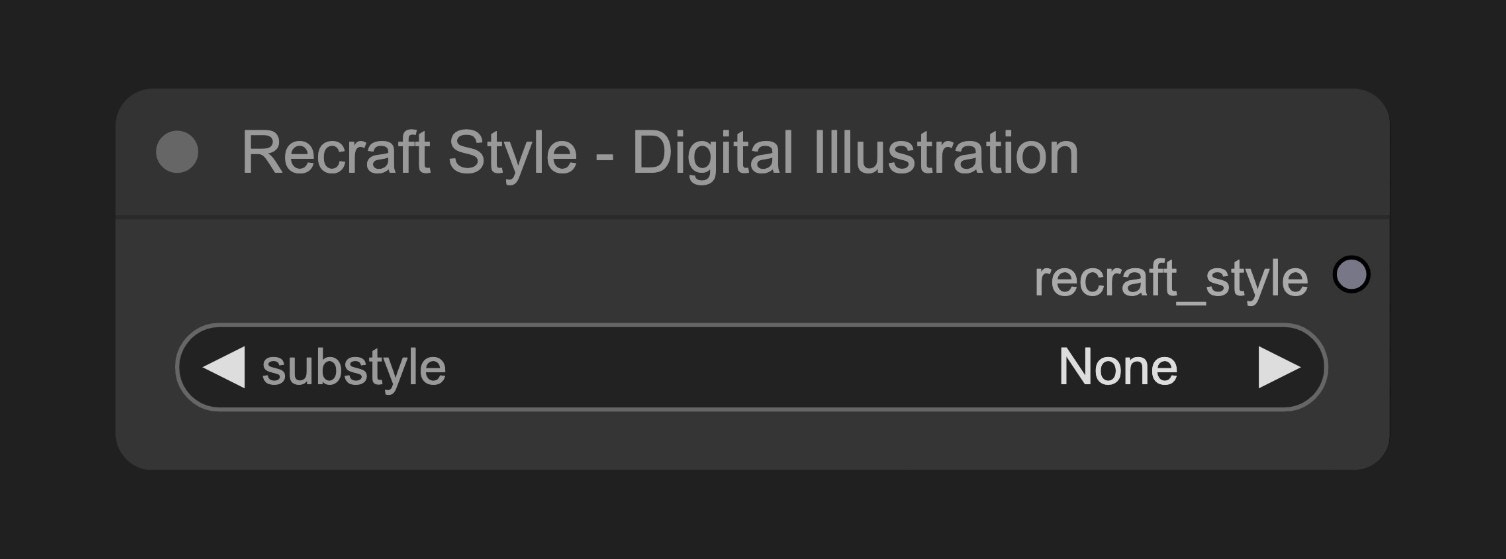 此节点创建一个风格配置对象,用于指导Recraft的图像生成过程朝向数字插画的视觉效果。
## 参数说明
### 基本参数
| 参数 | 类型 | 默认值 | 说明 |
| -------- | --- | ---- | ------------ |
| substyle | 选择项 | None | 数字插画风格的具体子风格 |
### 输出
| 输出 | 类型 | 说明 |
| -------------- | ------------- | --------------------- |
| recraft\_style | Recraft Style | 风格配置对象,连接到Recraft生成节点 |
## 使用示例
Recraft Text to Image 工作流示例
## 源码参考
\[节点源码 (更新于2025-05-03)]
```python theme={null}
class RecraftStyleV3DigitalIllustrationNode(RecraftStyleV3RealisticImageNode):
"""
Select digital_illustration style and optional substyle.
"""
RECRAFT_STYLE = RecraftStyleV3.digital_illustration
```
此节点创建一个风格配置对象,用于指导Recraft的图像生成过程朝向数字插画的视觉效果。
## 参数说明
### 基本参数
| 参数 | 类型 | 默认值 | 说明 |
| -------- | --- | ---- | ------------ |
| substyle | 选择项 | None | 数字插画风格的具体子风格 |
### 输出
| 输出 | 类型 | 说明 |
| -------------- | ------------- | --------------------- |
| recraft\_style | Recraft Style | 风格配置对象,连接到Recraft生成节点 |
## 使用示例
Recraft Text to Image 工作流示例
## 源码参考
\[节点源码 (更新于2025-05-03)]
```python theme={null}
class RecraftStyleV3DigitalIllustrationNode(RecraftStyleV3RealisticImageNode):
"""
Select digital_illustration style and optional substyle.
"""
RECRAFT_STYLE = RecraftStyleV3.digital_illustration
```