> ## Documentation Index
> Fetch the complete documentation index at: https://docs.comfy.org/llms.txt
> Use this file to discover all available pages before exploring further.
# 获取 API Key
> 了解如何创建和管理你的 Comfy Platform API Key,用于访问 Cloud API、Partner Nodes 等。
API Key 是访问 Comfy Platform 服务的凭证,可用于:
* [Cloud API](/zh/development/cloud/overview) — 以编程方式调用 Comfy Cloud 端点
* [Partner Node API 集成](/zh/development/comfyui-server/api-key-integration) — 在本地工作流中使用付费 API 节点
* [MCP 连接](/zh/agent-tools) — 通过 MCP 连接 Comfy
* [本地登录 ComfyUI](/zh/interface/user#logging-in-with-an-api-key) — 使用 API Key 替代邮箱登录
## 创建 API Key
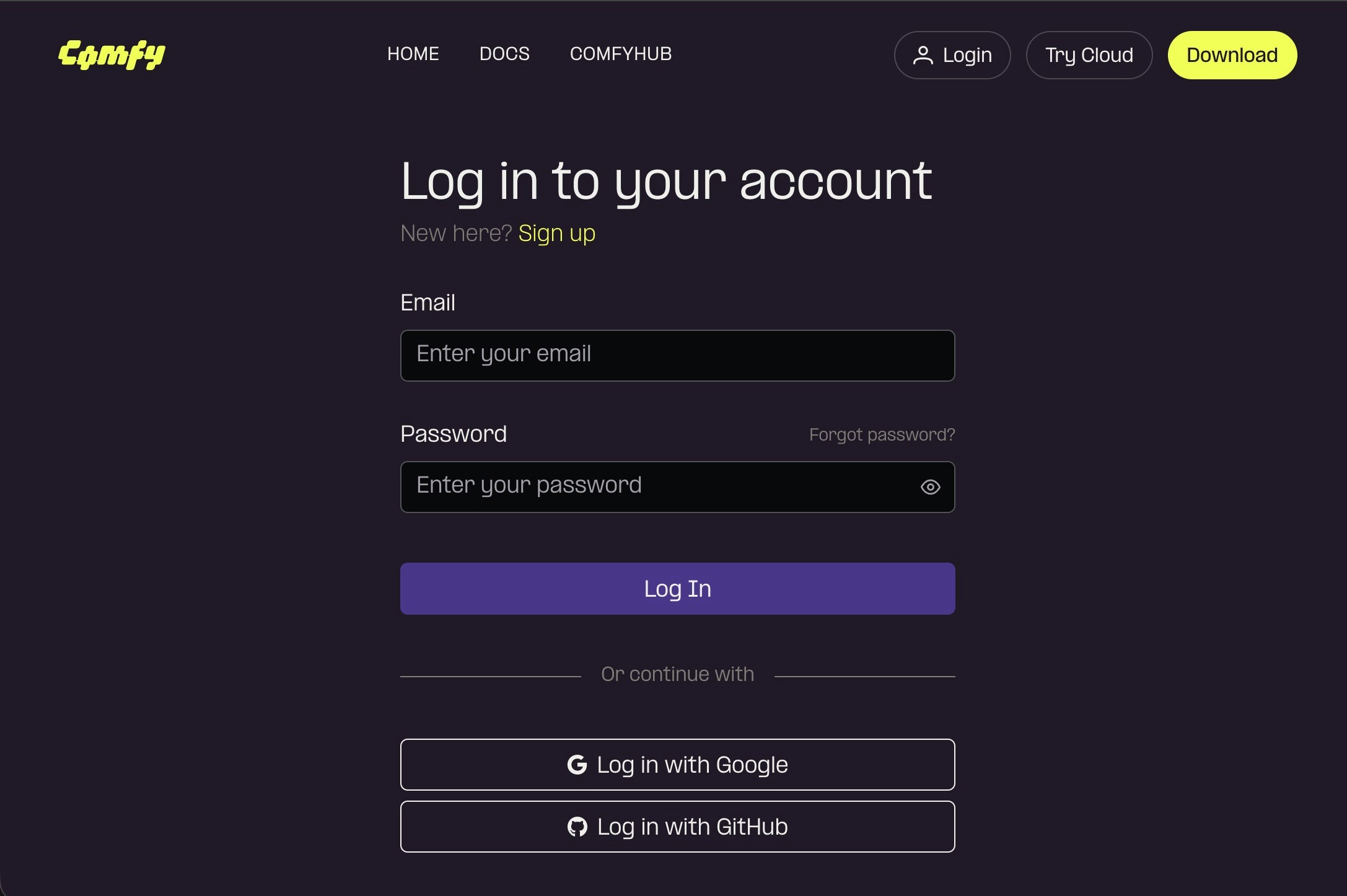
请访问 [https://platform.comfy.org/login](https://platform.comfy.org/login) 并使用对应的账号进行登录
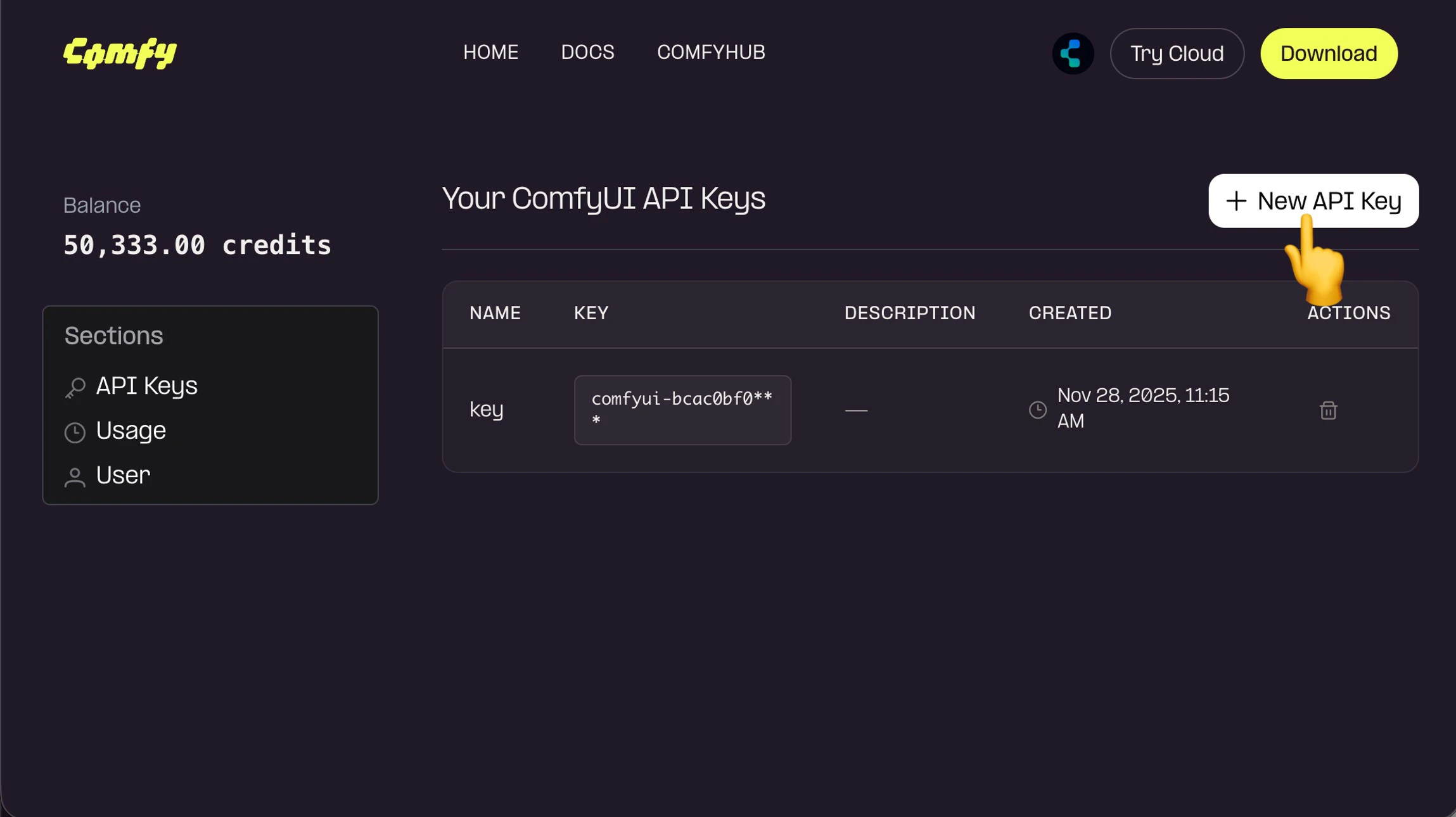
 在 API Keys 点击 `+ New` 创建 API Key
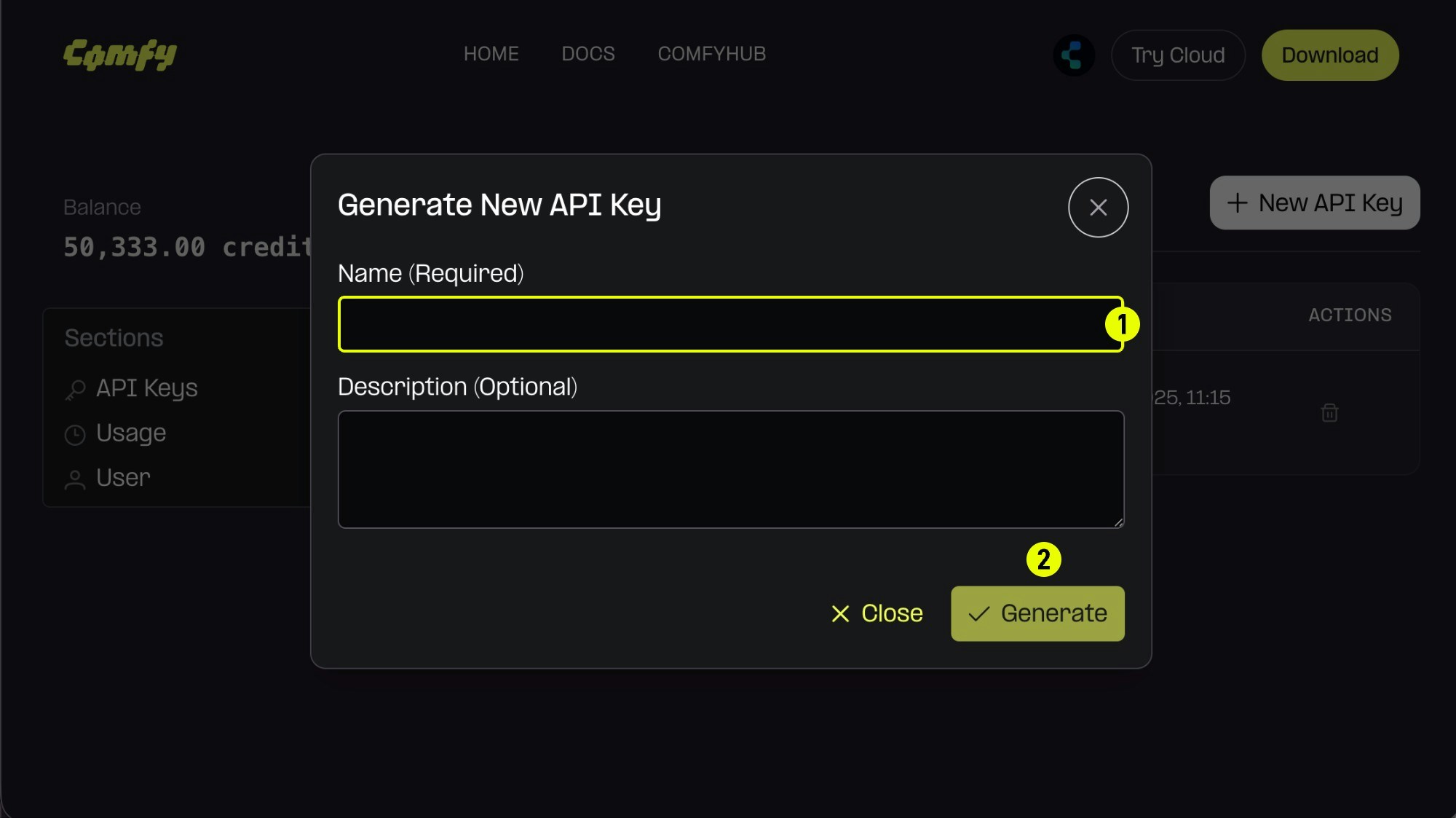 1. (必填)输入 API Key 名称,
2. 点击 `Generate` 创建
1. (必填)输入 API Key 名称,
2. 点击 `Generate` 创建
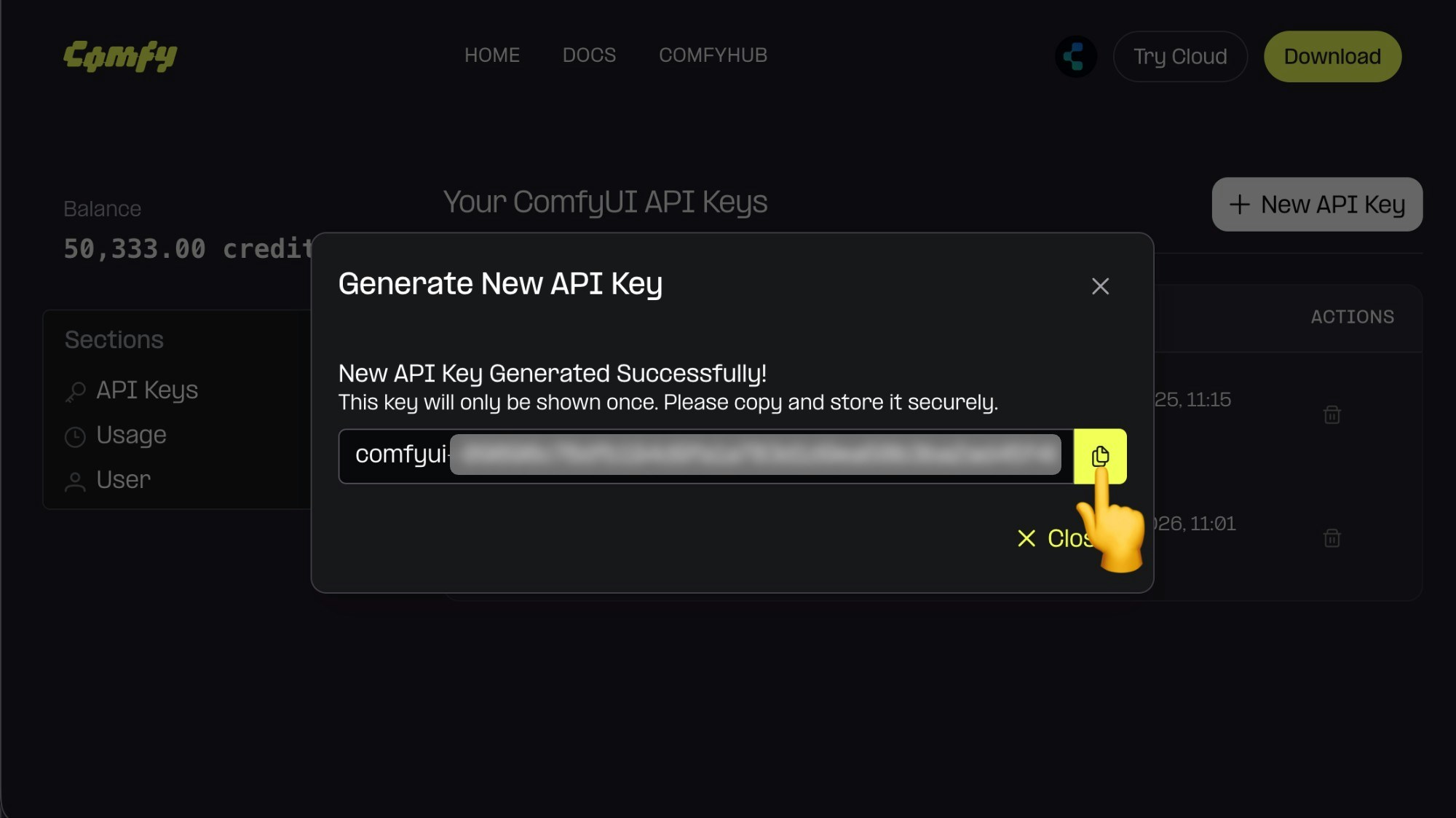 由于 API Key 仅在第一次创建时可见,所以请在创建后立即保存,后续无法查看,请妥善保存,请注意不要公开分享你的 API Key,如果对应的 Key 已经泄露,请及时删除并创建新的 API Key。
## 管理你的 API Key
登录后你可以在 [platform.comfy.org](https://platform.comfy.org) 查看和管理所有 API Key。
* **查看已有 Key**:查看每个 Key 的名称和创建日期
* **删除 Key**:如果 Key 泄露或不再需要,立即删除
* **创建多个 Key**:可以为不同应用创建多个 API Key
API Key 仅在创建时显示一次,请立即保存到安全位置。如果丢失了 Key,请删除并重新创建。
## 使用你的 API Key
获取 API Key 后,你可以:
1. **本地登录 ComfyUI** — 进入 **设置 → 用户**,选择 "Comfy API Key" 登录
2. **调用 Partner Node API** — 在发送工作流时,在 `extra_data.api_key_comfy_org` 中包含 Key
3. **使用 Cloud API** — 在 Cloud API 请求头中包含 Key
出于安全考虑,请勿分享你的 API Key 或将其提交到版本控制。
由于 API Key 仅在第一次创建时可见,所以请在创建后立即保存,后续无法查看,请妥善保存,请注意不要公开分享你的 API Key,如果对应的 Key 已经泄露,请及时删除并创建新的 API Key。
## 管理你的 API Key
登录后你可以在 [platform.comfy.org](https://platform.comfy.org) 查看和管理所有 API Key。
* **查看已有 Key**:查看每个 Key 的名称和创建日期
* **删除 Key**:如果 Key 泄露或不再需要,立即删除
* **创建多个 Key**:可以为不同应用创建多个 API Key
API Key 仅在创建时显示一次,请立即保存到安全位置。如果丢失了 Key,请删除并重新创建。
## 使用你的 API Key
获取 API Key 后,你可以:
1. **本地登录 ComfyUI** — 进入 **设置 → 用户**,选择 "Comfy API Key" 登录
2. **调用 Partner Node API** — 在发送工作流时,在 `extra_data.api_key_comfy_org` 中包含 Key
3. **使用 Cloud API** — 在 Cloud API 请求头中包含 Key
出于安全考虑,请勿分享你的 API Key 或将其提交到版本控制。