> ## Documentation Index
> Fetch the complete documentation index at: https://docs.comfy.org/llms.txt
> Use this file to discover all available pages before exploring further.
# Qwen Image 3.0 Pro - 高级 AI 图像生成
> 在 ComfyUI 中使用 Qwen Image 3.0 Pro 生成生产就绪图像,并凭借精确的指令遵循能力编辑最多 3 张参考图像
Qwen 图像 3.0 Pro 是阿里巴巴的第三代图像生成模型,其设计以实用输出为核心:信息图、文档和基于指令的编辑,而非纯粹的美学效果。它定位为一种单次生成即可创建密集、信息丰富视觉内容的工具,标语为“内容丰富,细节真实,知识深入”。
该模型可接受最多 4,500 个 token 的提示词,约为上一代输入长度的 4.5 倍。它利用这一额度来编排报纸版面、多面板信息图、带有清晰可读数学符号的学术论文,以及其他高密度布局,无需将需求压缩成几句话。它还能以 12 种语言和 20 多种字体渲染小至约 10 像素的清晰小字,并集成世界知识,可用于天气地图和直播界面复刻等使用例。
使用 API 节点需要保证你已经正常登录,并在受许可的网络环境下使用,请参考[API 节点总览](/zh/tutorials/partner-nodes/overview)部分文档来了解使用 API 节点的具体使用要求。
请确保你的 ComfyUI 已经更新。
* [ComfyUI 下载](https://www.comfy.org/download)
* [ComfyUI 更新教程](/zh/installation/update_comfyui)
本指南里的工作流可以在[工作流模板](/zh/interface/features/template)中找到。如果找不到,可能是 ComfyUI 没有更新。
如果加载工作流时有节点缺失,可能原因有:
1. 你用的不是最新版(每夜版)。
2. 启动时有些节点导入失败。
* [Cloud](https://cloud.comfy.org) 会在 ComfyUI 稳定版本发布后更新。
所以,如果你发现本文档中有任何核心节点缺失,可能是因为新核心节点尚未在最新稳定版中发布。请等待下一个稳定版发布。
## 关键能力
* **超长提示词**:接受最多 4,500 个 token 的指令,适用于细节丰富、信息含量高的构图
* **密集实用的布局**:一次性生成完整的报纸页面、多面板信息图和含公式的学术文档
* **小字渲染**:可渲染小至约 10px 的清晰可读文字,支持 12 种语言和 20 多种字体
* **世界知识整合**:基于真实世界信息生成内容,例如为指定城市生成天气地图
* **基于指令的编辑**:可编辑最多 3 张参考图像,对物体、风格或区域进行有针对性的修改
* **批处理生成**:每次运行生成 1 至 6 张图像
## Qwen Image 3.0 Pro 文生图工作流
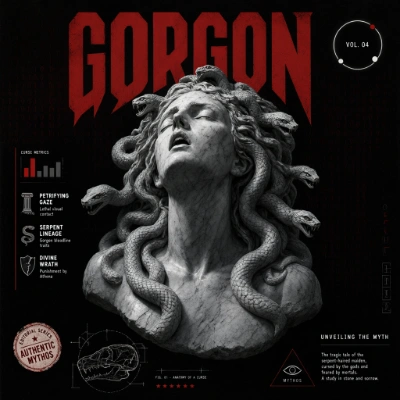
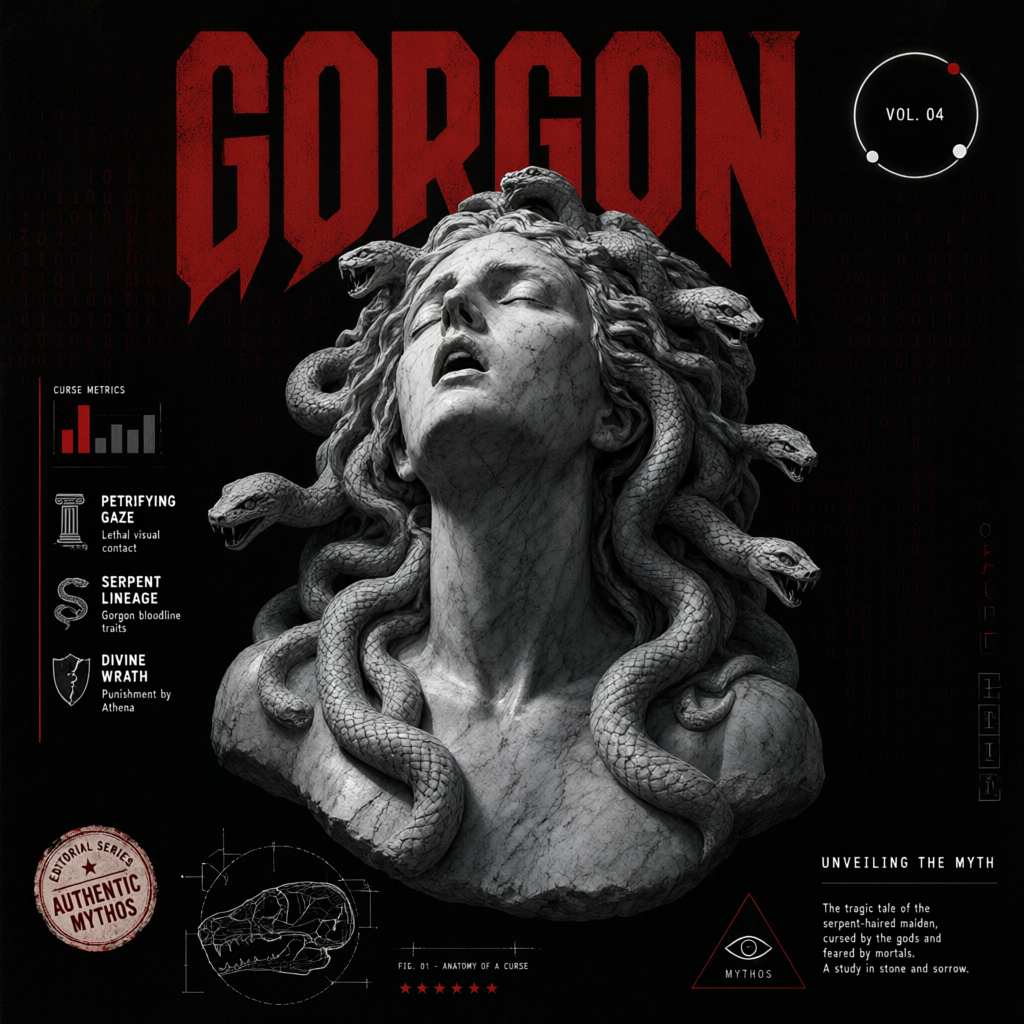
根据文本提示词生成一张细节丰富的图像,由 Qwen Image 3.0 Pro 负责布局、排版和构图。
 在 Comfy Cloud 中打开
下载 JSON,或在模板库中搜索“Qwen Image 3.0 Pro”
## Qwen 图像 3.0 Pro 图像编辑工作流
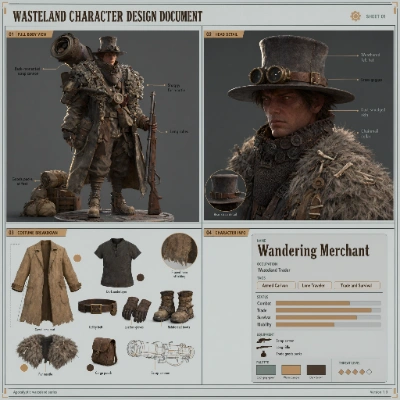
使用文本指令编辑现有图像。可组合最多 3 张参考图像,更改对象、交换风格或重新构图场景,同时保留原始结构。
在 Comfy Cloud 中打开
下载 JSON,或在模板库中搜索“Qwen Image 3.0 Pro”

## Qwen 图像 3.0 Pro 图像编辑工作流
使用文本指令编辑现有图像。可组合最多 3 张参考图像,更改对象、交换风格或重新构图场景,同时保留原始结构。
 在 Comfy Cloud 中打开
下载 JSON,或在模板库中搜索“Qwen 图像 3.0 Pro”
在 Comfy Cloud 中打开
下载 JSON,或在模板库中搜索“Qwen 图像 3.0 Pro”
输入素材
下载此示例输入图像以试用该工作流:
下载示例输入图像


## 开始使用
1. 将 ComfyUI 更新到最新版本
2. 前往模板库,搜索 `Qwen Image 3.0 Pro`