PixVerse
PixVerse Image to Video - ComfyUI Native Node Documentation
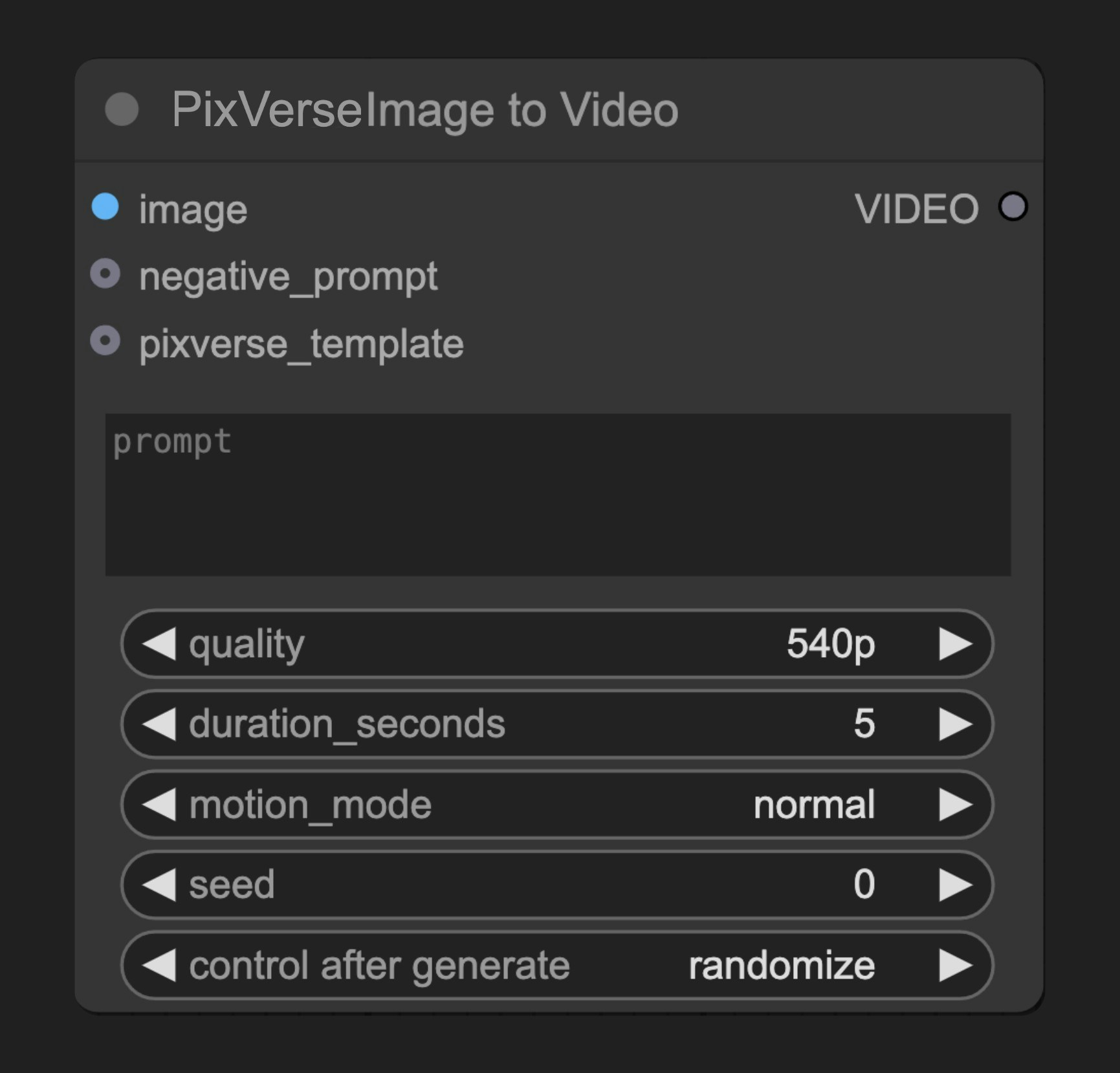
A node that converts static images to dynamic videos using PixVerse AI

Documentation Index
Fetch the complete documentation index at: /llms.txt
Use this file to discover all available pages before exploring further.
A node that converts static images to dynamic videos using PixVerse AI

| Parameter | Type | Default | Description |
|---|---|---|---|
| image | Image | - | Input image to convert to video |
| prompt | String | "" | Text prompt describing video motion/content |
| negative_prompt | String | "" | Elements to avoid in the video |
| seed | Integer | -1 | Random seed (-1 for random) |
| quality | Select | ”high” | Output video quality level |
| aspect_ratio | Select | ”r16_9” | Output video aspect ratio |
| duration | Select | ”seconds_4” | Length of generated video |
| motion_mode | Select | ”standard” | Video motion style |
| Parameter | Type | Default | Description |
|---|---|---|---|
| pixverse_template | PIXVERSE_TEMPLATE | None | Optional PixVerse template |
| Output | Type | Description |
|---|---|---|
| VIDEO | Video | Generated video |
class PixverseImageToVideoNode(ComfyNodeABC):
"""
Pixverse Image to Video
Generates videos from an image and prompts.
"""
@classmethod
def INPUT_TYPES(s):
return {
"required": {
"image": ("IMAGE",),
"prompt": ("STRING", {"multiline": True, "default": ""}),
"negative_prompt": ("STRING", {"multiline": True, "default": ""}),
"seed": ("INT", {"default": -1, "min": -1, "max": 0xffffffffffffffff}),
"quality": (list(PixverseQuality.__members__.keys()), {"default": "high"}),
"aspect_ratio": (list(PixverseAspectRatio.__members__.keys()), {"default": "r16_9"}),
"duration": (list(PixverseDuration.__members__.keys()), {"default": "seconds_4"}),
"motion_mode": (list(PixverseMotionMode.__members__.keys()), {"default": "standard"}),
},
"optional": {
"pixverse_template": ("PIXVERSE_TEMPLATE",),
},
"hidden": {
"auth_token": "AUTH_TOKEN_COMFY_ORG",
},
}
RETURN_TYPES = ("VIDEO",)
DESCRIPTION = "Generates videos from an image and prompts using Pixverse's API"
FUNCTION = "generate_video"
CATEGORY = "api node/video/Pixverse"
API_NODE = True
OUTPUT_NODE = True
Was this page helpful?