

ComfyUI SeedVR2 简介
SeedVR2(arXiv:2506.05301,来自字节跳动 Seed)是一种一步式扩散视频修复模型。它通过对真实数据进行对抗训练来高保真地修复和放大图像与视频。SeedVR2 已在 ComfyUI 中原生支持(PR #14424)。 主要功能:- 保守放大:在提升清晰度的同时保留原始结构和细节
- 一步推理:单次前向传播即可完成图像和视频放大
- 多种模型规模:提供 3B 和 7B 两个版本,支持 FP16、FP8、INT8、NVFP4 和 MXFP8 量化
- 图像与视频兼顾:支持单张图像放大和视频分辨率增强
Model Installation
Download the SeedVR2 checkpoint(s) from the Comfy-Org SeedVR2 repository and save them to the corresponding ComfyUI folder:- seedvr2_3b_fp16.safetensors: 3B FP16 base model, lower VRAM requirement
- seedvr2_3b_fp8_e4m3fn.safetensors: 3B FP8 quantized, further reduced VRAM
- seedvr2_3b_int8_convrot.safetensors: 3B INT8 with convrot
- seedvr2_7b_fp16.safetensors: 7B FP16 base model, higher quality
- seedvr2_7b_fp8_e4m3fn.safetensors: 7B FP8 quantized, balance of quality and VRAM
- seedvr2_7b_int8_convrot.safetensors: 7B INT8 with convrot
- seedvr2_7b_sharp_fp16.safetensors: 7B FP16 sharp variant for enhanced detail
- seedvr2_ema_vae_fp16.safetensors: VAE checkpoint (shared across all model variants)
示例工作流
SeedVR2 3B Int8:缩放图像
使用 SeedVR2 3B Int8 对图像进行缩放,这是一个基于 diffusion 的单步视频恢复模型,可生成高质量结果,并具有更好的时间一致性。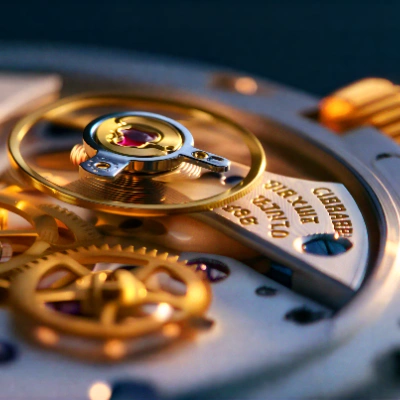
在 Comfy Cloud 上运行
在 Comfy Cloud 中打开
下载工作流
下载 JSON,或在模板库中搜索 “SeedVR2 3B Int8: Upscale Image”
LoadImage 节点:
watch_macro_shot.png
LoadImage 节点 1 · watch_macro_shot.png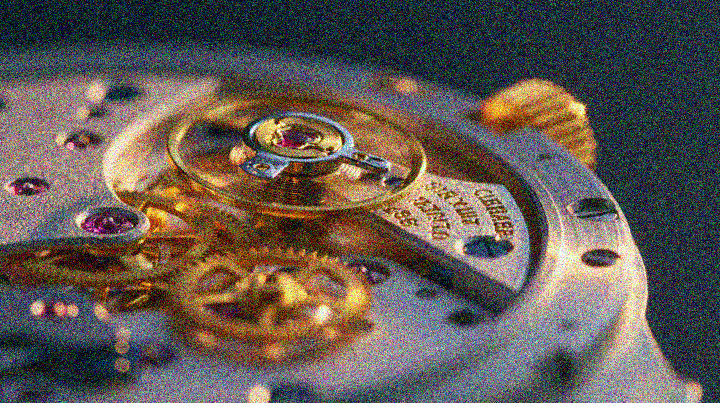
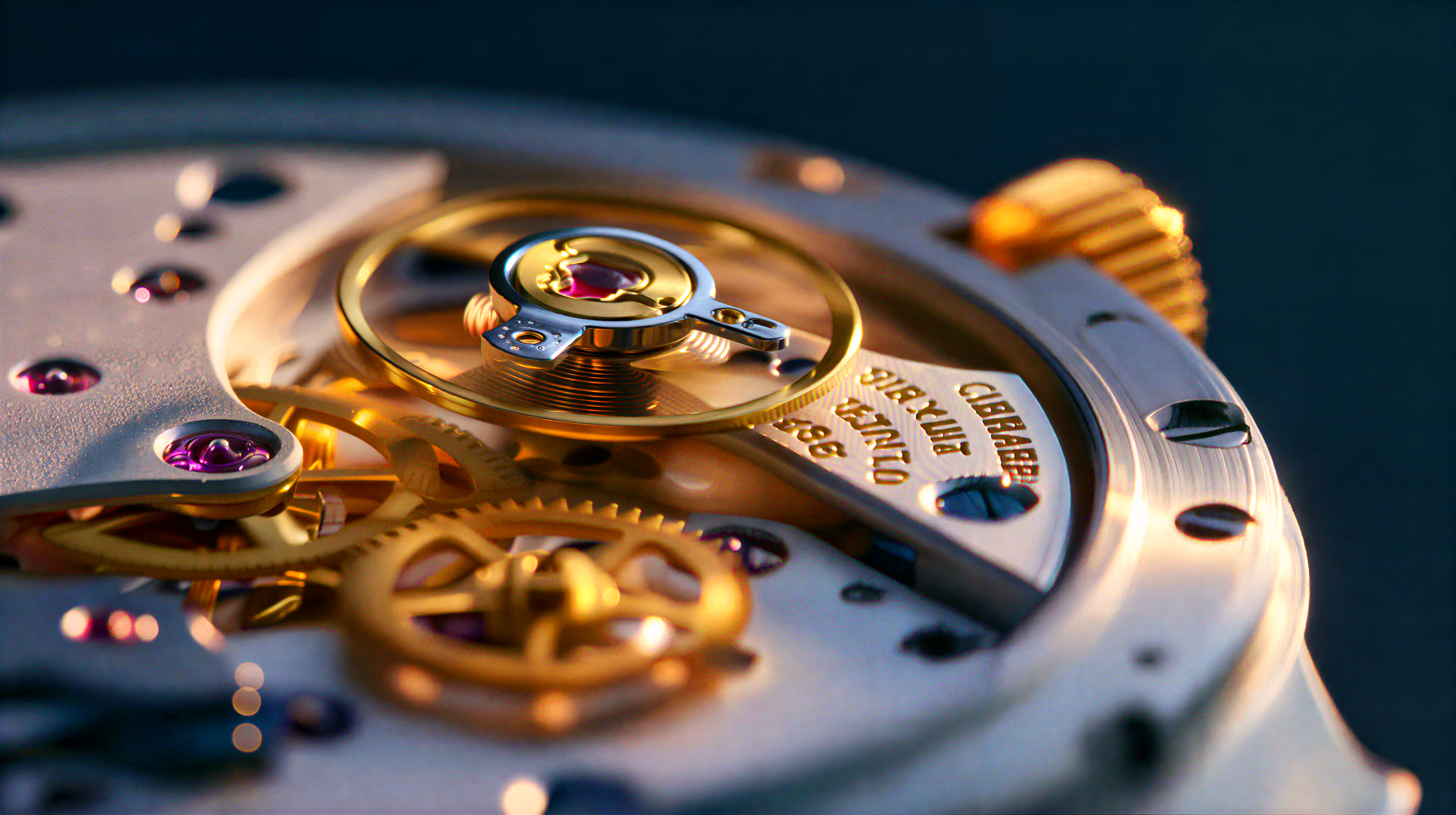
1.1 运行步骤
- 将你的图像放入
ComfyUI/input/文件夹,并在Load Image节点中选择它。 - 在 SeedVR2 模型加载器中选择
seedvr2_3b_int8_convrot.safetensorscheckpoint。 - 点击
Queue,或使用Ctrl(cmd) + Enter来运行。
SeedVR2 7B Int8:缩放图像
使用 SeedVR2 7B Int8 缩放图像,这是一个一步扩散模型,通过对抗性训练和自适应窗口注意力提升分辨率。
在 Comfy Cloud 上运行
在 Comfy Cloud 中打开
下载工作流
下载 JSON,或在模板库中搜索 “SeedVR2 7B Int8:缩放图像”
LoadImage 节点:
indoor_portrait.png
LoadImage 节点 1 · indoor_portrait.png

2.1 运行步骤
- 将图像放入
ComfyUI/input/文件夹,并在Load Image节点中选择它 - 在 SeedVR2 模型加载器中选择
seedvr2_7b_int8_convrot.safetensorscheckpoint - 点击
Queue或使用Ctrl(cmd) + Enter运行
SeedVR2 3B Int8: Upscale 视频
使用 SeedVR2 3B Int8 对视频画面进行 Upscale 与修复。这是一种单步 diffusion 模型,可在提升分辨率的同时保持帧间的时间一致性。
在 Comfy Cloud 上运行
在 Comfy Cloud 中打开
下载工作流
下载 JSON,或在模板库中搜索 “SeedVR2 3B Int8: Upscale Video”
LoadVideo 节点:
grainy_perfume_shot_crf32.mp4
LoadVideo 节点 73 · grainy_perfume_shot_crf32.mp43.1 运行步骤
- 将你的视频放入
ComfyUI/input/文件夹,然后在加载视频节点中选择它 - 在 SeedVR2 模型加载器中选择
seedvr2_3b_int8_convrot.safetensorscheckpoint - 点击
队列,或使用Ctrl(cmd) + Enter运行
性能
更高的目标分辨率需要更长的处理时间。与 FP16 相比,INT8 变体以更低的 VRAM 使用量提供高效的推理。故障排除
放大后的图像完全是黑色
在量化模型上,注意力后端可能会静默返回黑色或损坏的输出。如果 SeedVR2 INT8 工作流生成的是全黑图像,请按以下顺序尝试:- 不使用 FlashAttention 运行: 如果你是通过
--use-flash-attention或某个自定义节点包启用的,请使用默认注意力后端启动 ComfyUI 并重新运行。在 RTX 3090 上,禁用 FlashAttention 解决了 3B 和 7B INT8 工作流的全黑输出问题。 - 切换模型: 使用相同体量的 FP16 或 FP8 文件。如果这些文件渲染正常,那么出问题的就是 INT8 量化路径。
- 验证文件: diffusion 模型和
seedvr2_ema_vae_fp16.safetensors都必须完整下载,并按模型安装中所示的方式放置。下载被截断也会以同样的方式失败。 - 禁用实时预览: 在某些情况下,只有预览是黑色的,而保存的文件是正确的,因此关闭实时预览可以消除这种不确定性。
社区资源
- SeedVR2 项目页面: 官方网站
- ByteDance SeedVR 代码库 (GitHub): 原始研究代码和论文
- Comfy-Org/SeedVR2 (HuggingFace): ComfyUI 模型权重
- ByteDance-Seed/SeedVR2-3B (HuggingFace): 原始 3B 模型权重
- ByteDance-Seed/SeedVR2-7B (HuggingFace): 原始 7B 模型权重
- 论文 (arXiv)