

Overview:
The MultiGPU CFG Split Node allows diffusion processing to occur using multiple GPUs installed in the same system. Performance results are workflow dependent, but speedups of up to 1.95x have been measured in common workflows.Key Details:
Mixing different GPU types is not supported, the installed GPUs must be the same (ie 2x 5090, or 2x 5080, etc.) ComfyUI will automatically detect multiple installed GPUs at startup.Supported GPUs:
Any homogeneous dual GPU setups with Ampere+ architecture (e.g 2 x 3090 or 2 x RTX6000 Pro)Supported Models:
- LTX-2.3
- WAN 2.2
- FLUX.2 Klein - Base Versions
- Z-Image
- Stable Diffusion 3.5 Large
- Hunyuan Video
- Qwen-Image-Edit-2511
- Hunyuan-3D-v2.1
- SDXL
Inputs
Outputs
Node:
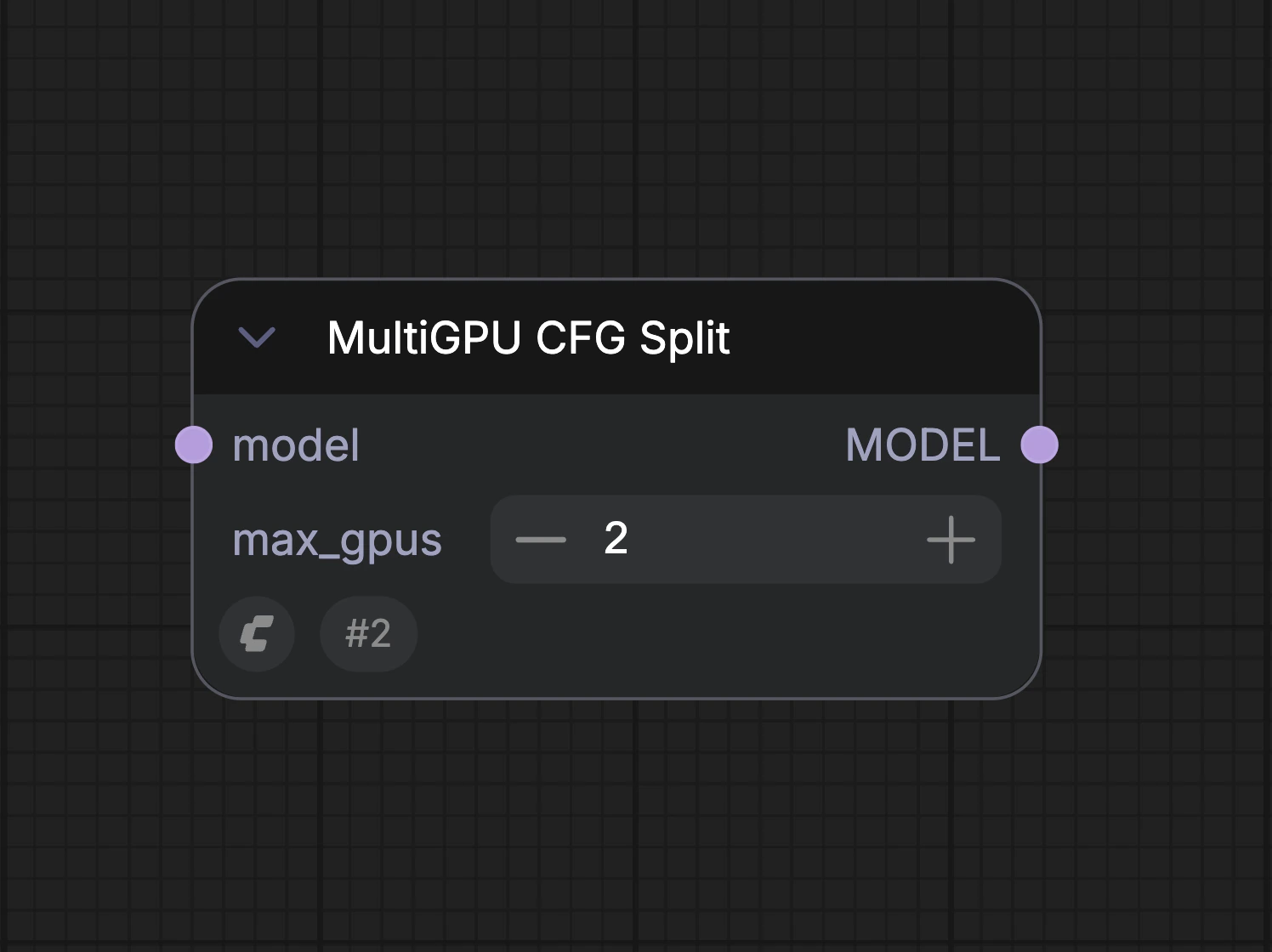
The max_gpus field should be set to the maximum number of identical GPUs installed in the system. Node placement: The MultiGPU CFG Split needs to be placed between the Model Load node and Sampling node. If other nodes are connected to the model output of the model loader node, the MultiGPU CFG should be the last node in the chain before the Sampling node.

Verifying Multi-GPU Utilization
When running a workflow with MultiGPU CFG Split enabled, you can look at the Windows Task Manager and select the performance category
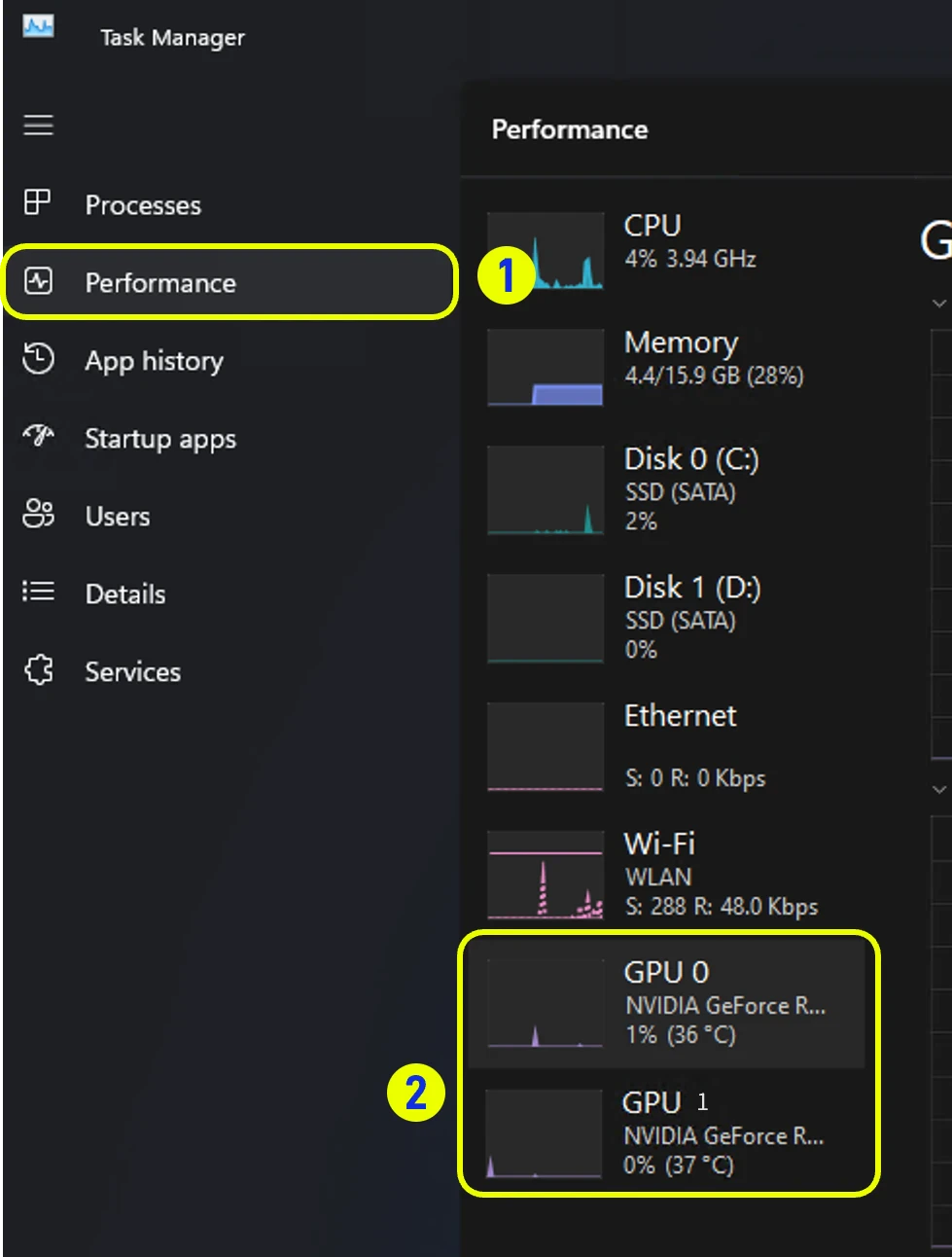
You should see activity on both installed GPUs while the sampler is running in the workflow.
Sample Multi-GPU Workflow: (Wan 2.2 FP8)
Sample workflow (Wan 2.2 FP8)This documentation was AI-generated. If you find any errors or have suggestions for improvement, please feel free to contribute! Edit on GitHub
Source fingerprint (SHA-256):
7293ee785e29aea9a1a70a10444b99e89fb23c866505628ec57c209a2b8aaee0