This is a Comfy Cloud feature and is only available in the cloud version. To learn more about Comfy Cloud, see Comfy Cloud.
Overview
Comfy Cloud allows you to share your workflows with others by generating a shareable link. Recipients can view the workflow along with all its inputs, outputs, and any assets referenced in the workflow.How to share a workflow
1
Build your workflow
Create and finalize the workflow you want to share in Comfy Cloud.
2
Click the share button
In the top-right corner of the workflow page, click the Share button.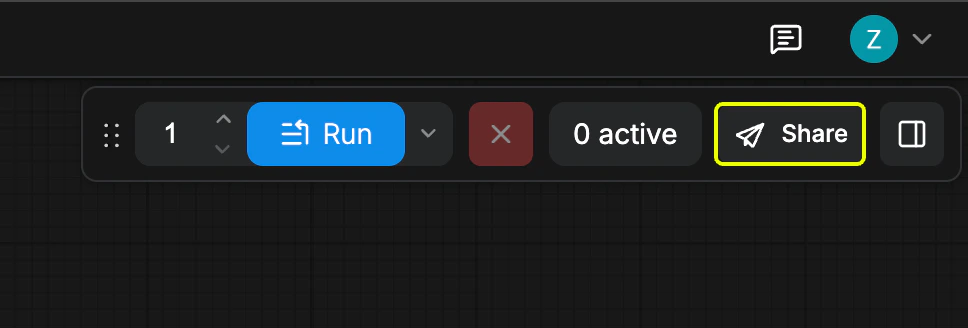
3
Save the workflow
If your workflow has not been saved yet, you will be prompted to enter a filename and save it before sharing.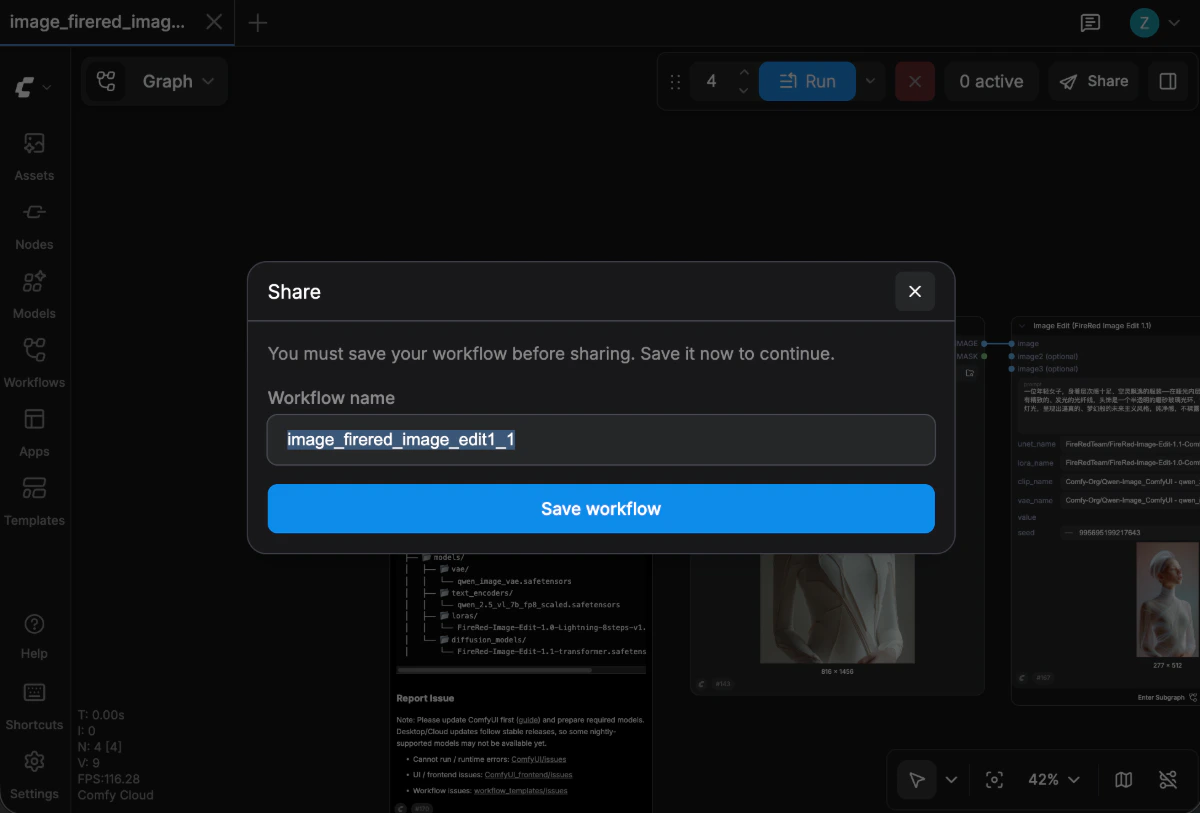
4
Create a shareable link
After saving, click Create a link to generate a shareable link. The link includes the workflow, its inputs and outputs, and the assets used in the graph.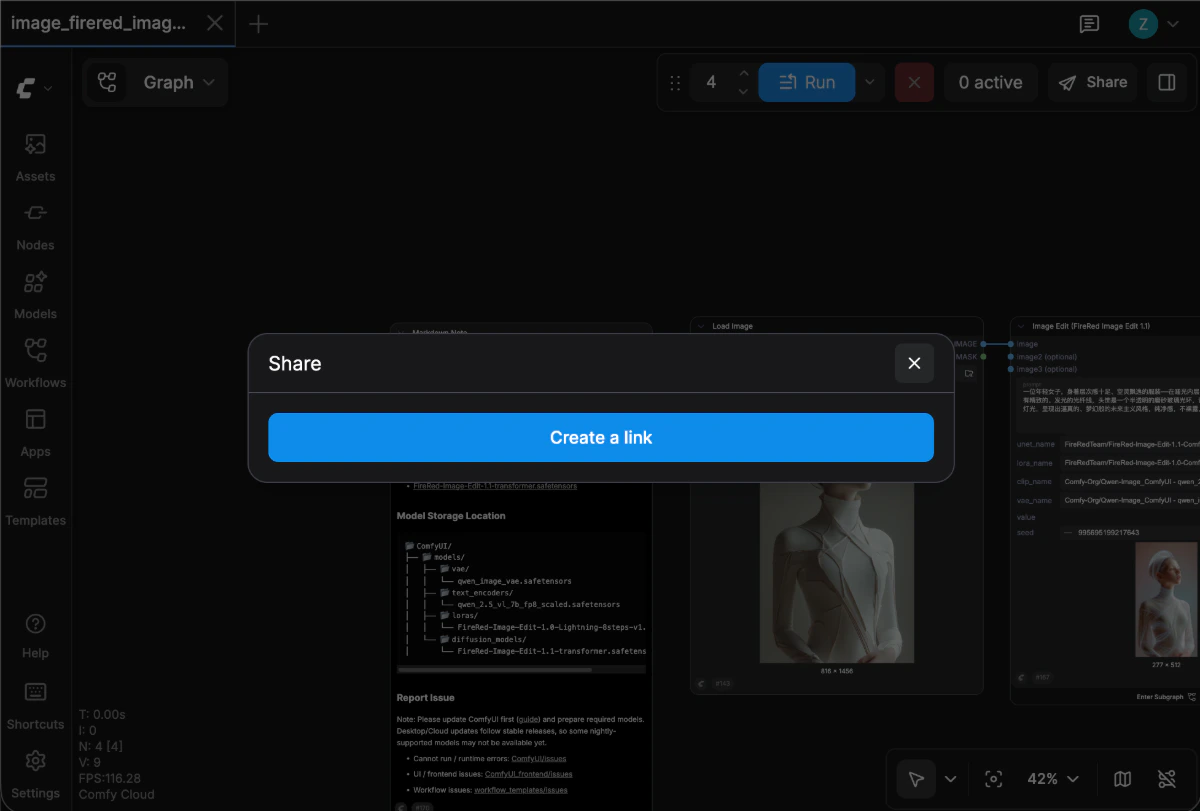
5
Copy and share the link
Once the link is generated, copy it and send it to anyone you want to share the workflow with.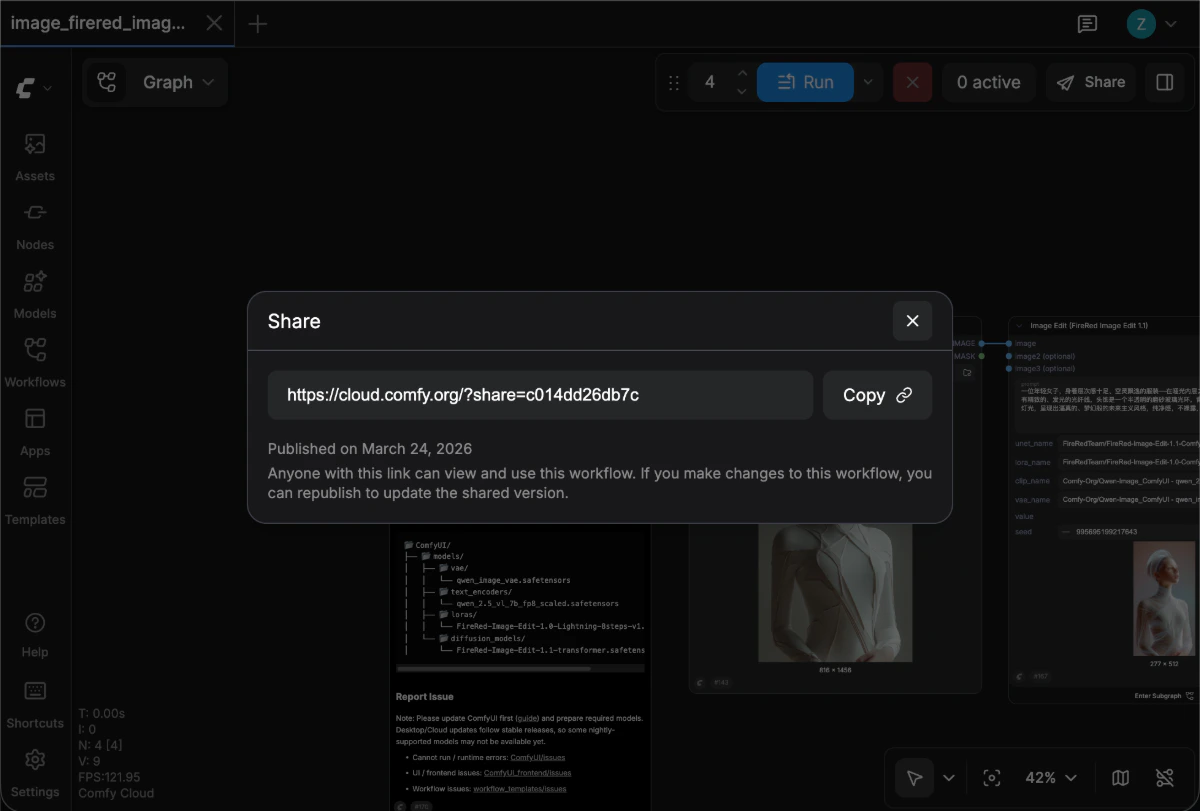
Update a shared workflow
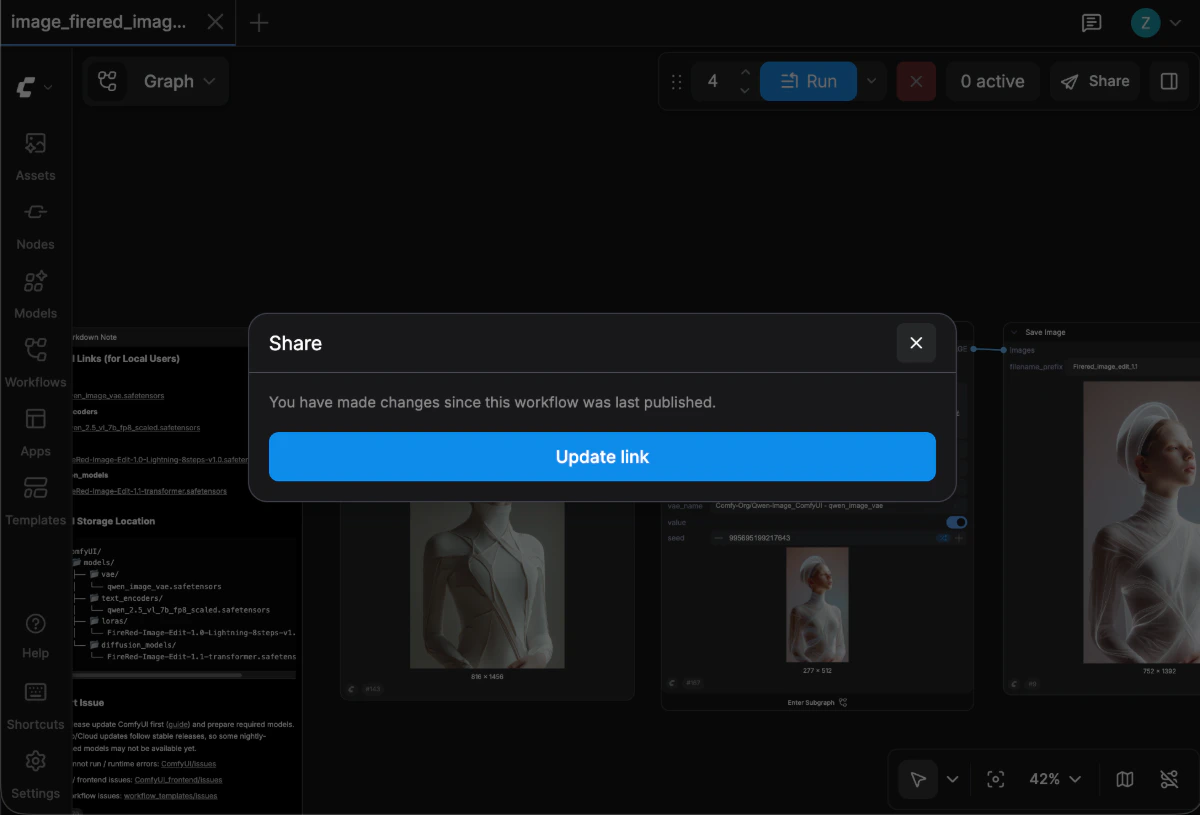
If you make changes to a workflow that has already been shared:- Save the updated workflow.
- Click the Share button again.
- Select Update to refresh the existing shared link with your latest changes.