

Open the Help Center
Click the question mark icon at the bottom of the left sidebar. The tooltip reads Help Center, and a red dot on the icon means there is something new to read.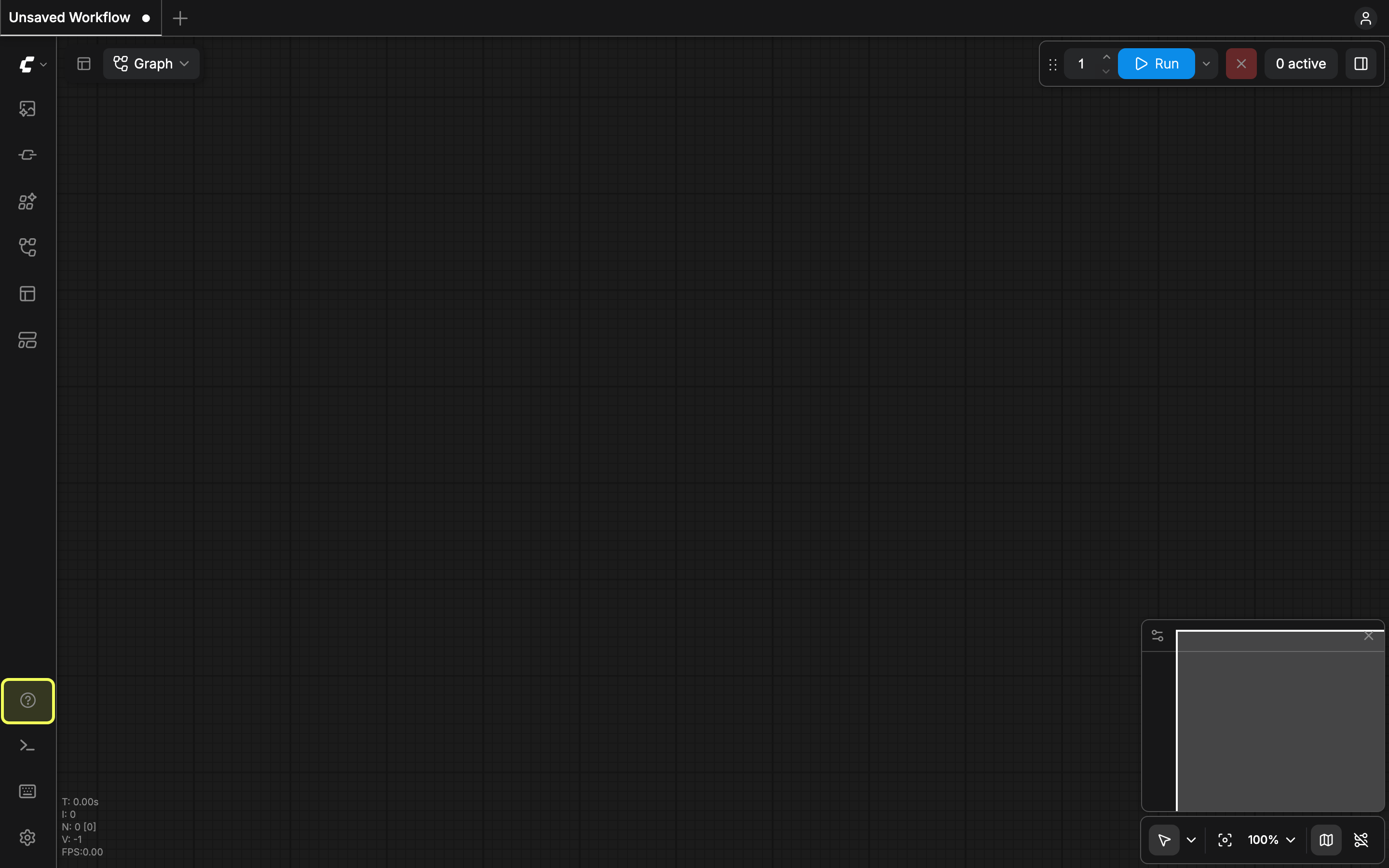
Menu entries
The panel lists the entries below. Some of them only appear on the Comfy Cloud build, and some only on a local install.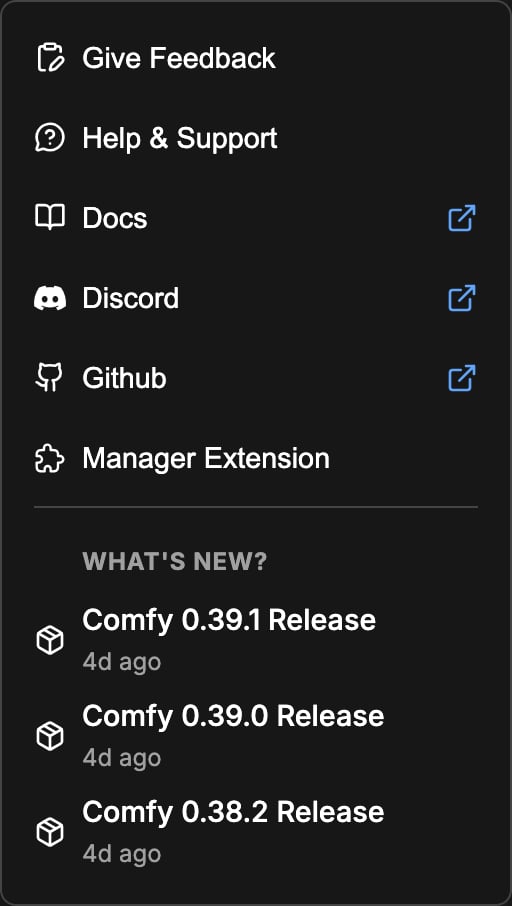
What’s New
The What’s New? section under the menu lists the most recent ComfyUI releases with the version number and the release date. Click a release to open its entry on the changelog page.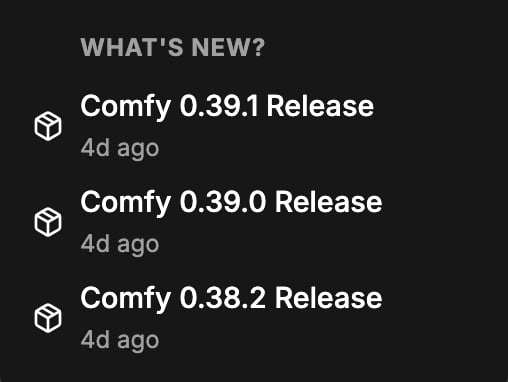
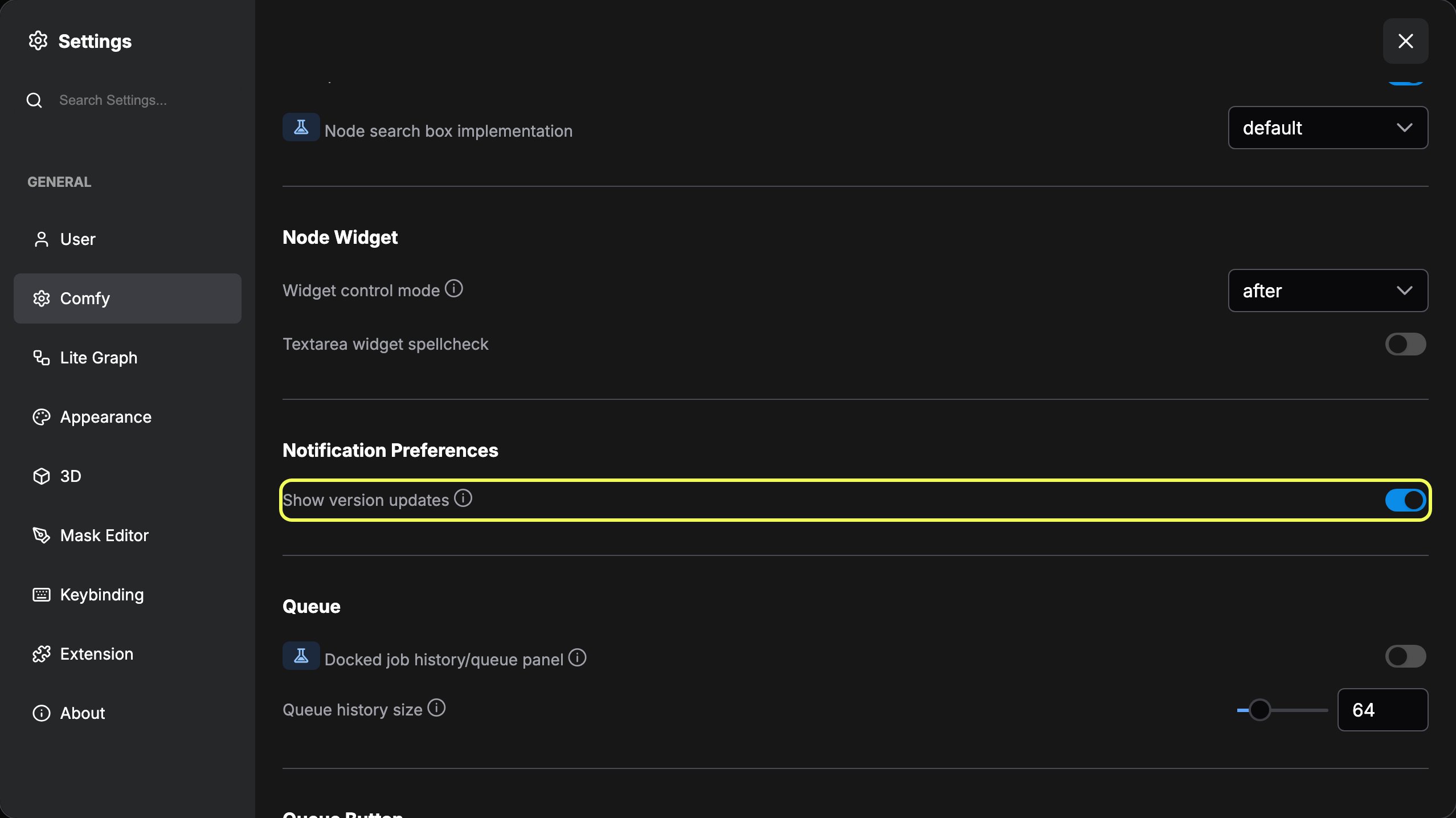
The red dot
The sidebar icon shows a red dot when there is something to read or resolve:- Unread release notes: a newer version is available and you have not opened its notes yet. The desktop app shows this marker, and only while Show version updates is on.
- Node conflicts: the custom node manager found a problem with an installed custom node, such as a ComfyUI or frontend version mismatch, a node that failed to import, or a package that is not supported on your operating system or GPU.