

Lyrics: block with your own words, and the node sings them. Without a lyrics block the model writes its own.
For Sonilo video soundtracks and the older text to music node, see Sonilo: Video to Music and Text to Audio.
Get started
1
Update ComfyUI
Update ComfyUI to a version that includes the
Sonilo Music 1.5 node.2
Find the Sonilo Music 1.5 workflow
Open the Workflow Library, browse Templates, and search for “Sonilo Music 1.5”.
3
Write the direction and the lyrics
Fill in the prompt, then click the Run button or use
Ctrl(Cmd) + Enter.Sonilo: Music 1.5 (Lyrics to Song)
Generate a song from a text prompt. The prompt sets the musical direction, and the lyrics block sets the words that are sung.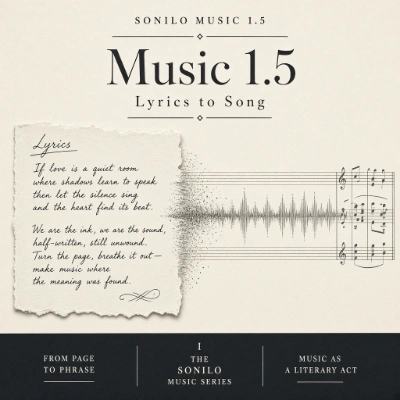
Run on Comfy Cloud
Open in Comfy Cloud
Download Workflow
Download JSON or search “Sonilo Music 1.5” in Template Library
Lyrics: on its own line and write the song underneath. Bracket tags such as [Verse], [Chorus] and [Bridge] go on their own line above each section, and you repeat the tag every time that section comes back.
- Length:
autofits the song to the lyrics. Switchdurationtocustomto fix a length between 10 and 360 seconds; a custom length cuts lyrics that do not fit and repeats short ones - Prompt limit: 2000 characters for the direction and the lyrics together
- Instrumental: with no
Lyrics:block, sayinstrumental,no vocalsorlyric-freein the direction to get a music bed instead of a song - Output: the template writes an MP3 through Save Audio (Advanced)