structured_prompt JSON string.
That JSON is what makes FIBO predictable. Feed it back with the same seed to rebuild an image, change one field to refine it, or build it programmatically. FIBO 2.0 adds instruction editing on the same model: describe the change in plain language, or hand over the structured prompt, and everything you did not ask to change stays put.
Both nodes are cloud API nodes. They need a Comfy account with credits, download no model, and bill per run; see Partner Node pricing for the rates. This page also covers the Bria outpainting template, which runs on the Bria Expand Image node.
What Bria FIBO 2.0 is good at
- One model for both directions: the same FIBO 2.0 weights generate a new image or edit an existing one
- Structured control: lighting, composition, camera, and style are explicit JSON fields instead of prompt guesswork
- Edits that hold: identity, layout, lighting, and fine detail stay intact outside the area you asked to change
- Typography and texture: legible in-image text, convincing material surfaces, and more reliable anatomy than earlier FIBO releases
- Licensed data: trained on licensed data, with the provenance commercial work needs
- Time of day and relighting: change the hour or the light source without rebuilding the scene
- Material and texture swaps: fabric, metal, finish, and clothing
- Masked area editing: confine a change to a painted region and keep the rest pixel-identical
- Text adjustment: rewrite or restyle the words inside an image
- Restyling: re-render a photo in a different art direction
- Posters and covers: text-led layouts where the headline has to be rendered literally
Example outputs
An instruction edit on the FIBO 2.0 Image Edit workflow, keeping the rooftop scene and changing only the light: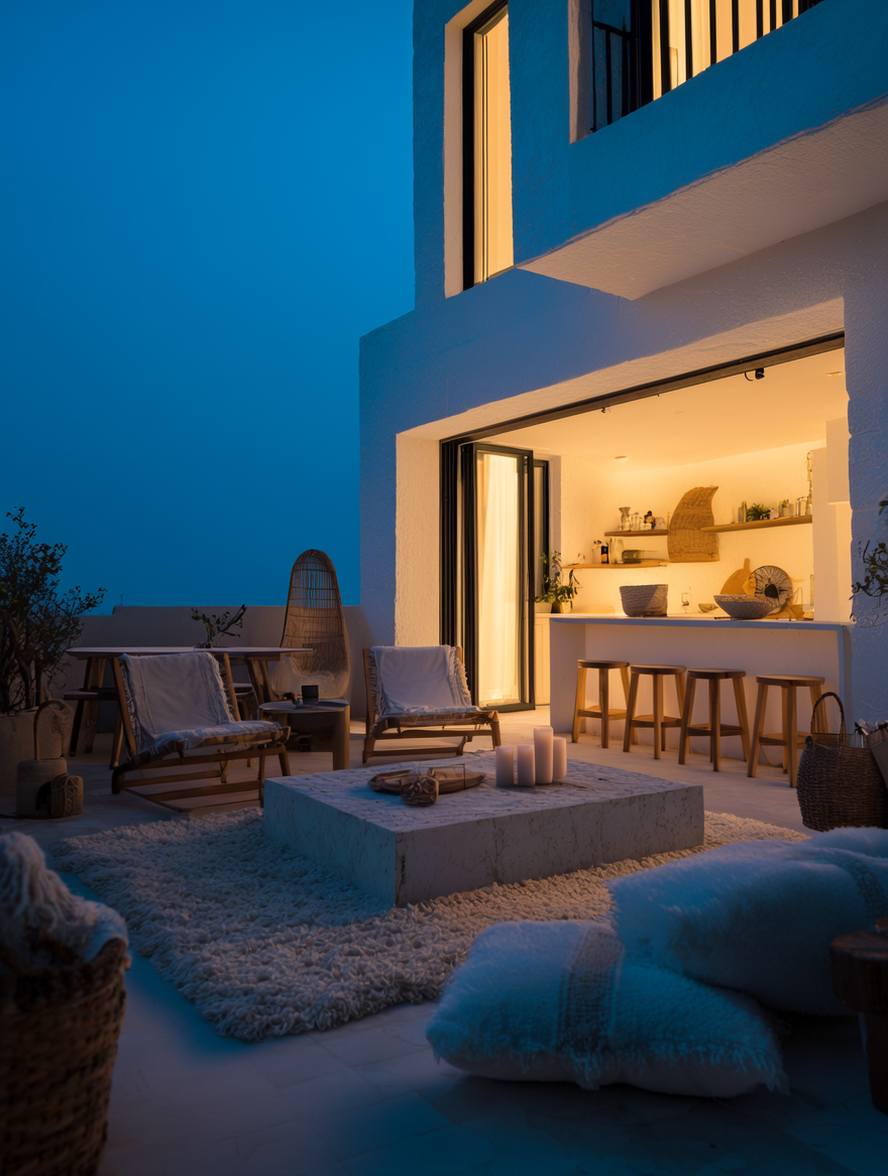
Bria: FIBO 2.0 Text to Image
Describe the image, pick a shape, and run. FIBO 2.0 expands the prompt into a structured caption, generates at 1 MP or 4 MP, and returns the caption next to the image so you can rebuild or refine it later.
Download Workflow
Download JSON or search “Bria: FIBO 2.0 Text to Image” in Template Library
- Write the prompt: describe the image in
prompt. FIBO 2.0 follows long, specific briefs closely, including the exact wording that should appear inside the image. - Pick the shape:
aspect_ratiodefaults to1:1, and the presets cover16:9,9:16,4:3,3:2and the wider2:1,21:9,3:1,5:1formats. - Pick the resolution:
resolutionis1MPor4MP. - Optional reference: connect a photo to
imageto steer style or content. The result is a new composition at the selected ratio, not an edit of that photo, and it cannot be combined withstructured_prompt. - Run and iterate:
seedreproduces a result. Thestructured_promptoutput holds the JSON caption, so you can feed it into another FIBO 2.0 node to refine a single field or rebuild the same image later.
The FIBO 2.0 extended presets (
16:10, 10:16, 2:1, 1:2, 21:9, 9:21, 3:1, 1:3, 4:1, 1:4, 5:1, 1:5) are limited to 1MP and accept exactly one of prompt or structured_prompt. Use the landscape variants for banners and social headers; standard ratios take both fields together.Bria: FIBO 2.0 Image Edit
Edit an image by describing the change, with an optional mask to confine it to one region. FIBO 2.0 holds identity, layout, and detail outside the edited area, and returns the structured prompt for the edit so it can be rebuilt or refined from JSON.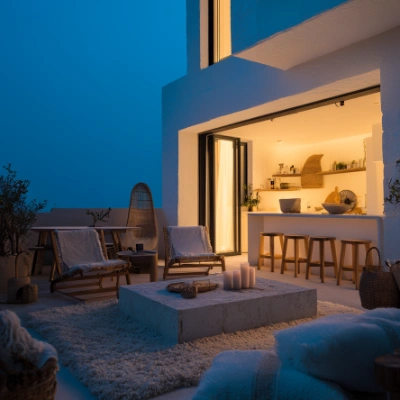
Run on Comfy Cloud
Open in Comfy Cloud
Download Workflow
Download JSON or search “Bria: FIBO 2.0 Image Edit” in Template Library
LoadImage node:
sunlit_rooftop_capture.png
LoadImage node 5 · sunlit_rooftop_capture.png
- Load the image: upload it in
LoadImageand connect it toBriaImageEditNode. - Describe the edit: write the change in
prompt, such asModern architectural photography at night, blue hour. Usenegative_promptto keep unwanted elements out. - Or use JSON: paste a
structured_promptfrom an earlier FIBO 2.0 result for precise, repeatable control. The node takes one ofpromptorstructured_prompt, not both. - Optional mask: paint the region to regenerate and connect it to
mask. With no mask the edit applies to the whole image, and a mask that does not match the image size is rejected. - Tune and run:
guidance_scaleruns from 3 to 5 (higher follows the prompt more closely) andstepsfrom 20 to 50.seedreproduces a result.
Bria: Image Outpainting
A professional Bria-powered outpainting template designed for seamless image extension and edge-aware scene expansion.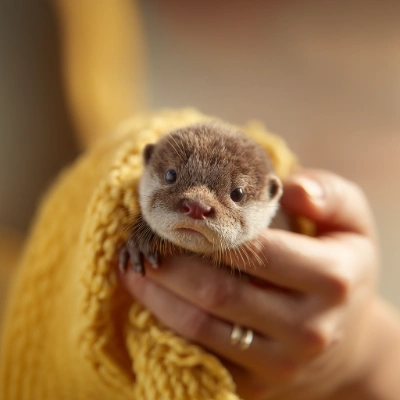
Run on Comfy Cloud
Open in Comfy Cloud
Download Workflow
Download JSON or search “Bria: Image Outpainting” in Template Library
LoadImage node:
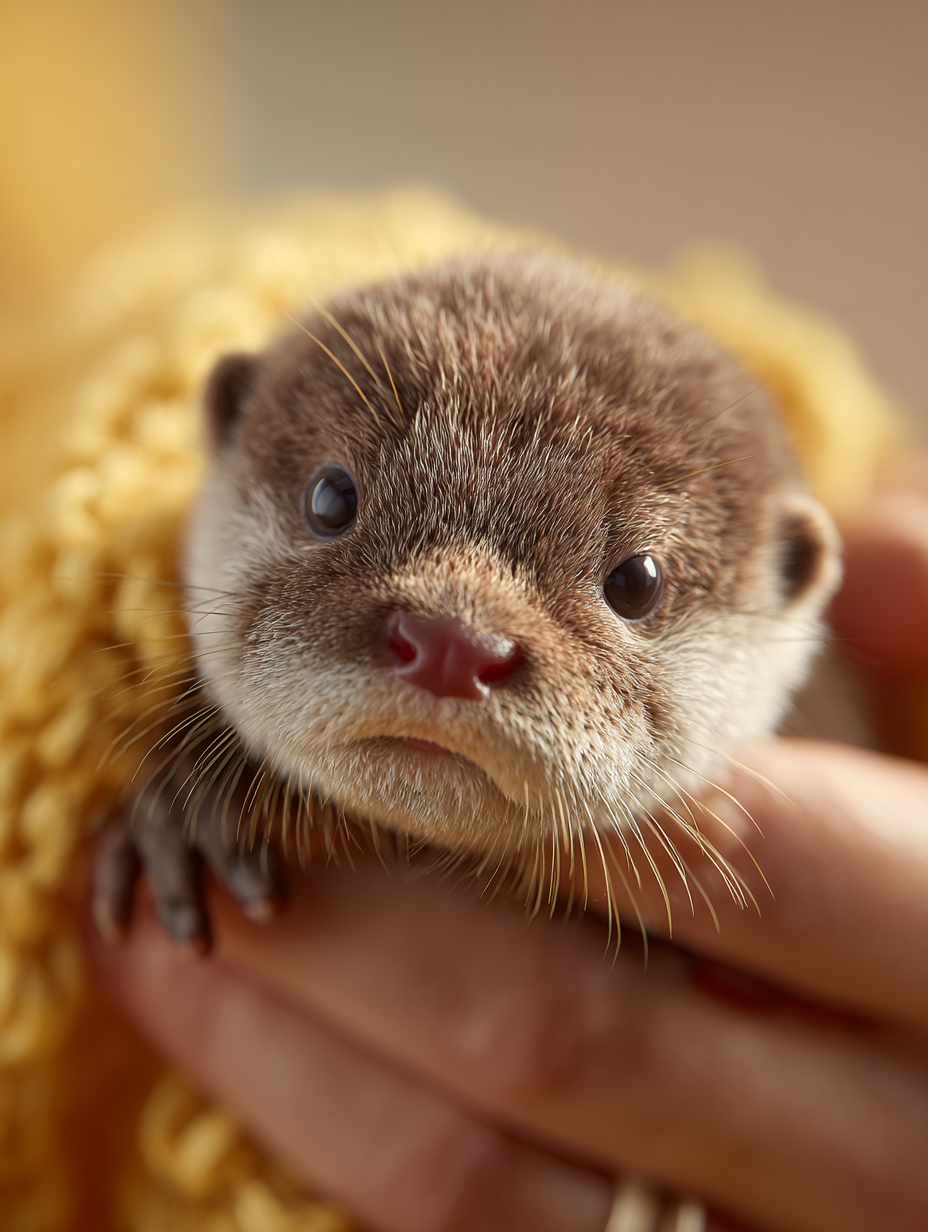
baby_otter.png
LoadImage node 11 · baby_otter.png