

- Text-to-3D generation
- Image-to-3D generation
- Multi-view-to-3D generation
What Hunyuan 3D 3.0 is good at
- Game development ideation: Fast generation of characters, props, and environments with optimized topology for rigging and real-time rendering
- Product & e-commerce: Turn product photos into interactive 3D models for online display
- Industrial design: Sketch-to-3D prototyping and 3D-print-ready part decomposition
- VFX & animation: High-resolution assets with professional UVs and PBR materials
Getting started
1. Access workflow templates
- Open the Template Library in the sidebar
- Navigate to 3D → Hunyuan 3D
- Select a workflow template for Hunyuan 3D
2. Run the workflow
- Input your text prompt, images, or sketches depending on the workflow type
- Click the
Runbutton, or use the shortcutCtrl(cmd) + Enterto execute model generation - After the workflow completes, preview and export your 3D model
HunYuan3D: Text to Model
Input a text prompt or upload a reference image to generate a detailed 3D model asset. Example prompt: “Mechanical dolphin with gears, steampunk”
Run on Comfy Cloud
Open in Comfy Cloud
Download Workflow
Download JSON or search “HunYuan3D: Text to Model” in Template Library
HY 3D: Image to Model
Upload an image to generate a 3D model with geometry and PBR textures. Upload 2–4 multi-view images from different angles for improved geometry and material fidelity.
Run on Comfy Cloud
Open in Comfy Cloud
Download Workflow
Download JSON or search “HY 3D: Image to Model” in Template Library
LoadImage nodes:
pink_robot_front.png
LoadImage node 1 · pink_robot_front.pngpink_robot_back.png
LoadImage node 10 · pink_robot_back.png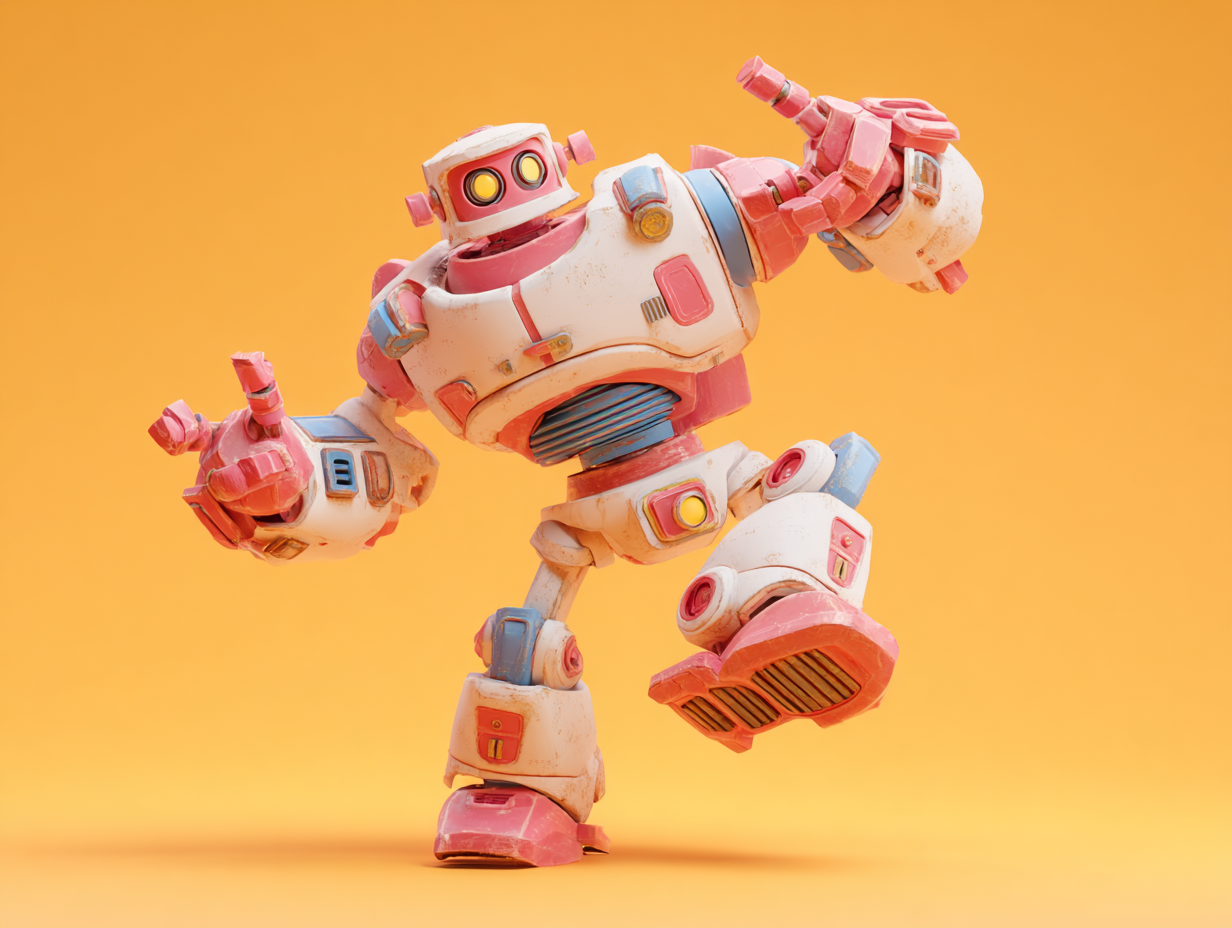

Advanced features
Following the initial HY 3D 3.0 integration, Hunyuan 3D’s advanced processing features are now available via Partner Nodes. These workflows help close the gap between generation and production by bringing key post-processing steps into ComfyUI.HY 3D: 3D Parts Decomposition
Upload a 3D model to automatically segment it into its constituent parts, generating a fully decomposed 3D asset for reuse and editing.
Run on Comfy Cloud
Open in Comfy Cloud
Download Workflow
Download JSON or search “HY 3D: 3D Parts Decomposition” in Template Library
HY 3D: UV Unwrapping
Upload a 3D model to perform UV unwrapping. Generate a processed model with optimized UV layout for texturing.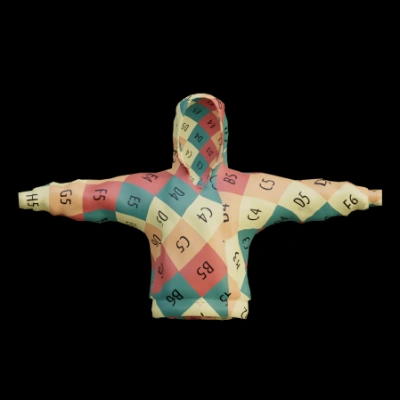
Run on Comfy Cloud
Open in Comfy Cloud
Download Workflow
Download JSON or search “HY 3D: UV Unwrapping” in Template Library
HY 3D: Smart Topology
Upload a high-poly 3D model file. Generate a lower-polygon, topologically optimized 3D model with a specified reduction level.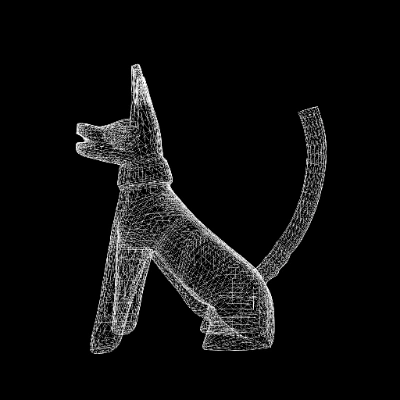
Run on Comfy Cloud
Open in Comfy Cloud
Download Workflow
Download JSON or search “HY 3D: Smart Topology” in Template Library