

What OpenAI Chat is good at
- Intelligent conversations: engage with OpenAI’s advanced language models directly inside ComfyUI
- Image understanding: load an image for the AI to interpret and respond to
- Task control: adjust
OpenAI Chat Advanced Optionsto have the AI execute specific tasks, such as analyzing an image and generating a prompt - Model choice: select different OpenAI models from the
OpenAI Chatnode - Multiple image input: batch several images together when more than one image needs AI interpretation
OpenAI: ChatGPT
Engage with OpenAI’s advanced language models for intelligent conversations.
Run on Comfy Cloud
Open in Comfy Cloud
Download Workflow
Download JSON or search “OpenAI: ChatGPT” in Template Library
LoadImage node:
example.png
LoadImage node 5 · example.png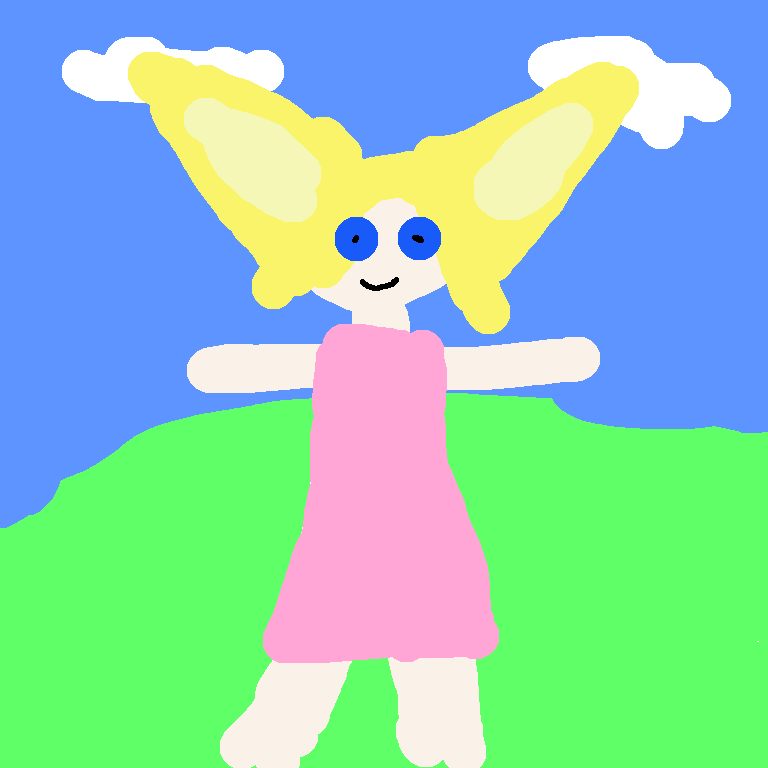
Complete the workflow execution step by step
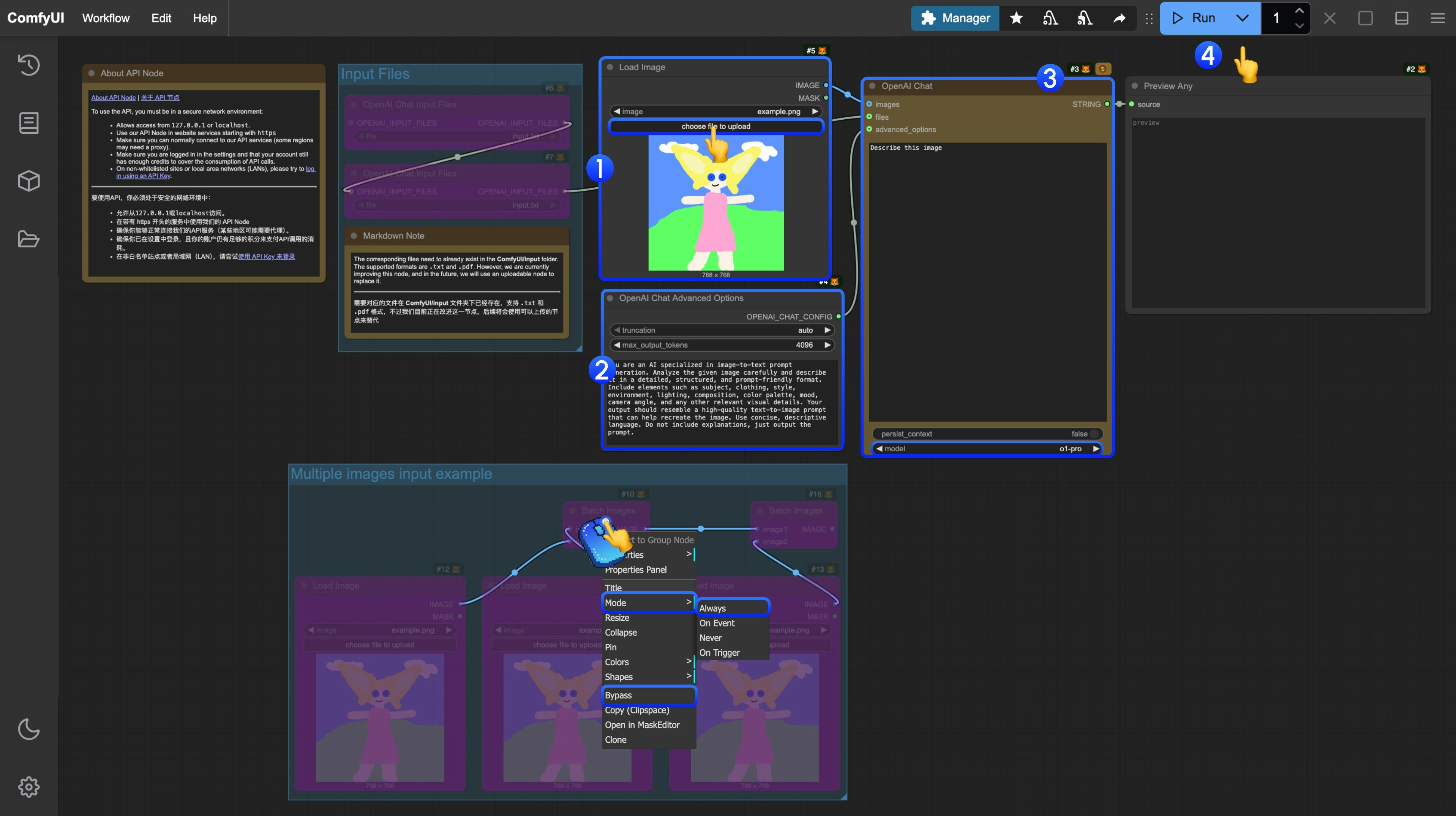
In the corresponding template, we have built a role setting for analyzing prompt generation.
- In the
Load Imagenode, load the image you need AI to interpret - (Optional) If needed, you can modify the settings in
OpenAI Chat Advanced Optionsto have AI execute specific tasks - In the
OpenAI Chatnode, you can modifyPromptto set the conversation prompt, or modifymodelto select different models - Click the
Runbutton, or use the shortcutCtrl(cmd) + Enterto execute the conversation. - After waiting for the API to return results, you can view the corresponding AI returned content in the
Preview Anynode.
Additional Notes
- Currently, the file input node
OpenAI Chat Input Filesrequires files to be uploaded to theComfyUI/input/directory first. This node is being improved, and we will modify the template after updates - The workflow provides an example using
Batch Imagesfor input. If you have multiple images that need AI interpretation, you can refer to the step diagram and use right-click to set the corresponding node mode toAlwaysto enable it