

What Qwen Image 3.0 Pro is good at
- Ultra-long prompts: Accepts up to 4,500 tokens of instructions for detailed, information-dense compositions
- Dense, practical layouts: Generates full newspaper pages, multi-panel infographics, and academic documents with formulas in one pass
- Small text rendering: Produces legible text down to roughly 10px across 12 languages and 20+ fonts
- World-knowledge integration: Generates content grounded in real-world information, such as weather maps for named cities
- Instruction-based editing: Edits up to 3 reference images with targeted changes to objects, styles, or regions
- Batch generation: Generates 1 to 6 images per run
Example outputs
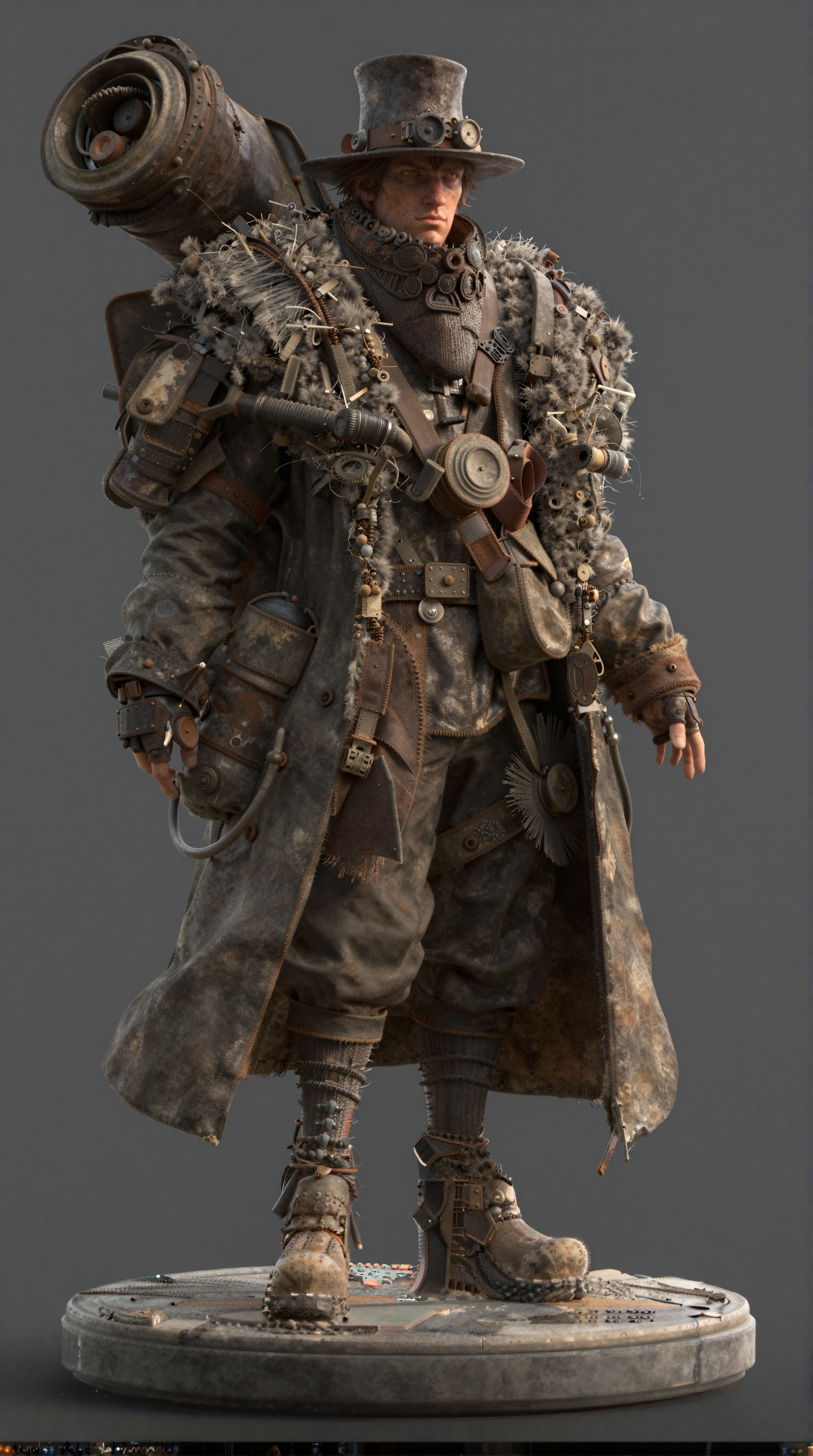
Text-to-image generation, with the model handling layout, typography, and composition: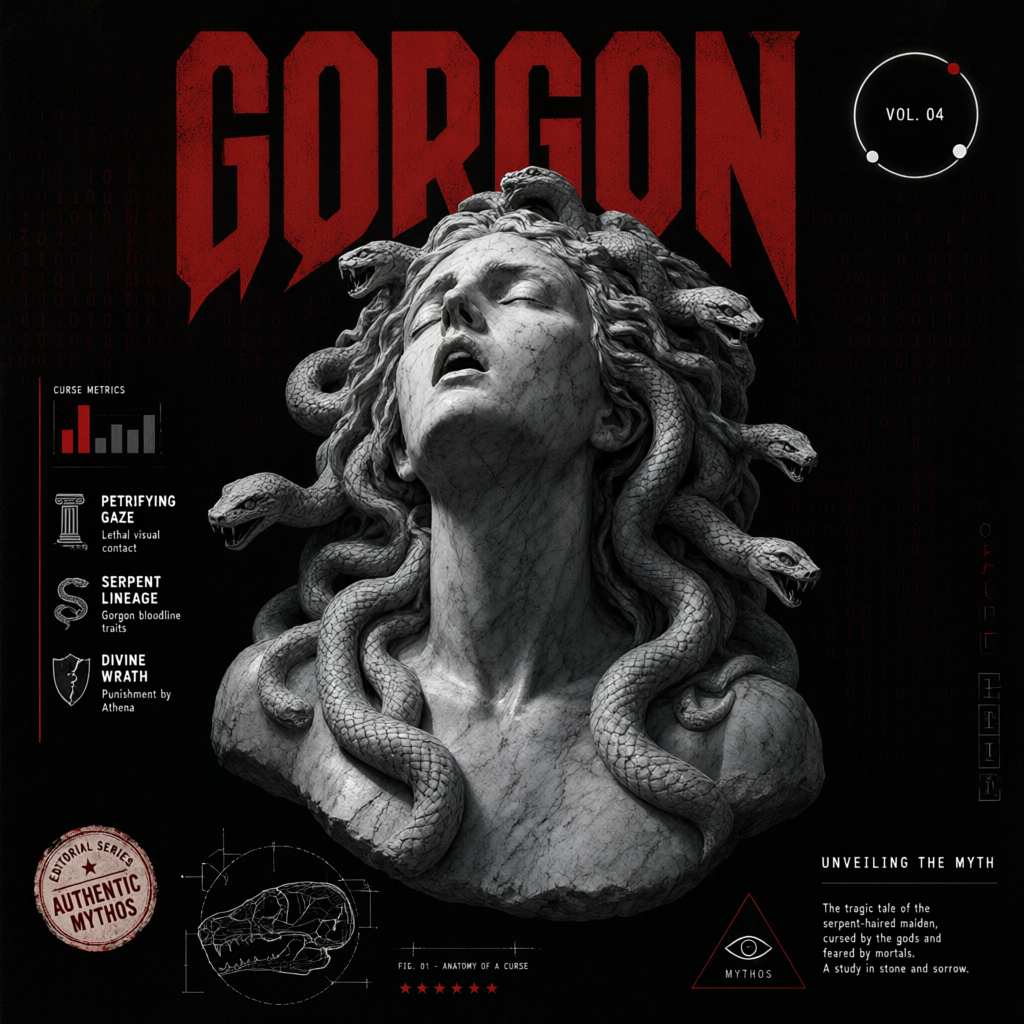 Instruction-based image editing, preserving the original structure:
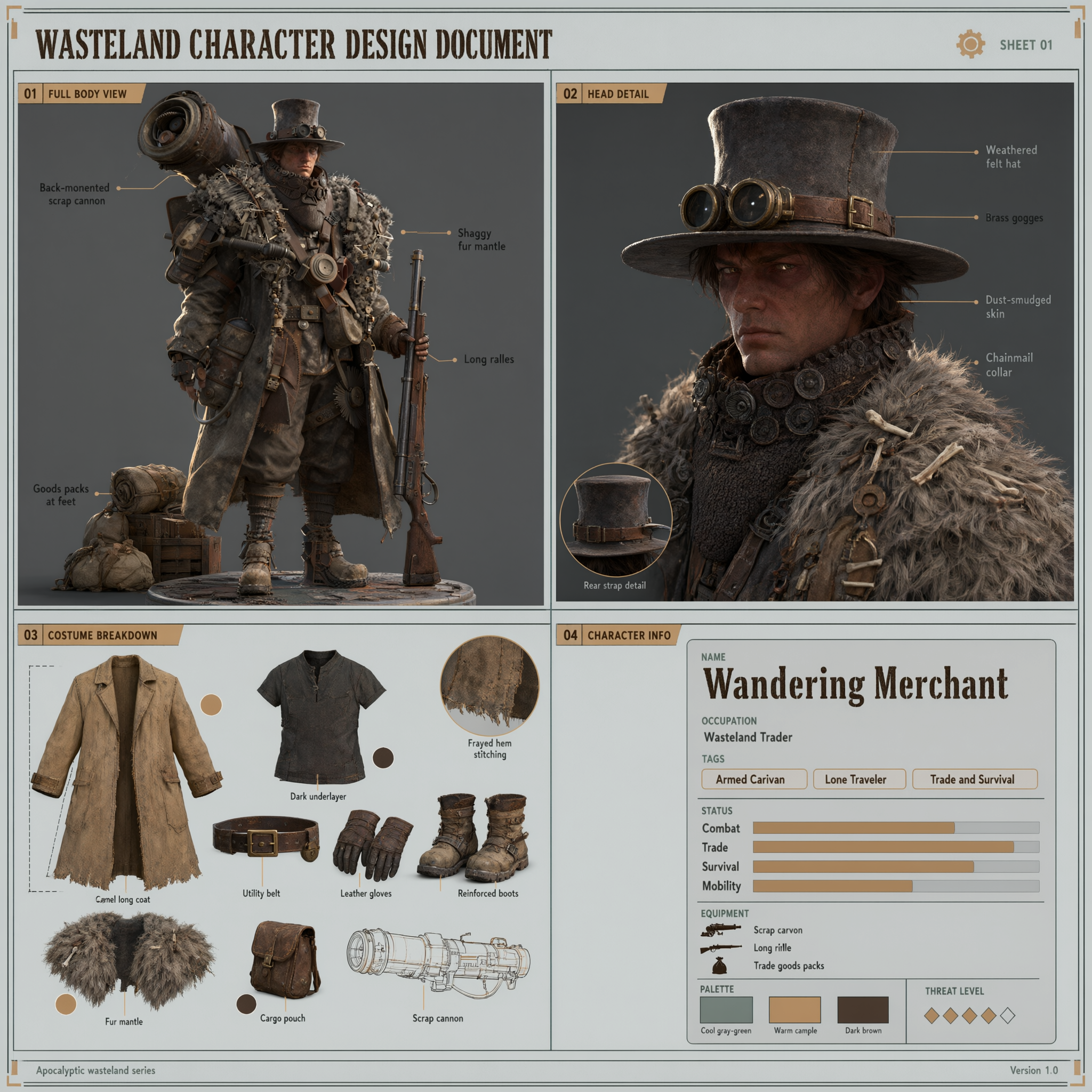
Qwen Image 3.0 Pro text-to-image workflow
Generate a detailed image from a text prompt, with Qwen Image 3.0 Pro handling layout, typography, and composition.
Run on Comfy Cloud
Open in Comfy Cloud
Download Workflow
Download JSON or search “Qwen Image 3.0 Pro” in Template Library
Qwen Image 3.0 Pro image edit workflow
Edit existing images with text instructions. Combine up to 3 reference images, change objects, swap styles, or recompose scenes while preserving the original structure.
Run on Comfy Cloud
Open in Comfy Cloud
Download Workflow
Download JSON or search “Qwen Image 3.0 Pro” in Template Library
Get started
- Update ComfyUI to the latest version
- Go to Template Library, search for
Qwen Image 3.0 Pro