

What Recraft V4 is good at
- Raster + vector in one model: photorealistic images, stylized illustrations, and production-ready SVGs from the same model
- Better detail: cleaner textures, more accurate lighting, tighter geometry. Holds up in complex scenes
- Faces and anatomy that work: reliable proportions and expressions, even with multiple subjects or action poses
- Text rendering: legible text for signage, packaging, infographics. Handles short and mid-length phrases well
- SVG output: editable vectors with clean lines and proper color segmentation. Production-quality vector output
- Prompt accuracy: follows detailed creative direction closely, including spatial relationships, materials, and reflections
- V4 Pro: same model, higher resolution. Outputs at 2048×2048 for print and large-format work
Example outputs
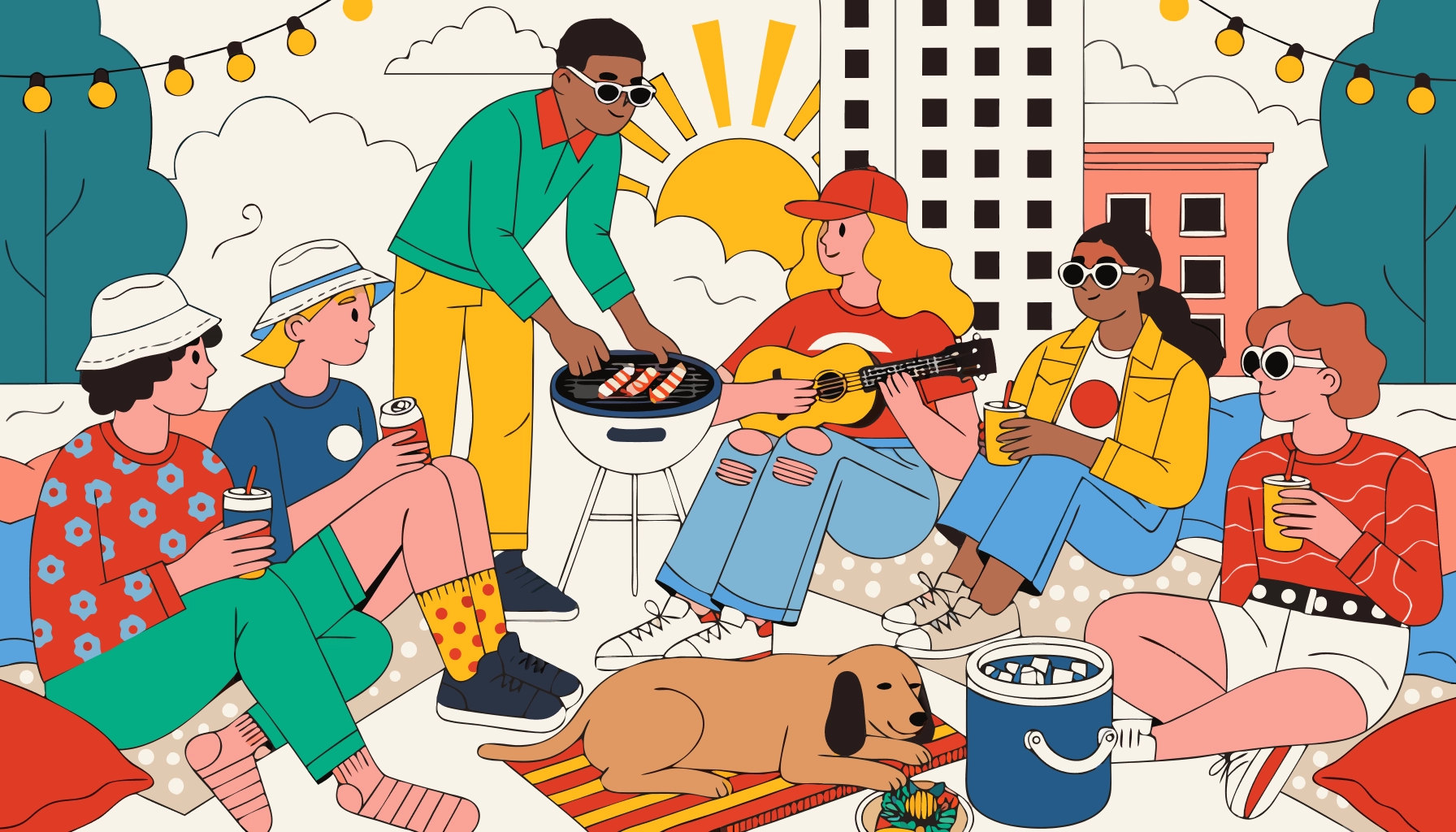
Editorial photography from a detailed text prompt: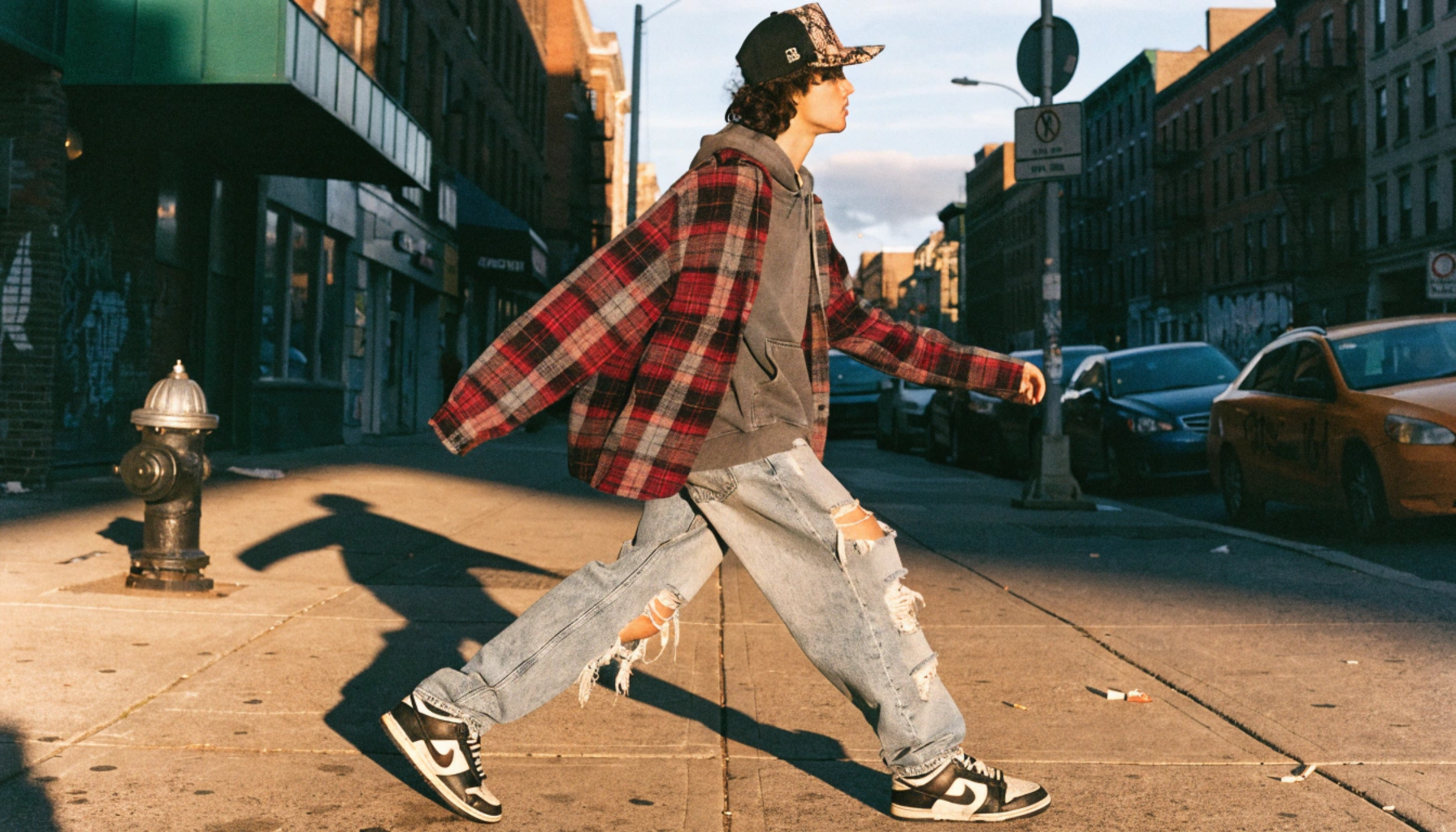 Vector illustration output, ready for editing as SVG:
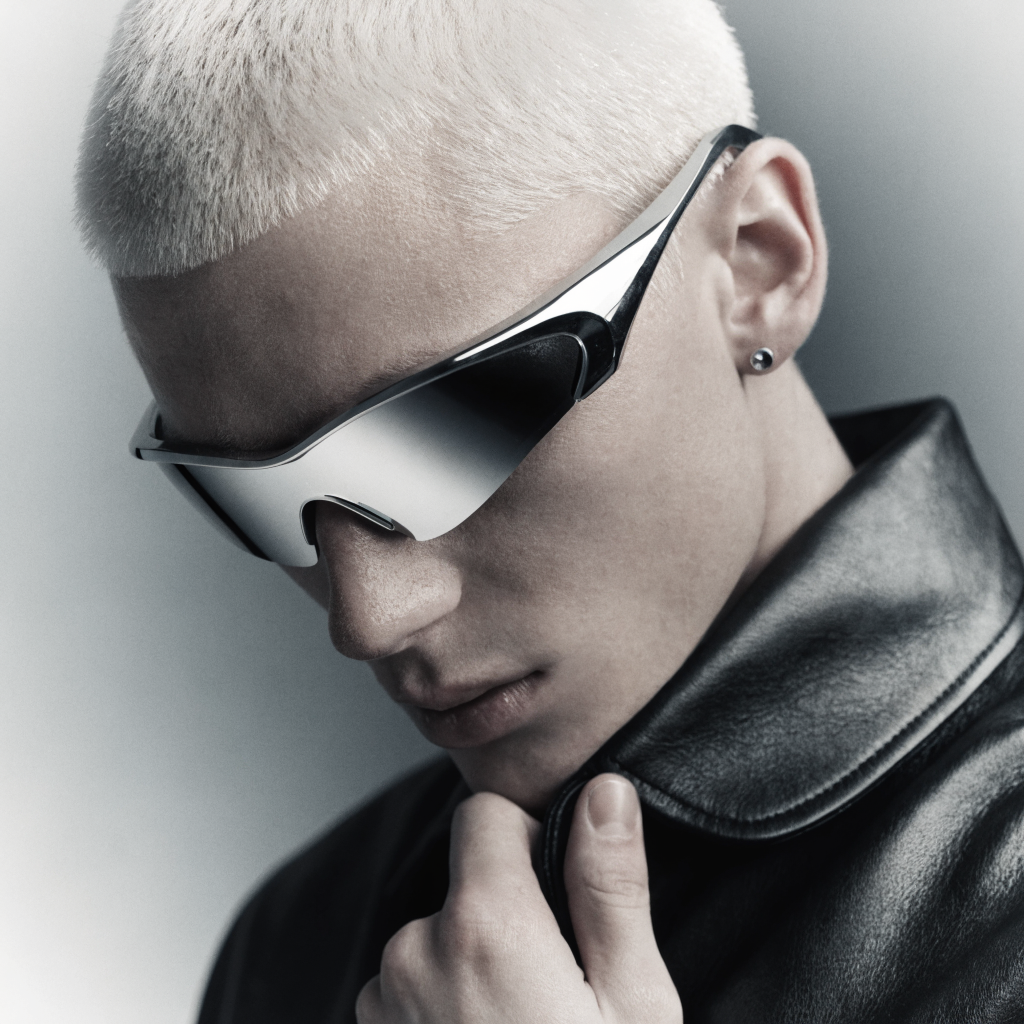
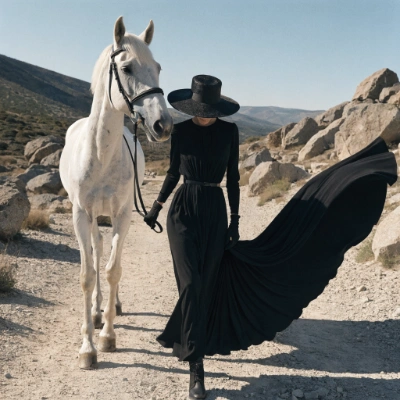
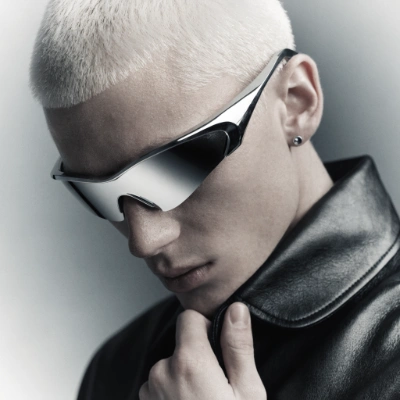
 Recraft V4.1 text-to-image, producing natural photorealism from a short prompt:
Recraft V4 text to image workflow
Run on Comfy Cloud
Open in Comfy Cloud
Download Workflow
Download JSON or search “Recraft V4 Text to Image” in Template Library
Steps to run the workflow
- (Optional) Modify the
Recraft Stylenode to control the visual style - (Optional) Edit the
promptparameter in theRecraft Text to Imagenode - (Optional) Change the
sizeparameter for different output dimensions - Click the
Runbutton or use the shortcutCtrl(cmd) + Enterto generate the image - After the API returns the result, view the generated image in the
Save Imagenode
Image showcase
Full-body editorial street photo of a young person wearing an oversized vintage Fear of God flannel layered over a faded Pyrex Vision hoodie, distressed wide-leg denim, original Just Don python-brim snapback, and beat-up Nike Dunk Lows. Shot on a gritty Brooklyn sidewalk, golden hour, 35mm film grain.
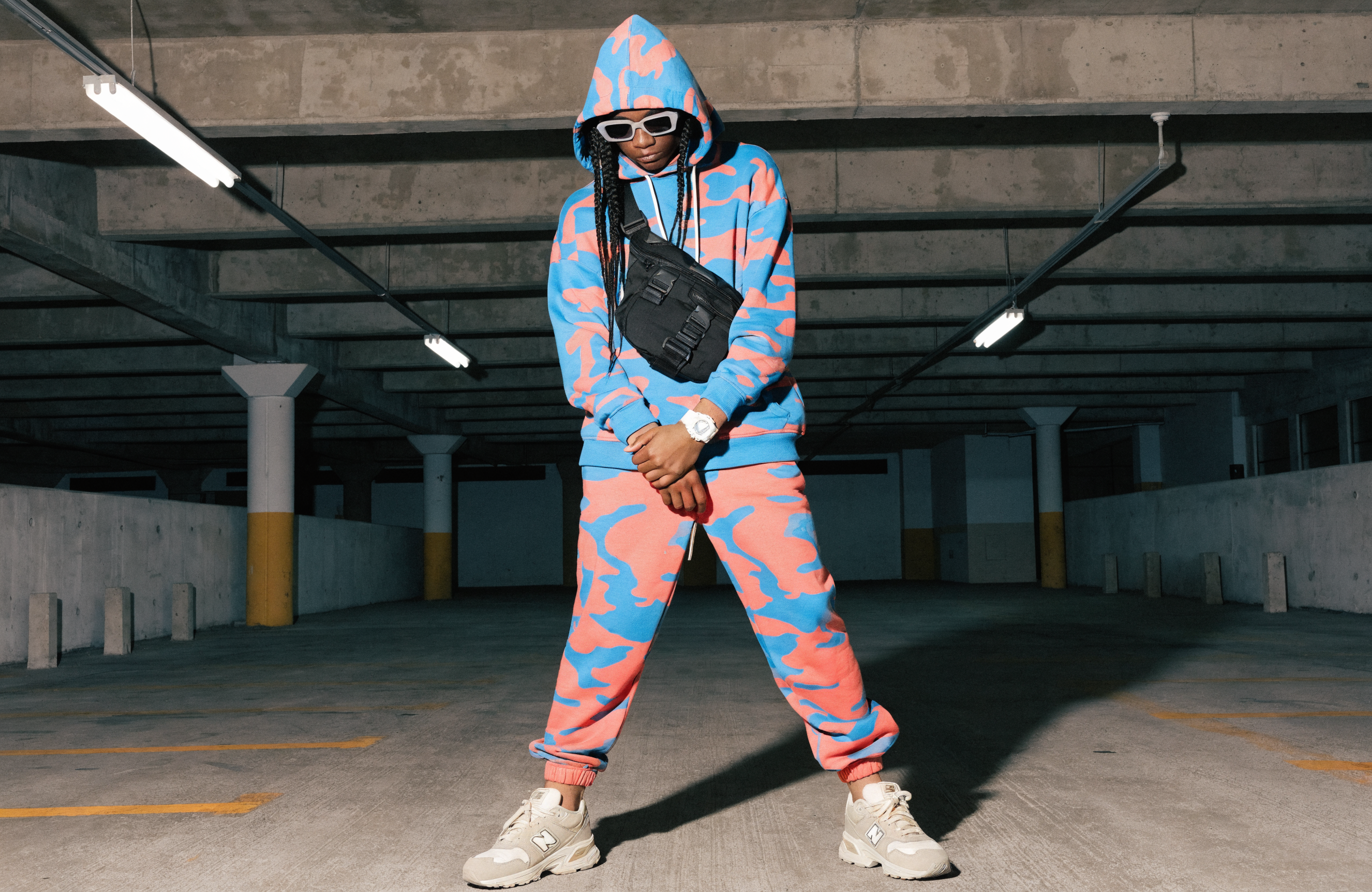 Full outfit shot: electric blue and coral camo hoodie, matching camo joggers, white G-Shock watch, matte black techwear crossbody harness bag, and New Balance 550s in a cream colorway. Concrete parking garage backdrop, harsh fluorescent overhead lighting casting sharp shadows.
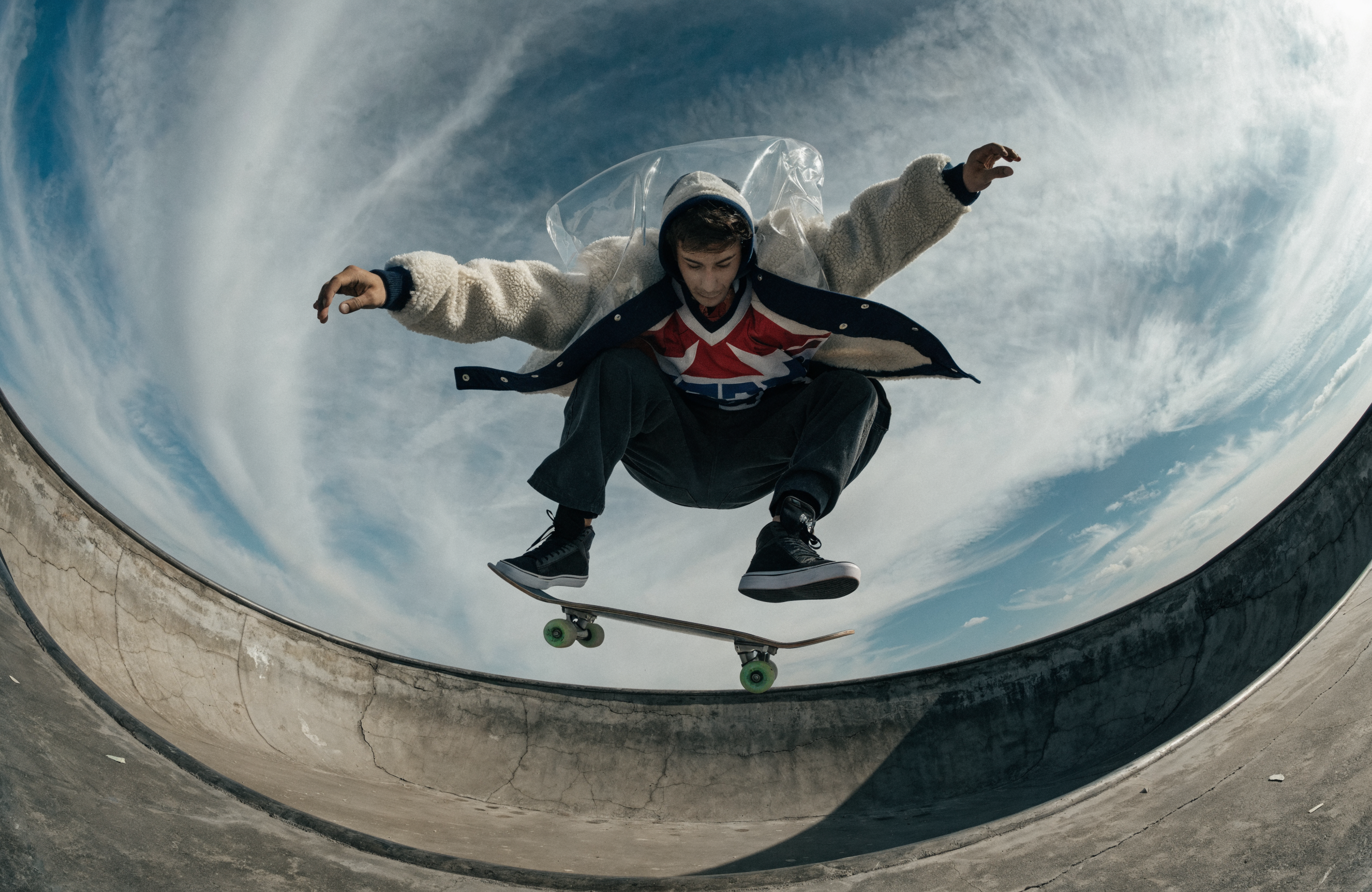 Fish-eye lens, shot from inside an empty concrete pool: a guy in a shearling bomber and transparent PVC shell is mid-kickflip at the lip of the pool directly above the camera, board separating from his feet, his layered outfit catching air and fanning open revealing the hockey jersey underneath.
Recraft V4 text to vector workflow
Recraft V4 can generate production-ready SVG vector outputs directly. This is useful for logos, icons, brand assets, or anything that needs to scale. SVG outputs are compatible with Illustrator, Figma, and Sketch.Run on Comfy Cloud
Open in Comfy Cloud
Download Workflow
Download JSON or search “Recraft V4 Text to Vector” in Template Library
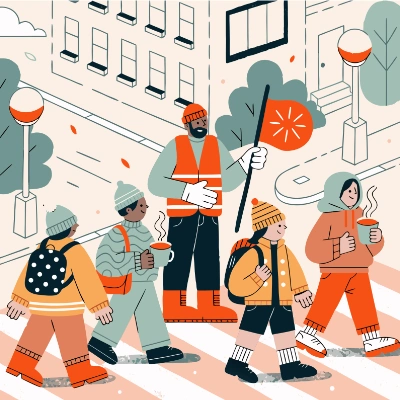
Vector showcase
A group of friends lounging on a rooftop at sunset, string lights overhead, one person tending a small grill, another strumming a ukulele, a dog napping on a blanket beside a cooler: warm, relaxed, retro lifestyle illustration
 A giant neon boombox blasting music, with lightning bolts and sound waves exploding out of the speakers, melting cassette tapes swirling around it, and a pair of oversized headphones draped on top: bold, chaotic, and electrifying
 Adorable kitten sticker, the kitten is using ComfyUI on a little tiny laptop
Recraft V4.1 text to image workflow
Generate photorealistic and illustrative images from text prompts using Recraft V4.1, producing one high-quality image per generation. The model interprets short prompts and outputs natural photorealistic results.Run on Comfy Cloud
Open in Comfy Cloud
Download Workflow
Download JSON or search “Recraft V4.1” in Template Library
Steps to run the workflow
- (Optional) Modify the
Recraft Stylenode to control the visual style - (Optional) Edit the
promptparameter in theRecraft Text to Imagenode - (Optional) Change the
sizeparameter for different output dimensions - Click the
Runbutton or use the shortcutCtrl(cmd) + Enterto generate the image - After the API returns the result, view the generated image in the
Save Imagenode
Recraft V4.1 Flash text to image workflow
Generate one image per run with Recraft V4.1 Flash, the fastest and lowest-cost model in the V4 family. It supports the standard V4 size presets and no style controls, so it fits high-volume generation, rapid iteration, and quick concept exploration.Run on Comfy Cloud
Open in Comfy Cloud
Download Workflow
Download JSON or search “Recraft 4.1 flash” in Template Library
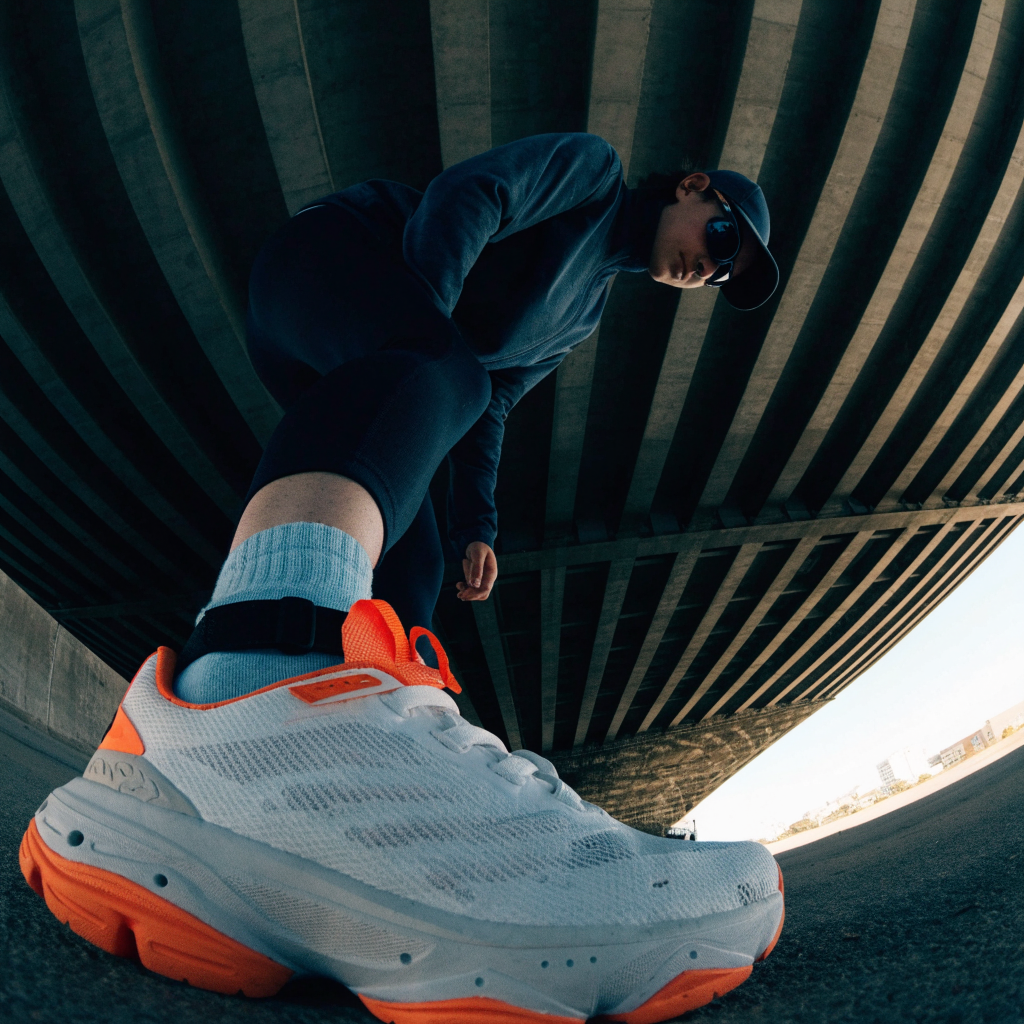
Steps to run the workflow
- (Optional) Edit the
promptparameter in theRecraft V4 Text to Imagenode - (Optional) Set
modeltorecraftv4_1_flash - (Optional) Change the
sizeparameter for different output dimensions - Click the
Runbutton or use the shortcutCtrl(cmd) + Enterto generate the image - After the API returns the result, view the generated image in the
Save Imagenode
Recraft V4.1 text to vector workflow
Generate a clean, flat vector logo from a text prompt using Recraft V4.1, producing one scalable SVG output with no file input required. Ideal for branding and logo design, vector illustration projects, and consistent flat-color graphics.Run on Comfy Cloud
Open in Comfy Cloud
Download Workflow
Download JSON or search “Recraft V4.1” in Template Library

Recraft V4 styles
Recraft V4 and V4.1 generation nodes can apply a reusable style. Pass astyle_id or connect style reference images to keep every output consistent with the same look.
- Recraft V4 Create Style: Creates a reusable style from 1 to 10 reference images and returns a
style_id. The style works with every Recraft V4 and V4.1 model of the same output type (raster or vector), and total reference image size is limited to 10 MB - Style-required models: The
recraftv4_stylesandrecraftv4_styles_promodels, plus their vector variants, always require astyle_idor style reference images. Other V4 models accept styles as an optional input - Style inputs:
style_idandstyle_referencescannot be combined in one run. Style reference images are billed on top of the generation, and the node returns the createdstyle_idfor reuse - Style match:
precisereproduces the style in detail,flexiblematches the general look
Recraft V4 style reference workflow
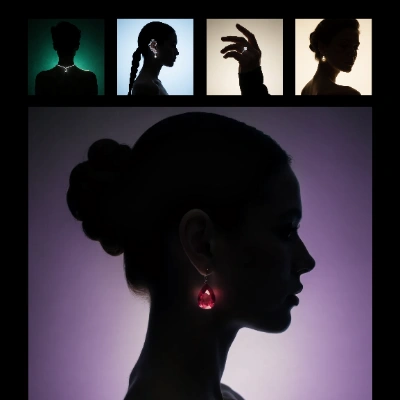
Generate images in the style of one or more reference images with Recraft V4 Styles. The template creates a reusablestyle_id from four reference images with the Recraft V4 Create Style node, then feeds it into a Recraft V4 Text to Image generation. No training or fine-tuning is required: the style captures texture, composition, and rendering from the references alone.
Run on Comfy Cloud
Open in Comfy Cloud
Download Workflow
Download JSON or search “Recraft V4: Style-Reference Image Generation” in Template Library
Style Reference 1: recraft_v4_style_ref_1.png
Style reference for the workflow, or use your own images.
Style Reference 2: recraft_v4_style_ref_2.png
Style reference for the workflow, or use your own images.
Style Reference 3: recraft_v4_style_ref_3.png
Style reference for the workflow, or use your own images.
Style Reference 4: recraft_v4_style_ref_4.png
Style reference for the workflow, or use your own images.
ComfyUI/output/Recraft_Style_v4/, and you can customize the output location with the save node’s filename_prefix. Reuse the same style ID in future generations to keep the look consistent across runs.
Additional notes
- Recraft Style: Offers various preset styles like realistic photos, digital art, and logo designs
- Seed Parameter: Only used to determine if the node should run again; the actual generation result is not affected by the seed value