

TRELLIS.2: Image to 3D Model
Upload a single image. Generate a high-fidelity 3D model with full PBR textures using TRELLIS.2. This workflow also includes the Pixal3D pipeline. To run TRELLIS.2, set theBoolean (Switch to Trellis2) node to true. The workflow automatically switches to the TRELLIS.2 model and its conditioning.
Run on Comfy Cloud
Run this workflow instantly on Comfy Cloud
Download Workflow
Download JSON or search “Pixal3D & TRELLIS.2: Image to Model” in Template Library
LoadImage node:
viking_wolf_rune_axe.png
LoadImage node 122 · viking_wolf_rune_axe.png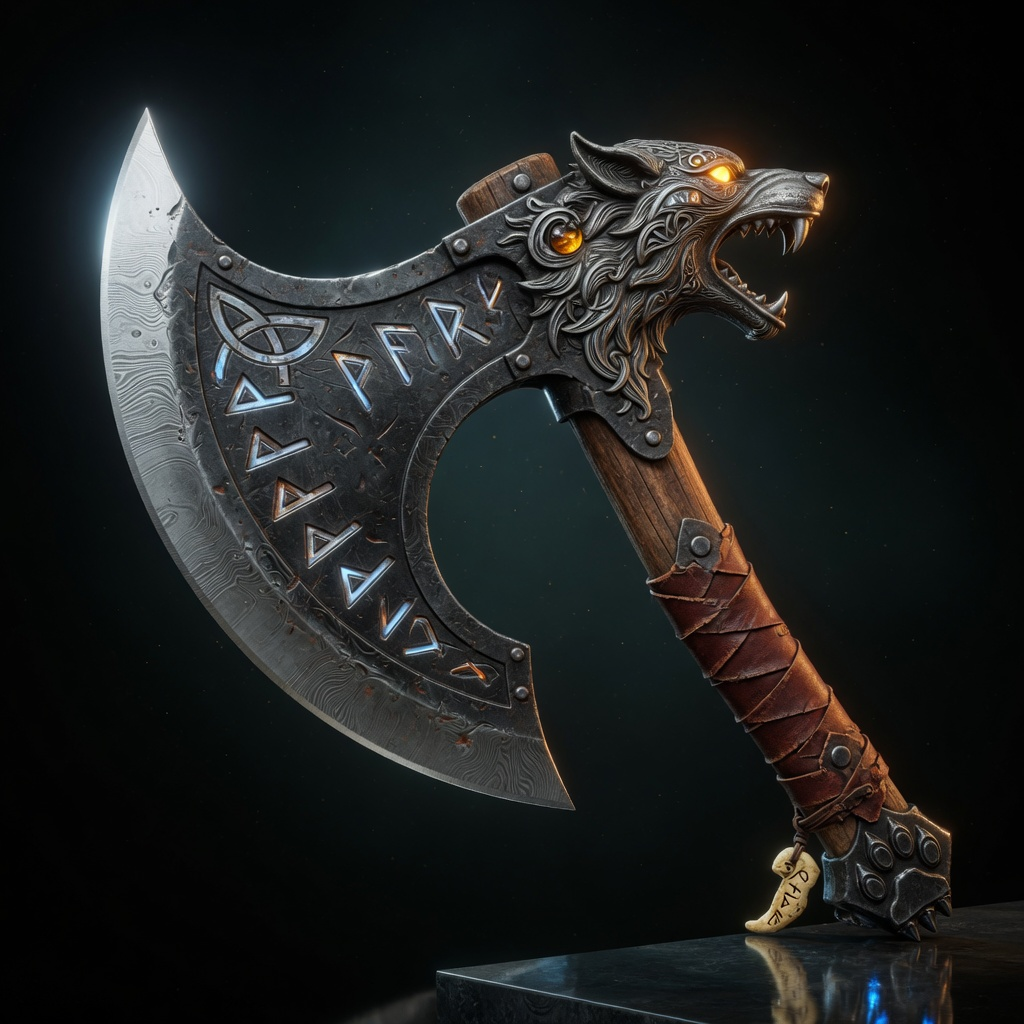
How it works
TRELLIS.2 generates a 3D asset in three diffusion stages and then runs a full mesh post-processing pipeline:- Background removal: BiRefNet removes the background from the input image, and the workflow crops the subject to a centered canvas. A switch lets you skip background removal
- Structure generation: a sparse structure latent is sampled and decoded into voxels, then converted into a rough mesh
- Shape refinement: the shape stage and the upsampling stage refine the mesh up to the target resolution (1536)
- Texture generation: a texture diffusion stage produces PBR material voxels (base color, metallic, roughness)
- Post-processing: DC remesh, QEM decimation, UV unwrapping, and baking of base color, normal, and ambient occlusion maps into the final textured mesh
Steps to run
- Load an image: use the
LoadImagenode to load a single image of the object - Switch to the TRELLIS.2 pipeline: set
Boolean (Switch to Trellis2)totrue. The workflow loads the TRELLIS.2 checkpoint automatically - Queue the workflow: press Ctrl (Cmd on macOS) + Enter
- Wait for the pipeline: the structure, shape, and texture stages run in sequence, followed by post-processing
- View the result: inspect the mesh in the
Preview3DAdvancednode. The 3D model is saved toComfyUI/output/3d/ComfyUI/
Model downloads
Download the models used by this workflow. Both diffusion checkpoints are required: the switch selects which one runs. Place them in the correspondingmodels/ subdirectories.
TRELLIS.2 UNet
trellis_2_int8_convrot.safetensors: TRELLIS.2 diffusion model, loaded when the switch is set to
truePixal3D UNet
pixal3d_int8_convrot.safetensors: Pixal3D diffusion model, loaded by default
Shape VAE
trellis_2_shape_vae_bf16.safetensors: VAE for structure and shape decoding
Texture VAE
trellis_2_texture_vae_bf16.safetensors: VAE for texture decoding
DINOv3 CLIP vision
dino_v3_L_naf_fp32.safetensors: CLIP vision encoder for image conditioning. The equivalent dino_v3_vit_l.safetensors from the TRELLIS.2 repo also works
BiRefNet background removal
birefnet.safetensors: background removal model for preprocessing