

TripoSplat: Image to Gaussian Splat
Upload a single 2D image. Generate a high-quality 3D Gaussian splat representation with controllable density and budget for rendering.
Run on Comfy Cloud
Run this workflow instantly on Comfy Cloud
Download Workflow
Download JSON or search “TripoSplat: Image to Gaussian Splat” in Template Library
LoadImage node:
white-hotel-on-rocky-island.png
LoadImage node 99 · white-hotel-on-rocky-island.png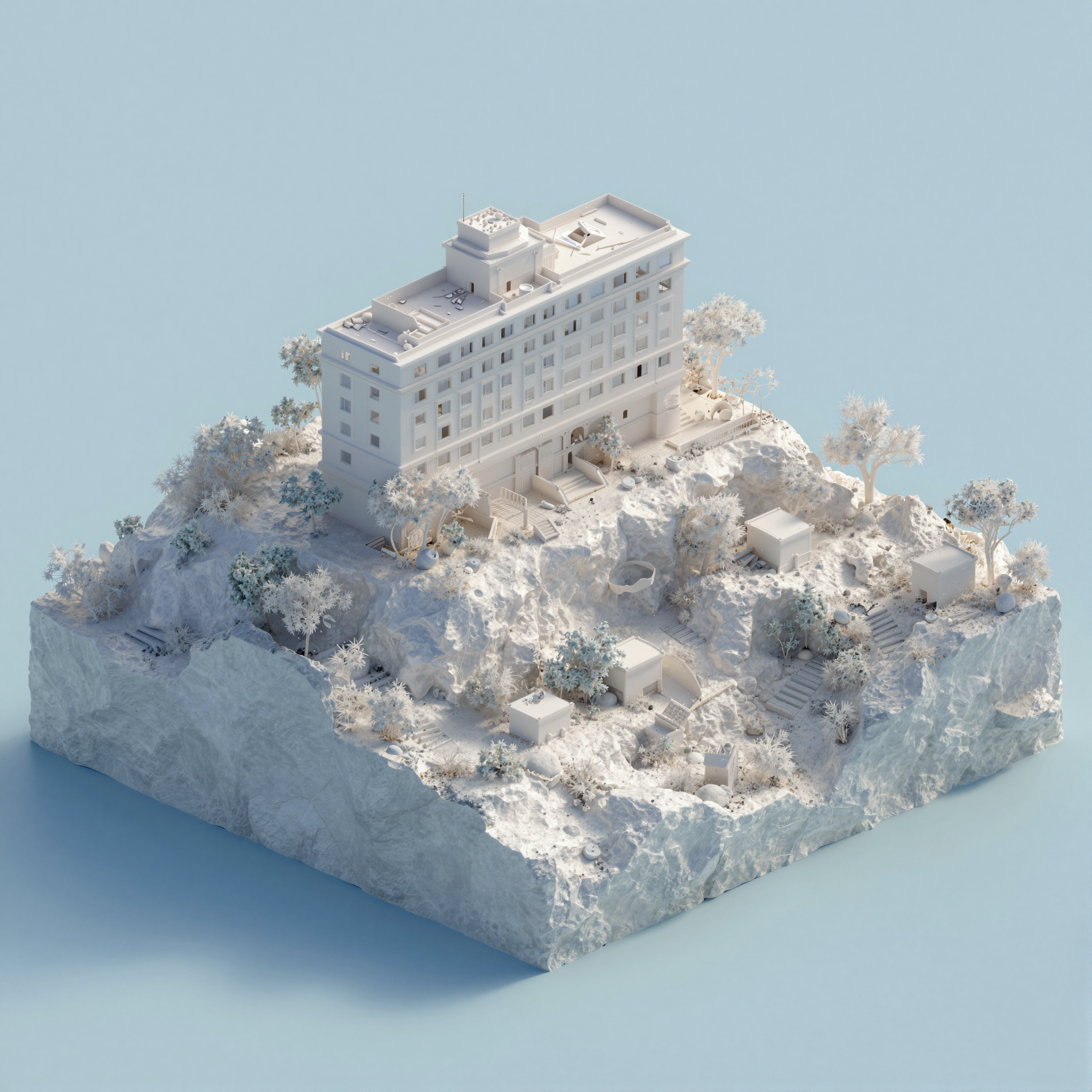
How it works
TripoSplat uses a feed-forward architecture that takes a single RGB image and directly predicts a set of 3D Gaussian primitives. The pipeline involves:- Image encoding: the input image is processed by a vision encoder (DINOv2)
- Triplane generation: features are decoded into a triplane representation
- Gaussian prediction: the triplane is sampled to produce Gaussian parameters (position, scale, rotation, opacity, color)
- Rendering: Gaussians are rendered from arbitrary viewpoints using differentiable splatting
Learn about Subgraph
This workflow uses a Subgraph node for modular processing. Check out the Subgraph documentation to learn how to customize and extend the workflow.
Workflow node guide
LoadImage
- Loads your input image (PNG/JPG)
- Sample image:
white-hotel-on-rocky-island.png(available in Template Library)
TripoSplat (subgraph)
The main subgraph node processes the image and generates the 3D Gaussian splat. Exposed parameters:CreateCameraInfo
- Defines the camera orbit for rendering the result
- Parameters: orbit type, angle, distance, field of view, etc.
- Default: orbit at 35° elevation, 30 distance, 2.5 zoom
RenderSplat
- Renders the Gaussian splat into a 2D image from the defined camera angle
- Parameters: output resolution (default 1024×1024), image quality settings
SplatToMesh
- Converts the Gaussian splat to a mesh (optional)
- Parameters: mesh density, smoothing, simplification
SaveGLB
- Saves the result as a GLB 3D file
SaveVideo
- Saves a video of the rendered 3D scene
SplatToFile3D
- Exports the Gaussian splat in SPZ format
CreateVideo
- Creates a video from rendered frames
Steps to run
- Load an image: use the LoadImage node to load a single 2D image
- Run the TripoSplat subgraph: the model will generate a Gaussian splat representation
- Choose output format: export as GLB, SPZ, video, or render to mesh
- View results: use the created 3D file or rendered preview
Output options
Model downloads
Download the TripoSplat model and required files. Place them in the correspondingmodels/ subdirectories.
TripoSplat diffusion
triposplat_fp16.safetensors: TripoSplat diffusion model checkpoint
TripoSplat VAE decoder
triposplat_vae_decoder_fp16.safetensors: VAE decoder
Flux2 VAE
flux2-vae.safetensors: FLUX.2 VAE for latent encoding
DINOv2 CLIP
dino_v3_vit_h.safetensors: CLIP vision encoder (DINOv2)
BiRefNet bg removal
birefnet.safetensors: Background removal model for preprocessing