

What Topaz Image Enhance Wonder 3.5 is good at
- Generative detail restoration: Adds fine detail to the source image
- Noise reduction: Cleans up noise while enhancing
- Text and graphics sharpening: Sharpens text and structured graphics
- Adjustable strength: Choose low, medium, or high enhancement strength
- Flexible output: Preserves the input aspect ratio and supports upscale factors from 1x to 6x
Example outputs
Image enhancement with fine detail added and noise reduced: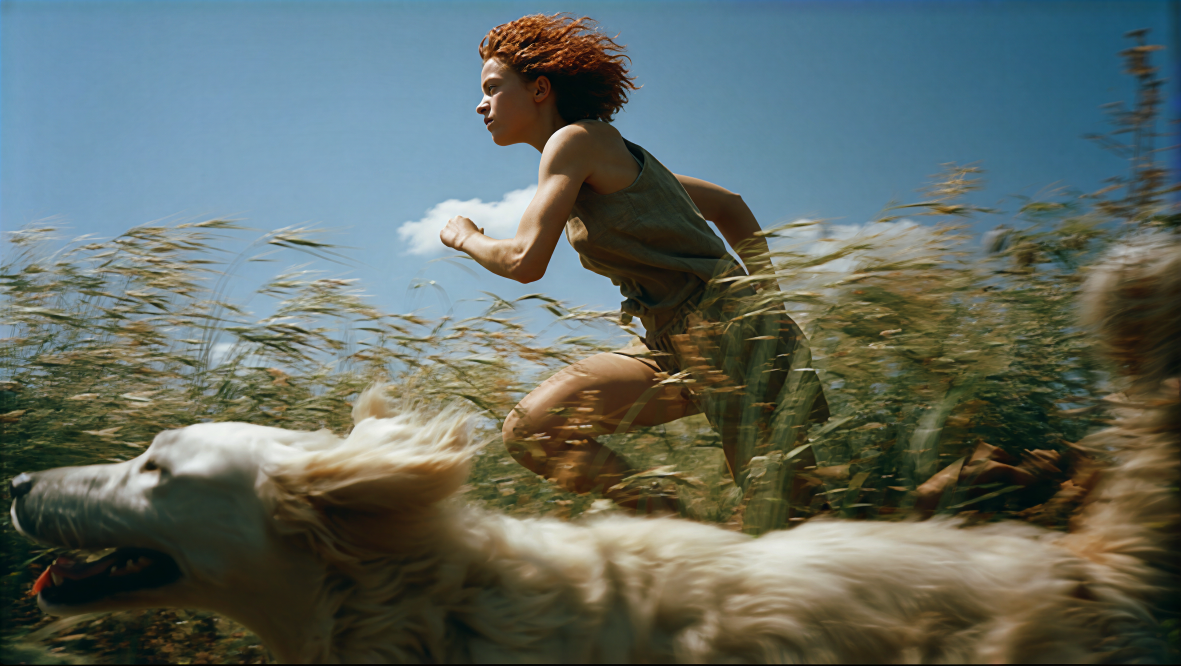
Topaz Image Enhance Wonder 3.5
Upscale and enhance a single image with Wonder 3.5’s generative model, which adds fine detail, reduces noise, and sharpens text and structured graphics. The workflow takes 1 input image and produces 1 enhanced output alongside a side-by-side comparison.
Run on Comfy Cloud
Open in Comfy Cloud
Download Workflow
Download JSON or search “Topaz Image Enhance Wonder 3.5” in Template Library
Workflow overview
This workflow uses four nodes:- LoadImage: provides the source image
- TopazImageEnhanceV2: the core node, configured with the
Wonder 3.5enhancement model - SaveImageAdvanced: saves the enhanced output as PNG
- ImageCompare: shows the enhanced result next to the original for comparison
Steps to run
- Load an image: upload or select your input image in the LoadImage node
- Select the model: keep
Wonder 3.5on the TopazImageEnhanceV2 node - Choose enhancement strength:
low,medium, orhigh - Set upscale factor: from 1x to 6x
- Click Queue: press
Ctrl+Enterto generate
Get started
- Update ComfyUI to the latest version
- Go to Template Library, search for
Topaz Image Enhance Wonder 3.5