

standard is the cheaper one: mono audio, 85 target languages, with Spanish as Latin American and Portuguese as Brazilian. pro adds regional accents and stereo audio, and reaches 101 target languages, including variants such as English (UK), Spanish (Mexico) and Chinese (Taiwan).
It is a cloud API node. It needs a Comfy account with credits, downloads no model files, and bills per second of output. See Partner node pricing for current rates.
Available workflow
VEED Dubbing: video translation
Translate a clip you already have. The performance, the shot and the timing stay as recorded; what changes is the language the speaker is heard in.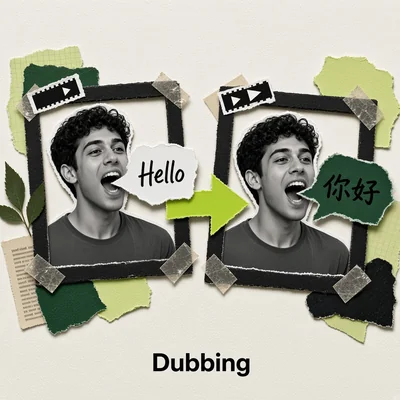
Download Workflow
Download JSON or search “VEED Dubbing: Video Translation” in Template Library
api_veed_dubbing_input_video.mp4
Load into the
LoadVideo node. One speaker facing the cameraNode controls
Tips
- Send footage with a visible speaker. Dubbing works on what it can see, so a single person facing the camera is the reliable case. Backs of heads, hands, product shots and crowd scenes do not dub.
- Check that the audio actually has speech. Narration, dialogue and interviews all work. Music, sound effects and silence give the model nothing to translate.
- Name the source language when auto mishears.
autohandles clean recordings, but a short clip or a strong accent dubs more accurately when you setsource_languageyourself. - Pick
prowhen the accent matters. The standard tier gives one variant per language, so requests for British English or Mexican Spanish only exist onpro. - Cut to the length limit first. The node accepts up to 599 seconds of video, and the output is as long as the audio track, so trim before the run rather than after.
Get started
- Update ComfyUI to the latest version
- Go to Template Library, search for
VEED Dubbing - Load a talking-head clip into the
LoadVideonode - Choose the tier in
model, settarget_language, then run the workflow