

Ideogram 4.0 Text-to-Image Workflow
Ideogram v4: Text to Image
Input a text prompt or structured JSON description. Generate an image with precise layout, color, and style control using Ideogram 4.0.
Run on Comfy Cloud
Open in Comfy Cloud
Download Workflow
Download JSON or search “Ideogram v4: Text to Image” in Template Library
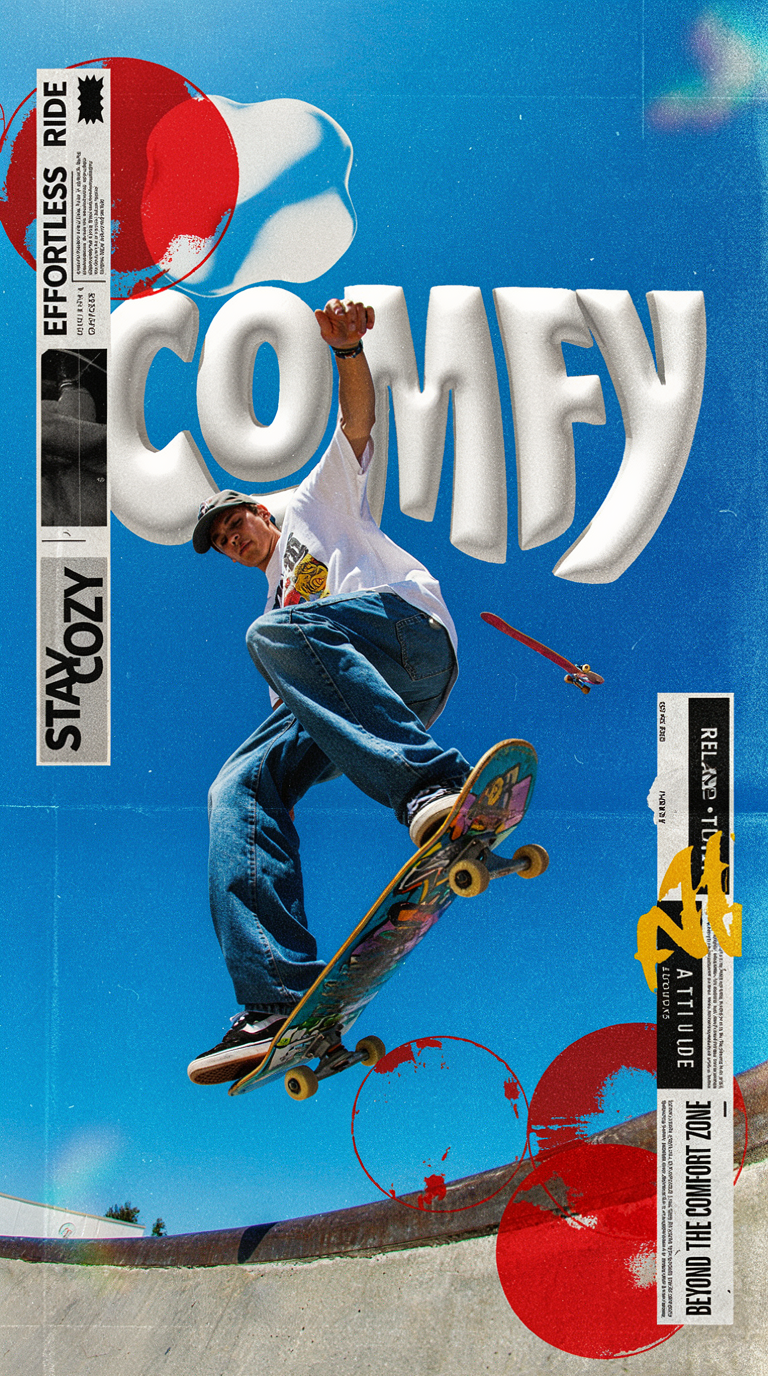
Prompt Format
The open-source workflow supports two prompt modes:- Natural language: Quick and easy, best for simple ideas
- Structured JSON: For precise control over layout, colors, and style
The model is trained on structured JSON captions (scene summary, style block, background, and optional per-object descriptions with bounding boxes and hex color palettes). Official inference validates prompts against that schema.
Ideogram 4.0 model downloads
You can find all repackaged model files at Comfy-Org/Ideogram-4 on Hugging Face.ideogram4_fp8_scaled.safetensors
Diffusion model for Ideogram 4.0 (~13.8 GB). Place in
models/diffusion_models/ideogram4_unconditional_fp8_scaled.safetensors
Unconditional diffusion model for Ideogram 4.0 (~13.8 GB). Place in
models/diffusion_models/qwen3vl_8b_fp8_scaled.safetensors
Text encoder for Ideogram 4.0 (~8 GB). Place in
models/text_encoders/gemma4_e4b_it_fp8_scaled.safetensors
Text encoder for Ideogram 4.0 (~2 GB). Place in
models/text_encoders/flux2-vae.safetensors
VAE for Ideogram 4.0 (~335 MB). Place in
models/vae/Learn about Subgraph
This workflow uses Subgraph nodes for modular processing. Check the Subgraph documentation to learn how to customize and extend.
Workflow Steps
- Download and place the models in the correct directories (see table above)
- Download and drag the workflow file into ComfyUI
- Enter your prompt (natural language or structured JSON) in the Ideogram4 subgraph node
- (Optional) Adjust resolution using the
ResolutionSelectornode - Click
Runor use shortcutCtrl(cmd) + Enterto generate the image - View the result in the
Save Imagenode. Output files are saved toComfyUI/output/