

What it does
- Text to image: one prompt in, one image out, at any preset from 1K to 2K
- Image edit: up to 10 reference images, one output, source resolution kept when you feed the size back in
- Transparent output: choose
transparenton the node and the returned image carries an alpha channel - Typography: captions, labels and headline text render inside the picture, no separate overlay step
- One image per run: batch and sequential generation are not exposed for this model
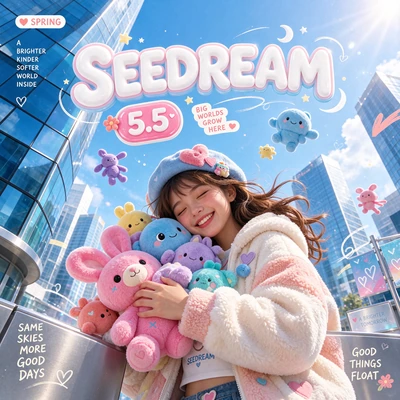
Seedream 5.5 text to image
A prompt goes in and one image comes back. The template opens at(1K) 1024x1024 (1:1).
Download Workflow
Download JSON or search “Seedream 5.5” in Template Library
Seedream 5.5 image edit
Load a picture, describe the change, and repeat what must stay the same. The template reads the source size withGet Image Size and feeds it back, so the result comes out at the source resolution and aspect ratio.

Download Workflow
Download JSON or search “Seedream 5.5” in Template Library
api_bytedance_seedream_5_5_image_edit_input.png
Source portrait the template edits
Size and transparency
The size preset covers 1K, 1.5K and 2K in eight aspect ratios each, plusCustom. Custom width and height accept 240 to 8594 px, but the model only renders between 0.92 MP and 4.62 MP, so a small canvas is rejected before the request goes out. Aspect ratio must stay between 1:16 and 16:1. At the 4.62 MP ceiling a square tops out near 2150 x 2150 px, which is why the largest square preset is (2K) 2048x2048.
The edit template inherits that floor: a source picture below 0.92 MP has to be scaled up before it can be edited.
background has three values: auto decides from the prompt and returns transparency mainly for stickers and logos, opaque paints a backdrop, and transparent forces an alpha channel. Transparent works best when the prompt describes an isolated subject on a plain background. Save the result as PNG to keep the alpha channel; JPEG drops it.
Get started
- Update ComfyUI to 0.45.0 or later.
- Open the Template Library, search
Seedream 5.5, and open either workflow. - On the node, pick the model
seedream 5.5and a size preset, then run.