

gemini-3.1-flash-lite-image, it delivers text-to-image generation in approximately 4 seconds at $0.041 per image, making it ideal for quick concept visualization, rapid prototyping, and iterative design exploration.
What Nano Banana 2 Lite is good at
- Ultra-fast generation: Text-to-image outputs in as little as 4 seconds, built for interactive prototyping and rapid visual drafting
- Cost-efficient: Priced at $0.041 per 1K-resolution image, the most affordable option in the Nano Banana family
- Character consistency: Maintain character identities and object fidelity across multiple rapid generations
- In-image text rendering: Draft copy and render legible text directly into generated images for localized ad variations
- Configurable model selection: Choose between Nano Banana 2 Lite, Nano Banana 2, and Nano Banana Pro within the same node
Example outputs
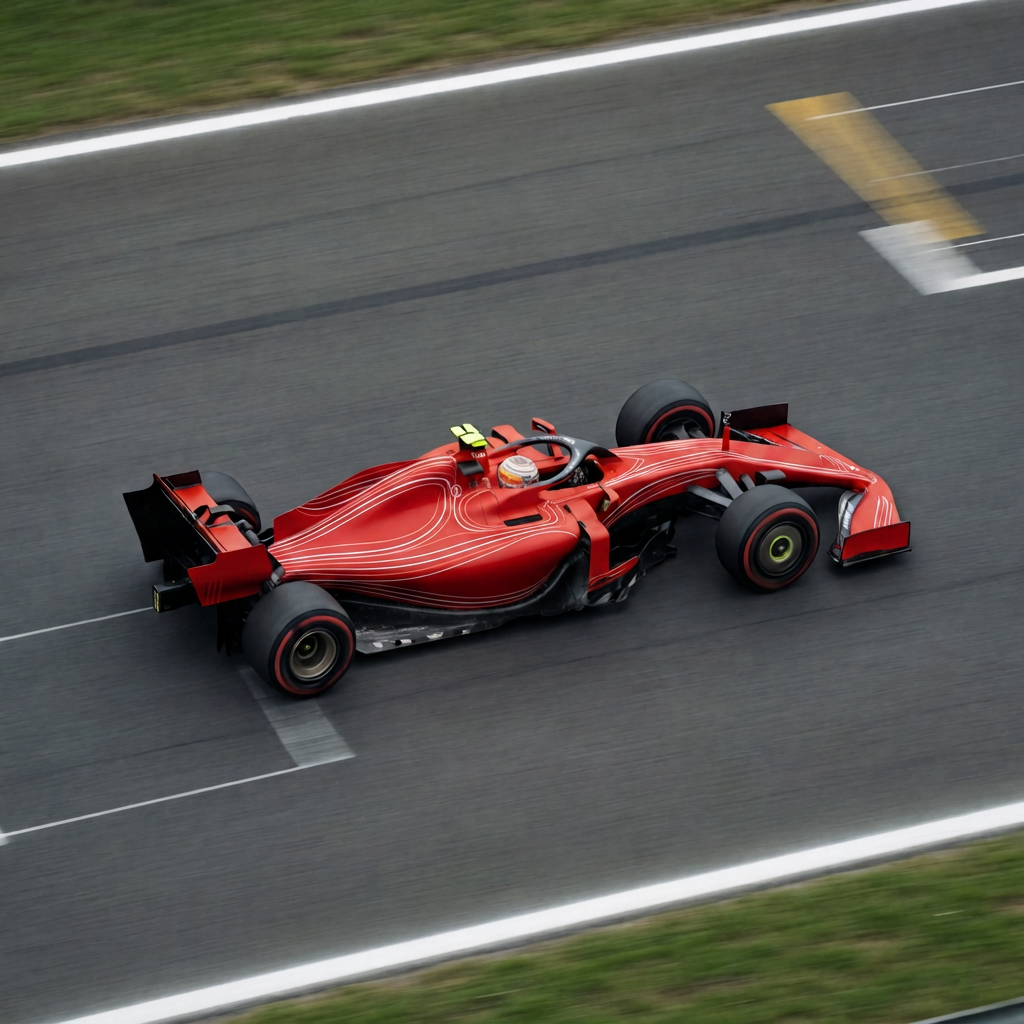
Text-to-image generation from a single prompt: Image editing from a text instruction:

Use it
Call it from code
Call it over HTTP through Comfy Router, with copy-paste Python, TypeScript, Swift and cURL snippets
Workflows
Text to Image
Run on Comfy Cloud
Open in Comfy Cloud
Download Workflow
Download JSON or search “Nano Banana 2 Lite” in Template Library
Image Edit
Run on Comfy Cloud
Open in Comfy Cloud
Download Workflow
Download JSON or search “Nano Banana 2 Lite” in Template Library
Download Sample Image
Get the example input image for this workflow
Which model should you pick?
Get started
- Update ComfyUI to the latest version
- Double-click the canvas and search for the “Nano Banana 2” node (it includes Nano Banana 2 Lite as a model option)
- Or go to the Template Library to use the ready-to-go workflow
- Select “Nano Banana 2 Lite” from the model dropdown for fastest generation
Nano Banana 2 Lite is available within the existing Nano Banana 2 node. If you have old workflows using this node, you can select “Nano Banana 2 Lite” from the model version dropdown without rebuilding your workflow.