

What Grok Imagine Image Quality is good at
- Improved detail: higher-fidelity output than the standard Grok image model
- Better text rendering: handles prompts that include text you want rendered in the image
- Stronger creative control: more control over the generated result compared to the standard model
- Resolution options: outputs at 1K or 2K
Example outputs
Enhanced image generation with thegrok-imagine-image-quality model:
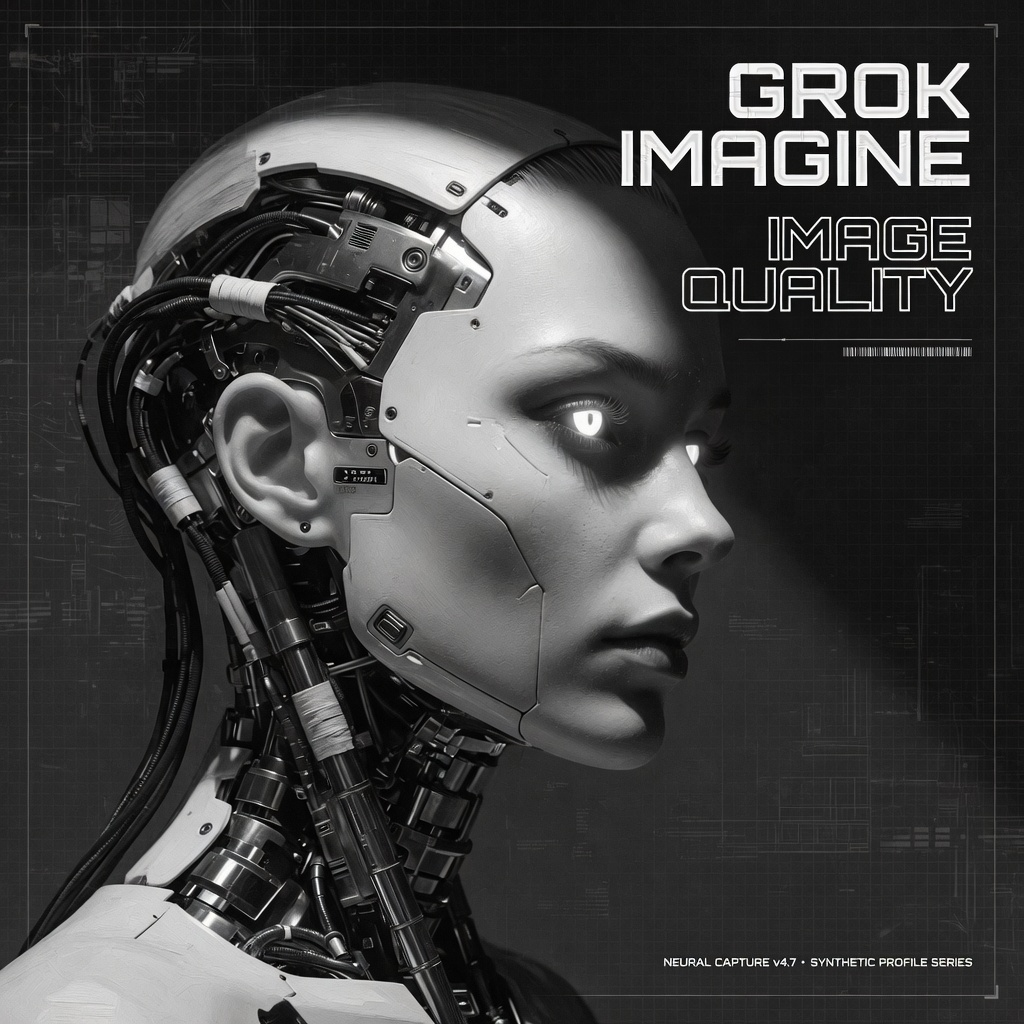
Grok Imagine Image Quality: Generation
Generate enhanced images with thegrok-imagine-image-quality model, which adds improved detail, better text rendering, and stronger creative control compared to the standard model.
Run on Comfy Cloud
Open in Comfy Cloud
Download Workflow
Download JSON or search “Grok Imagine Image Quality” in Template Library
Workflow overview
This workflow uses two nodes:- GrokImageNode: the core node, configured with the
grok-imagine-image-qualitymodel - SaveImage: saves the generated image
Steps to run
- Enter your prompt: describe the scene and any text you want rendered in the GrokImageNode
- Choose aspect ratio: pick from the available ratios
- Set resolution:
1Kor2K - Click Queue: press
Ctrl+Enterto generate