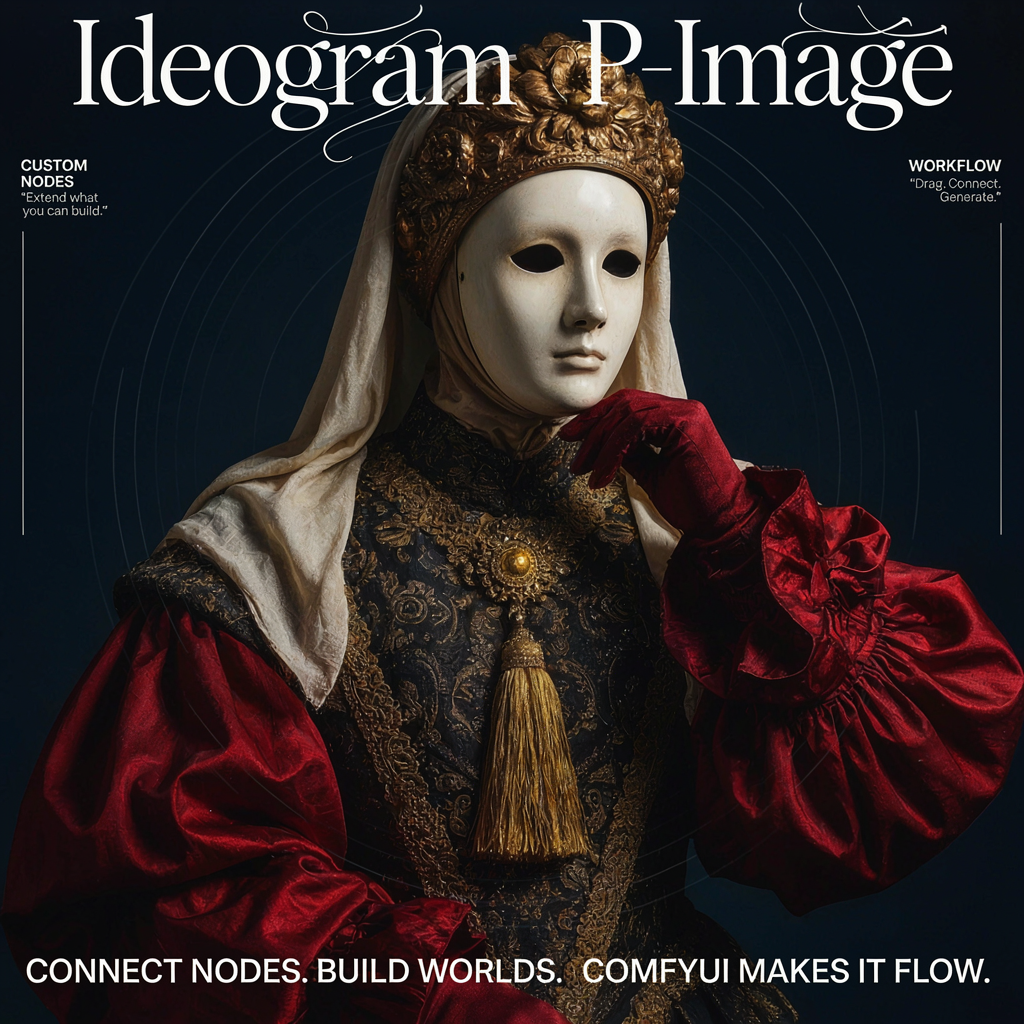
Ideogram P-Image is Ideogram’s fast text-to-image model, delivering quality comparable to leading image models at significantly lower cost and latency. It accepts a single text prompt and outputs one image, with controls for quality level and resolution, making it ideal for rapid iteration and high-volume generation.
To use the Partner Nodes, you need to ensure that you are logged in properly and using a permitted network environment. Please refer to the Partner Nodes Overview section of the documentation to understand the specific requirements for using the Partner Nodes.
Make sure your ComfyUI is updated.Workflows in this guide can be found in the Workflow Templates. If you can’t find them in the template, your ComfyUI may be outdated.If nodes are missing when loading a workflow, possible reasons:
  1. You are not using the latest ComfyUI version (Nightly version)
  2. Some nodes failed to import at startup

Key capabilities

  • Speed and value: Quality comparable to leading image models at lower cost and latency
  • Quality tiers: Choose from VERY_LOW, LOW, MEDIUM, or HIGH speed/price/quality tiers
  • Flexible output: 1K or 2K size classes with full aspect ratio support
  • Prompt upsampling: AUTO expands short prompts into detailed structured captions before generation

Ideogram P-Image text-to-image workflow

Generate an image from a text description using Ideogram’s fast P-Image model. One text prompt is accepted and one image is output. Ideogram P-Image Text-to-Image workflow preview
Run on Comfy Cloud

Open in Comfy Cloud

Download Workflow

Download JSON or search “Ideogram P-Image” in Template Library
Ideogram P-Image output

Get started

  1. Update ComfyUI to the latest version
  2. Go to Template Library, search for Ideogram P-Image