

What Kling 3.0 is good at
- Multi-shot generation: Generate multiple shots with duration control in a single generation
- Locked subject consistency: Maintain character and object identity across camera motion and scene evolution
- Native audio with character awareness: Multilingual dialogue with precise lip sync and facial expression alignment
- Native text rendering: Clear, structured on-screen text for ads, UI scenes, and branded content
Example outputs
Text-to-image generation with the Kling 3.0 model:
Available models
Learn more
For detailed examples, prompts, and video demonstrations of Kling 3.0’s capabilities, check out our blog post:Kling 3.0 Models Are Now Available
Read the full announcement with video examples, prompt tips, and feature deep-dives.
Kling 3.0: Text to Image
Generate an image from a text prompt using the Kling 3.0 model.
Run on Comfy Cloud
Open in Comfy Cloud
Download Workflow
Download JSON or search “Kling 3.0: Text to Image” in Template Library
Kling 3.0: Video Generation
Input text or image prompts to generate 15-second video sequences with multi-shot compositions, complex camera movements, and consistent subjects.
Run on Comfy Cloud
Open in Comfy Cloud
Download Workflow
Download JSON or search “Kling 3.0: Video Generation” in Template Library
LoadImage node:
boxing.png
LoadImage node 1 · boxing.png
Kling 3.0: First Last Frame to Video
Input a first and last frame image to generate a continuous video sequence with multi-shot generation and precise element control.
Run on Comfy Cloud
Open in Comfy Cloud
Download Workflow
Download JSON or search “Kling 3.0: First Last Frame to Video” in Template Library
LoadImage nodes:
goldenfish_in_bag.png
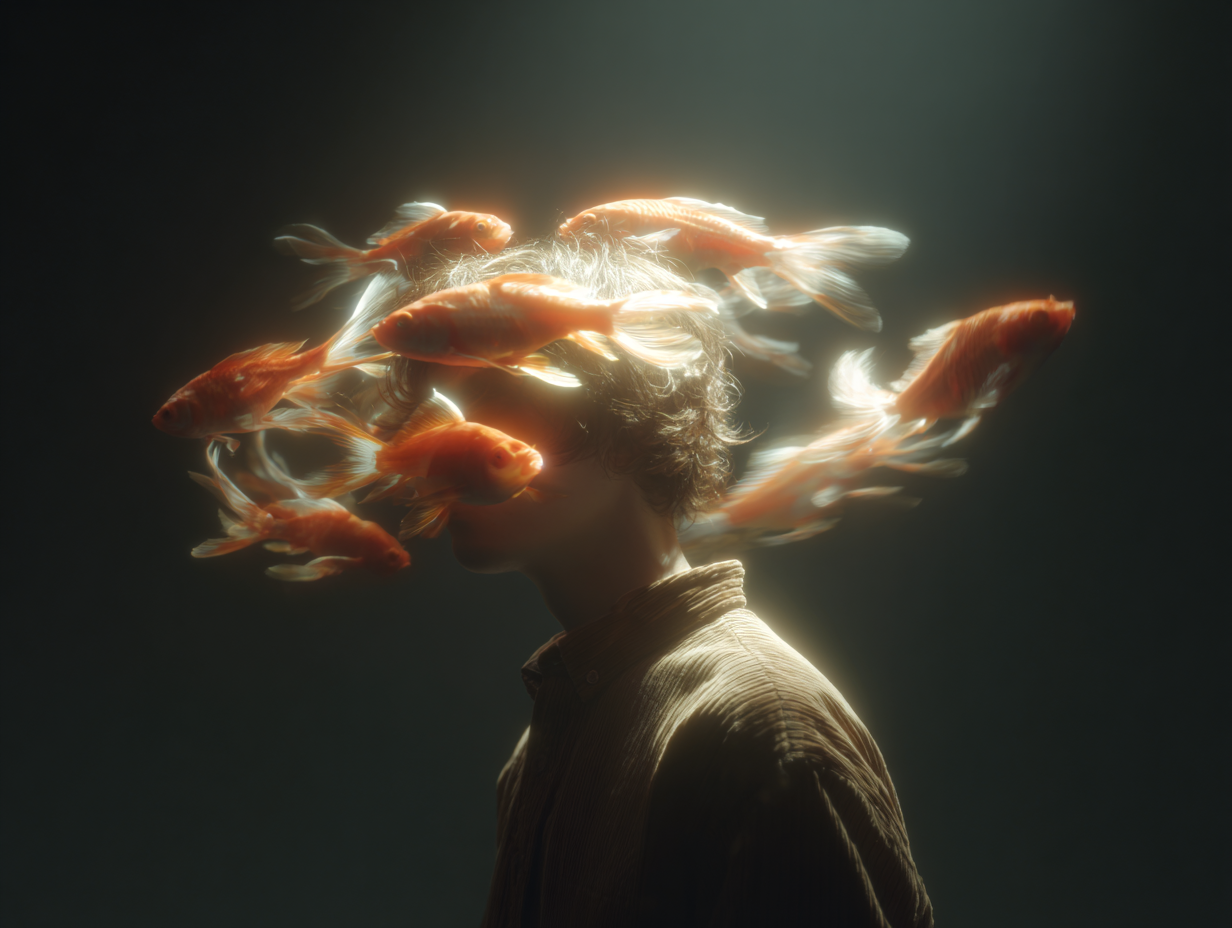
LoadImage node 1 · goldenfish_in_bag.pngman_in_daydream.png
LoadImage node 13 · man_in_daydream.png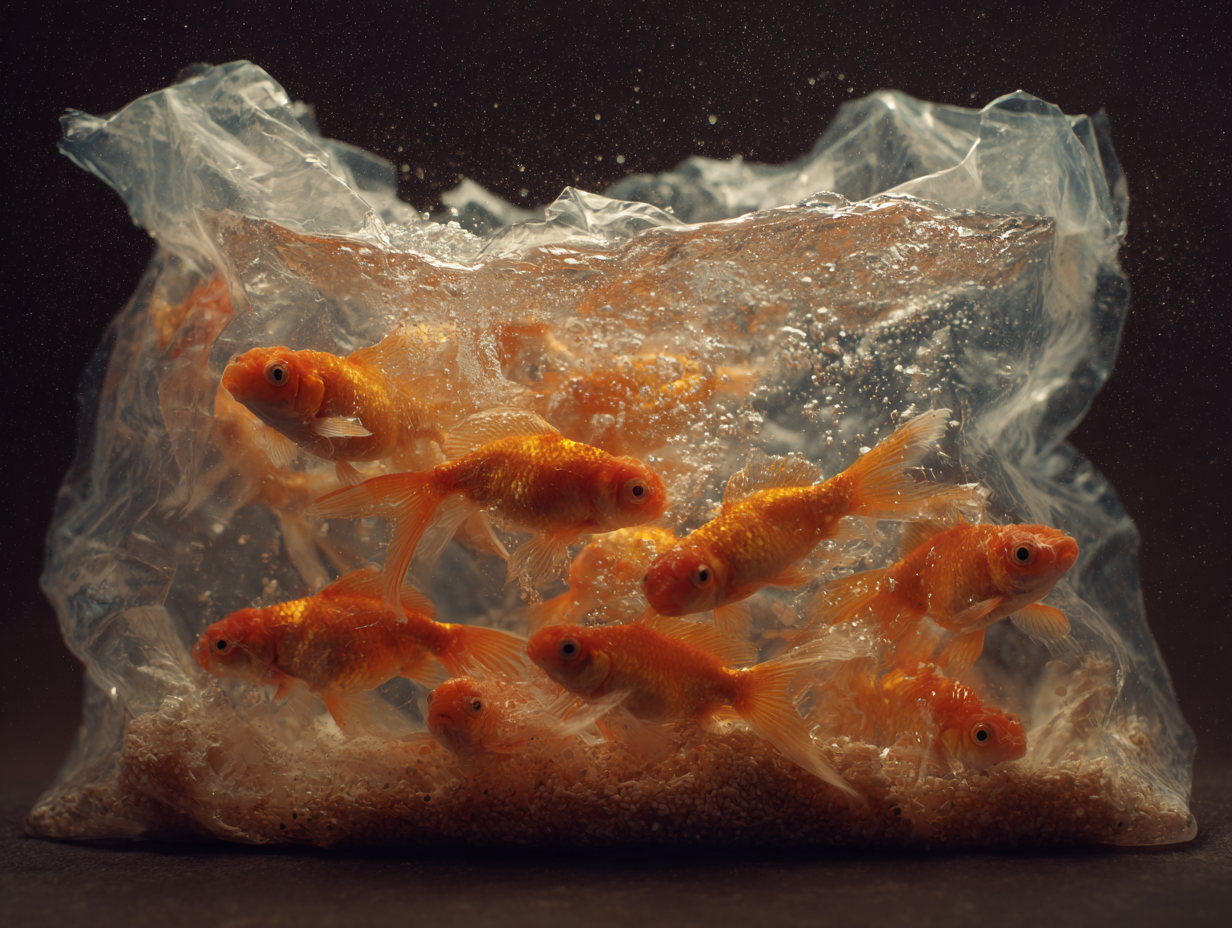
Legacy Kling models (EOL)
Retired workflow templates and replacements
For virtual try-on, use Flux Virtual Try-On (
api_flux_vto) or other supported alternatives. FLUX VTO and Gemini-based fashion templates are not affected by this retirement.