

What MiniMax H3 Image is good at
- 2K and 4K output: pick a size tier and an aspect ratio, or set an exact width and height
- Image editing: edit or combine up to 16 reference images, addressed in the prompt as
@Image1to@Image16 - Prompt rewriting: MiniMax expands a short prompt into a detailed scene description by default and returns the rewritten prompt with the image
- Poster-grade detail: suited to posters, packaging, and editorial images that need legible text and dense detail
Text to image
Generate an image from a prompt at 2K or 4K.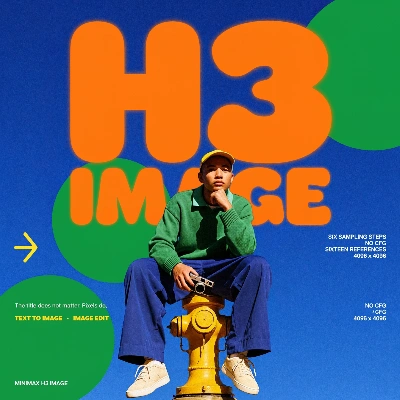
Download Workflow
Download JSON or search “MiniMax-H3-Image: Text to Image (API)” in Template Library
Image edit
Connect a source image, describe the change, and only what the prompt asks for is rewritten. The template adds a woman to a finished render and keeps the rest of the frame.
Download Workflow
Download JSON or search “MiniMax-H3-Image: Image Edit (API)” in Template Library
surreal_rendering_modern.png
LoadImage · surreal_rendering_modern.pngOptions
Prompts can be up to 8,000 characters when reference images are connected. The node also returns the rewritten
revised_prompt next to the image.
Get started
- Update ComfyUI to 0.45.1 or later
- In the Template Library, search for
MiniMax-H3-Image