

Update your payment information
Learn how to update your billing details and payment information
Why invoices come from Stripe
Comfy Cloud subscriptions and credit purchases are processed by Stripe, so invoices and receipts are issued through the Stripe billing portal rather than by Comfy directly. To find or download a past invoice, see View Comfy Cloud payment history.See your next invoice
The Invoices tab in Plan & Credits shows the Next invoice amount in USD for your current plan. Open it from the profile menu: Manage plan → Plan & Credits → Invoices.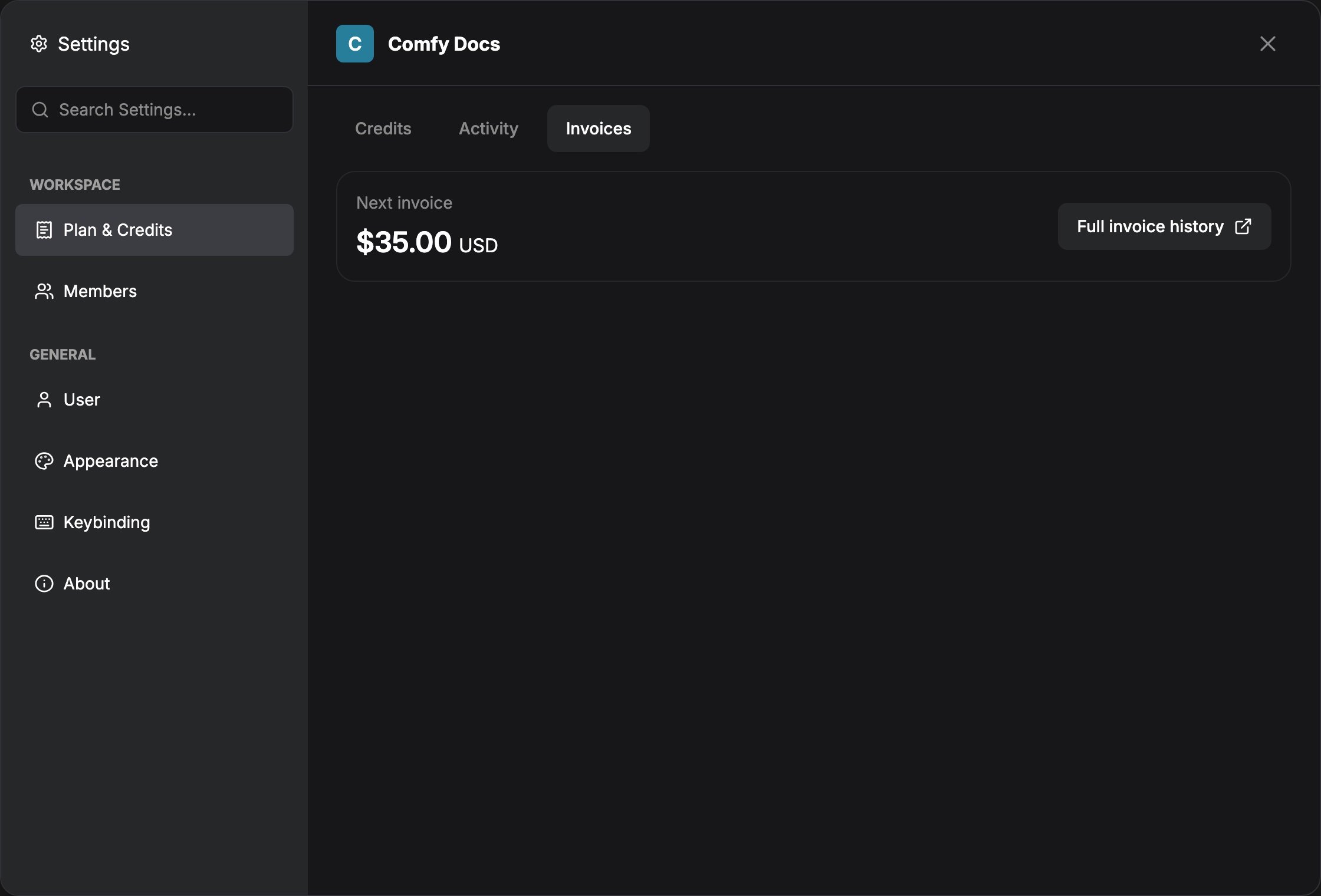
Important notes
- Changes to your payment information only apply to future invoices
- We cannot change invoices that have already been issued
- Enter the billing details you want to see on your invoice at checkout