

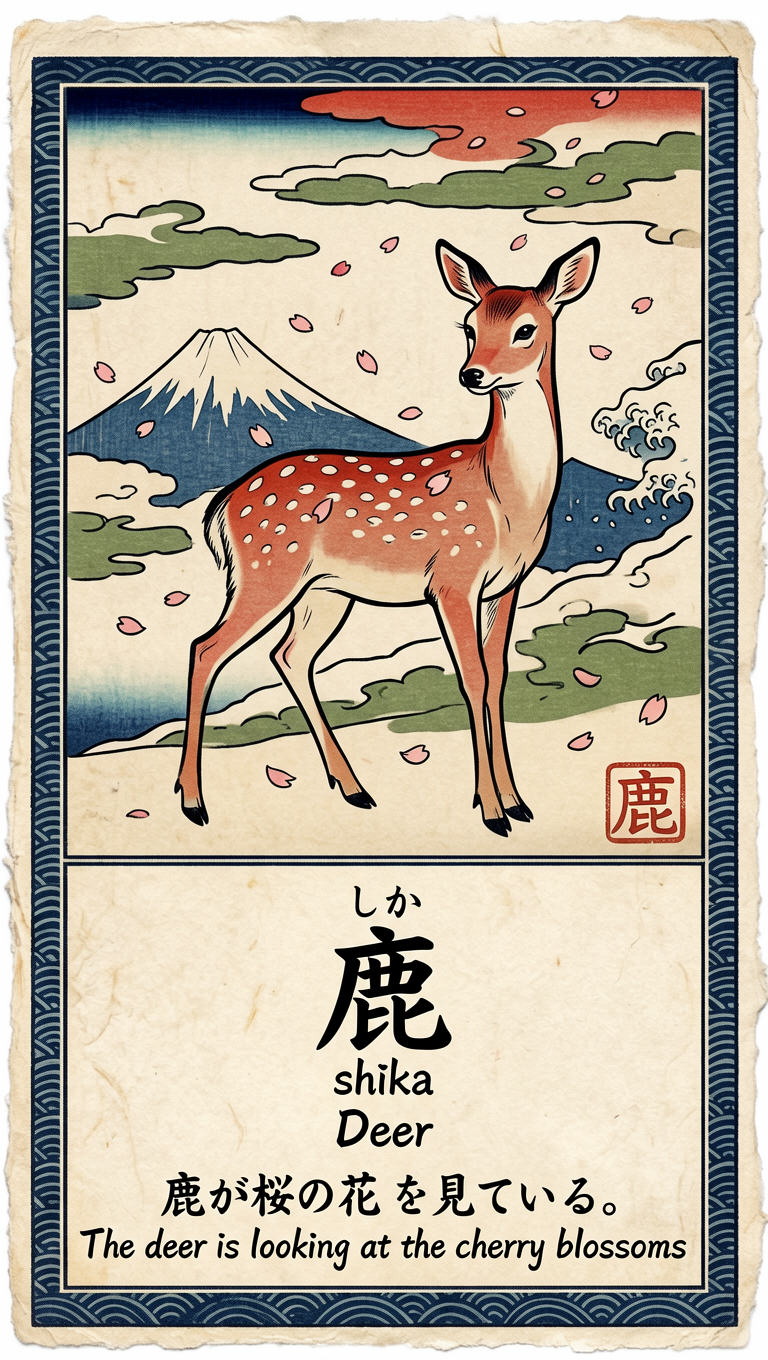
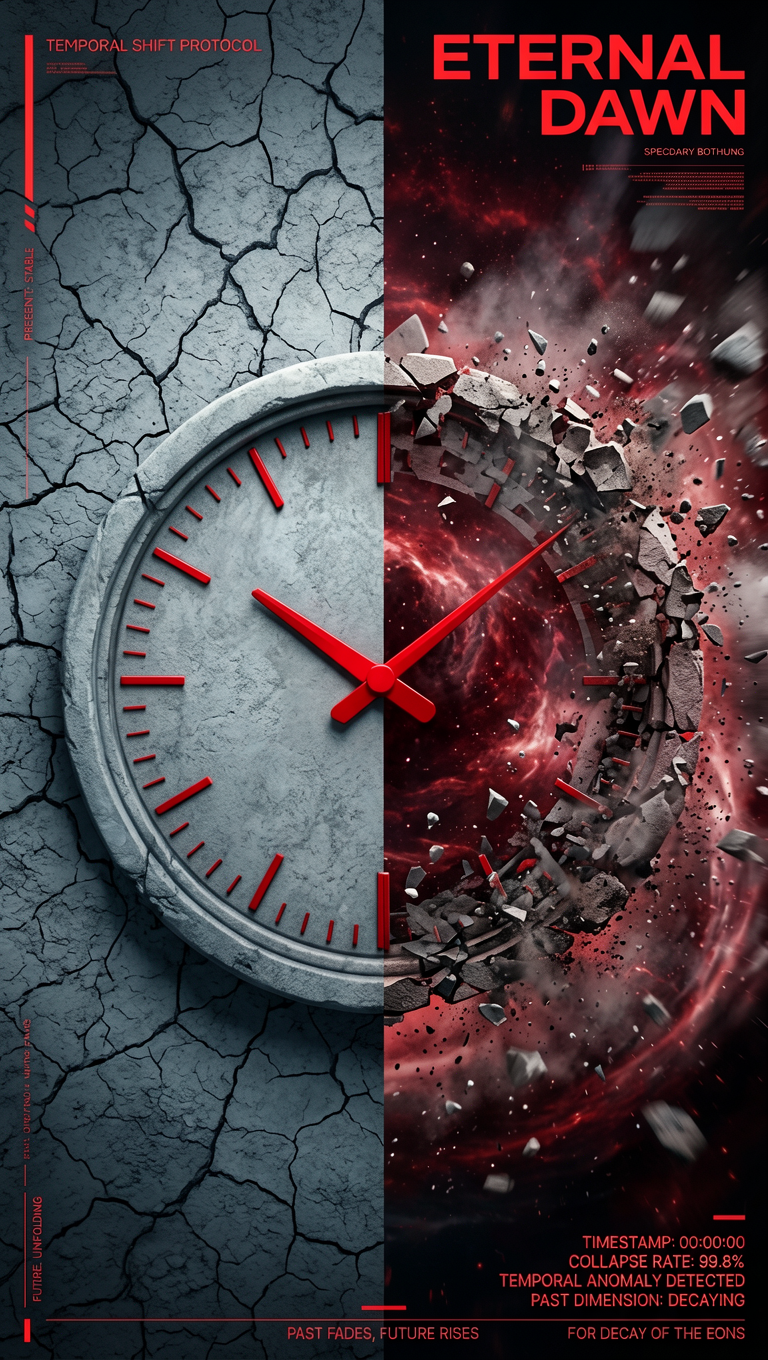
- Precise text rendering: dense and layout-sensitive text in English, Chinese, and more
- Strong instruction following: handles complex prompts, multi-object relations, and knowledge-intensive descriptions
- Structured visual generation: posters, manga/anime storyboards, multi-panel compositions
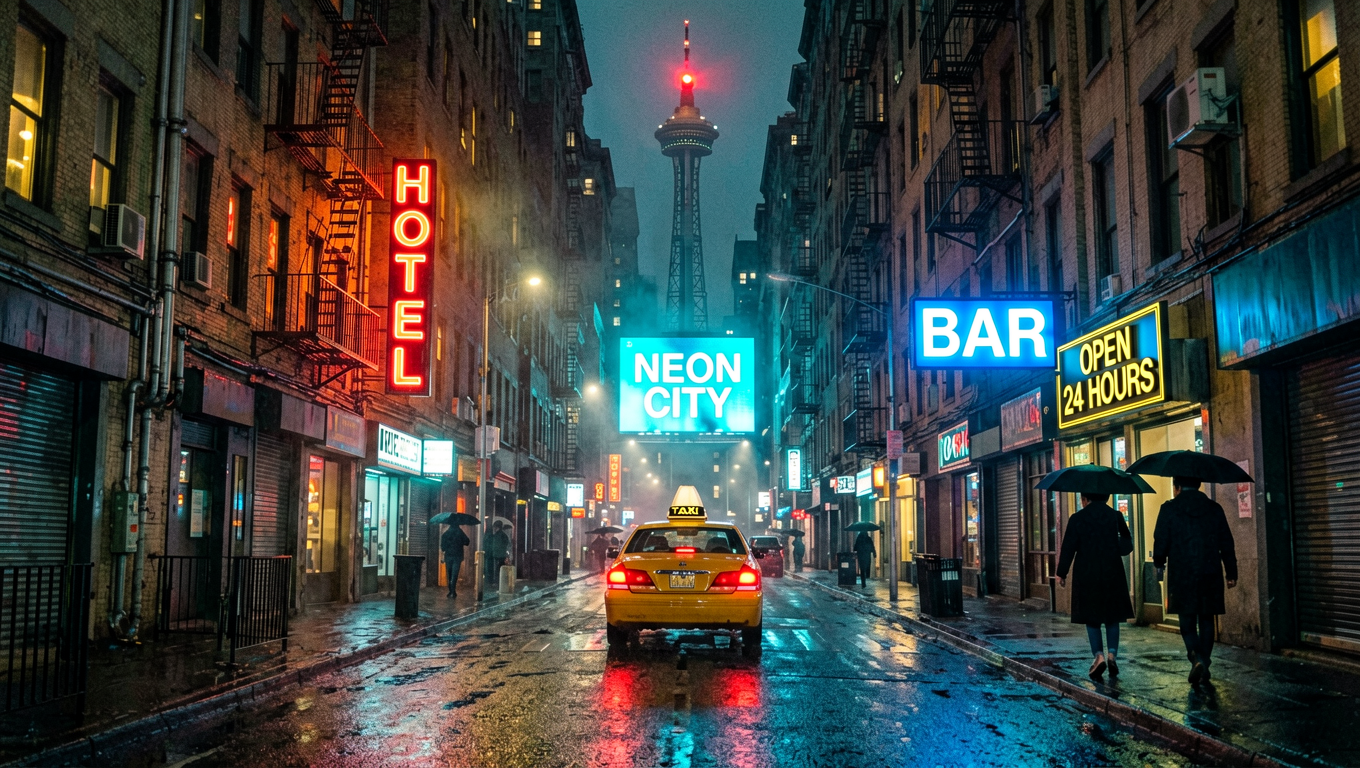
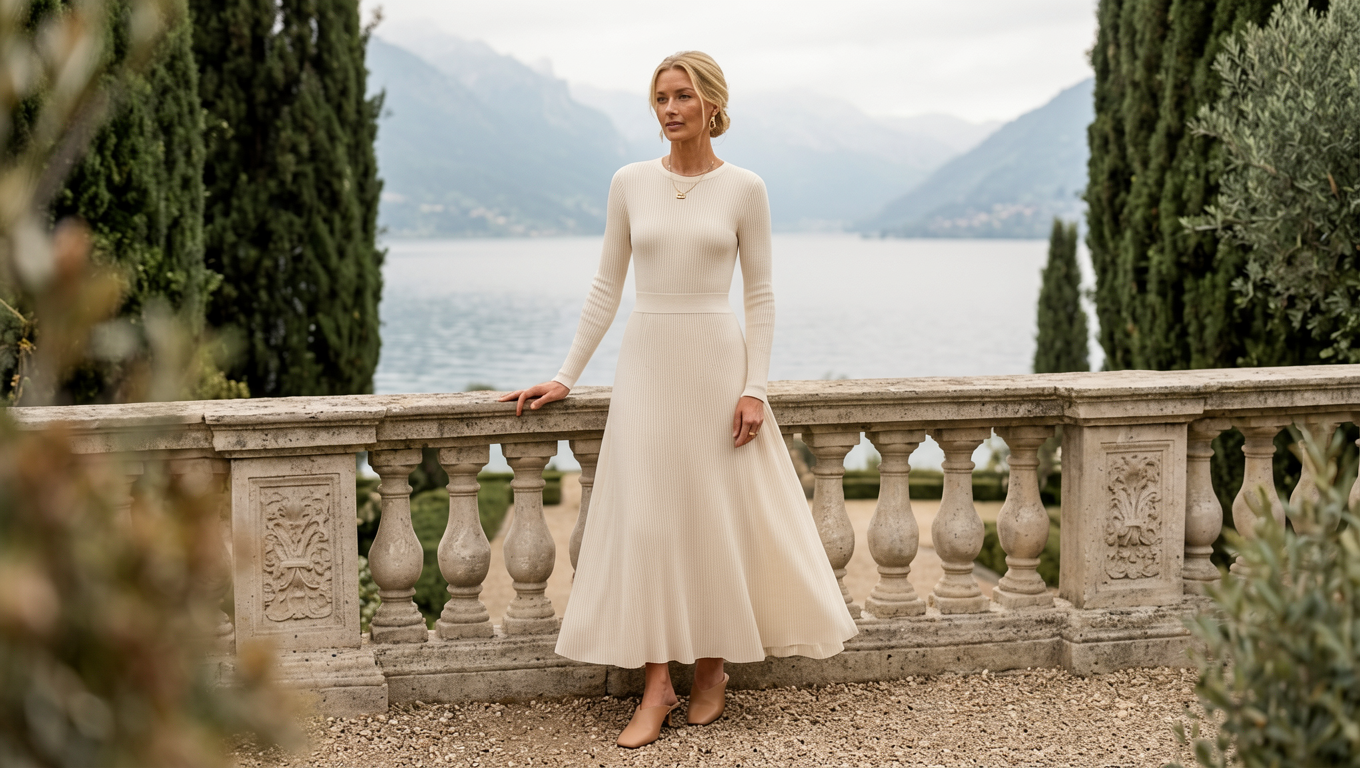
- Broad stylistic range: realistic photography to cinematic film-like aesthetics
- Compact and deployable: 8B parameters, runs on 24 GB VRAM
- Built-in Prompt Enhancer: 3B model that expands short inputs into richer prompts
ERNIE-Image text-to-image workflow
Ernie Image: Text to Image
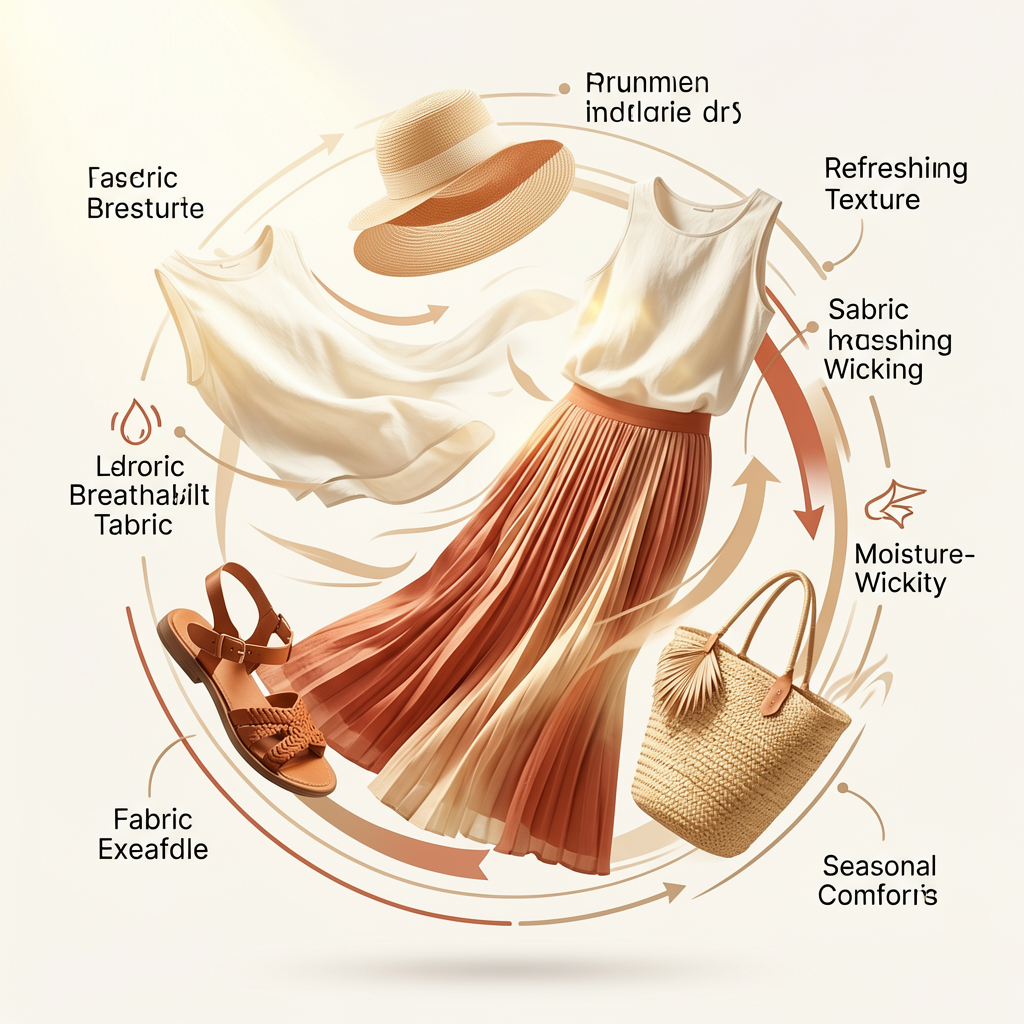
Generate images from text prompts using the ERNIE-Image model. Input a text description to produce detailed, structured visuals with a broad stylistic range.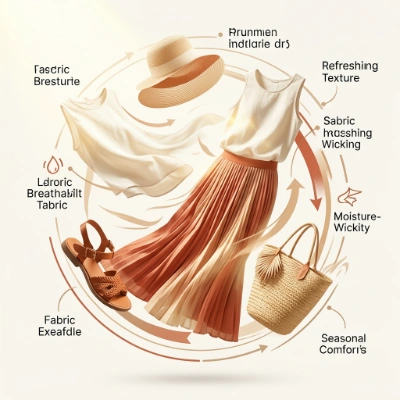
Run on Comfy Cloud
Run this workflow directly on Comfy Cloud
Download Workflow
Download the ERNIE-Image text-to-image workflow JSON file
Get started
- Update ComfyUI to the latest version or use Comfy Cloud
- Go to Template and search for ERNIE-Image
- Select the ERNIE-Image workflow
- Download any missing models, update the prompt, and click Run
ERNIE-Image model downloads
You can find all repackaged model files at Comfy-Org/ERNIE-Image on Hugging Face.ernie-image.safetensors
Diffusion model for ERNIE-Image.
ministral-3-3b.safetensors
Text encoder for ERNIE-Image.
ernie-image-prompt-enhancer.safetensors
Prompt Enhancer text encoder for ERNIE-Image.
flux2-vae.safetensors
VAE for ERNIE-Image.
ERNIE-Image-Turbo
ERNIE-Image-Turbo is a faster variant optimized with DMD and RL, generating images in just 8 steps compared to the ~50 steps required by the standard model.Ernie Image Turbo: Text To Image
Generate images from text prompts using the ERNIE-Image turbo model. Input a text description and receive a high-quality image with precise text rendering.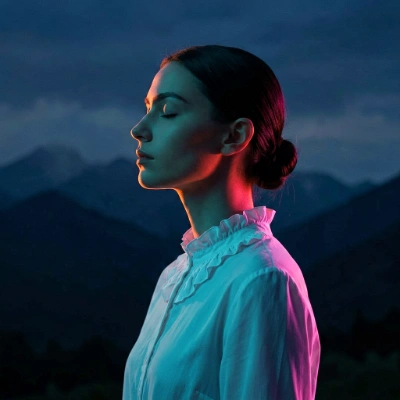
Run on Comfy Cloud
Run this workflow directly on Comfy Cloud
Download Workflow
Download the ERNIE-Image-Turbo text-to-image workflow JSON file

ERNIE-Image-Turbo model downloads
ernie-image-turbo.safetensors
Diffusion model for ERNIE-Image-Turbo.
ministral-3-3b.safetensors
Text encoder for ERNIE-Image-Turbo.
ernie-image-prompt-enhancer.safetensors
Prompt Enhancer text encoder for ERNIE-Image-Turbo.
flux2-vae.safetensors
VAE for ERNIE-Image-Turbo.
Available models
Examples
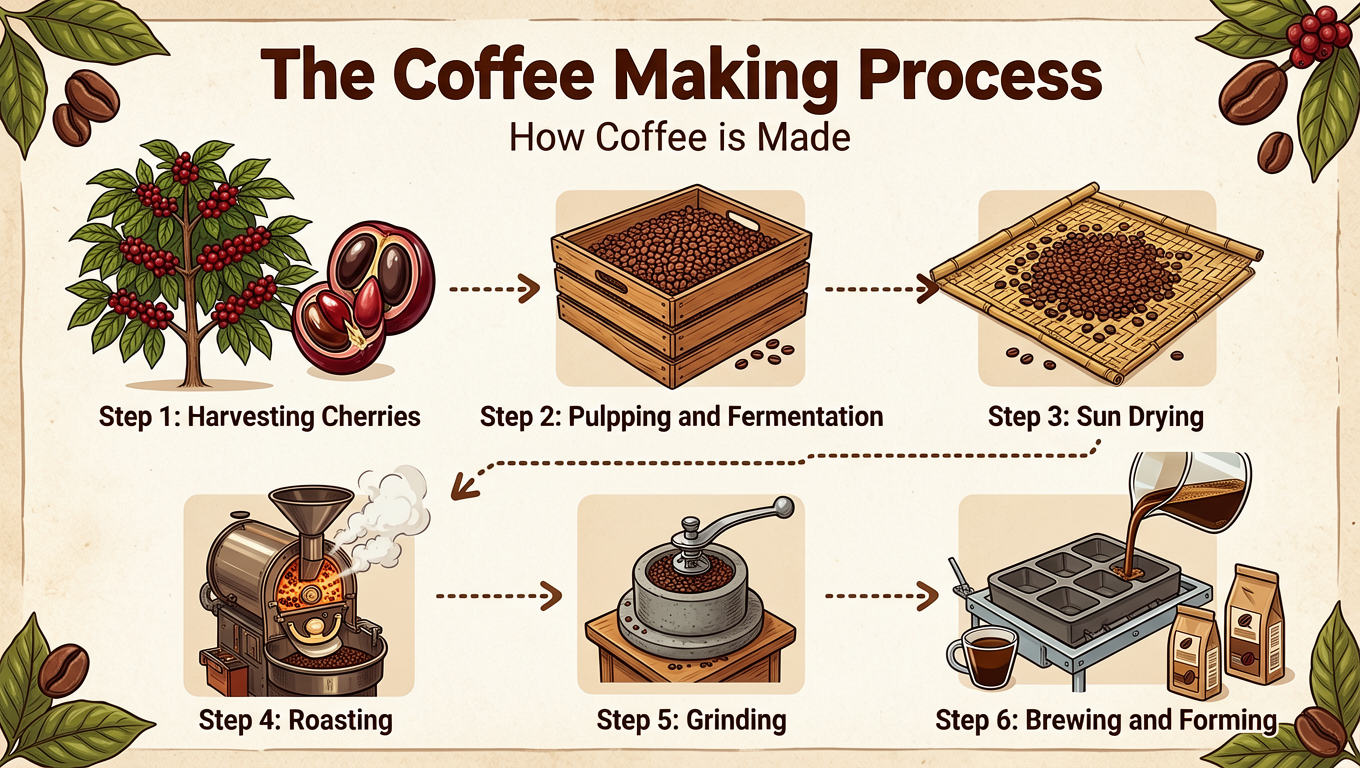
Text rendering and design layouts
Prompt
Prompt
Prompt
Prompt
Prompt
Prompt
Cinematic and stylized aesthetics
Prompt
Prompt
Prompt
Prompt

Prompt
Prompt
Multi-panel compositions
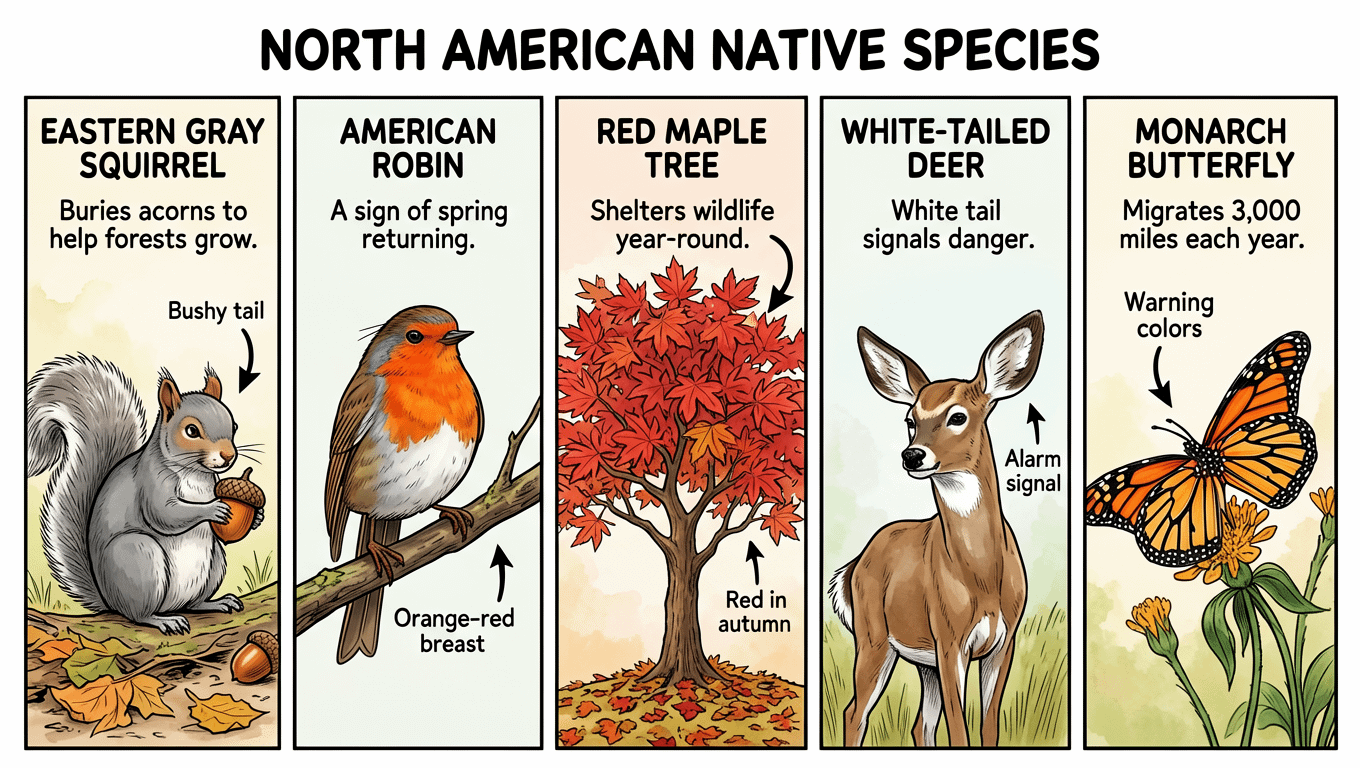
Prompt
Prompt
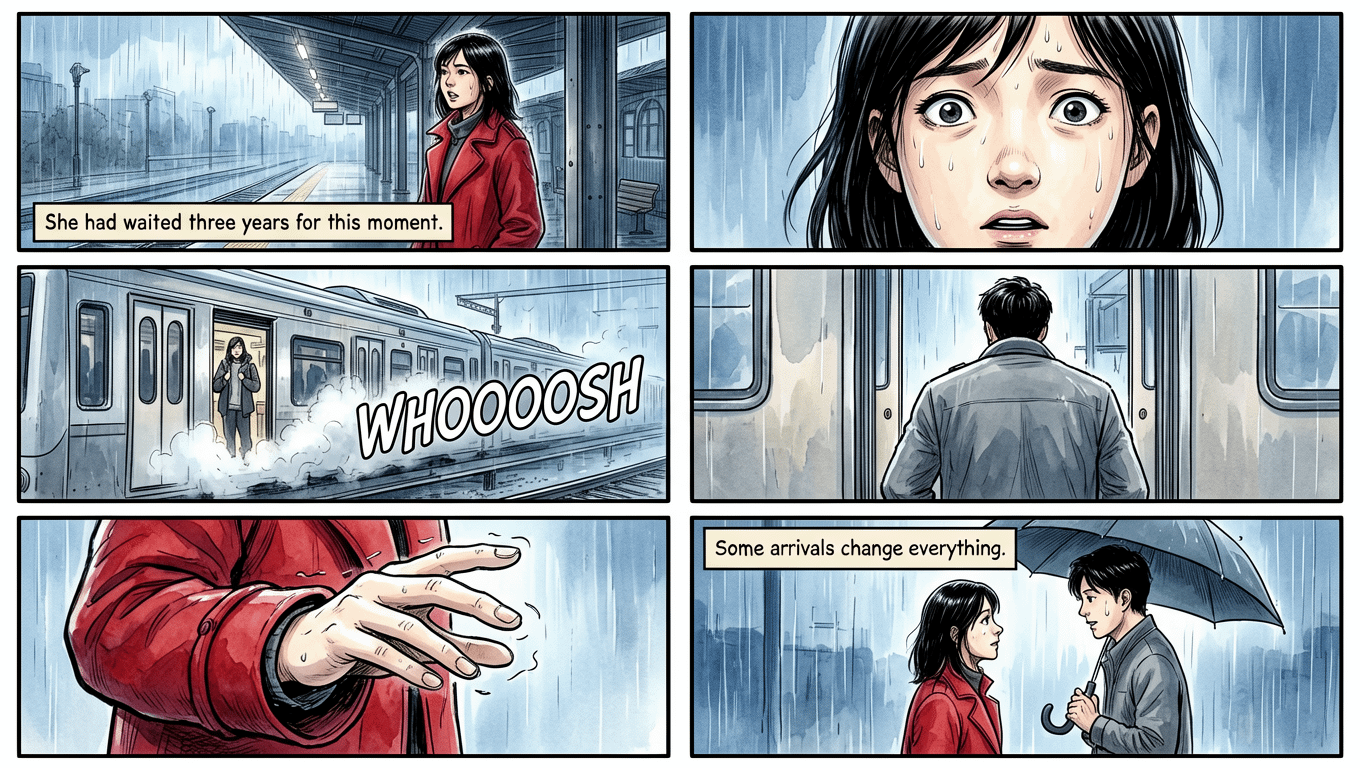
Prompt
Prompt