

- Anime and artistic illustration focus — tuned for non-photorealistic art styles
- ComfyUI native support — loaded with standard UNETLoader, CLIPLoader, and VAELoader nodes
- Qwen-3 0.6B text encoder — provides strong language understanding and prompt adherence
- No input image needed — pure text-to-image generation
- Compact footprint — 2B diffusion model, runs comfortably on consumer GPUs
Available workflows
Anima provides two workflows — the base version for standard use and a preview version for early access. Both workflows use a Subgraph node to manage the text-to-image generation pipeline. You can open the subgraph to inspect or customize the internal nodes.Learn about Subgraph
This workflow uses Subgraph nodes for modular processing. Check out the Subgraph documentation to learn how to customize and extend the workflow.
Anima Base v1: Text to Image
Download Workflow
Download JSON or search “Anima Base v1” in Template Library
Run on Comfy Cloud
Open in Comfy Cloud
Get started
- Update ComfyUI to the latest version or use Comfy Cloud
- Go to Template and search for Anima Base v1
- Select the Anima Base v1: Text to Image workflow
- Download any missing models (see model downloads), enter your prompt, and click Queue
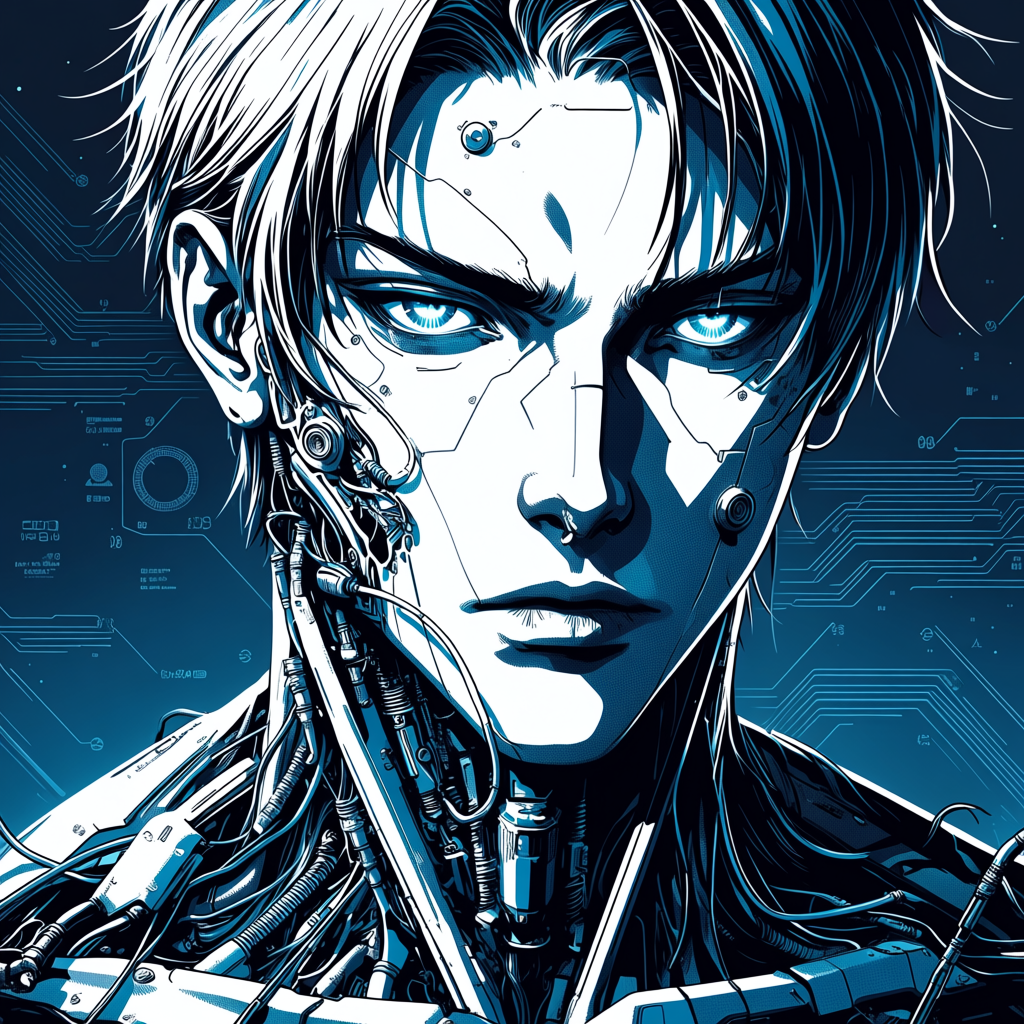
Example output
Anima Preview: Anime Text-to-Image Generation
Download Workflow
Download JSON or search “Anima Preview” in Template Library
Run on Comfy Cloud
Open in Comfy Cloud
Get started
- Update ComfyUI to the latest version or use Comfy Cloud
- Go to Template and search for Anima Preview
- Select the Anima Anime Text-to-Image Generation workflow
- Download any missing models (see model downloads), enter your prompt, and click Queue
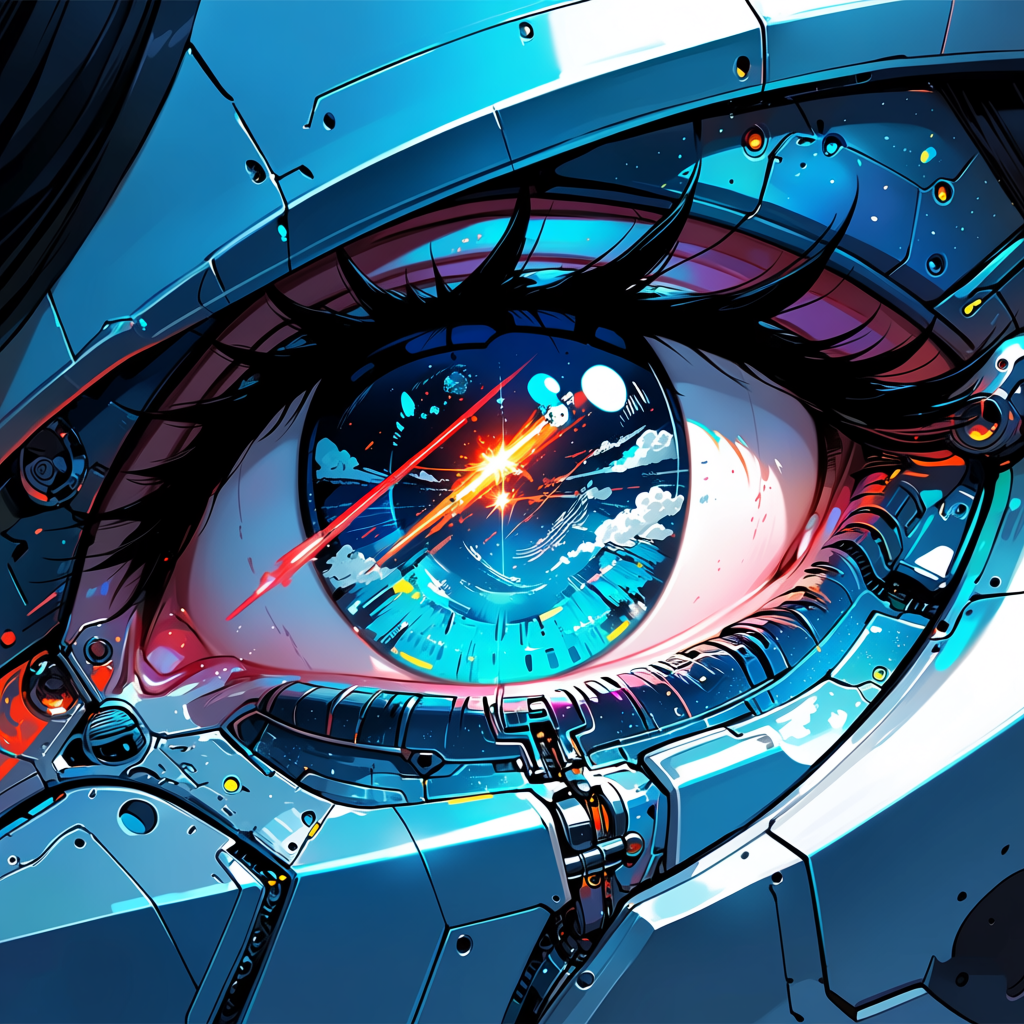
Example output
Anima model downloads
You can find all model files at circlestone-labs/Anima on Hugging Face.anima-base-v1.0.safetensors
Diffusion model (2B) for Anima Base v1.
qwen_3_06b_base.safetensors
Text encoder (Qwen-3 0.6B) shared by both workflows.
qwen_image_vae.safetensors
VAE shared by both workflows.
Preview model
If you are using the Preview workflow, download the preview diffusion model instead:anima-preview3-base.safetensors
Diffusion model (2B) for Anima Preview.
Limitations
- No realism — the model is intentionally designed for anime and illustration styles; realistic renderings are out of scope
- Weak text rendering — high-resolution text and complex typography may not render clearly
- Plain styling — the base model produces simpler compositions; advanced artistic styles may require refinement or fine-tuning