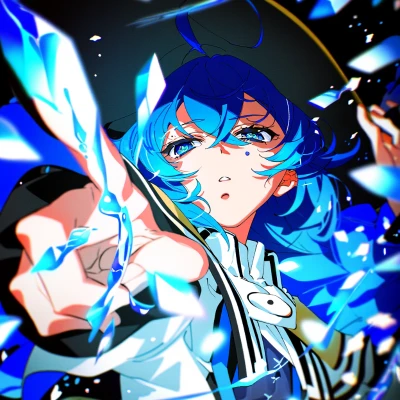
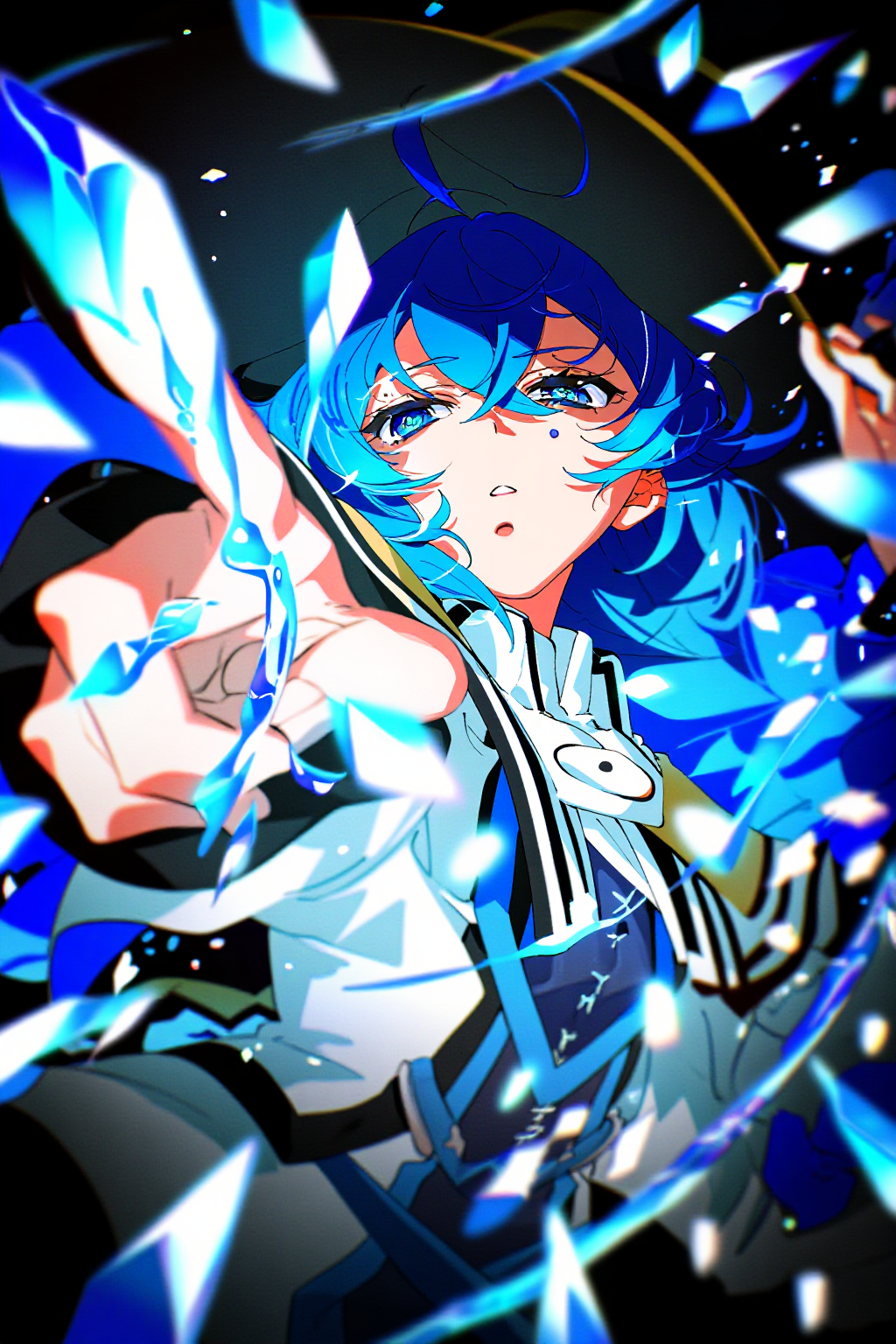
NewBie-image-Exp0.1 is a 3.5B parameter DiT model developed by NewBieAI Lab for anime-style text-to-image generation. Built on the Next-DiT architecture, it delivers remarkably detailed and visually striking anime images. Key Features:
  • 3.5B Parameter Model: Efficient yet powerful model size for high-quality anime generation
  • Next-DiT Architecture: Based on research from the Lumina architecture with a newly designed NewBie architecture
  • Dual Text Encoders: Uses Gemma3-4B-it as primary encoder with Jina CLIP v2 for improved prompt understanding
  • FLUX VAE: Utilizes FLUX.1-dev 16-channel VAE for richer colors and finer texture details
  • XML Structured Prompts: Supports XML format for better attention binding and attribute disentanglement
Related Links:

NewBie-image text-to-image workflow

Download JSON Workflow File

Run on ComfyUI Cloud

Make sure your ComfyUI is updated.Workflows in this guide can be found in the Workflow Templates. If you can’t find them in the template, your ComfyUI may be outdated. (Desktop version’s update will delay sometime)If nodes are missing when loading a workflow, possible reasons:
  1. You are not using the latest ComfyUI version (Nightly version)
  2. Some nodes failed to import at startup
text_encoders diffusion_models vae Model Storage Location
ComfyUI/
├── models/
│   ├── text_encoders/
│   │      ├── gemma_3_4b_it_bf16.safetensors
│   │      └── jina_clip_v2_bf16.safetensors
│   ├── diffusion_models/
│   │      └── NewBie-Image-Exp0.1-bf16.safetensors
│   └── vae/
│          └── ae.safetensors

Prompt format

NewBie-image is an anime image generation model optimized for character generation. It uses XML structured prompts for training, where each <> tag defines a category (like <appearance>, <clothing>) and </> closes it. The tags inside are standard Danbooru tags. This structure enables precise control over multi-character scenes with better attribute binding. For the complete prompt writing guide, see the official documentation. NewBie-image-Exp0.1 supports three prompt formats:
  • Natural language: Standard text descriptions
  • Tags: Danbooru-style tags
  • XML structured format: Recommended for multi-character scenes

XML structured prompt

For multi-character scenes, using XML structured prompts typically leads to more accurate image generation results with better attention binding and attribute disentanglement.
<character_1>
<n>$character_1$</n>
<gender>1girl</gender>
<appearance>chibi, red_eyes, blue_hair, long_hair, hair_between_eyes, head_tilt, tareme, closed_mouth</appearance>
<clothing>school_uniform, serafuku, white_sailor_collar, white_shirt, short_sleeves, red_neckerchief, bow, blue_skirt, miniskirt, pleated_skirt, blue_hat, mini_hat, thighhighs, grey_thighhighs, black_shoes, mary_janes</clothing>
<expression>happy, smile</expression>
<action>standing, holding, holding_briefcase</action>
<position>center_left</position>
</character_1>

<character_2>
<n>$character_2$</n>
<gender>1girl</gender>
<appearance>chibi, red_eyes, pink_hair, long_hair, very_long_hair, multi-tied_hair, open_mouth</appearance>
<clothing>school_uniform, serafuku, white_sailor_collar, white_shirt, short_sleeves, red_neckerchief, bow, red_skirt, miniskirt, pleated_skirt, hair_bow, multiple_hair_bows, white_bow, ribbon_trim, ribbon-trimmed_bow, white_thighhighs, black_shoes, mary_janes, bow_legwear, bare_arms</clothing>
<expression>happy, smile</expression>
<action>standing, holding, holding_briefcase, waving</action>
<position>center_right</position>
</character_2>

<general_tags>
<count>2girls, multiple_girls</count>
<style>anime_style, digital_art</style>
<background>white_background, simple_background</background>
<atmosphere>cheerful</atmosphere>
<quality>high_resolution, detailed</quality>
<objects>briefcase</objects>
<other>alternate_costume</other>
</general_tags>

XML tag reference

TagDescription
<n>Character name/identifier
<gender>Character gender (1girl, 1boy, etc.)
<appearance>Physical features (hair, eyes, body type)
<clothing>Outfit and accessories
<expression>Facial expression
<action>Pose and actions
<position>Position in the image
<count>Number of characters
<style>Art style
<background>Background description
<atmosphere>Overall mood
<quality>Quality tags
<objects>Objects in the scene
<other>Additional tags