

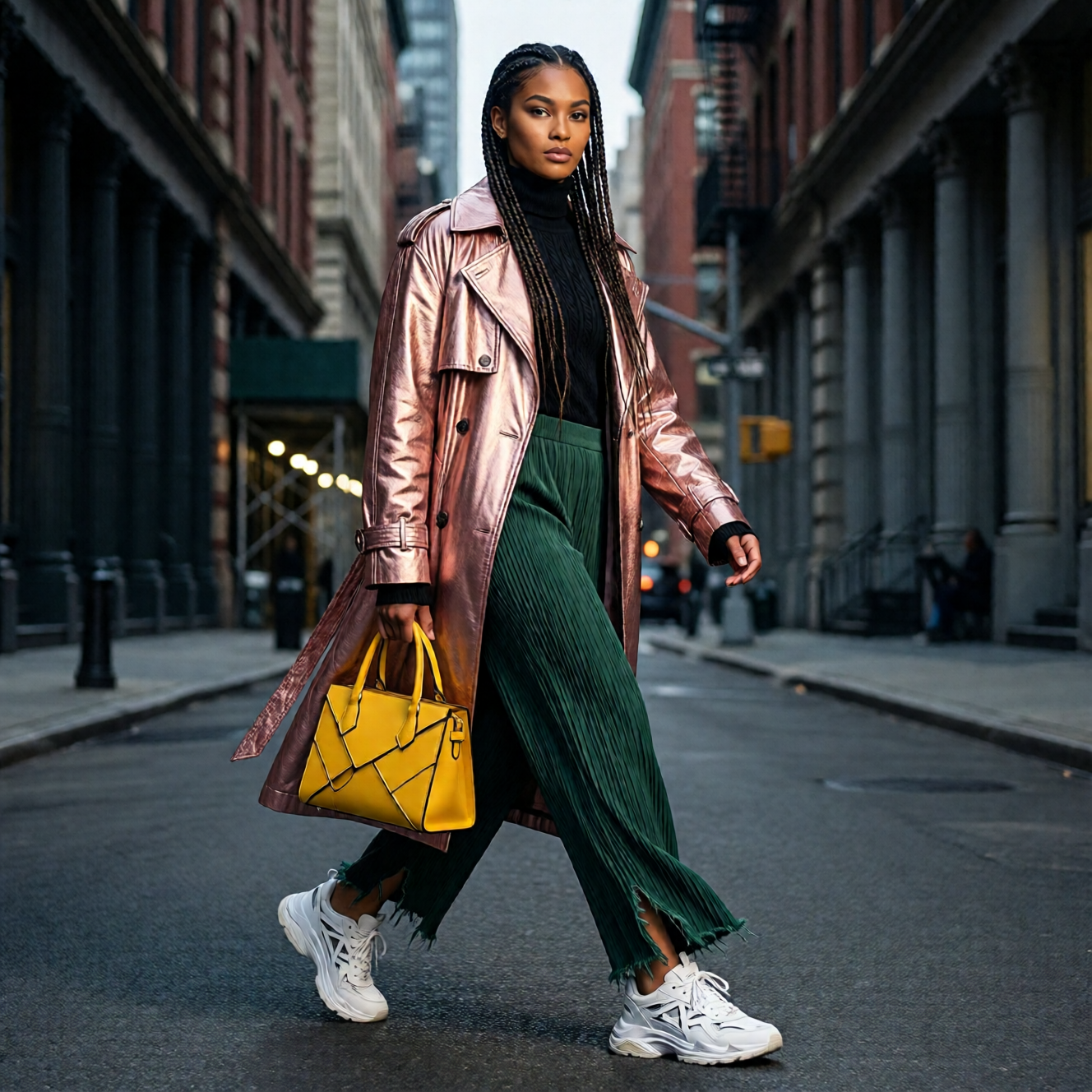
- 향상된 인간의 사실성: ‘AI 생성’ 느낌을 크게 줄이고, 특히 인물의 경우 전반적인 이미지 사실성을 대폭 향상시켰습니다.
- 더 세밀한 자연 디테일: 풍경, 동물의 털 등 자연 요소를 눈에 띄게 더 세밀하게 표현합니다.
- 개선된 텍스트 렌더링: 텍스트 요소의 정확성과 품질을 높여, 더 나은 레이아웃과 더욱 충실한 멀티모달(텍스트 + 이미지) 구성이 가능합니다.
지원되는 종횡비
Qwen-Image-2512 ComfyUI 네이티브 워크플로우 예시
Qwen Image 2512
인간의 사실감을 높이고 자연스러운 디테일을 더 정교하게 다듬었으며 텍스트 렌더링을 개선한 텍스트-투-이미지 모델입니다.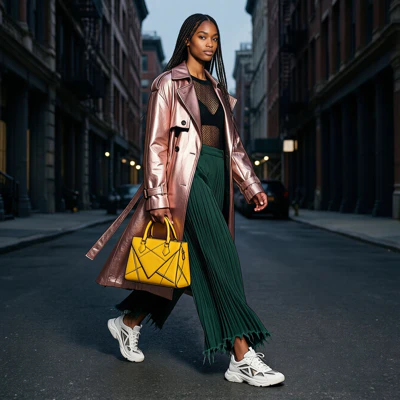
Comfy Cloud에서 실행
Comfy Cloud에서 열기
워크플로우 다운로드
JSON을 다운로드하거나 템플릿 라이브러리에서 “Qwen-Image-2512”를 검색하세요
1. 워크플로우 파일
ComfyUI를 업데이트한 후, 템플릿에서 워크플로우 파일을 찾거나 아래 워크플로우를 ComfyUI로 드래그하여 불러올 수 있습니다. 워크플로우에는 두 개의 서브그래프가 포함되어 있습니다:- 텍스트 기반 이미지 생성 (Qwen-Image 2512): 표준 50단계 생성
- 텍스트 기반 이미지 생성 (Qwen-Image 2512 4단계): Lightning LoRA를 사용한 가속화된 4단계 생성
2. 모델 다운로드
텍스트 인코더 LoRA (선택사항 - 4단계 Lightning 가속화용) 디퓨전 모델- qwen_image_2512_fp8_e4m3fn.safetensors (대부분의 사용자에게 권장됨)
- qwen_image_2512_bf16.safetensors (충분한 VRAM을 보유하고 더 높은 품질을 원하는 경우)