

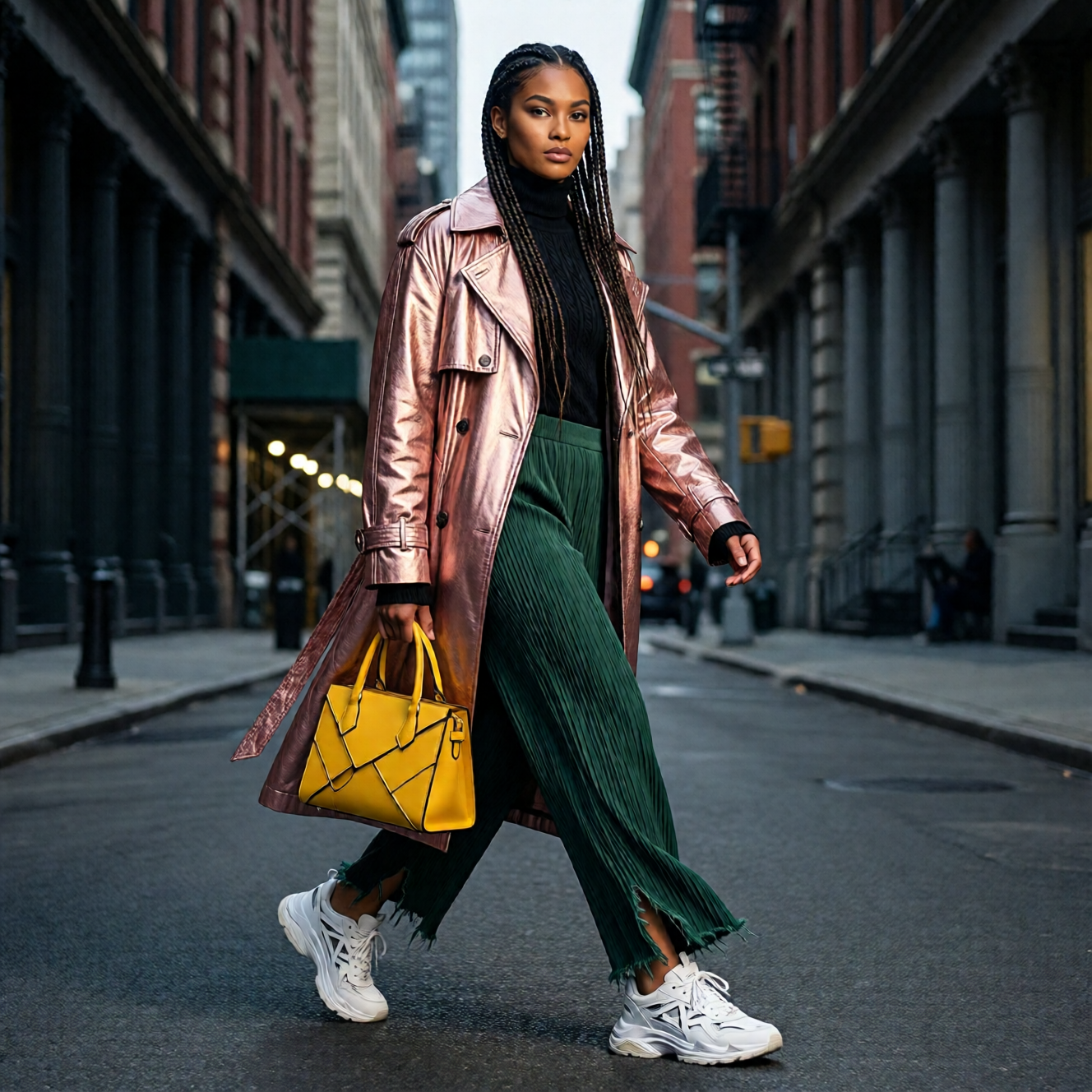
- Enhanced Human Realism: Significantly reduces the “AI-generated” look and substantially enhances overall image realism, especially for human subjects
- Finer Natural Detail: Delivers notably more detailed rendering of landscapes, animal fur, and other natural elements
- Improved Text Rendering: Improves the accuracy and quality of textual elements, achieving better layout and more faithful multimodal (text + image) composition
Supported Aspect Ratios
Qwen-Image-2512 ComfyUI Native Workflow Example
Qwen Image 2512
Text-to-image model with enhanced human realism, finer natural details, and improved text rendering.
Run on Comfy Cloud
Open in Comfy Cloud
Download Workflow
Download JSON or search “Qwen-Image-2512” in Template Library
1. Workflow file
After updating ComfyUI, you can find the workflow file from the templates, or drag the workflow preview above into ComfyUI to load it. The workflow includes two subgraphs:- Text to Image (Qwen-Image 2512): Standard 50-step generation
- Text to Image (Qwen-Image 2512 4steps): Accelerated 4-step generation using Lightning LoRA
2. Model download
Text Encoders LoRA (Optional - for 4-step Lightning acceleration) Diffusion Models- qwen_image_2512_fp8_e4m3fn.safetensors (Recommended for most users)
- qwen_image_2512_bf16.safetensors (If you have enough VRAM and want better quality)