

Model Highlights
- Audio-driven dance generation: Generates dance movements directly from music without manual keyframing or motion capture
- Hierarchical framework: Two-stage architecture (global + local) for coherent body motion and detailed movement refinement
- Music-synchronized output: Dance motions are naturally aligned to the input audio’s rhythm and tempo
- Style control: Configurable dance style and motion amplitude for creative direction
- Minute-scale generation: Produces long-form, coherent dance videos with temporal consistency across the full duration
Workflow Overview
The Wan Dancer workflow takes two inputs: a reference image of the character and an audio file. It generates two video outputs: a global output preview showing the overall dance structure, and a final refined output with enhanced motion details.Wan Dancer Workflow
Wan Dancer: Music to Dance
Generate minute-scale coherent dance videos from music using a hierarchical Wan Dancer framework. Input a music file and reference image to produce synchronized dance videos.
Run on Comfy Cloud
Open in Comfy Cloud
Download Workflow
Download JSON or search “Wan Dancer” in Template Library
blue_dancer.png
LoadImage node 547 · blue_dancer.pngwan_dancer_reference_audio.mp3
LoadAudio node 548 · wan_dancer_reference_audio.mp3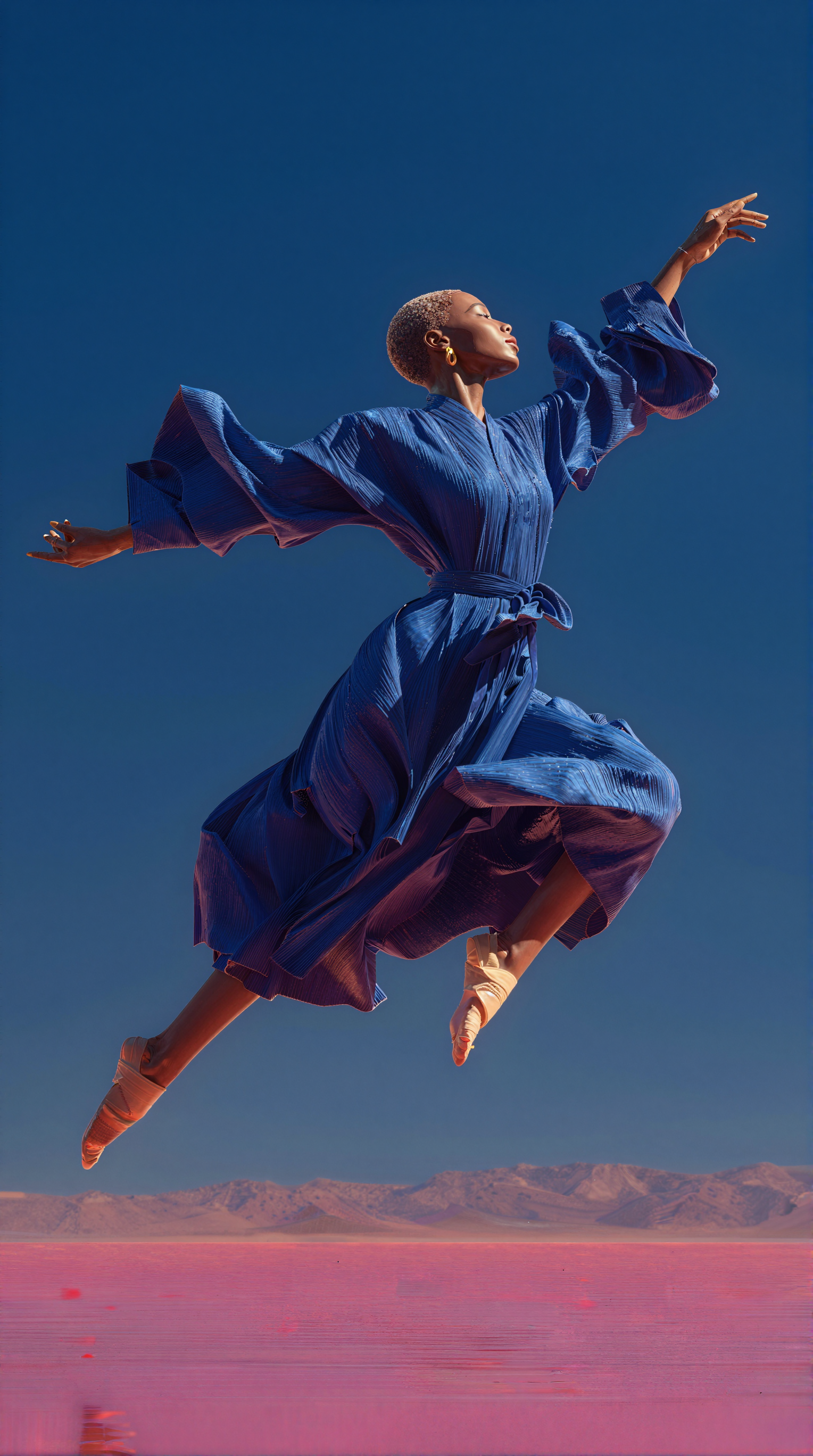
3. Manually Download Models
Diffusion Models LoRA Text Encoder CLIP Vision VAE4. Workflow Instructions
-
Load the reference image: Use the
Load Imagenode to upload your character image. The default input usesblue_dancer.png. -
Load the audio file: Use the
Load Audionode to upload your music or audio track. The default input useswan_dancer_reference_audio.mp3. -
Configure dance parameters:
dance_style: Select the dance style for the output videomotion_amplitude: Control the intensity of dance movementsaudio_duration: Set to match the duration of your input audiofinal_duration: Choose the final output video duration
-
Configure output dimensions:
widthandheight: Set the resolution of the output video. Choose values appropriate for your GPU’s available VRAM.
-
Verify model paths: Make sure the model selector widgets point to the correct model files:
global_model: Should loadwan2.2_dancer_14b_global_fp8_scaled.safetensorslocal_model: Should loadwan2.2_dancer_14b_local_fp8_scaled.safetensorslightning_lora: Should loadlightx2v_I2V_14B_480p_cfg_step_distill_rank64_bf16.safetensorsclip_vision: Should loadclip_vision_h.safetensors
-
Run generation: Click the
Runbutton or use the shortcutCtrl(Cmd) + Enterto execute video generation.
5. Output
The workflow produces two video outputs:- Global output preview: Shows the overall dance structure generated by the global model
- Final output: The refined dance video after local model enhancement
SaveVideo nodes.
Model Information
Wan Dancer is an open source model released under the Apache 2.0 license. The model weights are available on Hugging Face:- Comfy-Org/Wan-Dancer: Global and local diffusion models
Report Issues
If you encounter runtime errors or unexpected behavior:- Ensure ComfyUI is updated to the latest version
- Check that all required models are downloaded and placed in the correct directories
- For Desktop/Cloud users: updates follow stable releases, so nightly-supported models may not be available immediately