About FLUX.2
FLUX.2 is a next-generation image model from Black Forest Labs, delivering up to 4MP photorealistic output with far better lighting, skin, fabric, and hand detail. It adds reliable multi-reference consistency (up to 10 images), improved editing precision, better visual understanding, and professional-class text rendering. Key Features:- Multi-Reference Consistency: Reliably maintains identity, product geometry, textures, materials, wardrobe, and composition intent across multiple outputs
- High-Resolution Photorealism: Generates images up to 4MP with real-world lighting behavior, spatial reasoning, and physics-aware detail
- Professional-Grade Control: Exact pose control, hex-code accurate brand colors, any aspect ratio, and structured prompting for programmatic workflows
- Usable Text Rendering: Produces clean, legible text across UI screens, infographics, and multi-language content
- FLUX.2 Dev: Open-source model (used in this tutorial)
- FLUX.2 Pro: API version from Black Forest Labs
We are using quantized weights in this workflow. The original FLUX.2 repository is available here.
FLUX.2 Dev
Generate photorealistic images with multi-reference consistency and professional text rendering.
Run on Comfy Cloud
Open this workflow directly in Comfy Cloud
Download Workflow
Download the JSON workflow file for local use
LoadImage node 46:
Input Image for FLUX.2 Dev
LoadImage node 46 · image_flux2_input_image.png
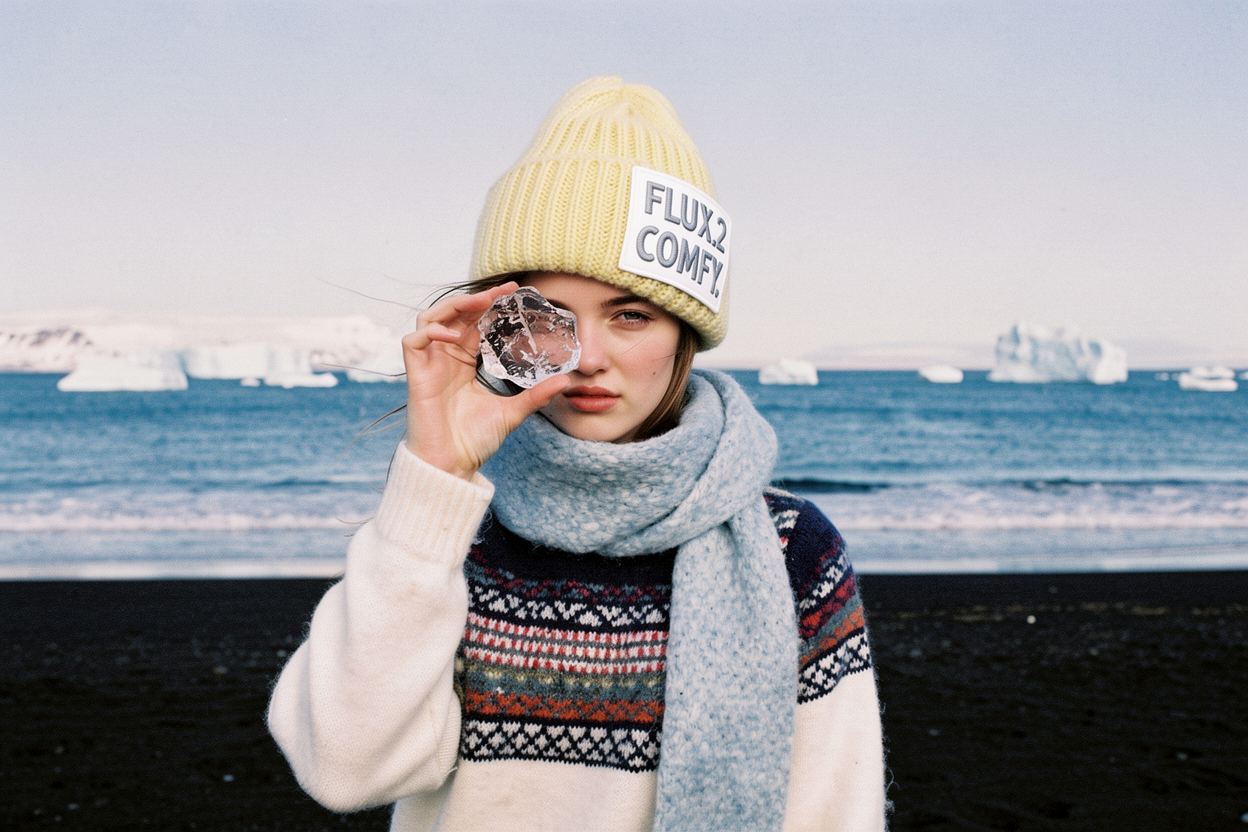
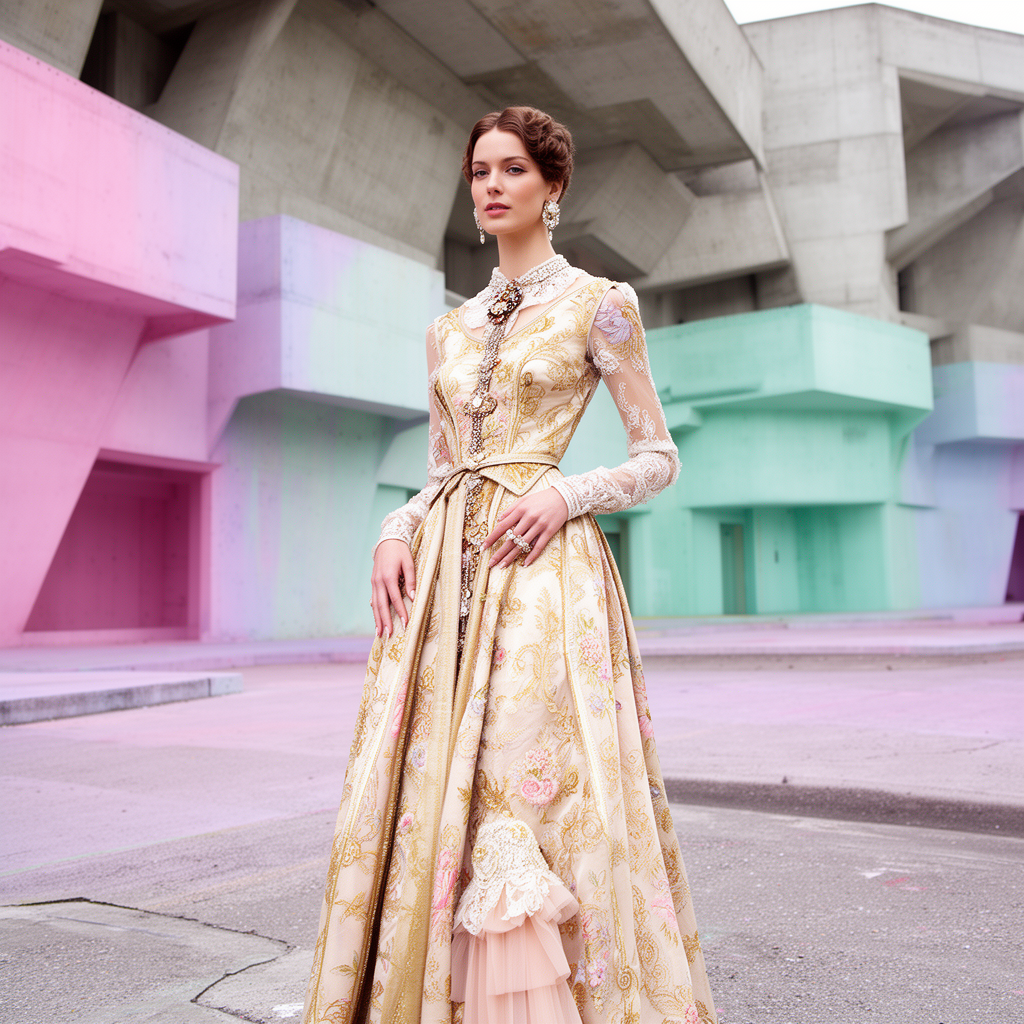
FLUX.2 Dev Text to Image
Text-to-image with enhanced lighting, materials, and realistic details. No input images are required.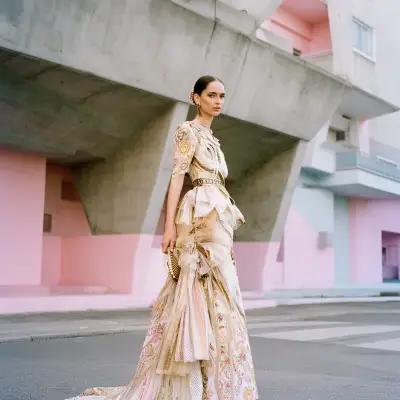
Run on Comfy Cloud
Open this workflow directly in Comfy Cloud
Download Workflow
Download the JSON workflow file for local use
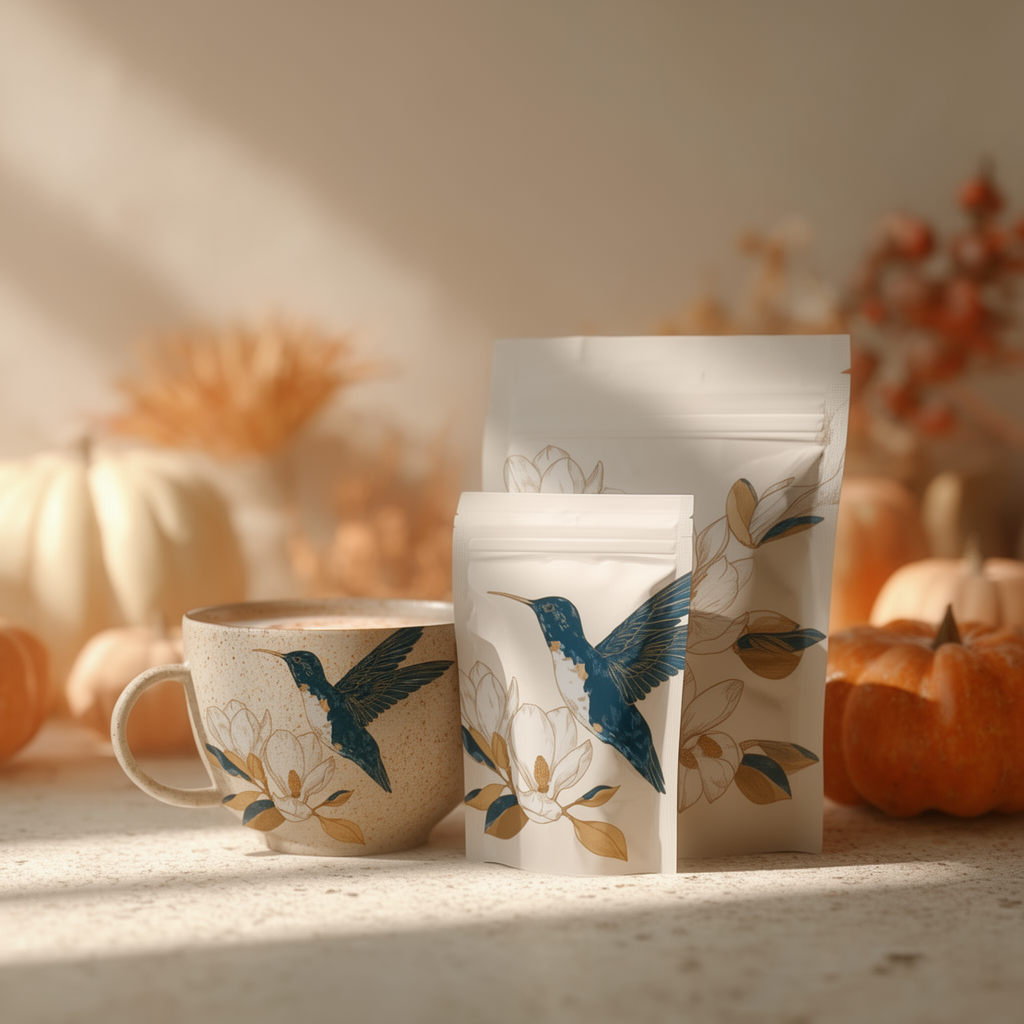
Product Mockup
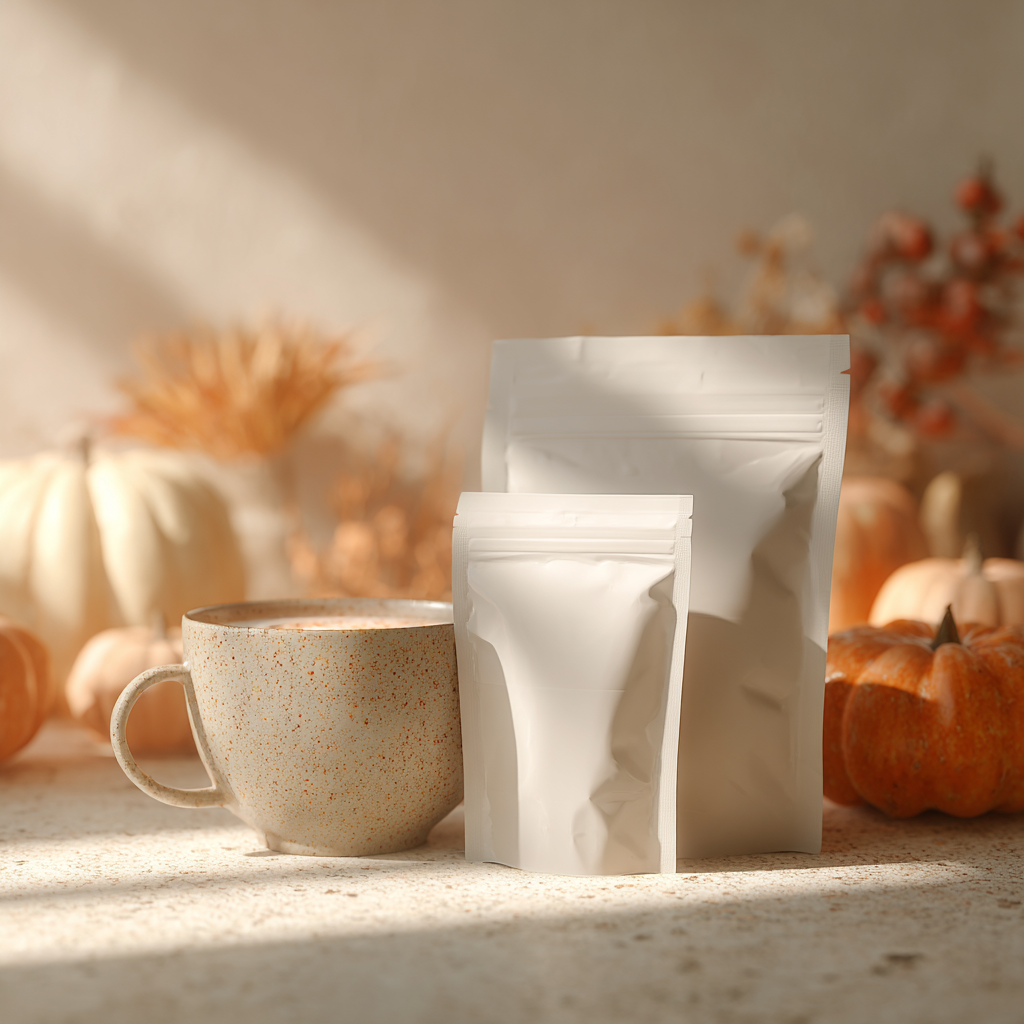
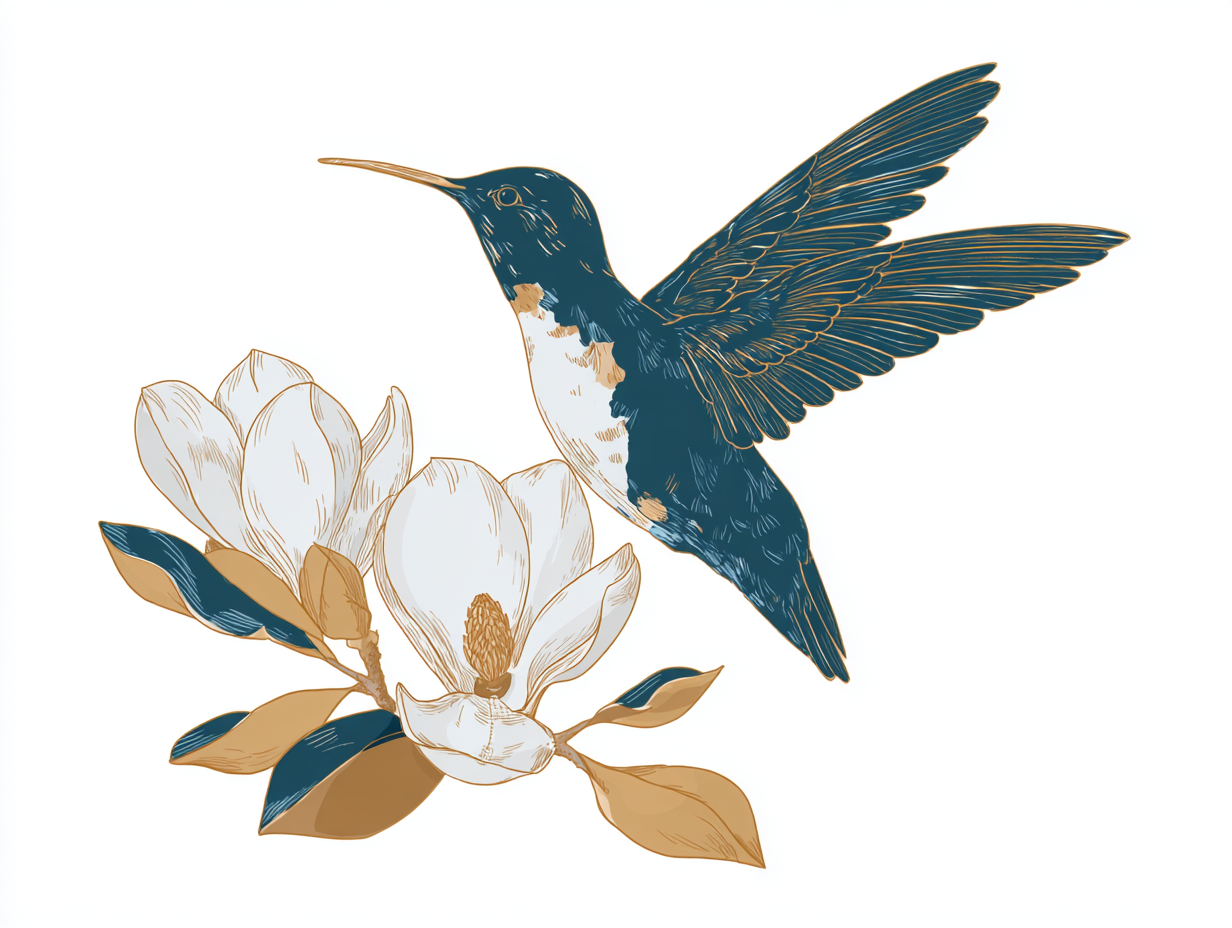
Create product mockups by applying design patterns to packaging, mugs, and other products using multi-reference consistency.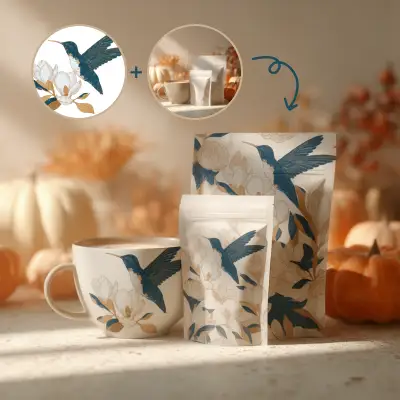
Run on Comfy Cloud
Open this workflow directly in Comfy Cloud
Download Workflow
Download the JSON workflow file for local use
LoadImage nodes:
Input Ref Image for FLUX.2 Dev
LoadImage node 42 · image_flux2_input_ref_image.pngInput Illustration for FLUX.2 Dev
LoadImage node 46 · image_flux2_input_Illustration.png