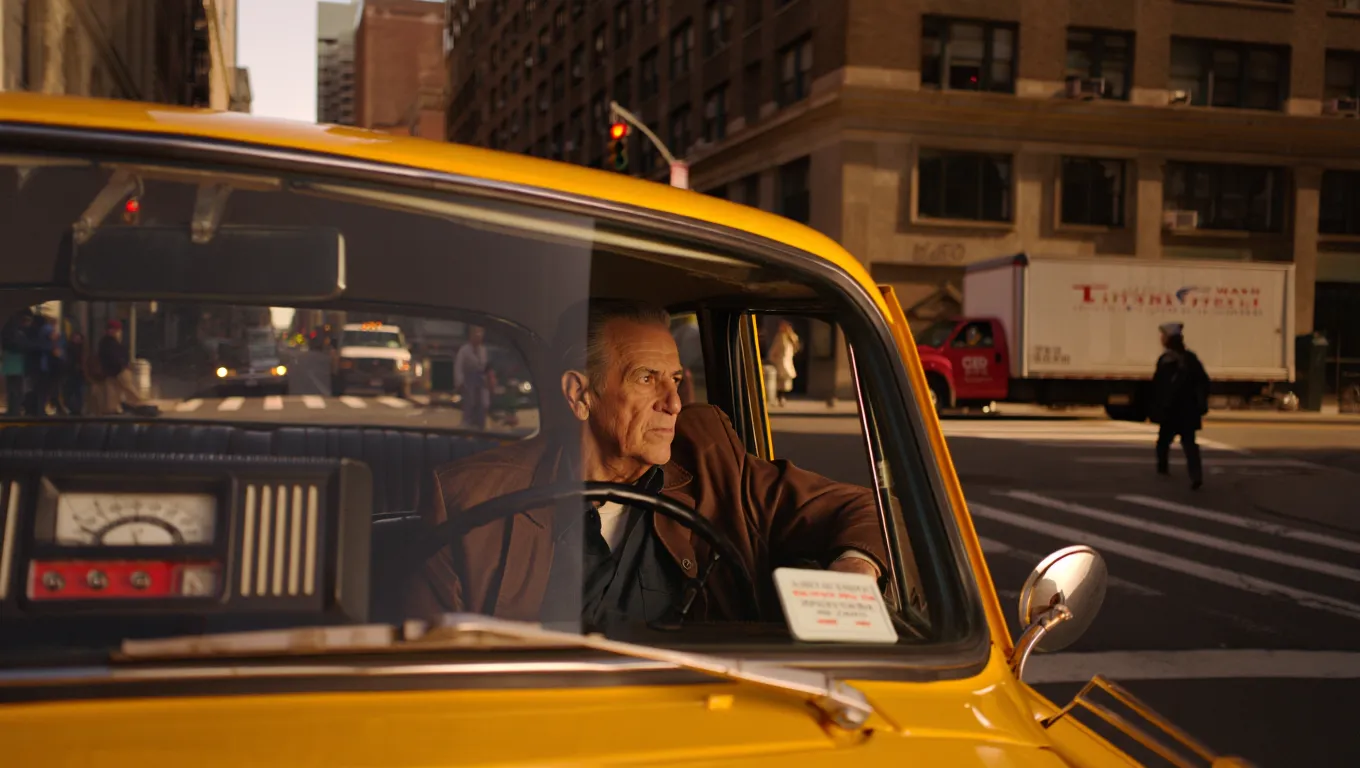
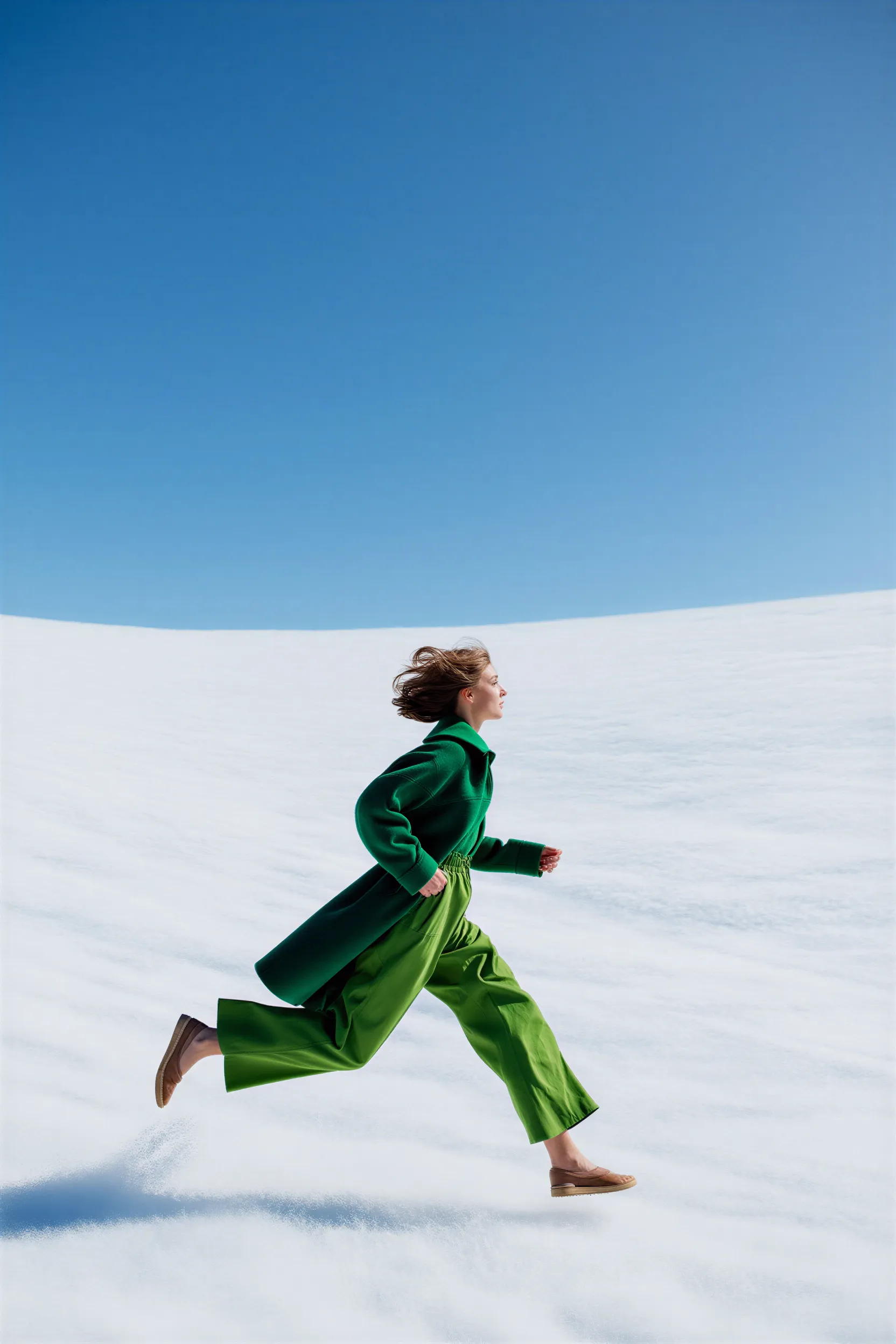
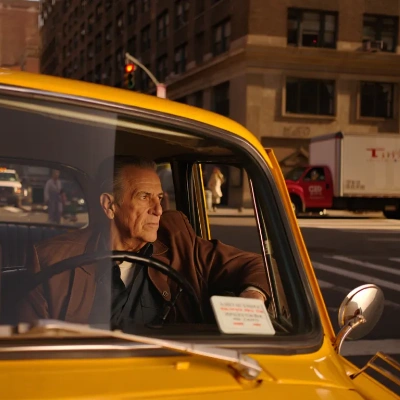
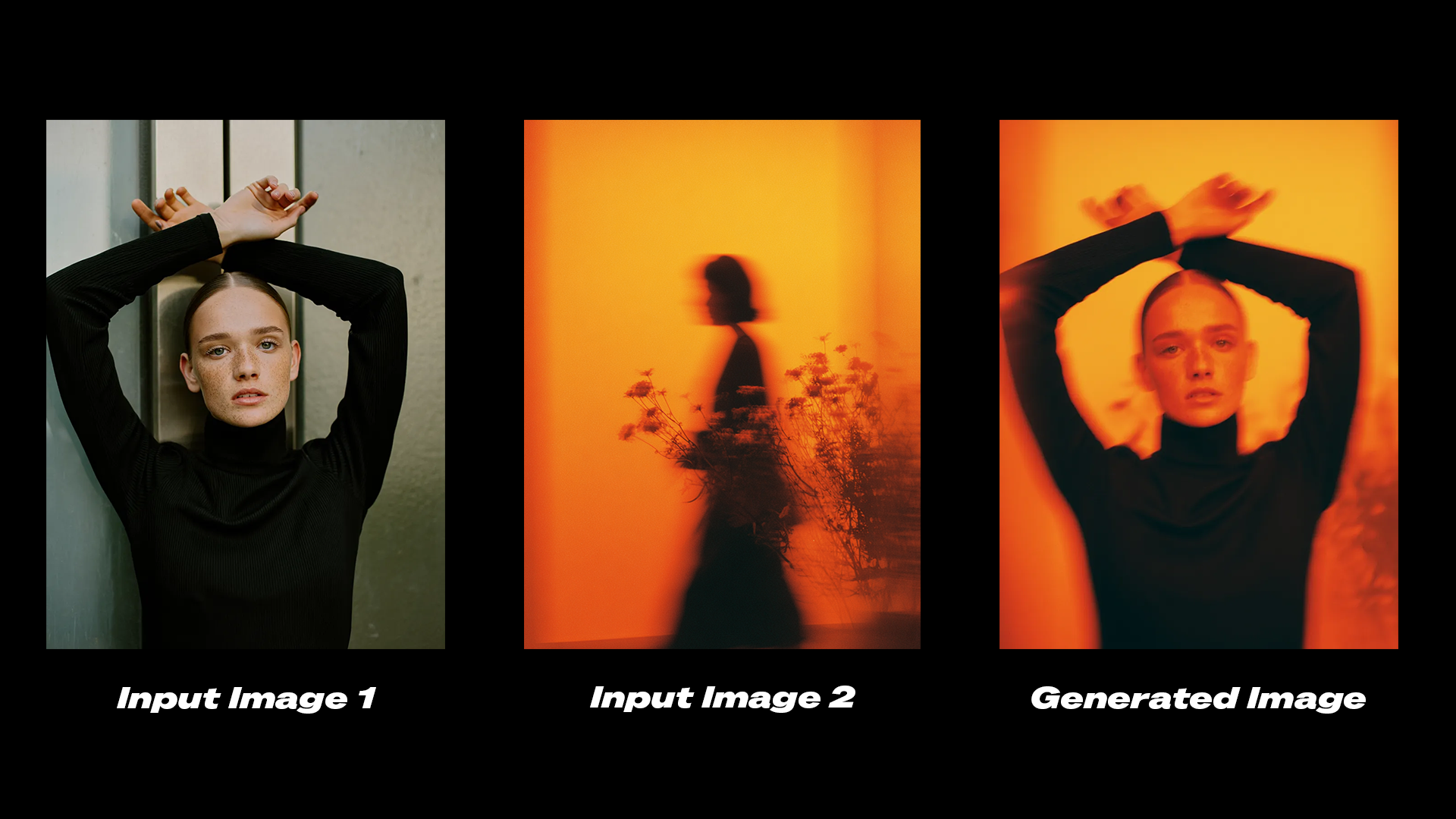
Reve is an image generation model available in ComfyUI through Partner Nodes. It supports text-to-image generation at up to 4K resolution, image editing, and image remixing through three dedicated nodes.

About Reve

Key features:
  • Up to 4K resolution: Generates sharp, detailed images at high resolutions
  • Built-in aesthetic training: Produces results suited for fashion editorial, cinematic, and natural lighting styles
  • Image editing: Modifies lighting conditions, color grading, and adds motion effects to existing images
  • Image remixing: Combines elements from reference images into a target image while preserving consistency
To use the API nodes, you need to ensure that you are logged in properly and using a permitted network environment. Please refer to the API Nodes Overview section of the documentation to understand the specific requirements for using the API nodes.
Make sure your ComfyUI is updated.Workflows in this guide can be found in the Workflow Templates. If you can’t find them in the template, your ComfyUI may be outdated. (Desktop version’s update will delay sometime)If nodes are missing when loading a workflow, possible reasons:
  1. You are not using the latest ComfyUI version (Nightly version)
  2. Some nodes failed to import at startup

Reve Create

The Reve Image Create node generates images from text prompts. The model performs well with prompts describing fashion editorial styles, specific lighting conditions, natural textures, and motion.

Try on Cloud

Run the Reve Image Create workflow on Comfy Cloud.

Download Workflow

Download the workflow JSON file for local use.

Example outputs

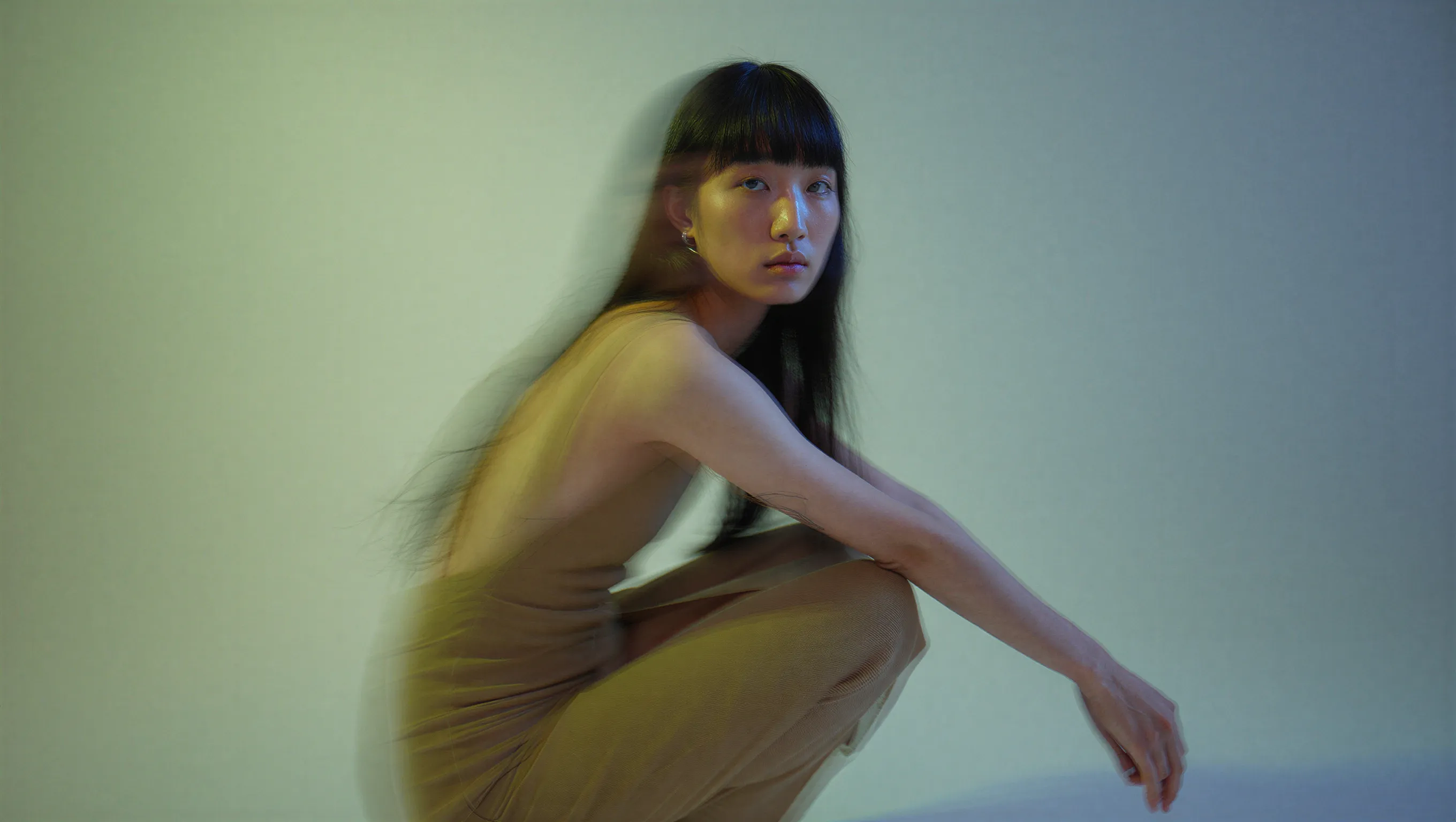
Fashion editorial portrait with dual-tone lighting
A high-fashion editorial portrait of a young East Asian model with long, straight black hair and thick bangs, crouched in a studio setting. She wears a minimalist, muted beige dress. The image features a cinematic dual-tone lighting setup, where the left side is washed in a soft greenish-yellow glow and the right side is cast in cool, muted blue-grey, creating a subtle color bleed effect. There is a slight motion blur, with the subject looking directly at the camera with a calm, neutral expression. High-end fashion magazine aesthetic, soft focus background, structured silhouette.
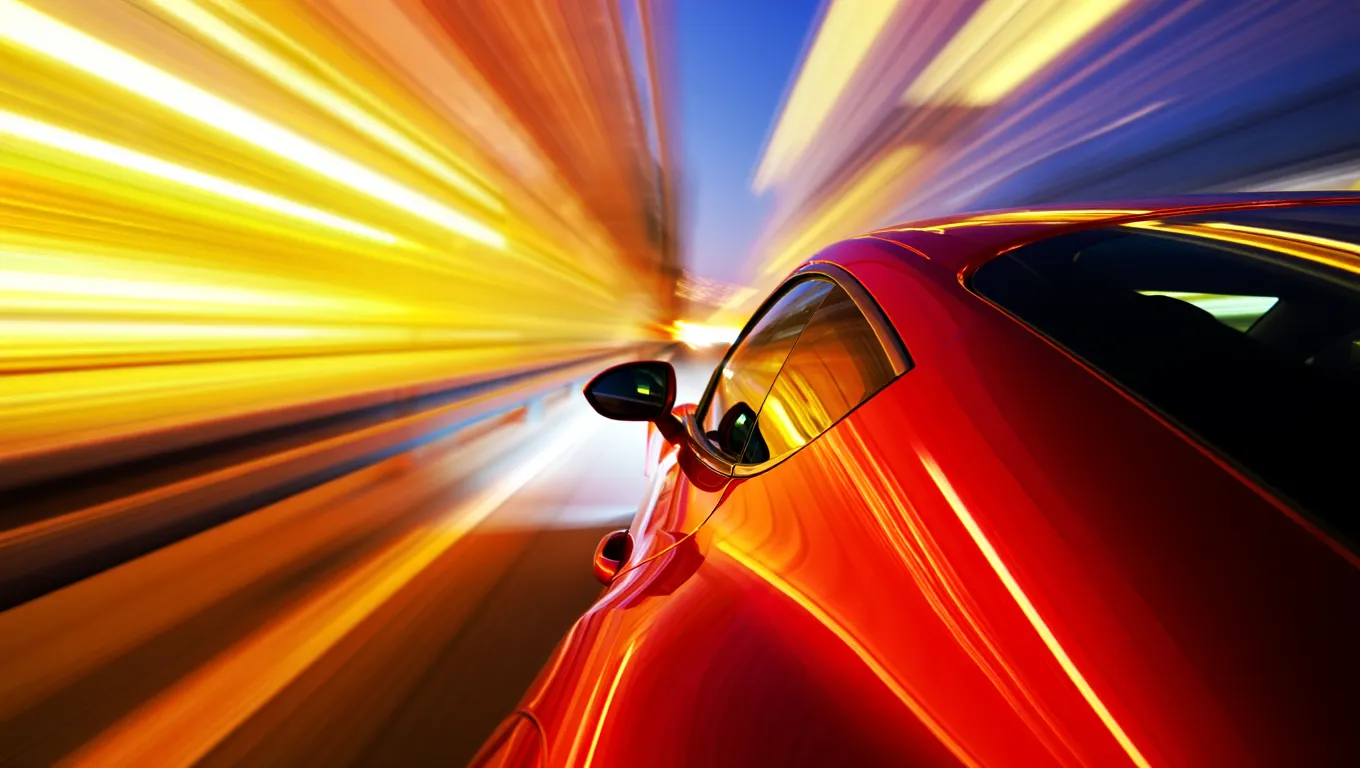
Red sports car speeding through the night
A high-speed, cinematic capture of a vibrant red sports car speeding through the night. The camera angle is positioned near the rear-three-quarter view, emphasizing the sleek, metallic curves and the car's aerodynamic design. The entire background is transformed into a dramatic radial blur of brilliant yellow, orange, and white light streaks, suggesting extreme velocity. The car's surface reflects the warm ambient lights of the city, contrasting sharply with the deep, dark blue of the night sky.
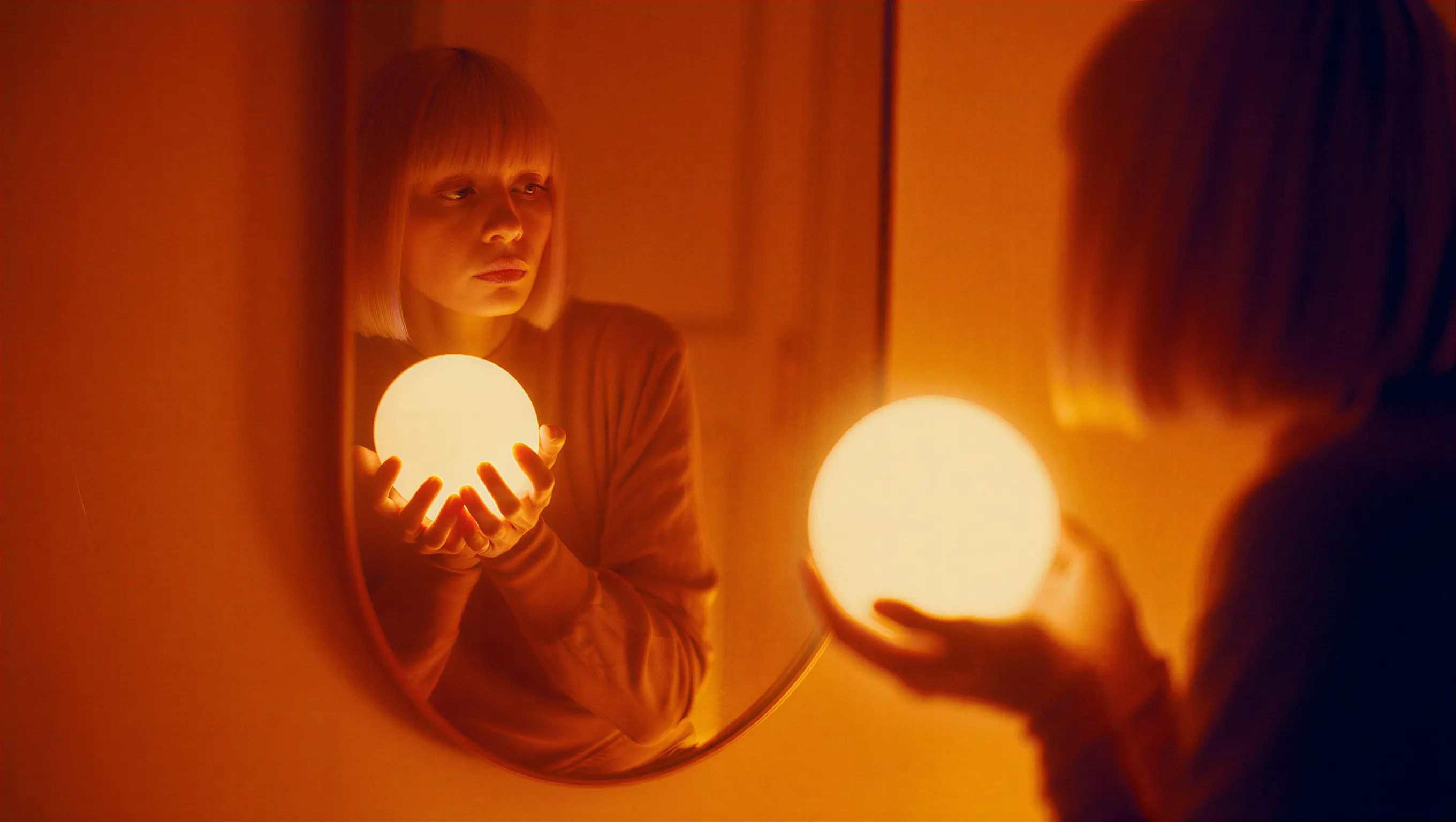
Woman with glowing orb and amber tones
A cinematic photograph of a woman with a bob haircut looking at her reflection in a mirror, her hands gently cradling a brilliant, glowing spherical white orb. The image is saturated in deep orange and amber tones, with heavy light leaks and lens flares washing out the center of the frame as the sphere radiates subtle, ethereal light. The composition features a soft, dreamy focus with significant analog film grain, creating a nostalgic atmosphere where the reflected face in the mirror appears slightly blurred and obscured by the warmth of the light leakage.
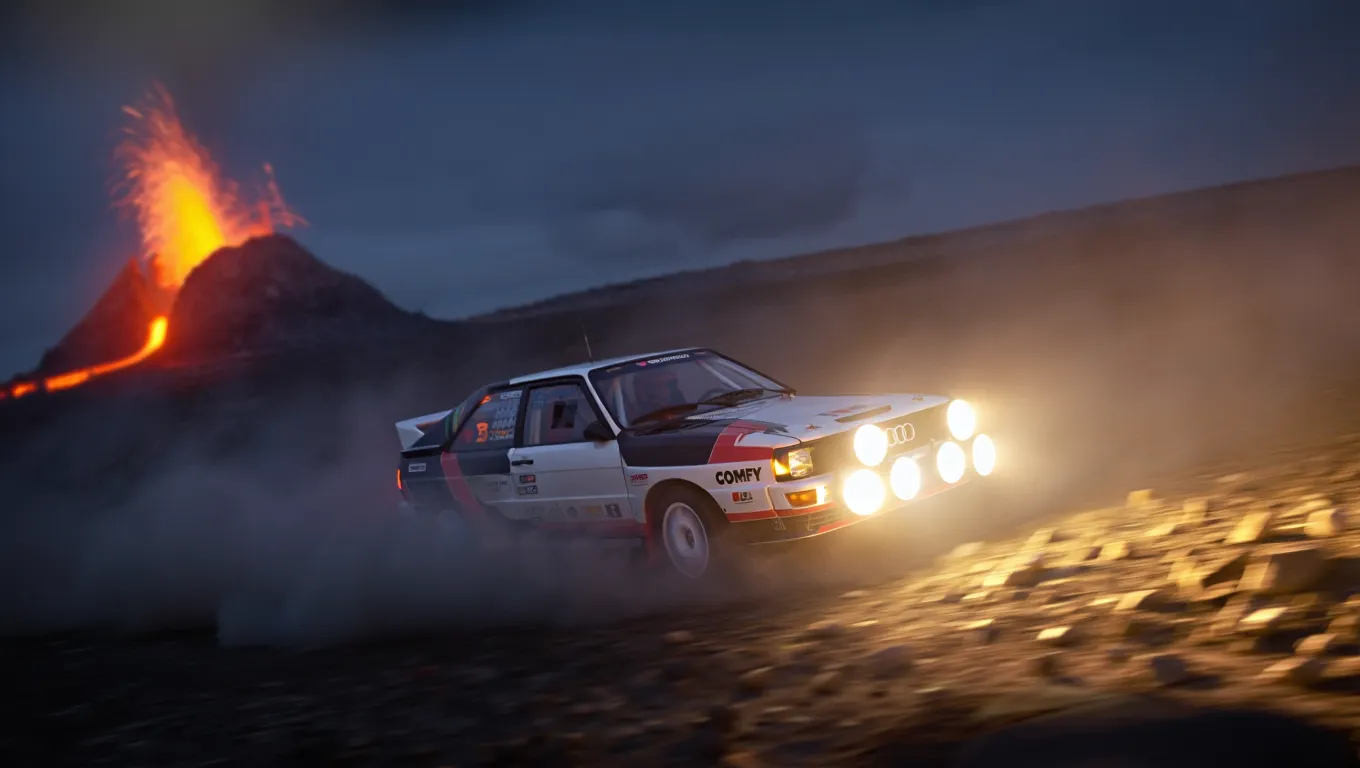
Rally car drifting near a volcano
A high-action, wide-angle nighttime shot of a legendary Audi Quattro rally car drifting through a barren rocky field at the base of a volcano. The car is coated in white and black. Powerful auxiliary spotlights on the front of the car cast a bright, warm glow, catching the thick dust kicked up by the aggressive tread of the tires. In the background, out-of-focus volcano spraying lava. The scene is cold and dark, with the intense light from the lava creating dramatic contrast.
The following examples demonstrate 4K resolution output with fine detail preservation: Jaguar F-Type on a coastal trail at twilight
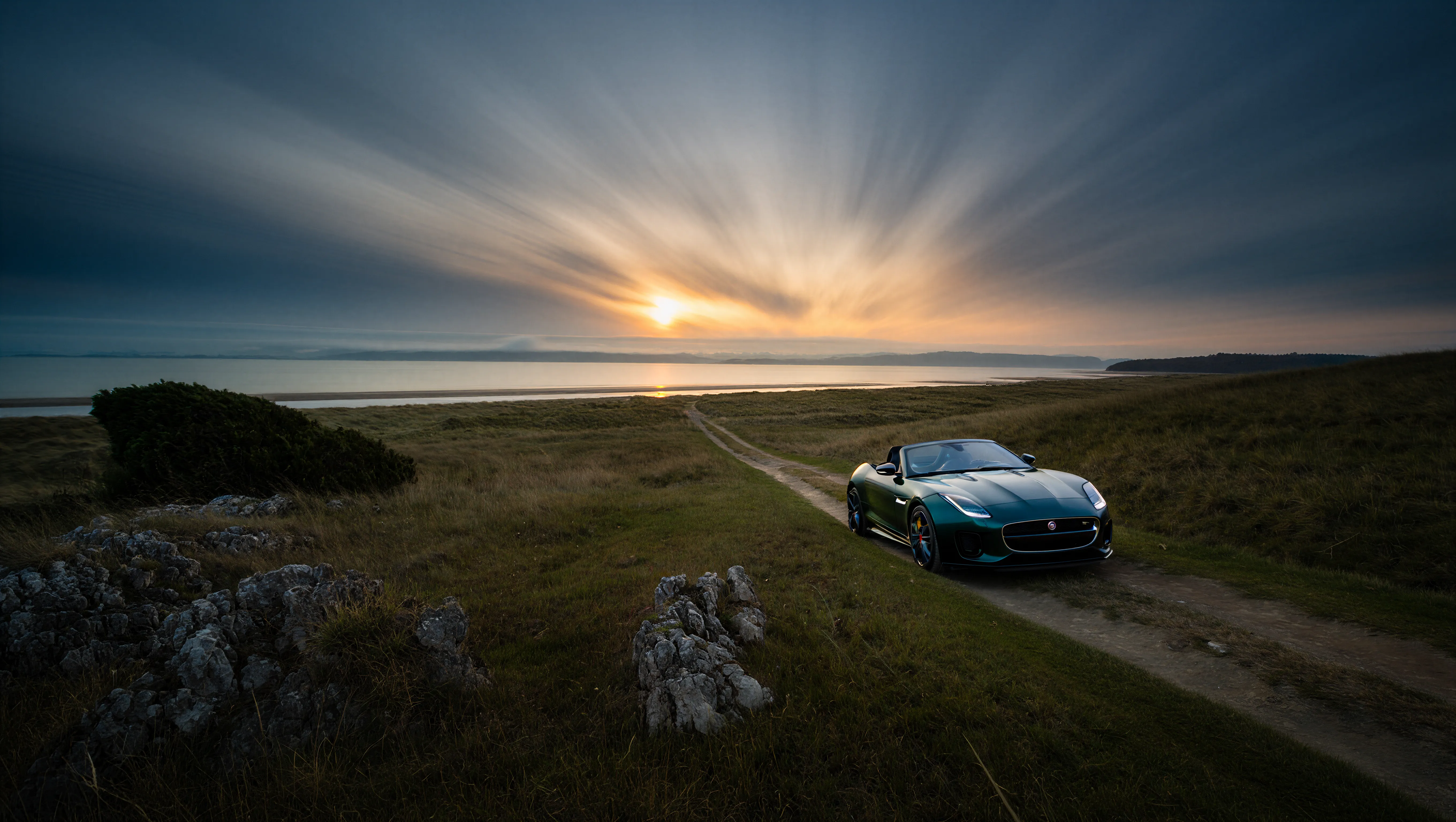
A wide-angle landscape photograph of a solitary Jaguar F-Type car in British green, on a dirt trail facing a distant beach at twilight. The sky features dramatic long-exposure cloud streaks radiating from a low sun on the horizon. The foreground is dominated by jagged limestone rocks and blades of grass, leading the viewer's eye along a path that cuts through grassy hills toward the water. The lighting is cool and moody, casting deep shadows against the golden glow of the setting sun.
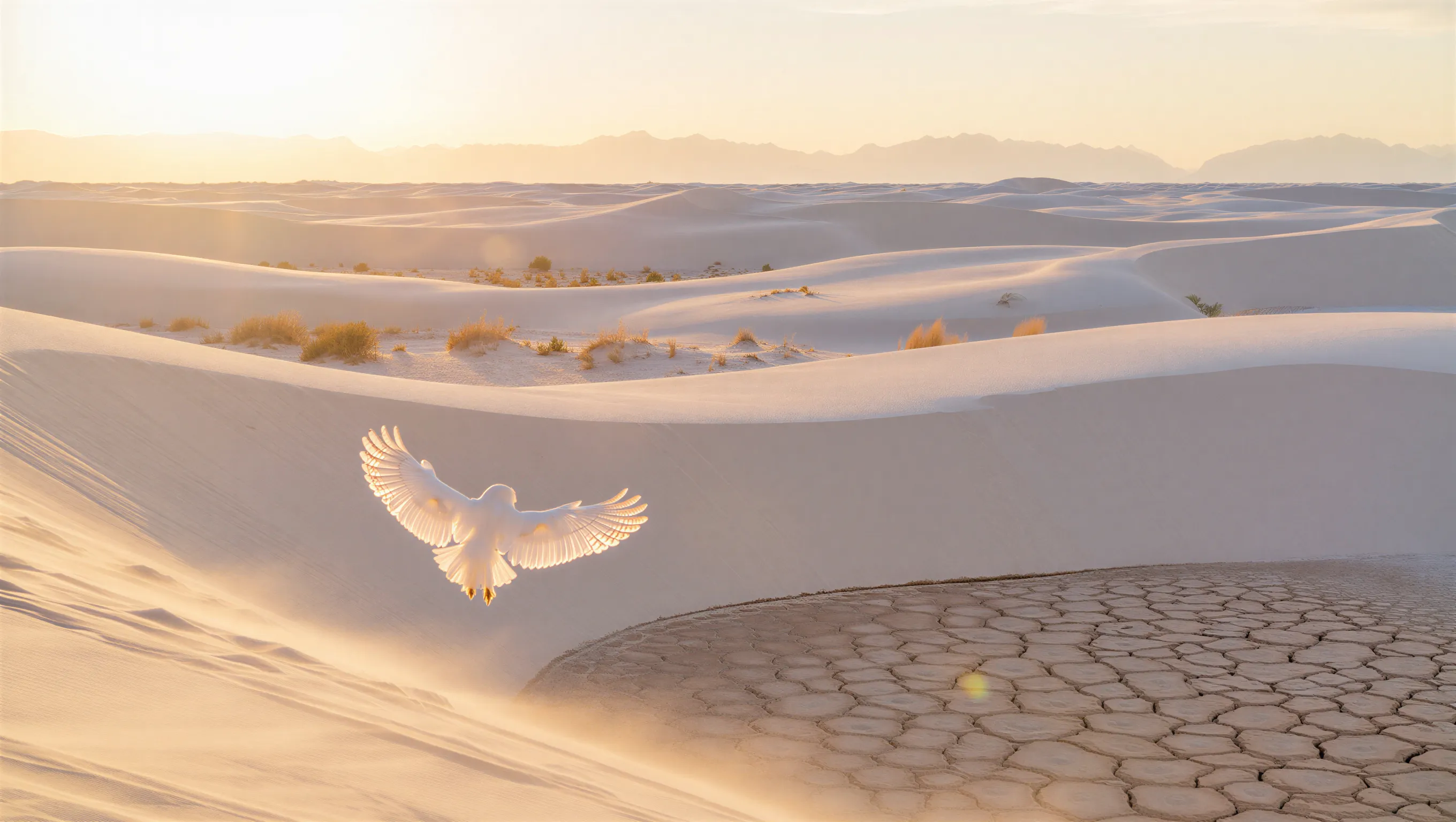
White owl in a desert at golden hour
A minimalist wide shot of a vast white sand dune desert during golden hour. A white owl with its wings spread is in the foreground. Soft warm sunlight grazing the tops of the dunes, casting long shadows. Sparse, golden-brown desert shrubs are scattered across the ripples, with a prominent patch of dry, cracked, hexagonal mud in the bottom right foreground. In the far distance, a hazy, ethereal range of mountains rests against a pale, washed-out sky.

Reve Edit

The Reve Image Edit node modifies existing images based on text instructions. It supports editing lighting conditions, color grading, and adding motion effects.

Try on Cloud

Run the Reve Image Edit workflow on Comfy Cloud.

Download Workflow

Download the workflow JSON file for local use.

Example outputs

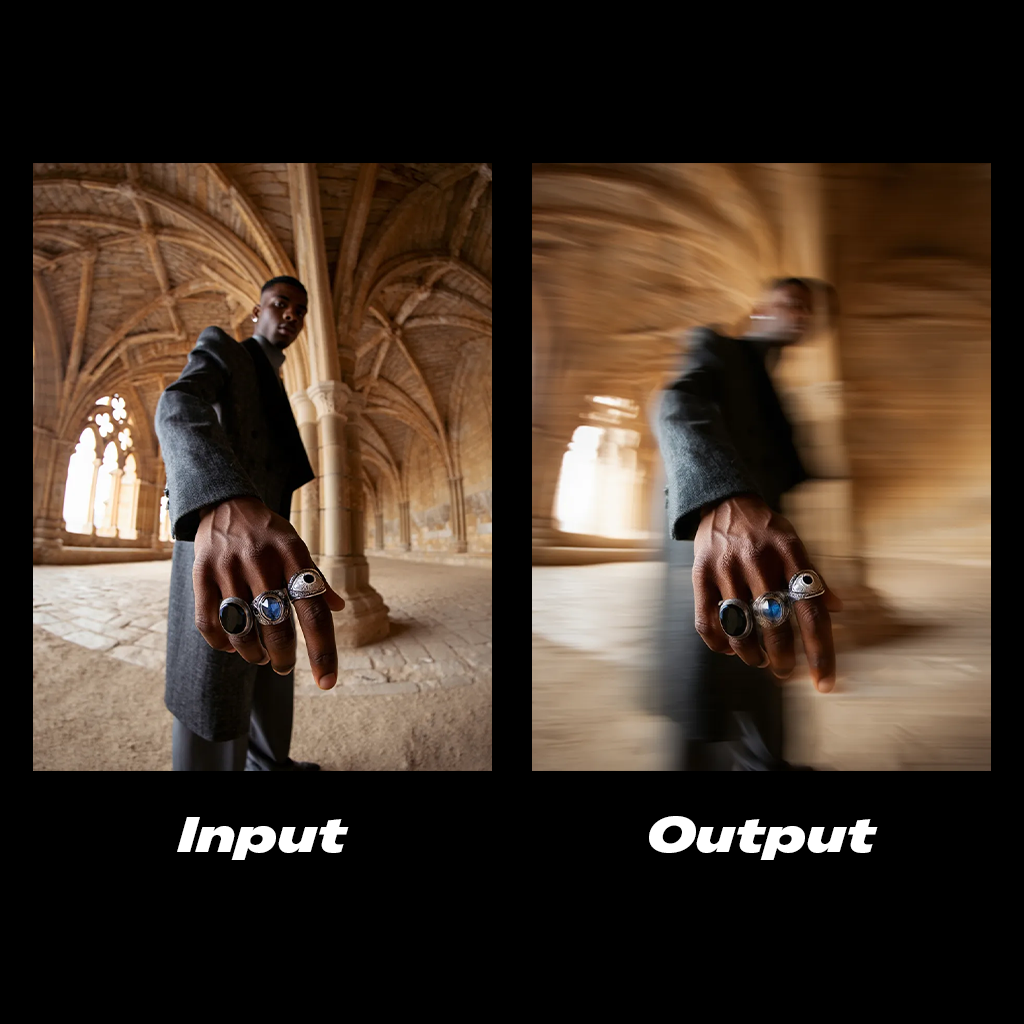
Motion blur edit example
Add a cinematic horizontal streaks motion blur to the subject's body. The hand stays in clear focus.
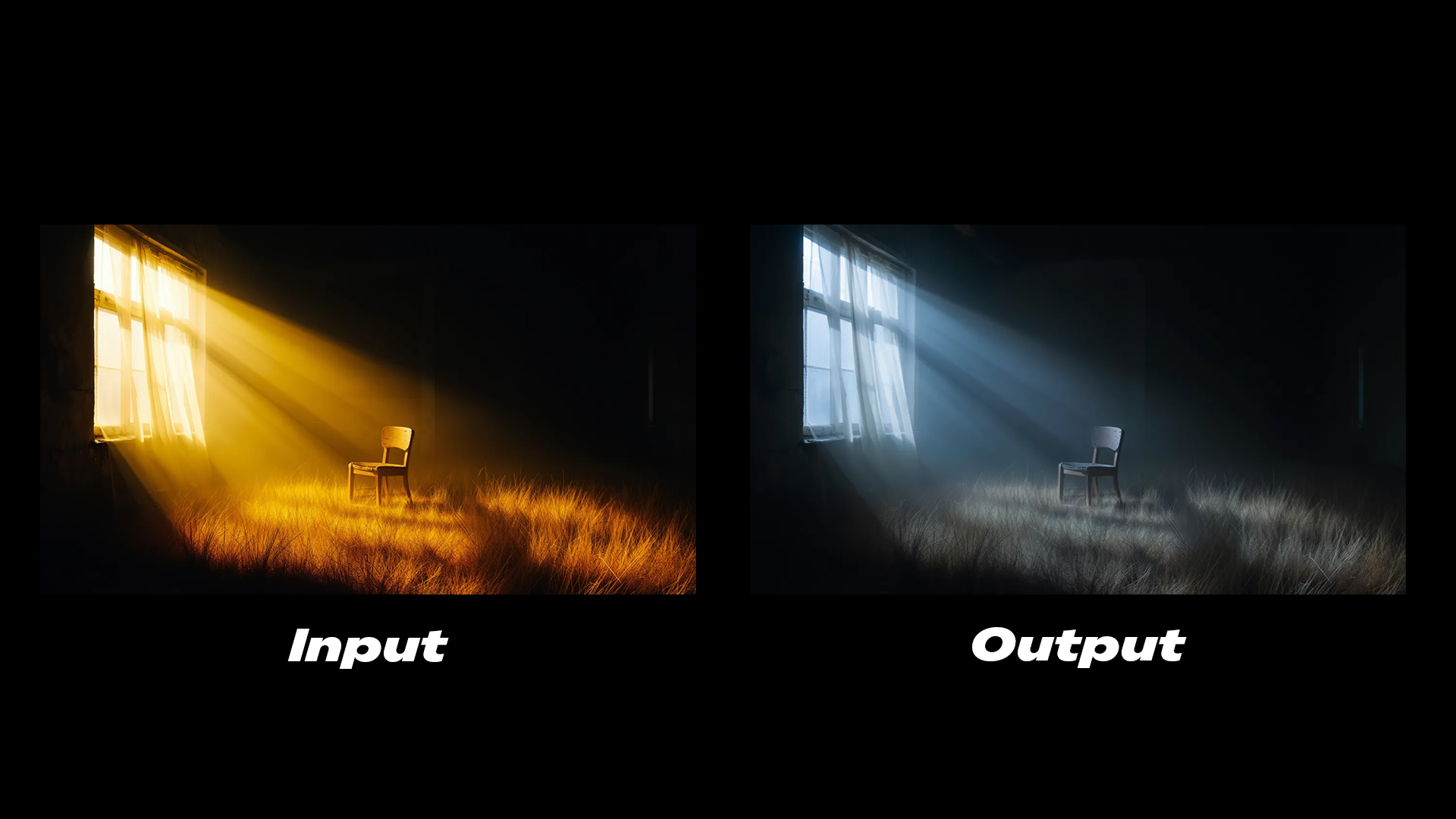
Lighting edit example
The lighting is cold, soft glow emits from the window.
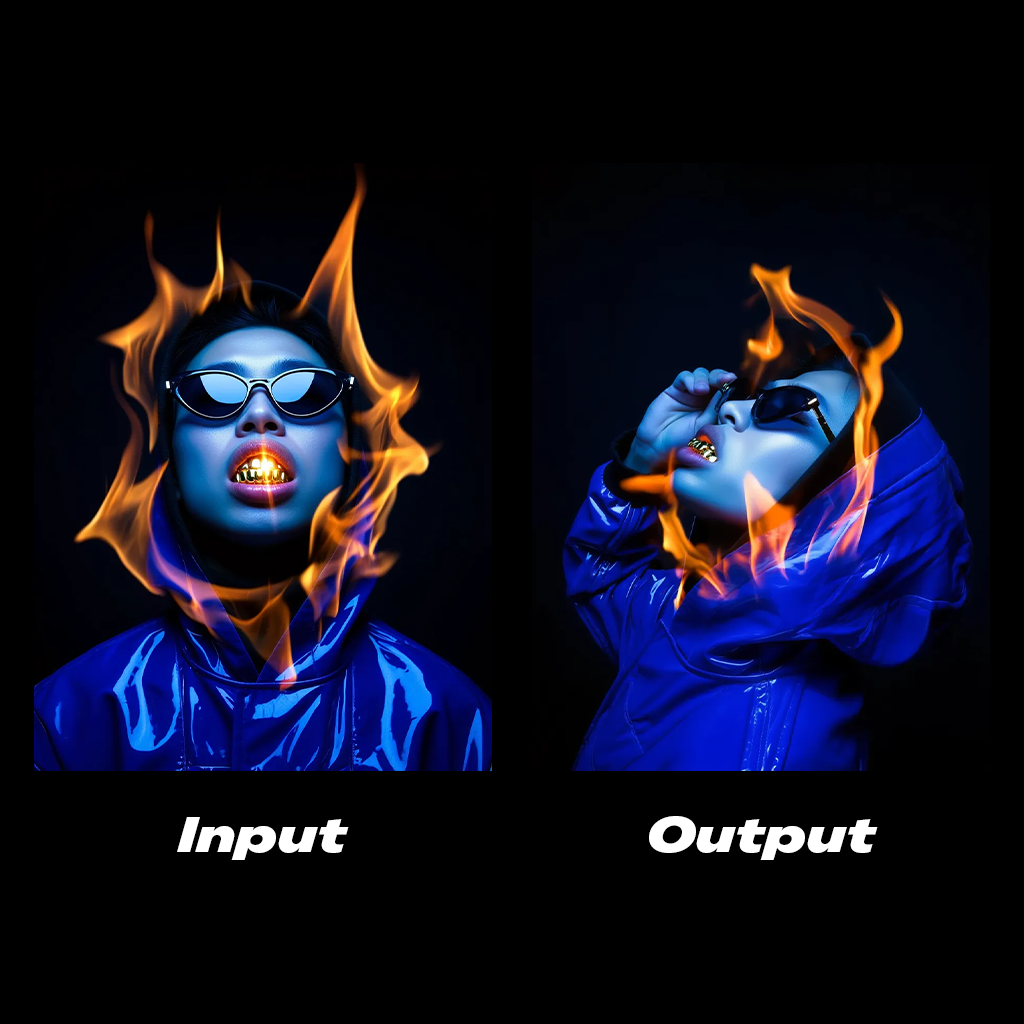
Side profile edit example
Side profile shot of the subject, his hand is grabbing the sunglasses.

Reve Remix

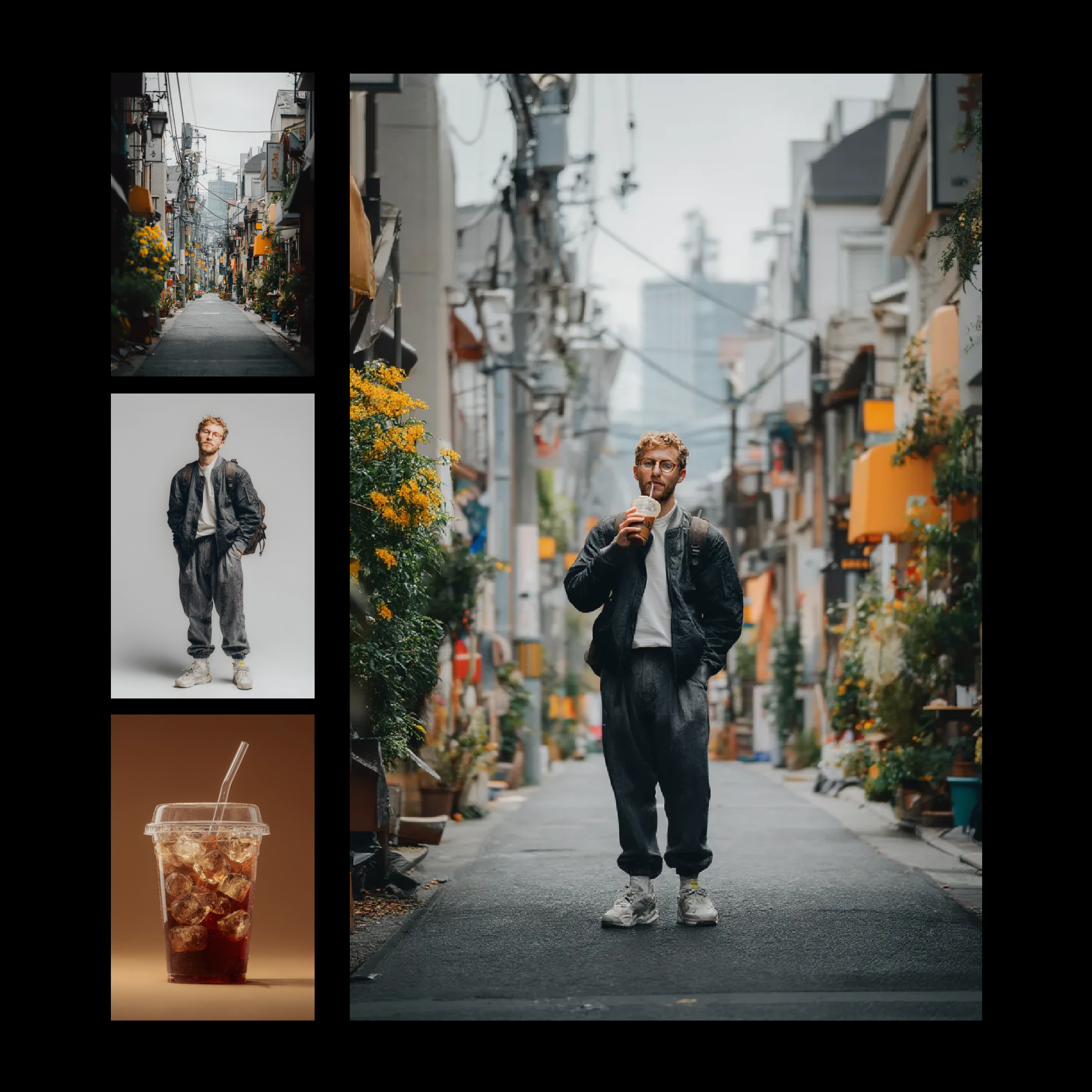
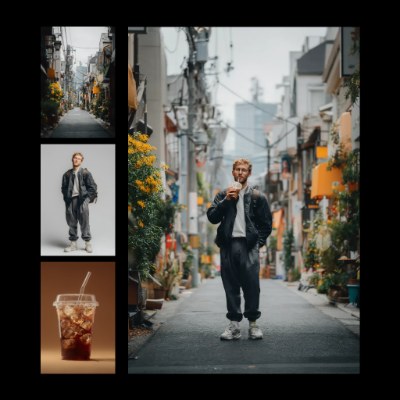
The Reve Image Remix node uses elements from reference images as layers and applies them to a target image. This allows you to transfer specific visual properties such as shadows, color grading, or aesthetic styles between images.

Try on Cloud

Run the Reve Image Remix workflow on Comfy Cloud.

Download Workflow

Download the workflow JSON file for local use.

Example outputs

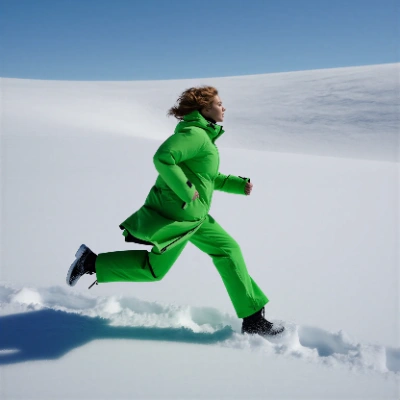
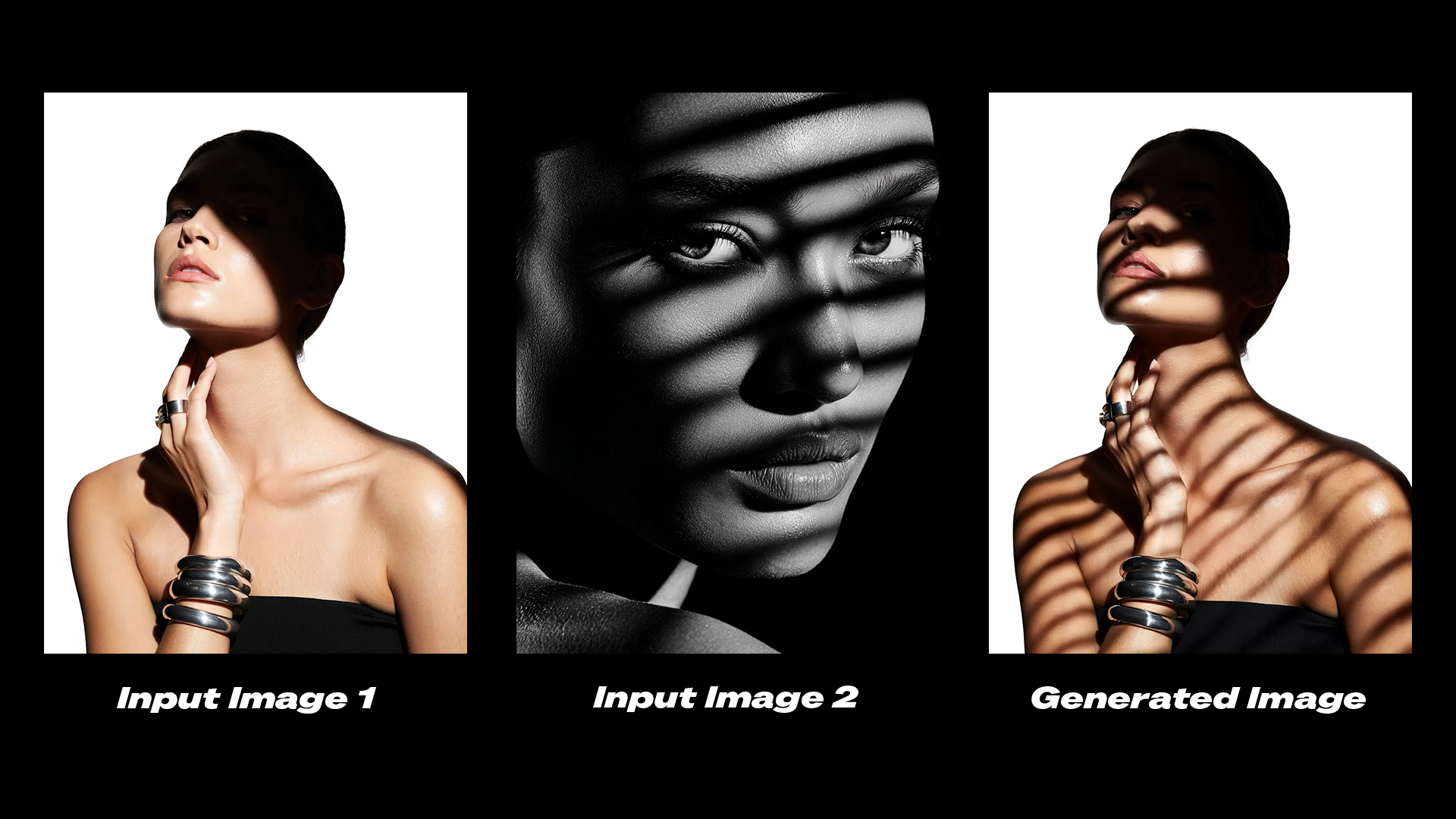
Shadow transfer remix example
Edit the shadows on the subject in image 1 to match the shadows from image 2.
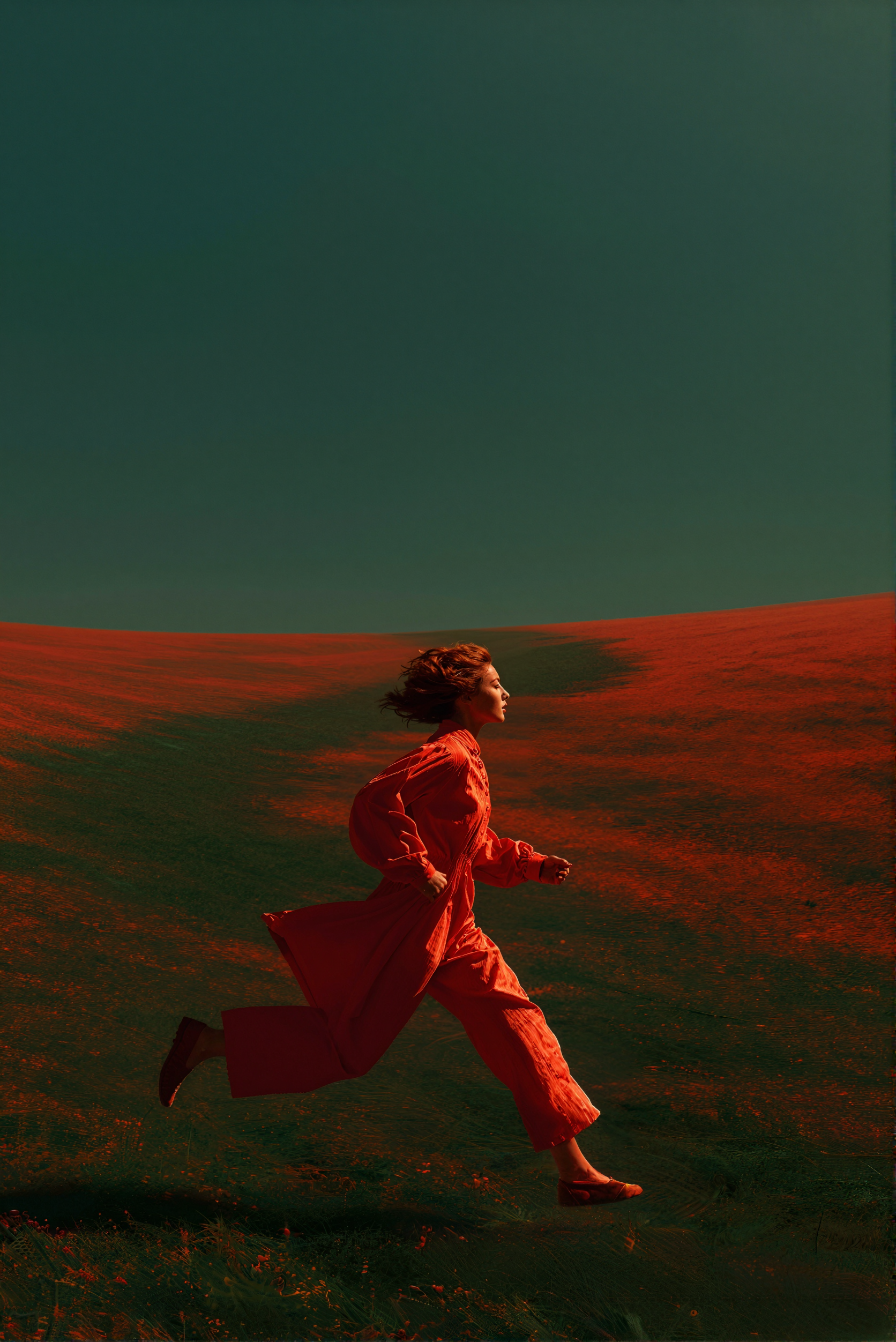
Color grading transfer remix example
Transfer the color grading and aesthetic from image 2 onto image 1.

Get started

  1. Update ComfyUI to the latest version or visit Comfy Cloud.
  2. Find the Reve Image Create, Reve Image Remix, and Reve Image Edit nodes in the Node Library or Templates in the left sidebar.
  3. Drop a node on your canvas to begin.

Available nodes

NodeTypeDescription
Reve Image CreateText-to-ImageGenerates images at up to 4K resolution from text prompts
Reve Image EditImage EditModifies lighting, color grading, and motion in existing images
Reve Image RemixImage RemixTransfers visual properties from reference images to a target image