

Topaz Image Enhance is available in ComfyUI through the Topaz partner nodes. It provides two generative enhancement models: Wonder 3.5 and Bloom 2. Wonder 3.5 is a generative enhancement model that adds fine detail, reduces noise, and sharpens text and structured graphics, with low, medium, and high enhancement strengths. Bloom 2 is a creative upscaling model that adds new detail, texture, and visual elements, with a creativity control from 1 to 9 for subtle refinement or bold reinterpretation. Both models preserve the input aspect ratio and support upscale factors from 1x to 6x.
To use the Partner Nodes, you need to ensure that you are logged in properly and using a permitted network environment. Please refer to the Partner Nodes Overview section of the documentation to understand the specific requirements for using the Partner Nodes.
Make sure your ComfyUI is updated.Workflows in this guide can be found in the Workflow Templates. If you can’t find them in the template, your ComfyUI may be outdated.If nodes are missing when loading a workflow, possible reasons:
  1. You are not using the latest ComfyUI version (Nightly version)
  2. Some nodes failed to import at startup

Available workflows

Topaz Image Enhance Wonder 3.5

Upscale and enhance a single image with Wonder 3.5’s generative model, which adds fine detail, reduces noise, and sharpens text and structured graphics. The workflow takes 1 input image and produces 1 enhanced output alongside a side-by-side comparison. Topaz Image Enhance Wonder 3.5 workflow preview

Run on Comfy Cloud

Open in Comfy Cloud

Download Workflow

Download JSON or search “Topaz Image Enhance” in Template Library

Topaz Image Enhance Wonder 3.5 output

Topaz Image Enhance Bloom 2

Enhance AI-generated images with Bloom 2’s creative upscaling model, which adds new detail, texture, and visual elements. The Creativity control ranges from 1 for restrained enhancement to 9 for pronounced reinterpretation. Topaz Image Enhance Bloom 2 workflow preview

Run on Comfy Cloud

Open in Comfy Cloud

Download Workflow

Download JSON or search “Topaz Image Enhance” in Template Library
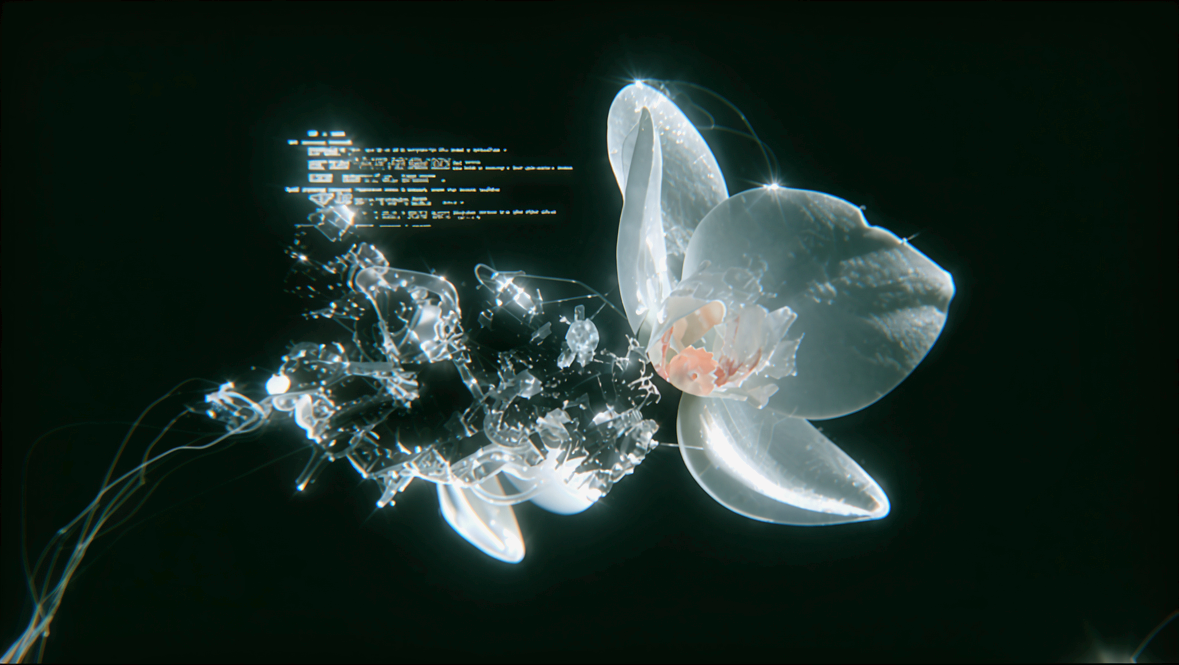
Topaz Image Enhance Bloom 2 output

Get started

  1. Update ComfyUI to the latest version
  2. Go to Template Library, search for Topaz Image Enhance