

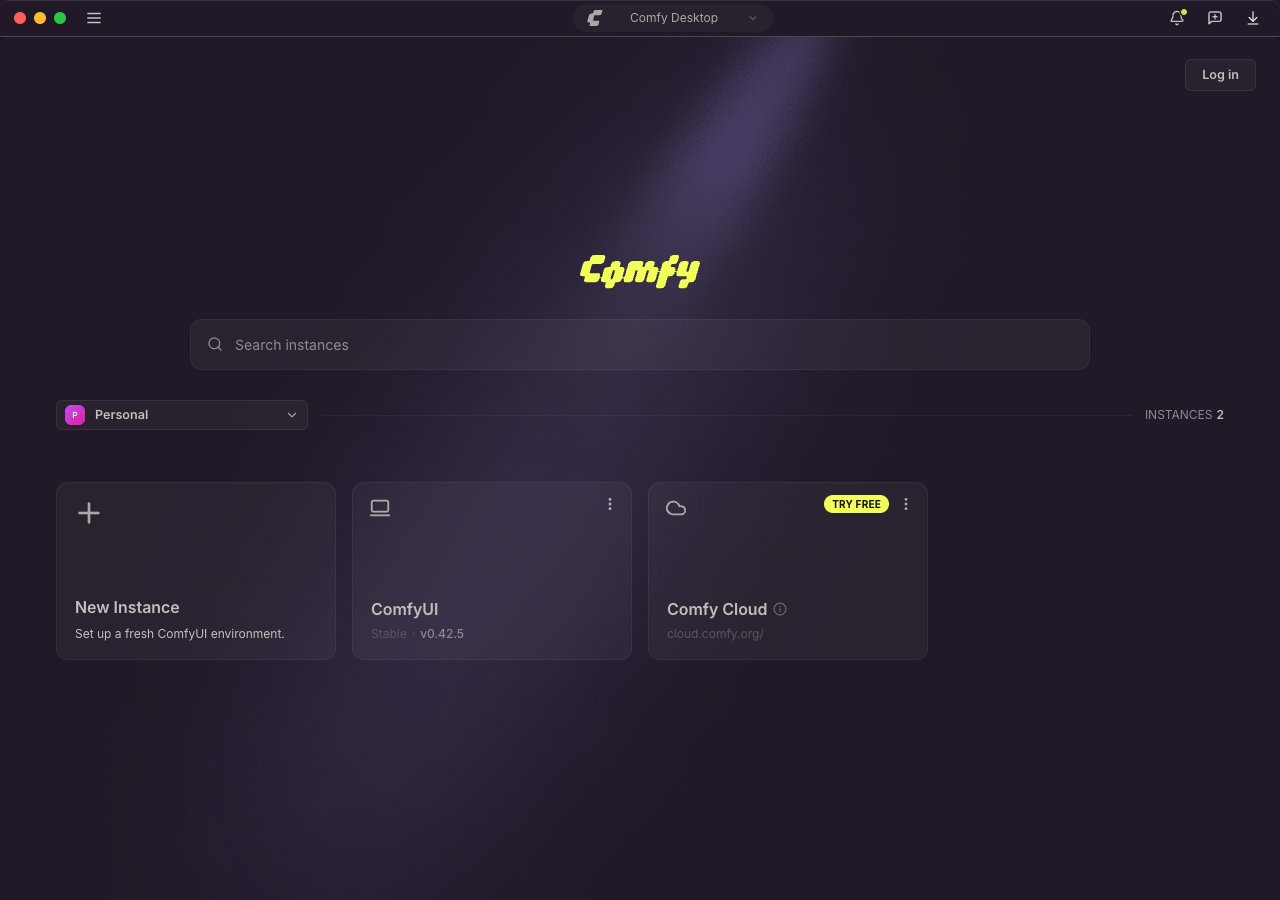
.deb and AppImage packages). Each standalone installation requires at least 4.85 GB of disk space and 8 GB RAM (16 GB recommended). Check the platform-specific pages for full details.
Get Started
Choose your platform to begin:Windows
Step-by-step installation guide for Windows 10 or later.
macOS
Step-by-step installation guide for macOS 13+ (Apple Silicon).
Linux
Install the official
.deb or AppImage, or build from source.First Launch
The first time you open Comfy Desktop, a full-screen setup asks How do you want to run Comfy? and collects the choices it needs before anything is installed. The window stays in this setup until you finish it: if you close the app partway through, the same screen comes back on the next launch.Cloud or Local
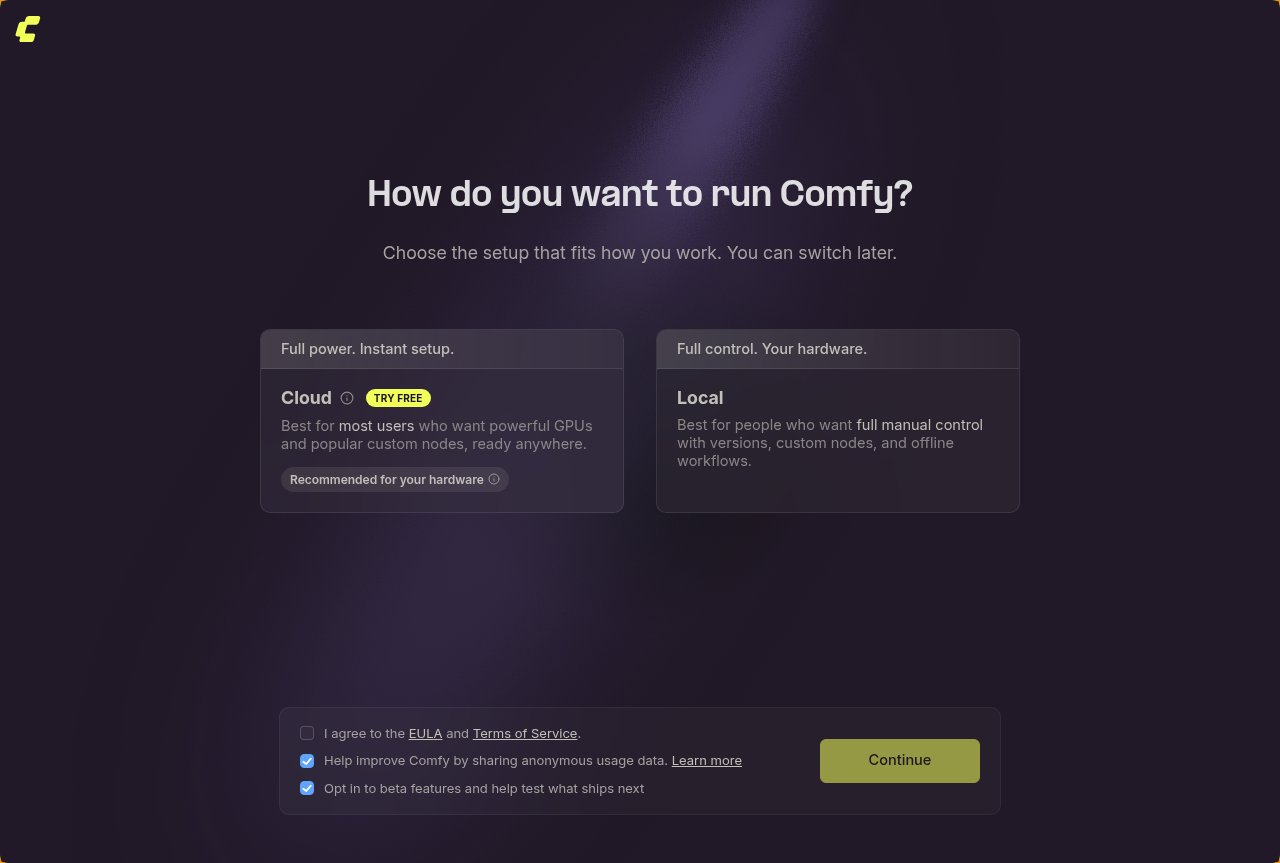
- Cloud runs ComfyUI on Comfy Cloud GPUs. Nothing is installed on your machine and there is nothing to download. The card carries a TRY FREE pill while free Cloud runs are available.
- Local installs ComfyUI on this machine. You control the ComfyUI version, custom nodes, and startup arguments, and it runs offline.
Terms and data sharing
Three checkboxes sit below the cards:- I agree to the EULA and Terms of Service: required. The links open the EULA, the Terms of Service, and the Privacy Policy. Continue does not proceed until this box is ticked, every time the setup runs.
- Help improve Comfy by sharing anonymous usage data: optional and ticked by default. Comfy Desktop sends anonymous usage data and never collects workflow contents, prompts, generated media, or personal information. You can change this later in Desktop Settings.
- Opt in to beta features and help test what ships next: optional and ticked by default, and available only while data sharing is on. Clearing data sharing also clears this box.
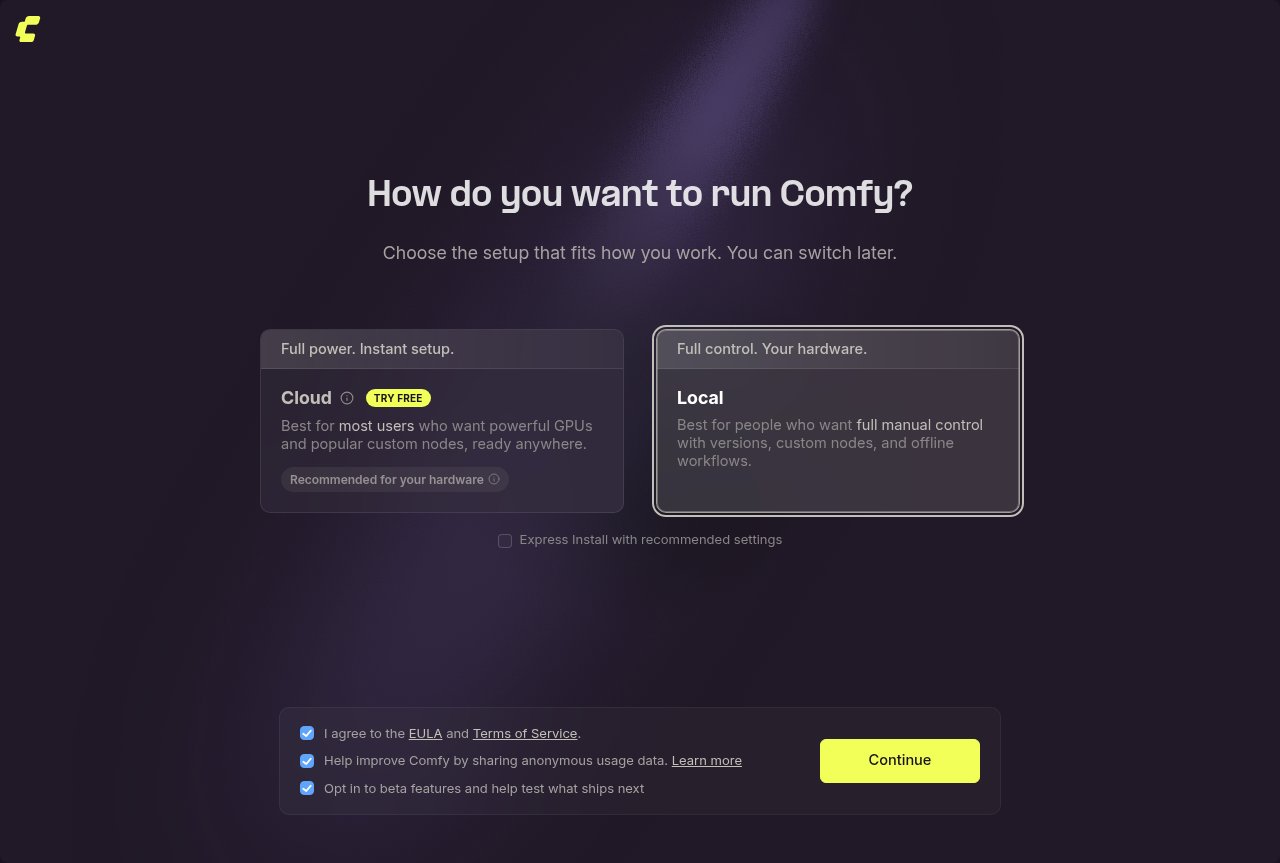
Express Install
Migrating an existing install
If Comfy Desktop finds a Legacy Desktop installation on the machine, a Migrate existing instance checkbox appears next to Express Install, ticked by default. Leave it ticked to bring your workflows, models, and settings over when you continue, see Migrate from Legacy Desktop for what moves. Clear it to install a fresh instance instead. With both checkboxes cleared, Comfy Desktop asks once more before the install starts: select Migrate to bring the Legacy Desktop install over, or Start Fresh to install a clean instance and leave the existing projects in place.Chinese mirrors
When the app runs in Chinese, the setup adds one question after Continue: Enable Chinese Mirrors? Select Enable Mirrors to clone Git repositories fromgitcode.com and fetch PyPI packages from Aliyun and Tencent mirrors instead of github.com and pypi.org, which is faster in mainland China. Select Not now to keep the defaults. Either answer is stored as the Use Chinese Mirrors (Git & PyPI) setting, so you can change it later.
After setup
Continue saves your choices and shows a short Preparing your install… step.- Cloud: Comfy Desktop closes the setup and launches Comfy Cloud.
- Local: the install wizard runs unless Express Install is on, the install shows its progress, and the finished instance appears on the dashboard.
Usage Guide
Once installed, learn how to use Comfy Desktop:Comfy Desktop Usage Guide
Dashboard overview, instance management, settings, snapshots, and more.
Migrate from Legacy Desktop
If you’re still using the older Legacy Desktop version (single-install desktop app), you can migrate your custom nodes, workflows, and models to the new Comfy Desktop. Your existing data is preserved — no manual migration needed.Migration Guide
Step-by-step guide to migrate from Legacy Desktop to Comfy Desktop.